





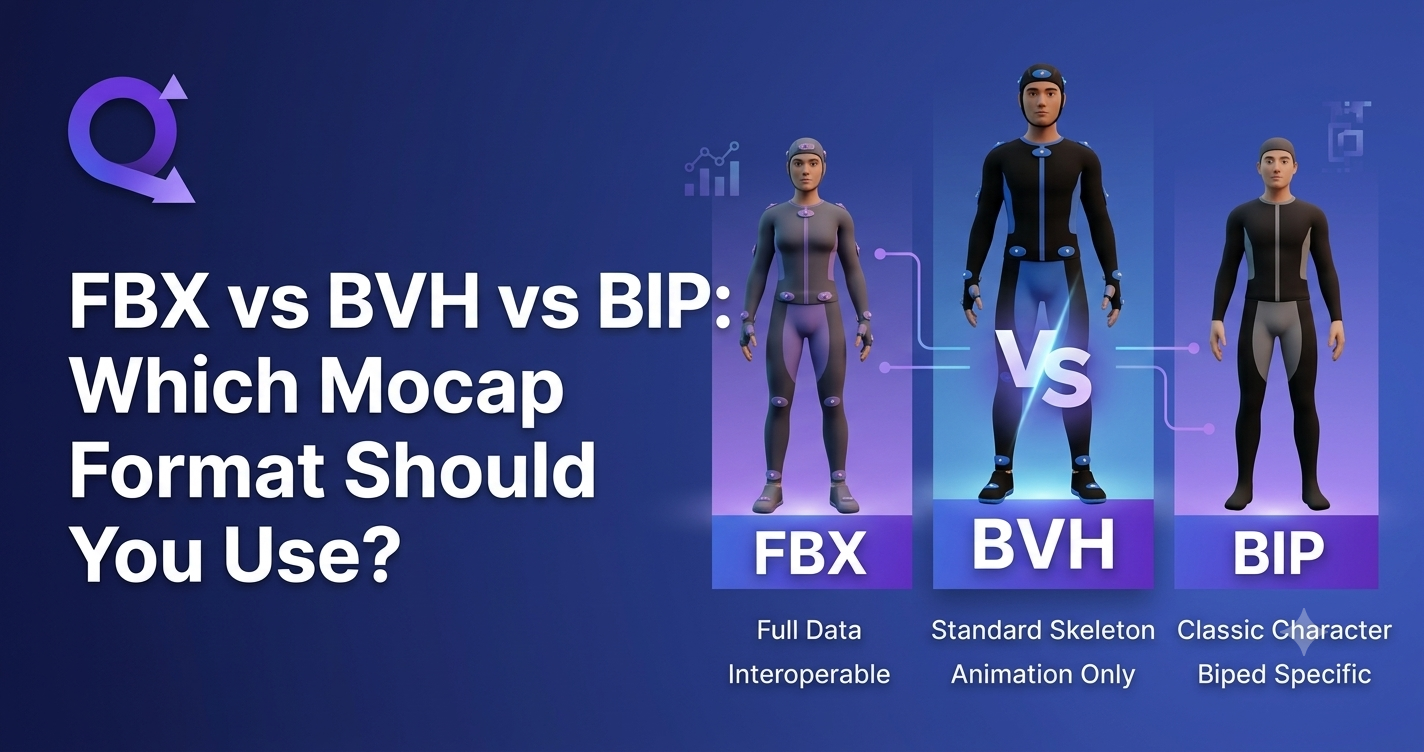
FBX vs BVH vs BIP: Which Mocap Format Should You Use?
A practical, side-by-side comparison of the three most common motion capture file formats — what each one stores, which tools support it, and how to choose the right one for your 3D animation pipeline.
You have just captured a clean performance using AI Motion Capture. The motion looks good in preview. Now your tool asks you to pick an export format — FBX, BVH, or BIP — and the choice you make here determines how much work you will do in the next hour.
Pick the right format and your motion drops straight onto your character rig. Pick the wrong one and you are looking at a retargeting session, a coordinate-system mismatch, or a skeleton that imports facing backward. The format is not a formality — it is the handoff between capture and production.
This article compares FBX, BVH, and BIP at the level you need to make that decision: what data each format actually carries, which tools and engines support it, and when to choose each one. We will also look at how QuickMagic handles format export across its Video to 3D Animation and text to 3d animation workflows, so you can match the output to your pipeline.
The Quick Answer
If you do not have time to read the full comparison, here is the short version:
- Use FBX for game engines (Unreal Engine, Unity), DCC tools (Maya, Blender, 3ds Max), and any cross-tool pipeline. This is the right choice 90% of the time.
- Use BVH when you need lightweight, human-readable motion data for research, debugging, or transferring raw capture to a tool that does not support FBX.
- Use BIP when your pipeline is built around iClone and Character Creator, or 3ds Max Biped — it loads directly onto the native rig without conversion.
The rest of this article explains why — and the why matters, because the wrong choice costs you time in ways that are not always obvious until you are deep in the import pipeline.
FBX: The Universal Interchange Format
Filmbox — Autodesk
FBX is the closest thing the 3D industry has to a universal file format. Originally developed by Kaydara in the late 1990s for their Filmbox motion capture software, it was acquired by Autodesk in 2006 and became the standard exchange format across Maya, 3ds Max, MotionBuilder, and from there, every major game engine and DCC tool.
What makes FBX powerful is that it is a container, not just a motion file. A single FBX file can carry the full scene: mesh geometry (vertices, normals, UVs), skeletal hierarchy with named bones and parent-child relationships, skin binding weights, materials and texture references, blend shapes (morph targets), and animation curves for every bone's translation, rotation, and scale over time.
When to choose FBX
- Game engines. Unreal Engine and Unity both have mature, well-tested FBX importers. If you are building Digital Humans in UE5 MetaHuman or Unity, FBX is the primary delivery format.
- Cross-tool pipelines. If you capture in one tool and animate in another — motion from AI Motion Capture into Blender for cleanup, then into Unreal for rendering — FBX is the glue that holds the chain together.
- When you need mesh + motion together. FBX can carry both the character mesh and the animation in one file, which simplifies import when you are setting up a new character.
- When you want minimal retargeting. Export presets tuned for specific targets (Mixamo, MetaHuman, UE5) pre-configure the skeleton and coordinate system, so the motion lands on the right rig with less manual mapping.
FBX limitations
- Binary by default. FBX files are typically binary, which means you cannot open them in a text editor to inspect bone names or hierarchy. (FBX ASCII exists for debugging but is rarely used in production.)
- Version sensitivity. FBX files come in multiple SDK versions (2013, 2016, 2019, 2020). A file exported from a very recent Maya version may use features an older engine importer does not support. If an import fails, downgrading to FBX 2016 usually fixes it.
- Axis and unit conventions. Maya exports Y-up, Blender and 3ds Max default to Z-up, Unreal uses left-handed Z-up. The FBX exporter converts between these — but only if the settings match. A mismatch produces characters rotated 90 degrees or scaled to 1% or 100x.
BVH: The Lightweight Motion Format
BioVision Hierarchy
BVH is the original motion capture interchange format, created by BioVision in the 1990s for their commercial mocap system. It predates FBX and remains widely used — not because it is powerful, but because it is simple.
A BVH file is a plain-text file with two sections: a hierarchy block that defines the skeletal structure (bone names, parent-child relationships, offset positions) and a motion block that stores per-frame rotation and position data for each bone. You can open it in any text editor and read the bone names, the frame count, and the rotation values directly.
When to choose BVH
- Raw motion data exchange. BVH is the lingua franca of the mocap world. Consumer inertial suits, academic motion databases (like the CMU Graphics Lab dataset), and free motion repositories all distribute BVH.
- Debugging. Because it is text-based, you can inspect a BVH file to check bone names, hierarchy depth, and frame counts without any special software. If an import fails, the answer is often visible in the first 30 lines of the file.
- Research and academic pipelines. Many research tools and custom mocap pipelines work with BVH natively and do not support FBX.
- Lightweight transfer. BVH files are small — they contain no mesh, no materials, no textures. If you only need to move motion data between tools, BVH is the most efficient way.
BVH limitations
- No mesh or material data. BVH carries skeleton and motion only. You cannot ship a character in a BVH file — you need a separate mesh.
- Non-standardized skeletons. Every BVH file from a different capture source may use a different skeleton structure, joint naming convention, and reference pose. This is the single biggest pain point: a BVH from one system does not map cleanly to a character rigged for another.
- Almost always needs retargeting. Because the skeleton is not standardized, BVH motion almost always requires a Motion Retargeting pass before it can be applied to a game character. The quality of that retargeting depends on how closely the BVH skeleton matches the target rig.
- Less engine-native support. Unreal and Unity can import BVH, but their importers are optimized for FBX. BVH import often requires plugins or manual bone mapping.
BIP: The Native Rig Format
Biped / iClone Native
BIP has two common meanings in 3D animation, and it is worth understanding both.
In 3ds Max, BIP is the native animation format for the Character Studio Biped system. It stores animation data specifically for the Biped skeleton rig — including layers, constraints, and figure-mode data that FBX cannot replicate. If your pipeline runs entirely in 3ds Max with Biped characters, BIP files load directly without conversion.
In the Reallusion ecosystem — iClone and Character Creator — BIP is the native motion format for characters built in those tools. QuickMagic exports BIP specifically for this workflow, so motion captured from video can be loaded directly onto a Character Creator or iClone rig without an intermediate conversion step.
When to choose BIP
- iClone / Character Creator pipeline. If your characters are built in Reallusion's Character Creator and animated in iClone, BIP is the native format. No retargeting, no bone mapping — the motion loads directly.
- 3ds Max Biped pipeline. If you are using Character Studio Biped, BIP preserves layer data, constraints, and figure-mode information that would be baked out in an FBX export.
- When you want the fastest iteration. Within a native pipeline, BIP eliminates the export-import round-trip. You load the file, and it is on the rig.
BIP limitations
- Not portable. BIP files from 3ds Max do not work in iClone, and vice versa. The format is tied to its specific ecosystem.
- Cannot be used in game engines directly. To use BIP animation in Unreal, Unity, or Blender, you must export to FBX first — at which point the native layer and constraint data is baked out.
- Ecosystem lock-in. BIP is only useful if your entire pipeline stays within the matching tool. The moment you cross into another tool, you need FBX.
Head-to-Head Comparison Table
| Feature | FBX | BVH | BIP |
|---|---|---|---|
| Developed by | Kaydara / Autodesk | BioVision | Autodesk (3ds Max) / Reallusion (iClone) |
| File type | Binary or ASCII | Plain text | Binary |
| Mesh / geometry data | Yes | No | No |
| Skeletal hierarchy | Yes | Yes | Yes (native rig) |
| Animation curves | Yes | Yes (per-frame) | Yes |
| Materials / textures | Yes | No | No |
| Blend shapes | Yes | No | No |
| Human-readable | No (binary) | Yes | No |
| File size | Medium–Large | Small | Small |
| Standardized skeleton | Varies by preset | No — varies by source | Yes (within ecosystem) |
| Retargeting usually needed? | Sometimes | Almost always | Rarely (native rig) |
| Unreal Engine support | Excellent | Via plugin | Export to FBX first |
| Unity support | Excellent | Via plugin | Export to FBX first |
| Blender support | Yes | Yes | No |
| 3ds Max Biped | Yes | Yes | Native |
| iClone / Character Creator | Yes | Limited | Native |
| Best for | Cross-tool pipelines, game engines | Raw motion exchange, debugging, research | Native-rig workflows (iClone, 3ds Max Biped) |
What Each Format Actually Stores
The practical difference between these three formats comes down to one question: what is in the file?
| Data Type | FBX | BVH | BIP |
|---|---|---|---|
| Mesh geometry (vertices, normals, UVs) | ✓ | — | — |
| Skeletal hierarchy (bones, parent-child) | ✓ | ✓ | ✓ |
| Skin weights (vertex-to-bone binding) | ✓ | — | — |
| Animation curves (rotation/translation/scale) | ✓ | ✓ | ✓ |
| Materials and texture references | ✓ | — | — |
| Blend shapes / morph targets | ✓ | — | — |
| Layer / constraint data (native rig) | Baked out | — | ✓ |
| Coordinate system metadata | ✓ | Implicit | ✓ (native) |
The takeaway: FBX is a scene container. BVH is a motion transcript. BIP is a native rig file. The format you choose determines not just what data arrives in your tool, but how much manual setup you do to get it onto your character.
Format Choice and Motion Retargeting
Motion Retargeting — mapping motion from one skeleton to another with different proportions — is where format choice has its biggest practical impact. The rule is simple: the less standardized the skeleton in the file, the more retargeting work you do.
BVH almost always needs retargeting. Because every capture source can use a different skeleton structure and joint naming convention, a BVH file is not a "plug and play" motion file — it is raw data that must be mapped to your target rig. The retargeting quality depends on how closely the BVH skeleton matches your character, and mismatches produce the classic artifacts: hands clipping through the torso, feet sliding on the floor, limbs that bend the wrong direction.
FBX can need retargeting, but often does not — if the export preset matches your target. When QuickMagic exports an FBX with a Mixamo preset, the skeleton structure is pre-configured for Mixamo's rig. When it exports with a UE MetaHuman preset, the skeleton matches MetaHuman's hierarchy. The retargeting is effectively done at export time.
BIP rarely needs retargeting within its native ecosystem, because the skeleton is the rig. A BIP file for iClone loads onto an iClone character. A BIP file for 3ds Max Biped loads onto a Biped. The trade-off is that this only works within that ecosystem — the moment you leave it, you need FBX.
If your


