





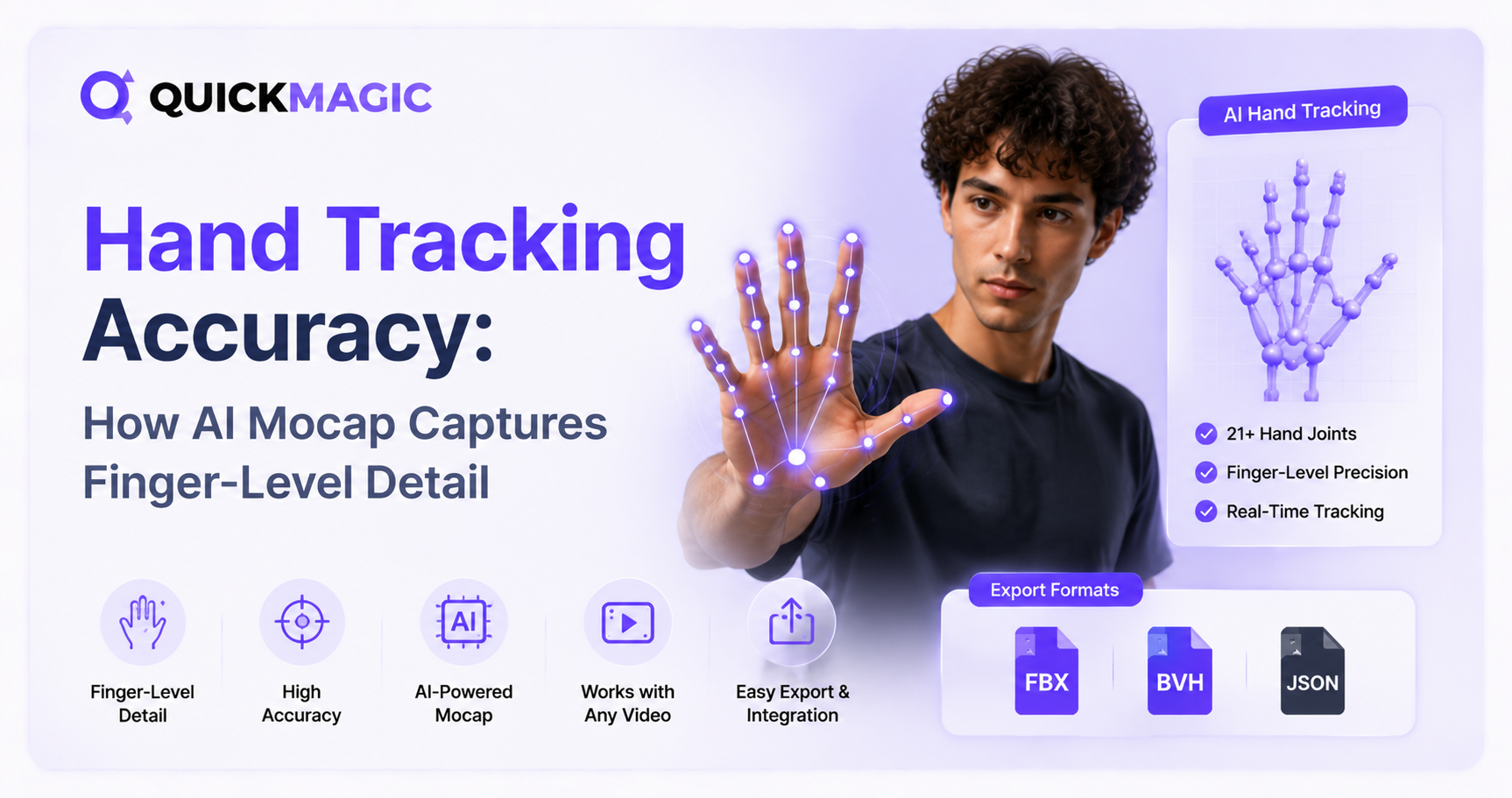
The human hand has 27 bones, 34 muscles, and over 21 degrees of freedom packed into a space smaller than a coffee mug. For decades, capturing that complexity in digital form required expensive optical tracking systems or painstaking manual keyframe animation. Today, AI-powered markerless motion capture is changing the equation, making hand tracking accuracy at the finger level accessible from a standard video camera. In this article, we break down what hand tracking accuracy means, why fingers are the hardest body part to capture, and how tools like QuickMagic extract finger-level detail from a single video for AI hand animation in Blender, Unreal Engine, Unity, Maya, and beyond.
What Is Hand Tracking Accuracy?
Hand tracking accuracy refers to how precisely a motion capture system estimates the position, rotation, and joint angles of every segment of the human hand. It is measured along two dimensions: joint angle error (the difference in degrees between estimated and true finger joint angles) and fingertip positional error (the 3D distance in millimeters between estimated and true fingertip location). Research-grade optical systems achieve sub-degree accuracy, while modern AI-based markerless methods have reached average root mean square errors (RMSE) of approximately 10.9° for finger joints, according to a 2025 peer-reviewed study in the journal Sensors. The accuracy gap between AI and traditional optical systems is narrowing rapidly.
Why Finger-Level Mocap Is So Difficult
If body motion capture is like photographing a building, finger-level mocap is like photographing a watch mechanism. Three challenges make it uniquely hard:
- 21+ degrees of freedom in a tiny volume. Each finger has metacarpophalangeal (MCP), proximal interphalangeal (PIP), and distal interphalangeal (DIP) joints, plus the thumb's unique saddle joint. Capturing all of them accurately from a single camera requires AI to infer pose from limited visual information.
- Severe self-occlusion. Fingers constantly block each other. When you make a fist or grip an object, most of the hand becomes invisible from any single camera angle. The AI must predict hidden joint positions from context and learned hand biomechanics — and prediction errors compound with fast motion or poor lighting.
- Fast, subtle motion. A pianist's fingers execute dozens of precise movements per second. At 30 FPS, each frame captures only a fraction of the motion, requiring sophisticated temporal modeling to reconstruct the full movement. Meanwhile, skin tone, jewelry, sleeves, and lighting all affect how reliably the AI detects individual finger landmarks.
Self-occlusion is the #1 source of error in markerless finger-level mocap. When fingers overlap or curl into the palm, the AI must predict hidden joint positions — the largest challenge in achieving reliable hand tracking accuracy from a single camera.
Traditional vs. AI-Powered Hand Tracking
Here is how the main approaches compare across accuracy, cost, and accessibility:
| Method | Accuracy | Hardware Cost | Occlusion Resilience | Accessibility |
|---|---|---|---|---|
| Optical Markers (Vicon, OptiTrack, Qualisys) | Sub-mm / Sub-degree | Very High ($10K–$100K+) | Fails when markers hidden | Studio + trained operator |
| IMU Gloves (MANUS, FSGlove, Xsens) | ~2.7° joint error | Moderate ($426–$5K+) | Immune to visual occlusion | Glove + calibration |
| Depth Sensors (Leap Motion, Kinect) | ~14.7° joint error | Low ($80–$400) | Sensitive to occlusion | Easy setup |
| AI Markerless (RGB) (QuickMagic, MediaPipe) | ~10.9° joint error | Very Low (phone/webcam) | AI infers hidden joints | Upload a video |
AI-powered markerless mocap trades some precision for dramatic gains in accessibility. For game animation, VTubing, MMD, previs, and prototyping, the ability to go from video to animation in minutes — with no hardware — makes finger level mocap viable for independent creators and small studios, not just large facilities with optical rigs.
How AI Mocap Captures Finger-Level Detail
The pipeline behind AI hand tracking transforms raw video pixels into exportable 3D animation data through five stages:
- 2D Hand Landmark Detection A convolutional neural network detects 21 key landmarks on each hand per frame — finger joints, fingertips, and wrist. Modern models like MediaPipe Hands run in real time and handle partial occlusion and varied lighting.
- 2D-to-3D Pose Lifting A second neural network, trained on paired 2D–3D hand data, lifts the 2D landmarks into 3D space, producing an estimated 3D hand skeleton.
- Inverse Kinematics (IK) Refinement An IK solver applies a hand skeletal model to enforce anatomically plausible joint angles, eliminating impossible poses like fingers bending backwards.
- Temporal Smoothing Filters like one-euro or Kalman filters reduce frame-to-frame jitter while preserving genuine fast movements, producing stable, natural-looking animation.
- Retargeting and Export The motion data is mapped to the target character rig and exported in standard formats (FBX, BVH, BIP) for use in any 3D pipeline.
Key Factors That Determine Tracking Accuracy
Even the best AI models depend heavily on video quality. The factors that matter most:
- Resolution and frame rate: 1080p+ at 30+ FPS is ideal. Lower resolution loses finger details; low frame rates miss fast motion.
- Lighting: Bright, diffused light from multiple directions minimizes harsh shadows. Avoid backlighting and low-light conditions.
- Camera angle: A front-facing or slightly angled view with hands occupying a reasonable portion of the frame works best. Extreme overhead angles reduce accuracy.
- Motion blur: Use fast shutter speeds (1/200s+) and good lighting. Blurred frames make fingers indistinguishable.
- Hand visibility: Minimize prolonged occlusion. The more visible the hands throughout the recording, the better the tracking.
- Background contrast: A clean background with good contrast against skin tone helps the AI distinguish hand boundaries.
Shoot in 1080p+ at 30+ FPS with even lighting, a clean background, and hands clearly visible. Avoid fast blurry movements and prolonged occlusion. These simple choices can improve hand tracking accuracy by 30–50%.
AI Hand Animation: From Capture to Character
Capturing hand motion is only half the equation. To produce usable AI hand animation, the captured motion must be retargeted onto a character rig — a process that maps the 21 hand landmarks to the character's bones, adjusts for differences in proportions, enforces joint limits, and applies anti-penetration to prevent fingers from clipping through each other.
QuickMagic handles this end-to-end: upload a video, and the AI estimates body, hand, and facial motion simultaneously, then exports the result in 13+ animation formats including FBX, BVH, BIP, VMD, Mixamo, and presets for Unreal Engine, Unity, Blender, Maya, iClone, MMD, and Roblox. A light cleanup pass in Cascadeur or your 3D editor is often all that is needed for production-ready results.
Frequently Asked Questions
What is hand tracking accuracy in AI motion capture?
Hand tracking accuracy measures how precisely an AI system estimates the position and joint angles of all 21+ degrees of freedom in the human hand from video input, typically measured in joint angle error (degrees) or fingertip positional error (millimeters).
How does AI mocap capture finger-level detail without markers?
AI mocap uses computer vision models to detect 2D hand landmarks from video frames, lifts them into 3D positions, then applies inverse kinematics and temporal smoothing to produce clean, exportable finger-level animation data.
Can AI hand animation be used for professional 3D production?
Yes. AI hand animation exports to industry-standard formats like FBX and BVH for Blender, Unreal Engine, Unity, Maya, and more. A light cleanup pass is typically sufficient for production-grade results, dramatically reducing time and cost versus traditional mocap or manual keyframing.
What video quality is needed for accurate finger-level mocap?
Use 1080p+ resolution at 30+ FPS with even lighting, minimal motion blur, and hands clearly visible in frame. A clean background with good skin-tone contrast further improves accuracy.
Ready to Capture Finger-Level Hand Animation?
Upload a video to QuickMagic and get production-ready hand mocap in minutes. No suit, no markers, no studio — just AI-powered precision from any camera.
Try QuickMagic Free

