





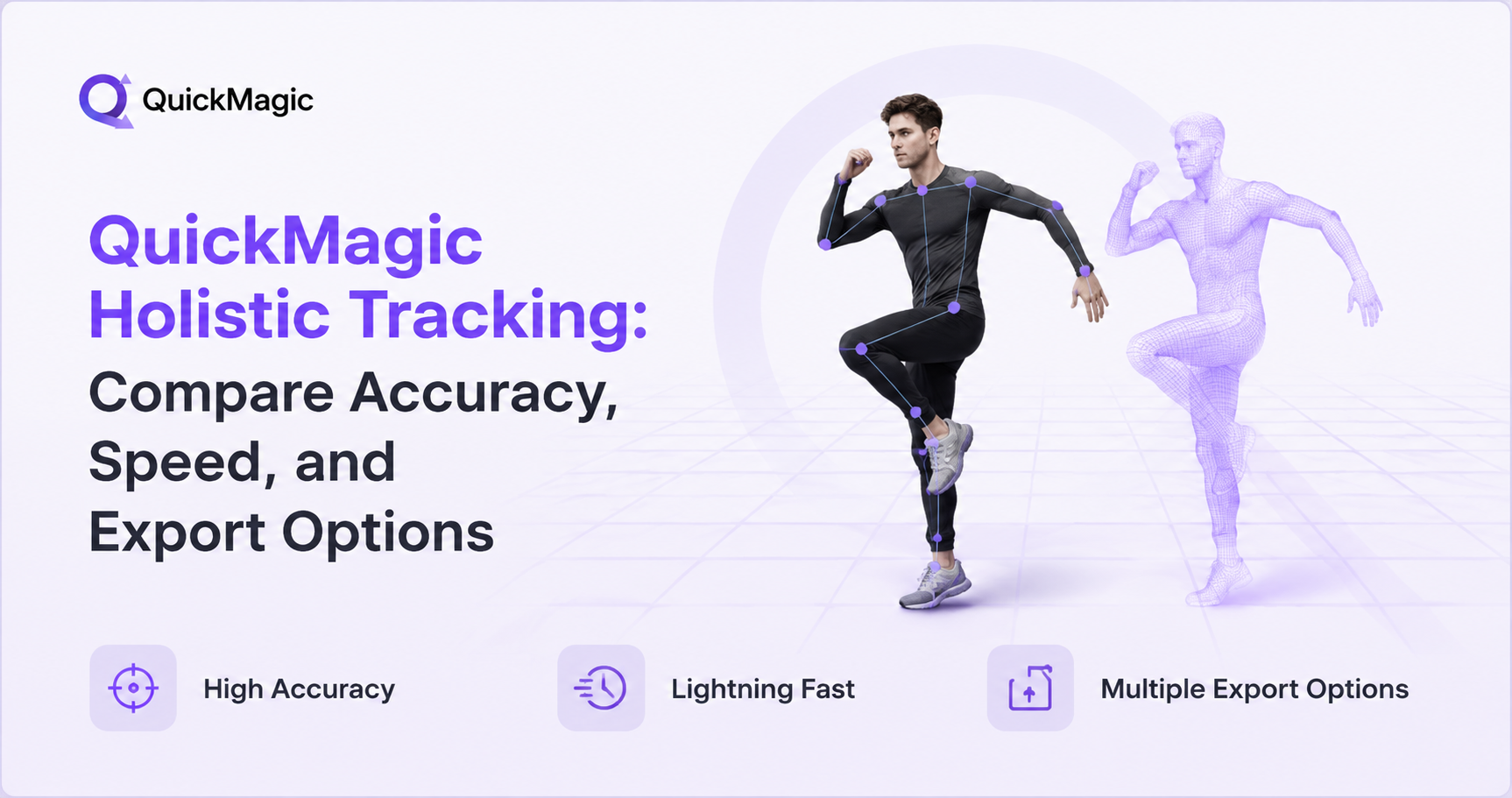
QuickMagic Holistic Tracking: Compare Accuracy, Speed, and Export Options
AI motion capture has transformed 3D animation creation. What once required a dedicated studio, markers, and optical camera arrays now happens from a single video clip. The differences between AI mocap tools come down to accuracy, processing speed, and export flexibility. Here is how QuickMagic holistic tracking performs across all three.
What Is Holistic Tracking?
Holistic tracking captures body motion, hand articulation, and facial expressions simultaneously from a single video using a shared AI model. Instead of running three separate tracking systems and stitching their outputs together, QuickMagic processes all three motion layers through one unified architecture.
The AI model first establishes overall body pose, then uses wrist positions to guide hand landmark detection (21 points per hand) and head position to orient the facial mesh detector (468 points). Because all branches share a common feature backbone, they gain spatial awareness that standalone detectors lack—improving both speed and accuracy.
Why "Holistic" Matters
Body, hand, and face data come from the same frame processed by the same model. They are perfectly synchronized—no timecode drift, no offset between facial animation and body motion, and no need to reconcile conflicting coordinate systems.
Speed Analysis: From Video to Animation
Traditional motion capture requires studio booking, suit calibration, and days of cleanup. QuickMagic compresses this to a single workflow: record, upload, preview, and export—all in minutes.
| Factor | Traditional Mocap | QuickMagic Holistic |
|---|---|---|
| Setup time | 1–3 hours | 0 minutes (upload a video) |
| Processing | Hours plus cleanup | Minutes (cloud AI) |
| Iteration cycle | Days | Minutes (re-record, re-upload) |
| Hardware required | Suits, markers, optical cameras | Any camera (phone, webcam, DSLR) |
| Multi-subject | Extra suits and markers | Supported natively |
Export Options: 13+ Formats for Every Pipeline
QuickMagic supports 13+ export formats, covering every major 3D animation and game development environment:
| Export Format | Best For | Compatible Software |
|---|---|---|
| FBX | Universal interchange | Blender, Maya, 3ds Max, Unity, Unreal |
| BVH / BIP / C4D | Specific DCC formats | 3ds Max, Cinema 4D, MotionBuilder |
| VMD | MikuMikuDance | MMD, MikuMikuMoving |
| Mixamo | Auto-rigging and retargeting | Mixamo web, Unity, Unreal |
| UE4 / UE5.5 / UE5.6 | Unreal Engine presets | Unreal Engine 4, 5.5, 5.6 |
| CC & iClone | Character Creator pipeline | Character Creator, iClone |
| Roblox / OnlyFace | Platform-specific formats | Roblox Studio, Face animation tools |
| UniRobot | Humanoid robot motion | Unitree G1, H1, H1_2 |
The inclusion of Unitree G1, H1, and H1_2 robotics formats is unique, making QuickMagic a practical choice for embodied AI and humanoid robot research teams that need human motion references for imitation learning and behavior design.
The Full Mocap Pipeline: End-to-End Workflow
A full mocap pipeline covers every stage from performance to final animation data. Traditional approaches fragment this process across multiple systems. QuickMagic holistic tracking unifies everything into a single workflow.
| Stage | Traditional Pipeline | QuickMagic Holistic Pipeline |
|---|---|---|
| Capture | Separate systems for body, hands, face | Single video captures all three |
| Processing | Separate software; manual sync | Shared AI model; auto-synchronized |
| Cleanup | Extensive: marker swapping, gap filling | Built-in anti-penetration and temporal smoothing |
| Export | Per-system, then combined | Single unified file in 13+ formats |
| Integration | Manual retargeting per system | Direct import to Blender, Unreal, Unity, Maya, and more |
Key pipeline features include multi-subject support, flexible frame rates (24/30/60/120 FPS), static and moving camera compatibility, custom first-frame pose control, and text-to-motion generation for rapid prototyping without video input.
The Pipeline Advantage
By unifying capture, processing, cleanup, and export into one cloud-based workflow, QuickMagic eliminates the integration overhead that dominates traditional mocap pipelines. A single creator can go from performance to production-ready animation data independently.
Real-World Use Cases
- Game Development: Prototype character animations in minutes with direct export to Unreal Engine and Unity presets.
- VTubing and Digital Humans: Synchronized body, hand, and facial expression capture drives convincing avatar performances.
- MMD and Dance Animation: VMD export and multi-subject tracking enable group dance captures with finger choreography.
- Robotics and Embodied AI: UniRobot format provides human motion references for Unitree G1, H1, and H1_2 robots—useful for imitation learning and behavior design.
- Previs and Prototyping: Test multiple takes, adjust blocking, and refine performances in a single afternoon without studio costs.
Ready to Try Holistic Motion Capture?
Upload a video to QuickMagic and get body, hand, and face mocap data in one unified pipeline. No suit, no markers, no studio.
Start Capturing for FreeFrequently Asked Questions
What is holistic motion capture?
Holistic motion capture simultaneously tracks body, hand, and facial movement from a single video using a shared AI model. All three motion layers are processed through one unified pipeline, producing synchronized 3D animation data that shares the same timestamp and coordinate space.
Can QuickMagic capture body, hands, and face from a single video?
Yes. QuickMagic holistic tracking captures full-body skeletal motion, 21 hand landmarks per hand, and 468 facial mesh points from a single video—with any camera, including smartphones. No mocap suit, markers, or multi-camera rig required.
How fast does QuickMagic process motion capture?
QuickMagic processes video-to-animation in minutes through cloud-based AI. The workflow compresses traditional capture from days to minutes: record, upload, preview, and export.
What export formats does QuickMagic support?
QuickMagic exports in 13+ formats including FBX, BVH, BIP, C4D, VMD, Mixamo, UE4, UE5.5, UE5.6, Character Creator and iClone, Roblox, OnlyFace, and UniRobot. These integrate directly with Blender, Unreal Engine, Unity, Maya, 3ds Max, MotionBuilder, iClone, Cascadeur, and MikuMikuDance.
Does QuickMagic support multi-subject tracking?
Yes, multiple performers can be tracked simultaneously—each with full holistic data (body, hands, face). This works with both static tripod cameras and handheld moving camera footage.


