What is QuickMagic Avatar?
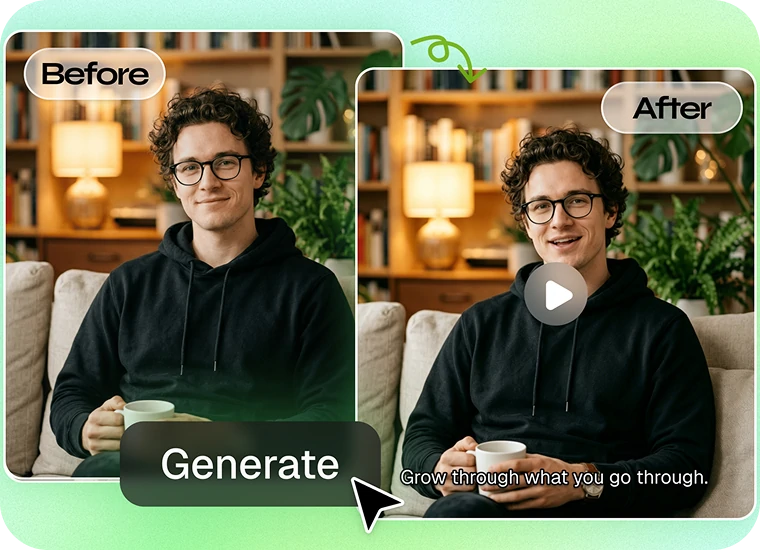
QuickMagic Avatar is an online toolkit for creating character and avatar videos from images, audio, text prompts, and reference motion. It includes AI Dance, Talking Avatar, Face Swap, Image-to-Video, and Character Generator tools — all usable directly in your browser.
Is QuickMagic Avatar free?
QuickMagic offers a Free plan with monthly credits and limited Avatar generation. Current Free-plan limits include 5-second outputs for AI Dance, Character Replacement, Talking Avatar, and Image-to-Video, up to 720p for core Avatar outputs, a 100 MB upload limit, and MP4 export. Check the Pricing page for current model-specific limits.
Do I need to create an account before generating or downloading?
You can explore QuickMagic Avatar without paying. A free account is required to receive credits, generate projects, manage assets, and download results. No credit card is required for the Free plan.
What image, video, and audio formats does QuickMagic Avatar support?
QuickMagic exports Avatar videos as MP4. Supported input formats can vary by tool. Check each tool's upload screen for the accepted image, video, and audio types, along with the current file-size and duration limits.
Does the Free version include a watermark?
Watermark rules can vary by Avatar tool and plan. The applicable watermark status is shown in the generation interface, and plan details are listed on the Pricing page.
Can QuickMagic handle multiple people in one video?
QuickMagic Avatar is optimized for one main subject per generation unless a tool states otherwise. For best results, use source media with one clearly visible person or character. Multi-person 3D motion capture is a separate QuickMagic Mocap capability.
Which languages and audio formats are supported for lip sync?
Talking Avatar supports text-to-speech and uploaded-audio workflows. See the tool for the current list of supported languages, voices, and audio formats. Lip-sync quality depends mainly on speech clarity, background noise, and face visibility.
Can I use QuickMagic Avatar with VRChat or VRM characters?
You can use rendered images of VRChat or VRM characters in compatible image-based Avatar tools. Image compatibility is not the same as native VRM file support — if you need VRM file import or export, check the current tool documentation for supported VRM versions.
Can I export Avatar results to Blender, Unity, or Unreal Engine?
QuickMagic Avatar exports generated videos as MP4. For 3D skeletal animation and formats designed for Blender, Unity, or Unreal Engine, use QuickMagic Mocap. Avatar outputs are video files, not downloadable 3D or rigged models.
How can I get better Avatar results?
Use sharp, high-resolution media with the subject fully visible. Keep the face and body unobstructed, avoid heavy motion blur, and use clear speech with little background noise. For AI Dance, choose a reference performance with a stable camera and clearly visible limbs.
What is the difference between AI Dance and Image-to-Video?
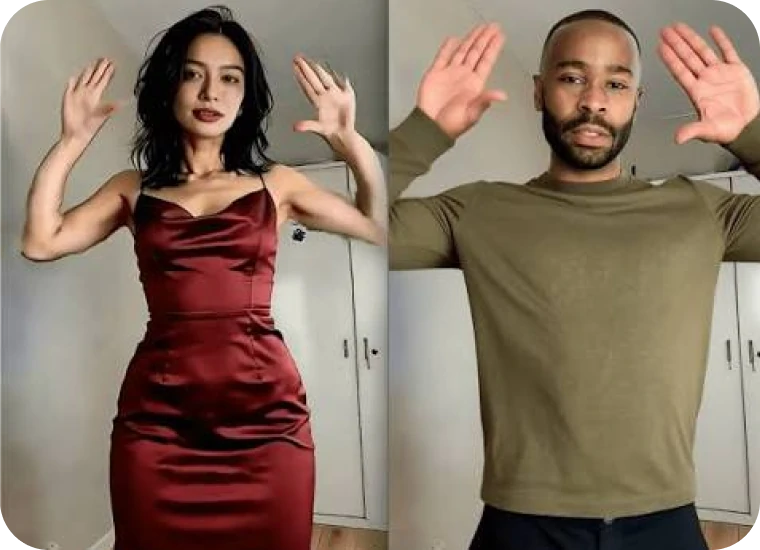
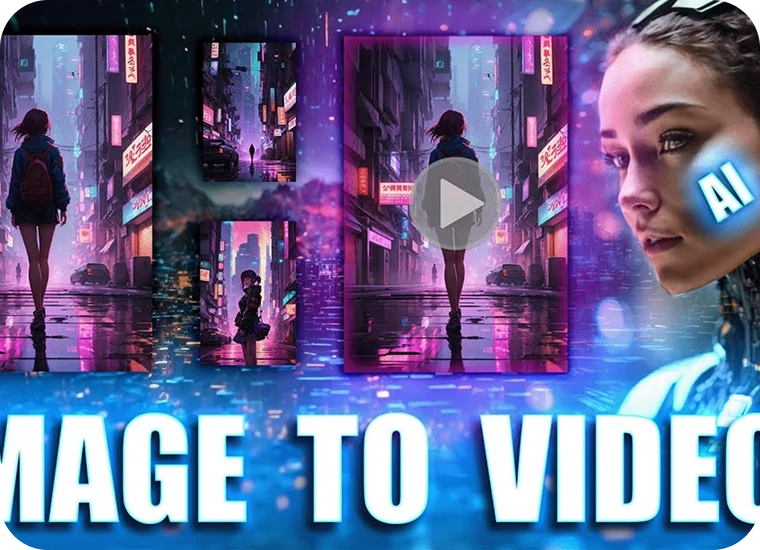
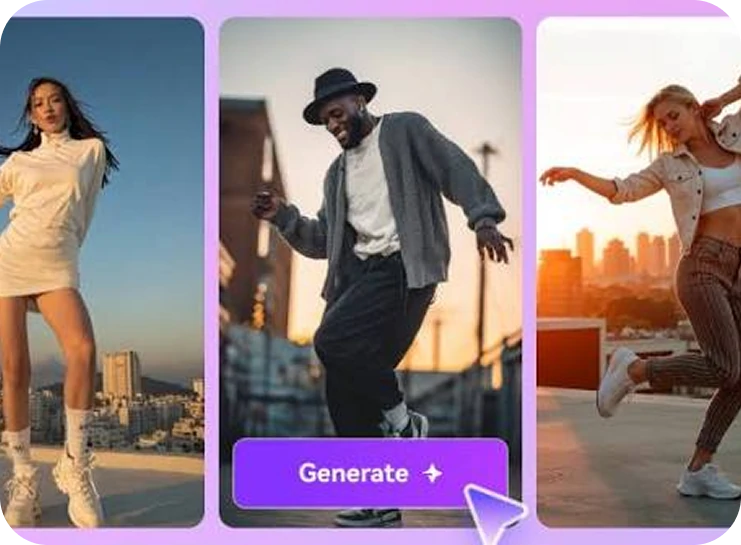
AI Dance transfers movement from a reference video to a character image. It is designed for motion imitation, such as dancing, gestures, and character performances. Image-to-Video creates a new video from a still image and an optional text prompt, without requiring a reference performance. Use AI Dance when you want to reproduce specific choreography; use Image-to-Video when you want AI to generate new motion and scenes.
What is the maximum video length and output resolution?
Limits depend on the tool and plan. On the Free plan, AI Dance, Character Replacement, Talking Avatar, and Image-to-Video generations are currently limited to 5 seconds. Free Avatar outputs support up to 720p, while paid plans support up to 1080p. Starter and Professional plans support up to 10 seconds for AI Dance, Character Replacement, and Image-to-Video, and up to 15 seconds for Talking Avatar.
Can QuickMagic animate non-human or stylized characters?
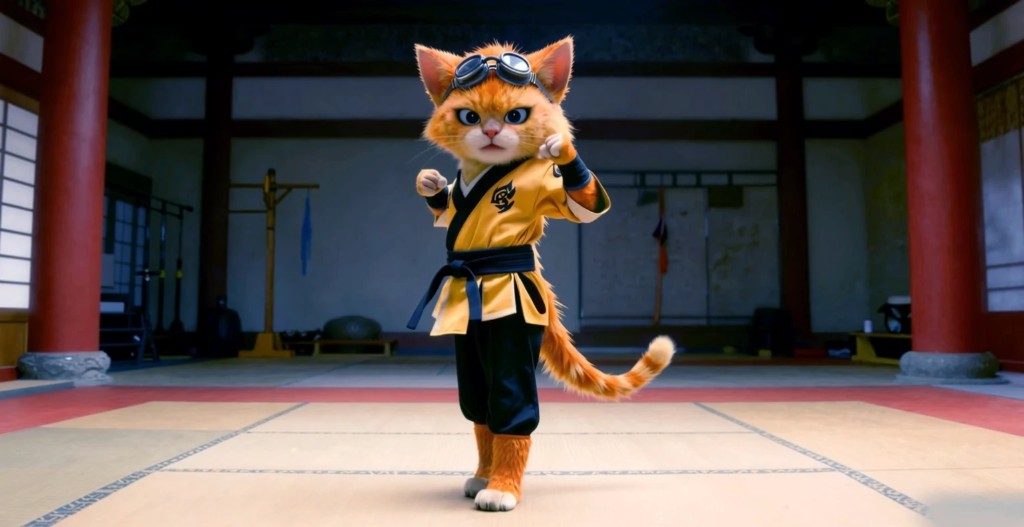
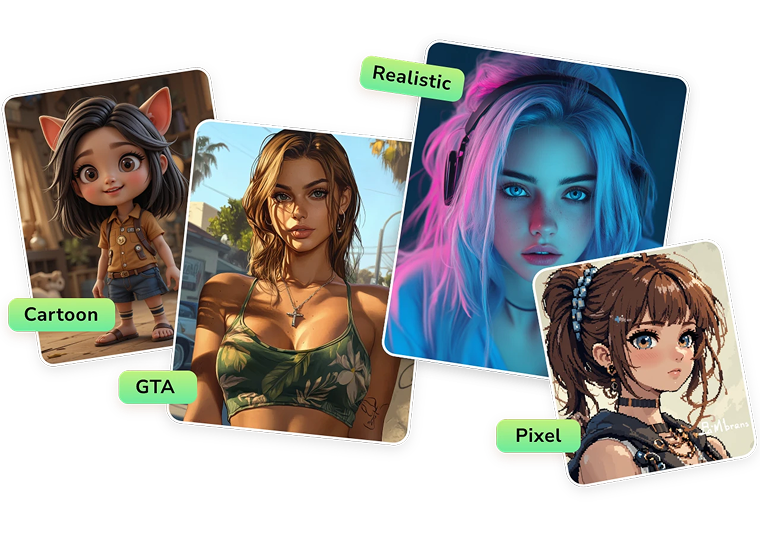
QuickMagic supports real people, anime characters, illustrated characters, stylized avatars, VRM models, and custom character images. For motion imitation, the best results generally come from characters with clearly visible, human-like body proportions and limbs. Highly abstract, animal-shaped, or heavily occluded characters may produce less consistent motion.
How long are uploaded images and videos stored?
According to the current pricing page, assets created on the Free plan are stored for 15 days. Assets created under Starter and Professional plans are listed as having permanent account storage. QuickMagic may retain personal or usage data for longer when necessary to operate the service, meet legal obligations, resolve disputes, or enforce its agreements.
Can I use generated avatar videos commercially?
Commercial usage rights depend on your plan. Under the current User Agreement, paid users retain ownership and intellectual-property rights to the assets they create and receive commercial usage rights. Assets created by Free users may not be used commercially. You must also own or have permission to use any uploaded faces, images, audio, videos, characters, and other third-party materials.