





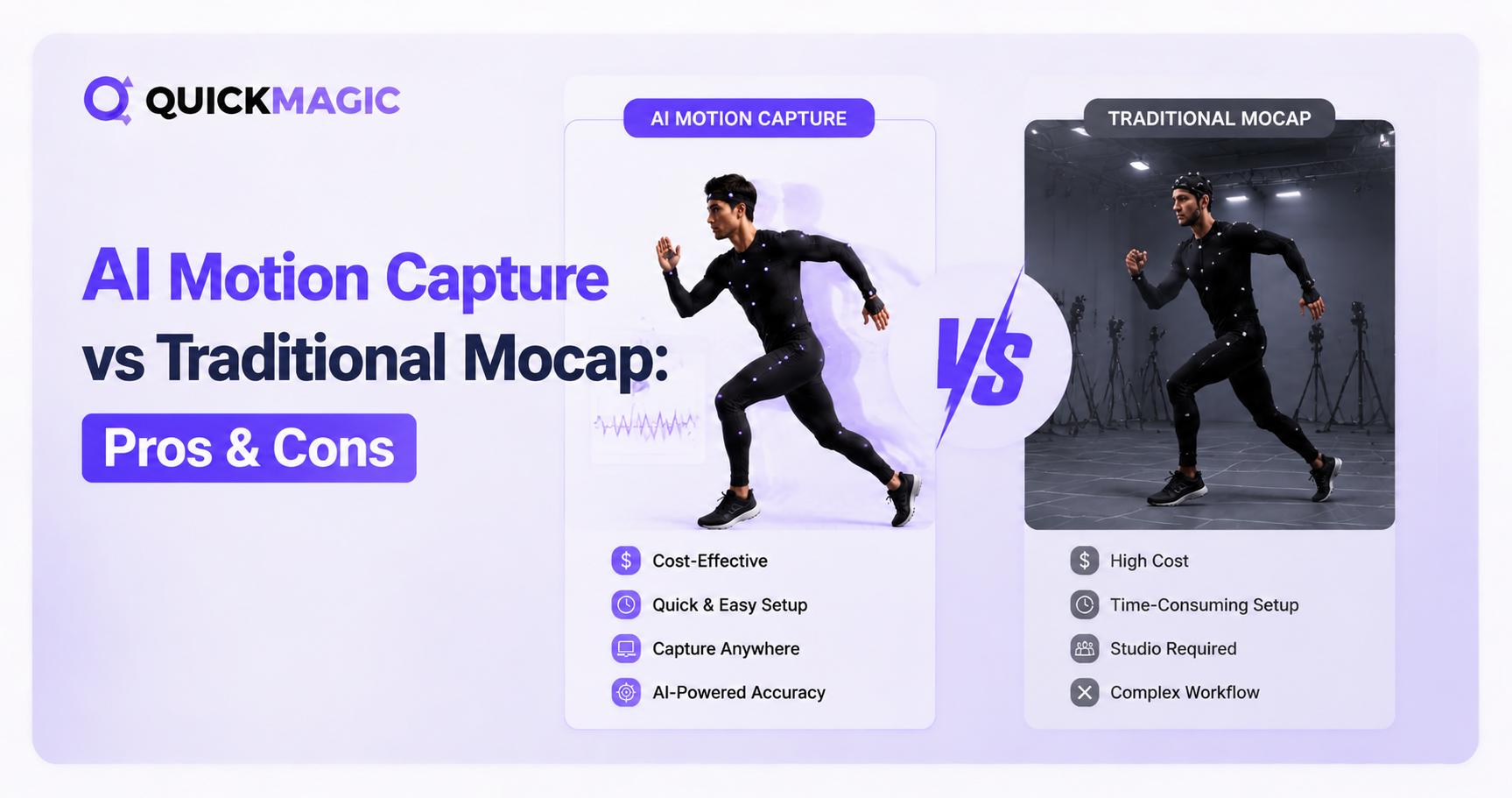
AI Video · Optical Markers · Inertial IMU · Multi-View · Hybrid
AI Motion Capture vs Traditional MoCap: Pros, Cons and the Right Choice
Compare single-video AI mocap, optical marker-based systems, inertial IMU suits and calibrated multi-view markerless capture across fidelity, latency, setup, portability, occlusion, props, multiple actors, research use and total production cost.

Current QuickMagic reference point
See the three workflows
QuickMagic Markerless AI MoCap from Ordinary Footage
Single-video markerless AI capture with no wearable hardware.
Open on YouTubeVicon Optical Motion Capture: Collection and Processing
Calibrated optical cameras, markers, collection and processing.
Open on YouTubeXsens Inertial MoCap Session Setup
Wearable inertial sensors, software setup and performer calibration.
Open on YouTube“AI vs traditional” is useful—but incomplete

Optical, inertial and markerless systems do not measure the same signals. Optical systems triangulate visible markers or multi-view features; inertial systems estimate body-segment orientation from wearable sensors; single-video AI infers 3D pose from image patterns and learned motion priors. A comparison must therefore start from the deliverable rather than a single “accuracy” label.
Head-to-head production comparison
| Criterion | Single-Video AI | Optical Marker-Based | Inertial IMU Suit | Multi-View Markerless |
|---|---|---|---|---|
| Capture hardware | One ordinary video/camera | Calibrated cameras, markers and compute | Wearable IMUs, receiver/body pack and software | Several calibrated video cameras and compute |
| Performer preparation | Low | High | Medium | Low–medium |
| Portability | Very high | Low–medium | High | Medium |
| Absolute position | Estimated from video | Direct spatial reconstruction | Not native; aiding can be added | Reconstructed from calibrated views |
| Camera occlusion | Single-view sensitive | Markers need camera visibility | Not camera-dependent | Multiple views reduce but do not remove occlusion |
| Real-time use | Depends on product/workflow | Established low-latency workflows | Core strength | Available in selected professional systems |
| Large capture area | Limited by framing and pixels | Requires expanded camera volume | Core strength | Requires expanded camera coverage |
| Props and exact contacts | Requires visible evidence and cleanup | Strong with tracked anchors | Needs prop sensors/position aids | Strong when props and views are supported |
| Multiple actors | Possible; overlap is difficult | Scales with markers/cameras and workflow | Scales with suits and radio setup | Depends on system, views and compute |
| Research measurement | Use only after task-specific validation | Common for calibrated measurement | Used for kinematics with protocol limits | Growing; requires validation for the metric |
| Best starting use | Previs, indie animation, creator content, NPC libraries | Hero capture, props, VP, biomechanics, robotics ground truth | Field/live body capture, virtual production, large spaces | Suit-free studio previs and production coverage |
Single-video AI motion capture: pros and cons
Advantages
- Uses existing cameras and previously recorded footage.
- Minimal performer preparation and no wearable suit.
- Easy to repeat, distribute and scale across remote creators.
- Strong for blocking, iteration, content libraries and lower-budget projects.
- Can turn archival or reference video into an editable motion draft.
Limitations
- A single view contains ambiguous depth and hidden-body information.
- Motion blur, cropping, loose clothing and subject overlap reduce usable evidence.
- Exact object contact, absolute position and multi-actor interaction need more cleanup.
- Cloud processing, clip-length limits and plan entitlements may shape the workflow.
- Result quality must be judged after retargeting to the final character.
Optical marker-based motion capture: pros and cons
Advantages
- Calibrated cameras reconstruct marker positions in a defined 3D volume.
- Supports precise absolute positioning, real-time visualization and repeatable sessions.
- Markers can be added to props, rigid bodies, cameras and critical contact points.
- Established pipelines exist for entertainment, biomechanics, robotics and virtual production.
Limitations
- Requires a capture volume, calibration, camera visibility and trained operation.
- Markers can be occluded, swapped or lost during close interaction.
- Performer preparation, labeling and post-processing remain part of the workflow.
- Total cost varies sharply with camera count, volume, software, staff and services.
Inertial IMU motion capture: pros and cons
Advantages
- Portable, fast to deploy and usable outside a calibrated camera volume.
- Body-segment orientation is not lost when the performer is visually occluded.
- Well suited to real-time streaming, field capture and large movement areas.
- Systems such as Xsens provide purpose-built animation, analysis and robotics workflows.
Limitations
- Wearable sensors and performer calibration are still required.
- Absolute position is not measured natively; positional drift can occur.
- Feet, hands, props and world contacts may need position-aiding or downstream constraints.
- Sensor placement, body dimensions and environment can affect results.
Professional multi-view markerless capture
Multi-view markerless systems record a performer from several calibrated angles and solve the body without physical markers. Compared with one video, multiple views add depth and occlusion evidence. Compared with marker-based capture, performer preparation can be faster, but camera layout, calibration, compute and workflow support remain important.
Accuracy is not one number

Ask which evidence matters:
- Marker or joint position: spatial coordinates in a calibrated frame.
- Segment orientation: how the body segment rotates.
- Joint center: often modeled rather than directly measured.
- Contact timing: when feet, hands or props become fixed.
- Visual animation quality: whether the target character looks convincing.
- Repeatability: whether the same protocol produces comparable data across sessions.
Compare total workflow cost—not a universal price range
| Cost component | Single-Video AI | Optical | Inertial | Multi-View Markerless |
|---|---|---|---|---|
| Capture hardware | Existing camera may be sufficient | Camera array, markers, sync, compute and accessories | Suit/sensors, receiver/body pack and compute | Camera array, sync/network and compute |
| Space | Any safe, trackable location | Defined calibrated volume | Flexible field/stage space | Defined camera coverage |
| Operators | Can be self-service | System and capture operators often required | Smaller crew possible | System/operator support often required |
| Performer prep | Normal suitable clothing | Suit/markers and calibration pose | Suit/sensors and calibration | Minimal wearables; camera setup remains |
| Cleanup | Action and video dependent | Labeling, gap filling, solve and retargeting | Drift/contact/position correction and retargeting | Tracking review, solve and retargeting |
| Pricing model | Published subscription/credits | Purchase, rental, studio day or quote | Purchase, subscription, rental or quote | Purchase/service/quote |
Build a shot-based estimate: preparation hours + capture hours + retakes + processing + cleanup + retargeting + asset management + the cost of a failed result. AI may have the lowest entry cost but not always the lowest cost for an interaction-heavy hero shot.
Decision guide: choose by the hardest requirement

Seven questions to answer before purchasing or booking
- Is the output previs, final animation, live performance or measurement data?
- Must the system know absolute world position?
- Are exact hand, foot or prop contacts required?
- How many performers overlap, fight or embrace?
- Is real-time latency part of the deliverable?
- Can the action stay inside a calibrated camera volume?
- How many animator/technician hours are acceptable after capture?
The hybrid approach

Use QuickMagic for blocking, rehearsal review, NPCs, background characters and alternative takes. Escalate only the hero shots, prop interactions or measurement sequences that fail defined acceptance criteria. Keep a common reference pose, skeleton convention, frame-rate policy and metadata schema so outputs from different systems can enter one retargeting pipeline.
Recommended starting method by use case
| Use case | Recommended starting method | Escalate when |
|---|---|---|
| Indie game animation library | Single-video AI | Hero interactions or contact accuracy exceed cleanup budget |
| AAA cinematic hero performance | Optical, inertial or hybrid | AI can still supply blocking and alternate takes |
| VTuber / creator / social animation | Single-video AI | Live latency or exact props require dedicated hardware |
| Live concert or virtual production | Inertial or optical real-time | Add optical anchors for precise stage/camera/prop alignment |
| Fight choreography with overlap | Optical multi-camera or hybrid | Use AI for rehearsal and shot planning |
| Biomechanics or clinical study | Validated optical/inertial/multi-view protocol | AI only after metric-specific validation |
| Robotics imitation-learning dataset | Depends on ground-truth requirement | Use optical anchors or fused sensors when world position must be trusted |
| Remote previs across many contributors | Single-video AI | Recapture selected final shots in a controlled system |
Original article graphics and why they need context


Evaluation checklist
- The final use is defined as animation, live control or measurement.
- Acceptance criteria include contacts, world position, latency and cleanup.
- The candidate technology is identified precisely—not only “AI” or “traditional.”
- A representative hard action is tested before a large purchase or shoot.
- Results are compared after retargeting to the actual target character.
- Total cost includes staff, space, retakes, cleanup and pipeline integration.
- Research or robotics data uses a validated protocol for the required metric.
- A hybrid escalation path is defined for shots that fail the first method.
- Source technology, calibration and cleanup metadata are retained with each clip.
Frequently asked questions
Is AI mocap accurate enough for professional use?
It can be, especially for animation drafts, indie production and scalable content. Test the exact action and final rig rather than relying on a universal accuracy number.
Is optical mocap always the most accurate?
It can provide very high spatial fidelity, but performance depends on calibration, camera layout, marker visibility, labeling and what is being measured.
What is the main advantage of inertial mocap?
Portable real-time body tracking without camera occlusion or a fixed optical volume. Native absolute position is the main limitation.


