





Actualizado en julio de 2026
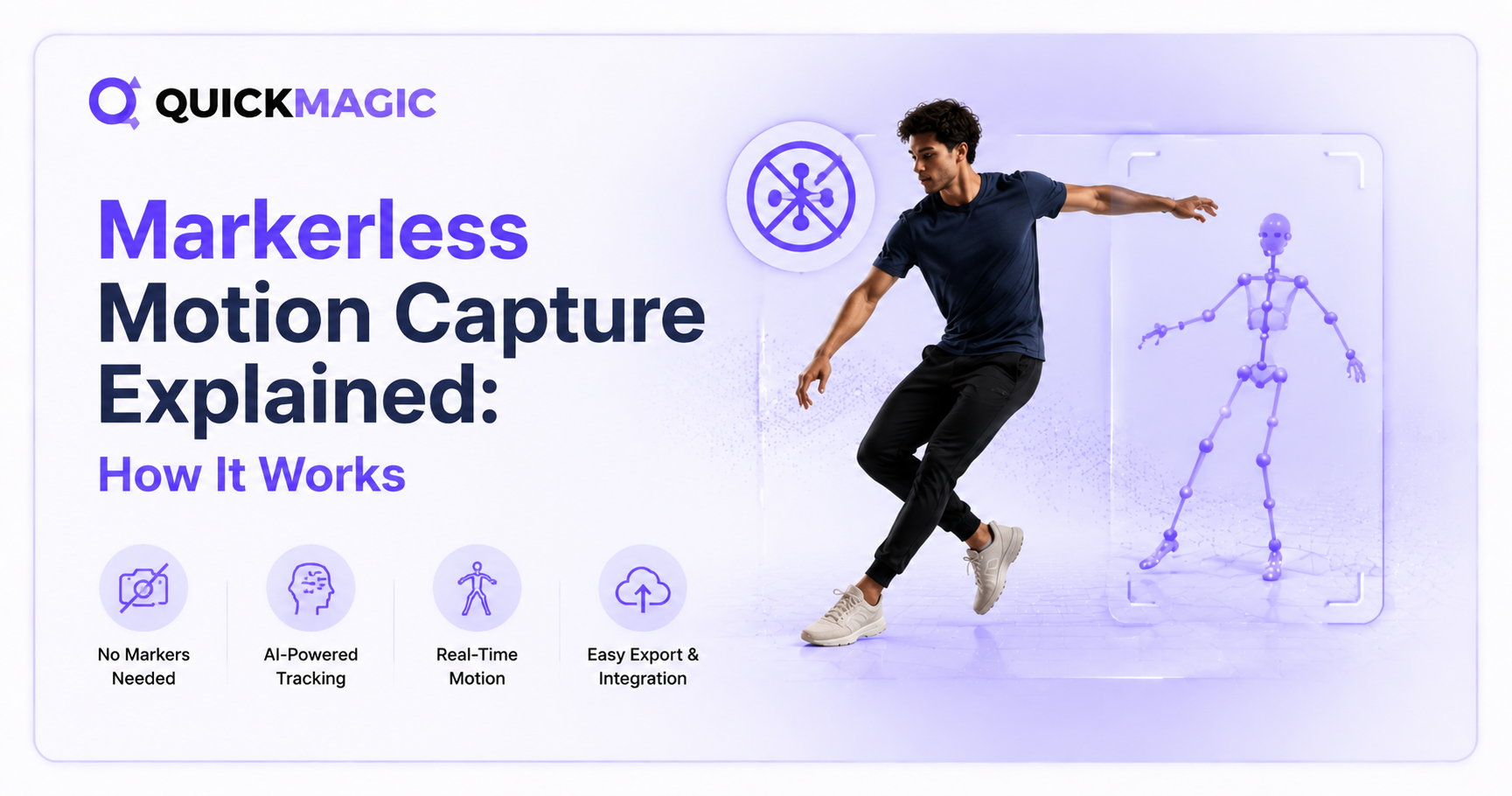
Captura de movimiento sin marcadores explicada: Cómo funciona
La captura de movimiento sin marcadores utiliza inteligencia artificial y visión por computadora para convertir videos ordinarios en datos de animación 3D, sin necesidad de trajes, marcadores ni sensores. Esta guía explica el proceso completo, los modelos clave de IA, puntos de referencia de precisión, principales herramientas y aplicaciones reales en 2026.
La captura de movimiento sin marcadores es una tecnología que registra el movimiento humano a partir de grabaciones de video estándar y lo convierte en datos de animación 3D, sin requerir marcadores reflectantes, trajes con sensores ni cámaras especializadas. Se basa en visión por computadora y modelos de aprendizaje profundo para detectar articulaciones del cuerpo, inferir la pose 3D y generar datos de animación esquelética que pueden impulsar personajes digitales en juegos, películas, realidad virtual y robótica.
En 2026, el mocap sin marcadores ha pasado de la investigación experimental a la producción práctica. Herramientas como QuickMagic, Move.ai, Plask y DeepMotion permiten a los creadores subir un video grabado con un teléfono y recibir archivos de animación FBX o BVH limpios en minutos. Esta guía explica exactamente cómo funciona la tecnología, los modelos de IA que la sustentan, dónde sobresale y dónde aún se queda corta.
¿Qué es la captura de movimiento sin marcadores?
El término "sin marcadores" se refiere a la ausencia de marcadores físicos en el cuerpo del intérprete. En lugar de rastrear puntos reflectantes, el modelo de IA identifica puntos clave anatómicos —hombros, codos, muñecas, caderas, rodillas, tobillos y más— directamente a partir de los datos de píxeles. Estos puntos clave forman un esqueleto digital que refleja los movimientos del intérprete fotograma a fotograma.
El mocap sin marcadores se divide en tres categorías según la configuración de la cámara:
| Tipo | Cámaras requeridas | Precisión | Uso típico |
|---|---|---|---|
| Una cámara sin marcadores | 1 cámara RGB (teléfono, cámara web) | Moderada | Juegos indie, contenido para redes sociales, prototipado |
| Varias cámaras sin marcadores | 2-8 cámaras RGB sincronizadas | Alta | Efectos visuales para cine, análisis deportivo, investigación |
| Cámara de profundidad sin marcadores | 1+ cámara RGB-D (Kinect, RealSense) | Moderada-Alta | Realidad virtual/realidad aumentada, instalaciones interactivas, evaluación clínica |
Cómo funciona la captura de movimiento sin marcadores: Los 5 pasos del proceso
1 Entrada de video y extracción de fotogramas
El proceso comienza con un archivo de video estándar. El sistema descomprime el video en fotogramas individuales, típicamente a 24, 30 o 60 fotogramas por segundo. Cada fotograma es una imagen fija que la IA analizará de forma independiente antes de que el suavizado temporal los vincule en un movimiento continuo.
Consideraciones clave en esta etapa:
- Resolución: Una resolución más alta (1080p o superior) proporciona al estimador de pose más datos de píxeles, mejorando la precisión de los puntos clave
- Fotogramas por segundo: Una velocidad de fotogramas más rápida captura movimientos rápidos con menos desenfoque de movimiento. QuickMagic admite entrada de 24/30/60/120 FPS para diferentes necesidades de producción
- Iluminación: La iluminación uniforme y difusa produce los resultados más fiables. Las sombras fuertes y la contraluz pueden confundir la detección de puntos clave
- Estabilidad de la cámara: Las cámaras estáticas proporcionan datos más limpios que las cámaras en movimiento, aunque sistemas avanzados como QuickMagic admiten imágenes de cámara en movimiento con modos de seguimiento global
2 Estimación de pose 2D
Este es el paso central de la IA. Un modelo de aprendizaje profundo analiza cada fotograma del video y predice las coordenadas 2D (en píxeles) de los puntos clave anatómicos del cuerpo humano. El modelo ha sido entrenado con millones de imágenes etiquetadas que muestran humanos en diversas poses, vestimentas y entornos.
El modelo procesa la imagen a través de una red neuronal convolucional (CNN) que ha aprendido a reconocer patrones visuales correspondientes a partes del cuerpo. Para cada punto clave (por ejemplo, "codo izquierdo"), el modelo genera un mapa de calor de probabilidad que indica dónde es más probable que se encuentre esa articulación en la imagen. El pico de cada mapa de calor se convierte en la coordenada 2D final.
Conteos comunes de puntos clave por modelo:
- MoveNet (Google): 17 puntos clave — solo articulaciones principales
- OpenPose (CMU): 25 puntos clave del cuerpo + 70 del rostro + 21 por mano
- MediaPipe BlazePose (Google): 33 puntos clave de cuerpo completo, incluyendo manos y pies
- HRNet (Microsoft): 17 puntos clave con la mayor precisión publicada en el benchmark COCO
Dos enfoques arquitectónicos manejan la detección de múltiples personas: de arriba hacia abajo (detectar primero a cada persona, luego estimar la pose individualmente — más preciso pero más lento) y de abajo hacia arriba (detectar todas las partes del cuerpo a la vez, luego agruparlas en esqueletos — más rápido pero menos preciso en escenas concurridas).
3 Elevación de 2D a 3D
Después de detectar los puntos clave 2D, el sistema debe inferir la profundidad — la información del eje Z que falta en las imágenes 2D. Este es el paso técnicamente más desafiante en el mocap sin marcadores.
Una sola imagen 2D es inherentemente ambigua en cuanto a la profundidad: un brazo extendido hacia la cámara se ve similar a un brazo extendido hacia un lado. Para resolver esto, los modelos de estimación de pose 3D utilizan una de dos estrategias:
Métodos basados en elevación: Una red neuronal entrenada con datos de movimiento 2D-3D emparejados toma la secuencia de puntos clave 2D y la "eleva" al espacio 3D. Modelos como VideoPose3D y PoseFormer utilizan información temporal (múltiples fotogramas consecutivos) para desambiguar la profundidad. Precisión típica: 35-45 mm de error de posición media por articulación.
Ajuste de modelo corporal paramétrico: En lugar de predecir coordenadas 3D brutas, el sistema ajusta un modelo corporal humano paramétrico (el más común es SMPL o SMPL-X) a las observaciones 2D. SMPL define un cuerpo mediante parámetros de forma y parámetros de pose. Al optimizar estos parámetros para que coincidan con los puntos clave 2D detectados, el sistema produce una malla corporal 3D consistente con rotaciones articulares anatómicamente correctas. Precisión: 30-40 mm para modelos temporales como MHFormer y MixSTE.
Los sistemas multicámara pueden omitir la elevación por completo utilizando triangulación: si el mismo punto clave es visible desde dos o más ángulos de cámara calibrados, su posición 3D puede calcularse geométricamente. Así es como los sistemas sin marcadores de grado de investigación (Theia3D, Anipose) logran una precisión cercana al mocap basado en marcadores.
4 Ajuste del esqueleto y retargeting
Los datos de pose 3D — ya sea de la elevación o del ajuste del modelo — representan un esqueleto genérico. Para impulsar un personaje 3D específico, estos datos deben ser reorientados: mapeados desde las proporciones del esqueleto fuente al rig del personaje objetivo.
El retargeting implica:
- Escalado de la longitud de los huesos: Ajustar la distancia entre articulaciones para que coincida con las proporciones del personaje
- Extracción de rotaciones: Convertir las posiciones 3D de las articulaciones en rotaciones mediante cinemática inversa (IK)
- Alineación del sistema de coordenadas: Hacer coincidir el marco de referencia del esqueleto fuente con la pose de unión esperada del rig del personaje
- Manejo del contacto con el suelo: Detectar cuándo los pies tocan el suelo y fijarlos para evitar el deslizamiento de los pies
Herramientas como QuickMagic automatizan este paso ofreciendo exportación directa a formatos de rig de personajes, incluyendo Mixamo, UE MetaHuman, Character Creator & iClone y Roblox, cada uno con perfiles de retargeting preconfigurados.
5 Limpieza y exportación
La etapa final aplica suavizado temporal para reducir la vibración, corrige artefactos comunes (deslizamiento de pies, saltos de articulaciones, interpenetración) y exporta los datos de animación en formatos estándar de la industria.
Operaciones comunes de limpieza:
- Suavizado temporal: Filtros de Kalman o modelos temporales aprendidos reducen la vibración fotograma a fotograma
- Corrección de contacto con el suelo: Detección automática y fijación de los fotogramas de contacto pie-suelo
- Antipenetración: Ajuste de posiciones articulares para evitar que las extremidades se atraviesen entre sí
- Bucle y recorte: Cortar la animación en los fotogramas de inicio y fin deseados y, opcionalmente, crear bucles sin interrupciones
Formatos de exportación y sus usos típicos:
- FBX — Formato de intercambio universal para Maya, Blender, 3ds Max, Unity, Unreal Engine
- BVH — Formato nativo de captura de movimiento, ampliamente compatible con herramientas de animación
- BIP — Formato Biped de 3ds Max para flujos de trabajo de Character Studio
- VMD — Formato MikuMikuDance para contenido VTuber y MMD
- UE MetaHuman — Formato de personaje de Unreal Engine 5
- USD — Estándar emergente desarrollado por Pixar para escenas 3D
Los modelos de IA detrás del Mocap sin marcadores
Modelos de estimación de pose 2D
OpenPose (Universidad Carnegie Mellon)
El primer marco de código abierto en lograr la estimación de pose 2D en tiempo real para múltiples personas. Lanzado en 2017, utiliza un enfoque de abajo hacia arriba con Campos de Afinidad de Partes (PAFs) para asociar partes del cuerpo con individuos. Detecta 25 puntos clave del cuerpo, 70 puntos faciales y 21 puntos clave por mano. Ampliamente utilizado en investigación y como componente en procesos comerciales.
MediaPipe BlazePose (Google)
Diseñado para rendimiento en tiempo real en dispositivos móviles. Rastrea 33 puntos clave de cuerpo completo a más de 30 FPS en teléfonos de gama media. Su arquitectura ligera lo convierte en la columna vertebral de muchas aplicaciones de fitness, realidad aumentada y avatares orientadas al consumidor.
HRNet (Microsoft Research)
Red de alta resolución que mantiene representaciones de alta resolución a lo largo de toda la red, en lugar de recuperarlas a partir de características de baja resolución. Este diseño le otorga a HRNet la mayor precisión publicada en el benchmark COCO Keypoints. Se utiliza comúnmente como el motor de detección 2D en procesos 3D de grado de investigación.
ViTPose
Un estimador de pose basado en Vision Transformer que ha superado a HRNet en varios benchmarks. Utiliza mecanismos de autoatención para capturar el contexto global en todo el cuerpo, mejorando la precisión en poses complejas con oclusión automática severa.
Modelos de pose 3D y cuerpo
SMPL (Skinned Multi-Person Linear)
Un modelo corporal paramétrico desarrollado por el Instituto Max Planck para Sistemas Inteligentes. SMPL representa el cuerpo humano utilizando 10 parámetros de forma (que controlan las proporciones corporales) y 72 parámetros de pose (3 rotaciones por 24 articulaciones). Dados estos parámetros, SMPL genera una malla 3D completa con deformación de piel realista. SMPL fue adquirido recientemente por Epic Games (a través de Meshcapade), lo que sugiere una integración más profunda con Unreal Engine.
SMPL-X
Una extensión de SMPL que añade articulación de manos (15 articulaciones por mano) y expresiones faciales. Se utiliza en aplicaciones que requieren captura de cuerpo completo + manos + rostro, como avatares VTuber y humanos digitales.
VideoPose3D
Un modelo de estimación de pose 3D temporal que toma una secuencia de puntos clave 2D como entrada y genera trayectorias de puntos clave 3D. Al utilizar convoluciones temporales, aprovecha el contexto de movimiento para mejorar la precisión de la estimación de profundidad, funcionando solo a partir de detecciones 2D, sin necesidad de configuración multicámara.
Cómo las herramientas comerciales combinan estos modelos
Las plataformas modernas de mocap sin marcadores como QuickMagic no dependen de un solo modelo. En su lugar, encadenan múltiples modelos especializados en un proceso de extremo a extremo:
- Detección de personas (YOLO o similar) — identifica y recorta al intérprete en cada fotograma
- Estimación de pose 2D (variante personalizada de HRNet o ViTPose) — detecta puntos clave con alta precisión
- Elevación temporal 3D (red temporal propia) — convierte la secuencia 2D en 3D
- Ajuste del modelo corporal (SMPL o esqueleto personalizado) — produce rotaciones articulares consistentes
- Postprocesamiento (filtros aprendidos + correcciones basadas en reglas) — suaviza vibraciones, corrige deslizamiento de pies
- Retargeting y exportación — mapea al formato del rig objetivo
Este enfoque de múltiples etapas permite que las herramientas comerciales logren una calidad superior a la de cualquier modelo de código abierto por sí solo, porque cada etapa está optimizada para su tarea específica y entrenada con datos de movimiento de calidad de producción.
Sin marcadores vs. Con marcadores: Diferencias clave
| Factor de comparación | Basado en marcadores (óptico) | Sin marcadores (IA/Visión) |
|---|---|---|
| Hardware requerido | Cámaras infrarrojas, marcadores reflectantes, traje | Cámara RGB estándar (teléfono, cámara web, réflex) |
| Tiempo de configuración | 1-4 horas (calibración, colocación de marcadores) | 1-5 minutos (apuntar cámara, grabar) |
| Precisión | Posición submillimétrica, <1 grado de ángulo articular | 10-50mm de posición, 2-5 grados de ángulo articular |
| Costo | $50,000-$250,000+ | $0-$50/mes |
| Portabilidad | Instalación fija en estudio | En cualquier lugar con una cámara |
| Preparación del intérprete | Colocación del traje, calibración de marcadores | Ninguna: usa ropa de calle |
| Manejo de oclusiones | Los marcadores bloqueados por el cuerpo se pierden | Los modelos de IA pueden inferir articulaciones ocluidas |
| Múltiples personas | Sí (con suficientes cámaras) | Sí (1-2 personas con una sola cámara) |
| Seguimiento de manos/dedos | Sí (con conjuntos de marcadores para manos) | Sí (menos preciso que el cuerpo) |
| Vista previa en tiempo real | Sí (sistemas de baja latencia) | Sí (modelos en tiempo real) |
| Mejor para | Cine AAA, biomecánica, medicina | Juegos indie, creación de contenido, prototipado |
Para una comparación más detallada que incluya sistemas inerciales (basados en trajes), consulte nuestra guía: Captura de movimiento con IA vs. Mocap tradicional: Pros y Contras.
Dónde se utiliza la captura de movimiento sin marcadores
Desarrollo de juegos
Los estudios de juegos indie y de nivel medio utilizan el mocap sin marcadores para capturar animaciones de personajes — ciclos de caminata, movimientos de combate, movimientos de inactividad y actuaciones en cinemáticas — sin invertir en hardware de mocap. Un desarrollador puede grabar imágenes de referencia con un teléfono, procesarlas con una herramienta de mocap con IA y tener archivos FBX listos para animación en menos de 10 minutos. QuickMagic exporta directamente a los rigs de Unreal Engine MetaHuman, Unity y Mixamo, eliminando el paso de retargeting.
Los estudios AAA también utilizan el sin marcadores como complemento de los sistemas ópticos: capturas rápidas de referencia para prototipado, scouts de movimiento para previsualización y animación de personajes de fondo en masa que no requieren precisión de calidad de héroe.
Cine y efectos visuales
El mocap sin marcadores cumple dos funciones en el cine: previsualización (capturar actuaciones aproximadas en el set para planificar escenas antes de la costosa sesión óptica) y animación de personajes de fondo (escenas multitudinarias y personajes secundarios animados a partir de capturas sin marcadores, reservando los sistemas ópticos para las actuaciones del héroe). El sistema multicámara sin marcadores de Move.ai se ha utilizado en entornos de producción virtual donde los intérpretes interactúan con fondos de pantalla LED.
Realidad virtual/realidad aumentada y avatares virtuales
El seguimiento sin marcadores en tiempo real impulsa avatares de realidad virtual, filtros de realidad aumentada y aplicaciones de prueba virtual. El modelo corporal de 33 puntos de MediaPipe funciona a más de 30 FPS en dispositivos móviles, lo que permite experiencias de realidad aumentada basadas en teléfonos que asignan los movimientos del usuario a personajes virtuales. Los VTubers utilizan el seguimiento facial y corporal sin marcadores para impulsar avatares digitales durante transmisiones en vivo.
Análisis de rendimiento deportivo
Entrenadores y científicos del deporte utilizan sistemas sin marcadores para analizar la biomecánica de los atletas — marcha, mecánica de saltos, cinemática de lanzamientos — sin instrumentar al atleta. Sistemas como Theia3D y herramientas construidas sobre OpenPose proporcionan datos de ángulos articulares que se acercan a la precisión de los sistemas ópticos de laboratorio (dentro de 2-5 grados para movimientos en el plano sagital). Una revisión de 2025 en Frontiers in Physiology encontró que los sistemas 2D sin marcadores ofrecen ventajas significativas en costo y accesibilidad, con una precisión 3D que mejora


