






Sign up
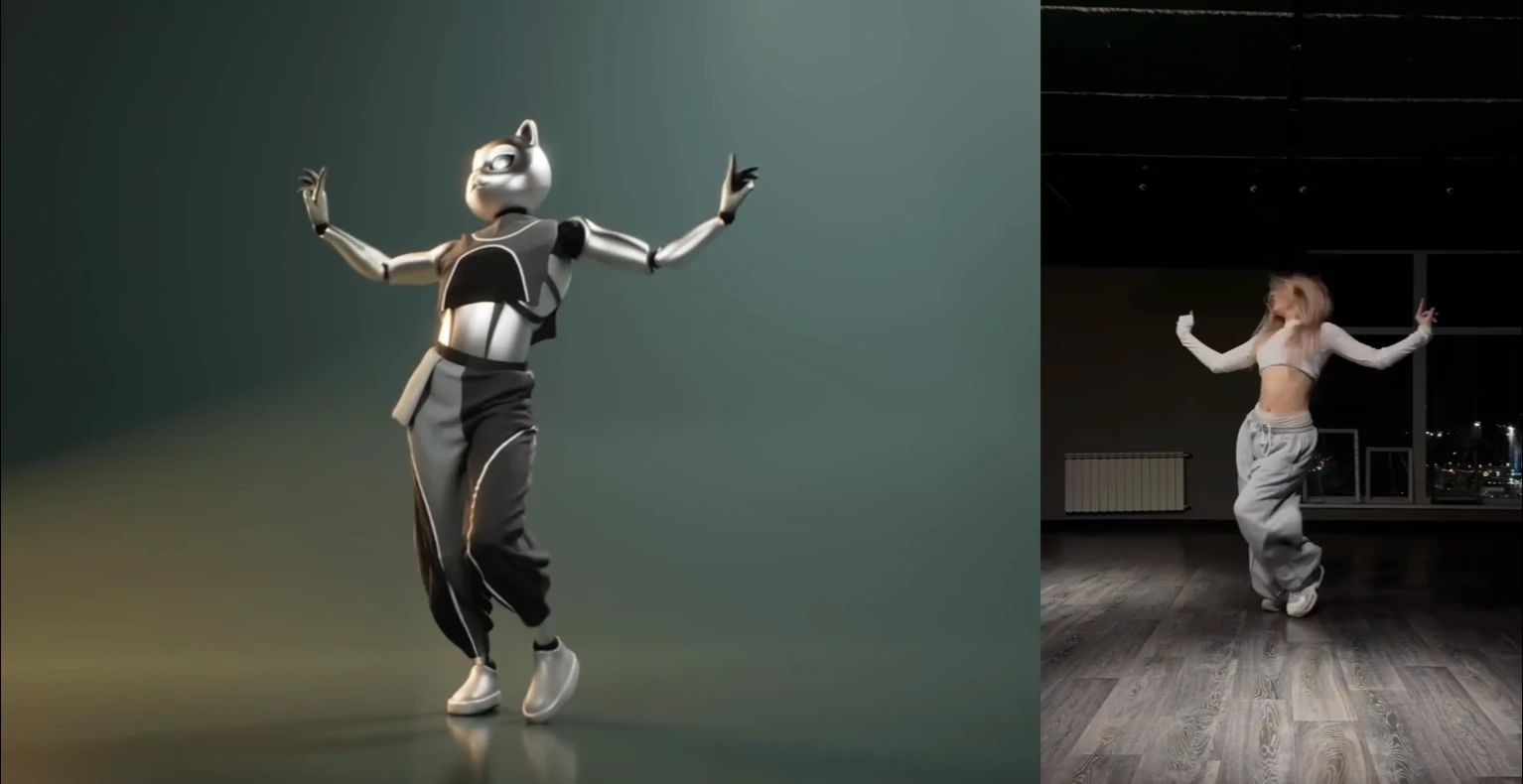
AI motion capture generating 3D animation from video in Blender

Free AI Motion Capture Markerless Mocap from Video, No Suit Needed

Turn any video or text prompt into 3D animation data in minutes

Get Started
QuickMagic

Markerless AI Motion Capture — Create 3D Animations from Any Video

QuickMagic's markerless motion capture uses AI to capture full-body, hand, and facial motion from a single video — no suit, no sensors, no markers, and no expensive camera rigs. Just upload your footage and export clean FBX, BVH, or BIP animation data to your 3D pipeline.

13+ export formats: FBX, BVH, BIP, C4D, VMD, Mixamo, UE4, UE5.5, UE5.6, Character Creator & iClone, Roblox, OnlyFace, UniRobot — compatible with Blender, Unreal Engine, Unity, Maya, 3ds Max, MotionBuilder, MikuMikuDance, and more.

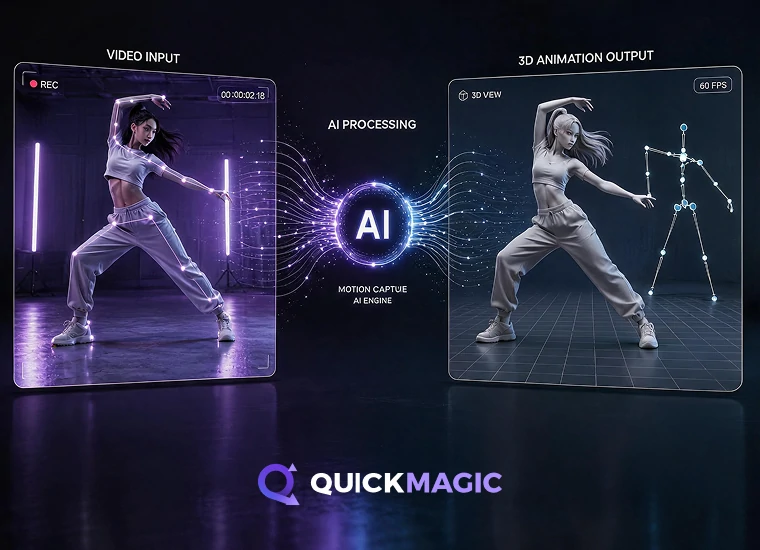
AI video to 3D animation motion capture converting human movement from dance, sports, and action videos into 3D motion data

Video to 3D Mocap — Any Camera, Any Action

Record with your phone or webcam — QuickMagic's AI extracts full-body, hand, and facial motion from dance, sports, fight scenes, acting reference, or any movement video. No green screen, no studio, no special hardware. Get clean FBX or BVH animation data ready for Blender, Unreal Engine, or Maya in minutes.

Supports:

  • Full-body, upper-body, hand, and facial motion capture
  • Single- and multi-subject tracking
  • Static or moving camera footage
  • Custom first-frame pose and multi-frame-rate output
  • Static/global tracking modes and anti-penetration correction
Try Video Mocap

Robot Motion Capture — Humanoid & Embodied AI Training Data

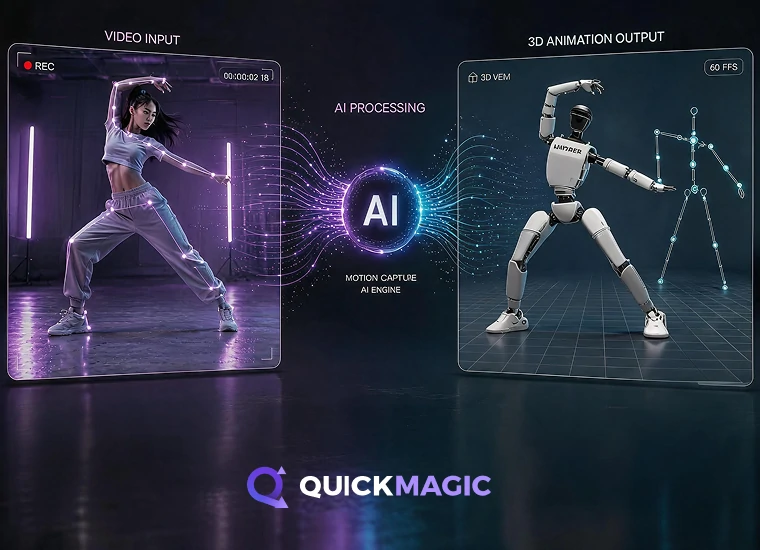
Generate human motion references for robotics simulation, imitation learning, and behavior design. Capture real human movement from video, or describe actions in text prompts, then export directly to Unitree G1, H1, and H1_2 formats. Ideal for training datasets, teleoperation baselines, and policy learning — no optical lab required.

Supports:

  • Motion data for robotics and embodied AI
  • Unitree G1, H1, and H1_2 motion formats
  • Video Mocap and Text Mocap inputs
  • Human motion references for simulation and testing
  • Useful for imitation learning and behavior design
Try Robot Mocap
AI motion capture for robotics and embodied AI generating human motion data for humanoid robot simulation and training
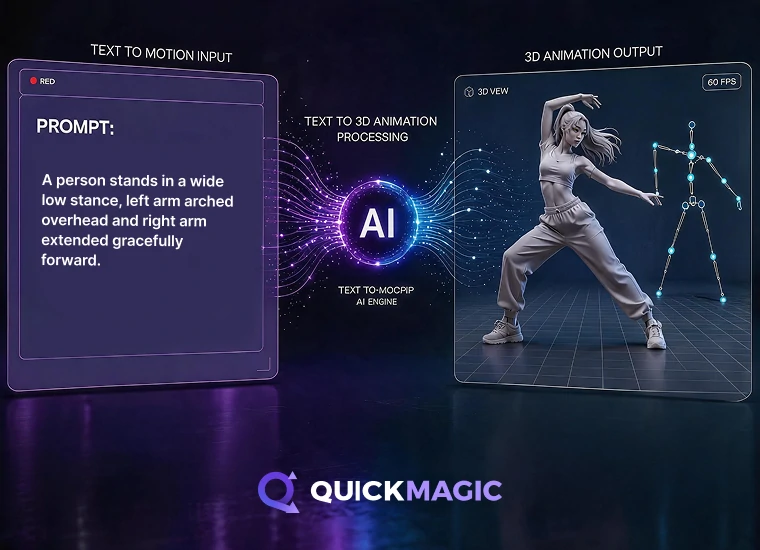
AI text to 3D animation generating motion data from text prompts for characters, games, and humanoid agents

Text to Motion — Generate 3D Animation from Prompts

Type a description — get a mocap-quality animation. Describe any action, dance move, or character performance in plain language, and QuickMagic generates a clean 3D motion draft in seconds. Perfect for storyboarding, game prototypes, VTube content, MMD dance videos, and AI character animation — no video, no actor, no mocap rig needed.

Supports:

  • Text Mocap, Text to Motion, and Text to 3D Animation generation
  • Action, pose, and performance prompts
  • Fast 3D animation drafts without video input
  • Motion ideas for characters and humanoid agents
  • Editable animation data for refinement
Try Text to Motion
3D animation data export to FBX format for Unreal Engine

Works Where You Work
13+ Export Formats, Every Major 3D Tool

QuickMagic outputs clean, keyframed animation data in the file formats your pipeline actually uses. Export to FBX, BVH, BIP, C4D, VMD, Mixamo, UE MetaHuman, Character Creator & iClone, Roblox, OnlyFace, and UniRobot — then drag-and-drop into Blender, Maya, 3ds Max, Unreal Engine, Unity, MotionBuilder, MikuMikuDance, or any FBX/BVH-compatible tool. One capture, endless destinations.

Also supported: Cascadeur, UEFN (Fortnite),
Cartoon Animator, and other 2D/3D pipelines.

Trusted by 3D Artists, Game Devs, and VTubers Worldwide

See how creators use QuickMagic to mocap dance routines, animate game characters, produce MMD videos, and power digital content — all from a single video. From Unreal Engine 5 cinematics to UEFN Fortnite maps, our users ship faster with AI mocap.
Charlie DriscollCharlie Driscoll
Quickmagic.Ai might be the best single camera AI mocap solution I have seen or used.
Watch Video
DefontenDefonten
In this video, I test out QuickMagic AI - turning simple videos I filmed in my room into full motion capture animations. I’ll show you the complete workflow: recording, uploading to QuickMagic, downloading FBXs, and importing them into Unreal Engine to retarget onto free Paragon characters.
Watch Video
CascadeurCascadeur
We used QuickMagic for the video mocap, then retargeted the animation in Cascadeur, used Animation Unbaking and Fulcrum Motion Cleaning tools to set up a solid base, then used AutoPosing to fix and edit the poses, and finally a touch of AutoPhysics to add secondary motion and bring the whole animation together
Watch Video
Just a Simple CavemanJust a Simple Caveman
HALLOWEEN IS COMING, and what better way to celebrate than with "The Monster Mash!" I created this video using a video uploaded to @QuickMagic_cn AI mocap, and within a few minutes - Bingo-Bango! Completed cool animation ready to be used in UEFN!
Watch Video
Oby 1Oby 1
Ai Mocap is Good Now??
Watch Video
R2 StudioR2 Studio
A lot of hard work, and a lot of help using @QuickMagic_cn to generate my mocaps for thisanimation, and to be clear, I've used a mix of manual Animation and MOCAP 8:56 a.m. · March 21, 2025 291
Watch Video
iCloneiClone
Transform ordinary videos into precise, editable 3D motions with full-body, upper-body, and finger tracking — all seamlessly integrated into iClone.
Watch Video
RyanReosRyanReos
Queen Marika spin ✨ Animation converted from mocap with @QuickMagic_cn and clean up with @Cascadeur_soft
Watch Video
Dance with MikuDance with Miku
QuickMagic Ai might be the best single camera Al mocap solution I have seen or used. In this video, I use Quickmagic to pull a long running animation from a video shot on a smartphone. The animation is then brought into Unreal Engine 5, and applied to a metahuman, for use in a medieval battle scene.
Watch Video
CinemonsterCinemonster
I had started with Move One and I have to admit...it wasn't great when it launched. The animation was super jittery. Good for background characters and simple animations (like cheering or gestures) but that' s it…
Watch Video
Charlie DriscollCharlie Driscoll
Quickmagic.Ai might be the best single camera AI mocap solution I have seen or used.
Watch Video
DefontenDefonten
In this video, I test out QuickMagic AI - turning simple videos I filmed in my room into full motion capture animations. I’ll show you the complete workflow: recording, uploading to QuickMagic, downloading FBXs, and importing them into Unreal Engine to retarget onto free Paragon characters.
Watch Video
CascadeurCascadeur
We used QuickMagic for the video mocap, then retargeted the animation in Cascadeur, used Animation Unbaking and Fulcrum Motion Cleaning tools to set up a solid base, then used AutoPosing to fix and edit the poses, and finally a touch of AutoPhysics to add secondary motion and bring the whole animation together
Watch Video
Just a Simple CavemanJust a Simple Caveman
HALLOWEEN IS COMING, and what better way to celebrate than with "The Monster Mash!" I created this video using a video uploaded to @QuickMagic_cn AI mocap, and within a few minutes - Bingo-Bango! Completed cool animation ready to be used in UEFN!
Watch Video
Oby 1Oby 1
Ai Mocap is Good Now??
Watch Video
R2 StudioR2 Studio
A lot of hard work, and a lot of help using @QuickMagic_cn to generate my mocaps for thisanimation, and to be clear, I've used a mix of manual Animation and MOCAP 8:56 a.m. · March 21, 2025 291
Watch Video
iCloneiClone
Transform ordinary videos into precise, editable 3D motions with full-body, upper-body, and finger tracking — all seamlessly integrated into iClone.
Watch Video
RyanReosRyanReos
Queen Marika spin ✨ Animation converted from mocap with @QuickMagic_cn and clean up with @Cascadeur_soft
Watch Video
Dance with MikuDance with Miku
QuickMagic Ai might be the best single camera Al mocap solution I have seen or used. In this video, I use Quickmagic to pull a long running animation from a video shot on a smartphone. The animation is then brought into Unreal Engine 5, and applied to a metahuman, for use in a medieval battle scene.
Watch Video
CinemonsterCinemonster
I had started with Move One and I have to admit...it wasn't great when it launched. The animation was super jittery. Good for background characters and simple animations (like cheering or gestures) but that' s it…
Watch Video

Frequently Asked Questions About Markerless AI Motion Capture

What is markerless AI motion capture and how does it work?

Markerless AI motion capture uses computer vision and deep learning to extract 3D body, hand (finger-level), and facial movement data from a single video — no motion capture suits, no reflective markers, no multi-camera rigs, no optical lab. QuickMagic processes your uploaded video, detects human motion frame by frame, and outputs clean FBX, BVH, or BIP animation files you can import directly into Blender, Maya, Unreal Engine, Unity, 3ds Max, or any compatible 3D software.

Is QuickMagic really free?

Yes — QuickMagic offers a free plan that includes full AI motion capture with body, hand, and facial tracking. You can process videos, export FBX/BVH files, and use them in any 3D project at no cost. Paid plans add higher resolution, faster processing, team features, and priority support for professional and studio workflows.

What kind of camera do I need for markerless AI motion capture?

Any camera works — smartphone (iPhone or Android), webcam, DSLR, mirrorless, or cinema camera. QuickMagic's markerless AI is designed for single-camera setups. For best results, record at 1080p or higher at 30–60 fps with the subject clearly visible and not obstructed. Lighting and camera stability matter more than the camera itself — you don't need an expensive rig to get professional mocap results.

Can I use QuickMagic with Blender, Unreal Engine, or Unity?

Absolutely. QuickMagic exports to FBX and BVH — standard formats supported by Blender, Unreal Engine 5, Unity, Maya, 3ds Max, MotionBuilder, Cascadeur, iClone, MikuMikuDance, and virtually every 3D animation tool. We also offer direct export presets for UE4, UE5.5, UE5.6, Character Creator & iClone, and Roblox.

Does QuickMagic support facial and hand motion capture?

Yes — QuickMagic captures full-body, hand (finger-level), and facial motion from a single video. Hand tracking captures individual finger movement. Facial capture tracks expressions, lip movement, and head orientation. Enable "OnlyFace" mode for face-specific projects.

Can QuickMagic generate motion data for humanoid robots, embodied AI, or imitation learning?

Yes. QuickMagic supports Unitree G1, H1, and H1_2 motion formats for humanoid robotics and embodied AI applications. You can generate human motion references from video or text prompts for imitation learning, teleoperation baselines, policy training, sim-to-real transfer, and simulation environments — all without an optical motion capture lab. Our markerless approach makes human motion data collection scalable and accessible for research teams of any size.

How long does AI motion capture processing take?

Most videos process in 1–5 minutes depending on length and resolution. Short clips (10–30 seconds) typically complete in under 2 minutes on the free plan. Pro plans offer faster processing, and batch processing allows you to queue multiple videos simultaneously. Compared to traditional optical motion capture — which requires hours of setup, calibration, and post-processing — QuickMagic's markerless AI mocap is orders of magnitude faster.

Can I use mocap data from YouTube or social media videos?

Yes — you can download and upload any video file. QuickMagic works with standard video formats including MP4, MOV, AVI, and WebM. Make sure you have the rights to use any third-party footage in your projects.