Robot Format Usage Guide
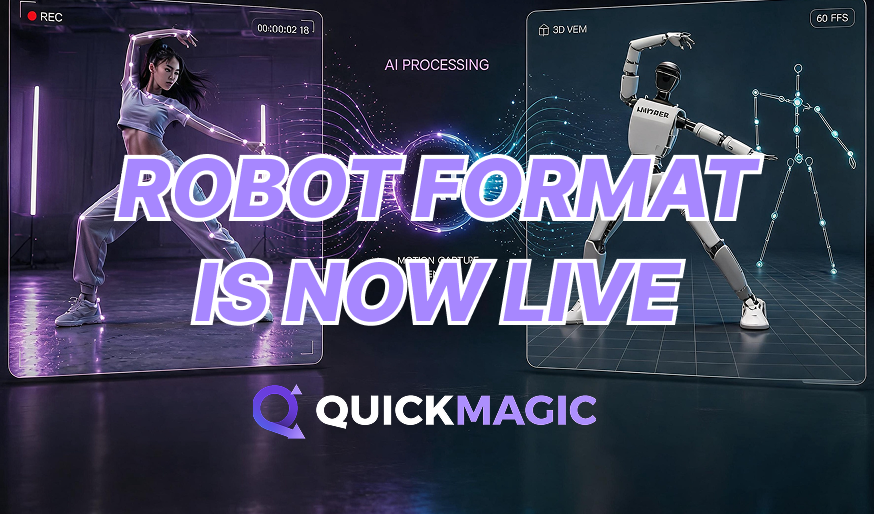
With the rapid development of digital humans, virtual live streaming, and interactive virtual applications, video-based motion capture has become a mainstream solution for low-cost human-driven animation production. Powered by the GMR General Motion Retargeting system, QuickMagic captures full-body human movements using only ordinary videos and outputs motion files in JSON and PKL formats. This document describes the workflow for generating robot files with QuickMagic, helping users utilize GMR motion retargeting and robot control workflows.
How to Generate Robot Files via Video Motion Capture
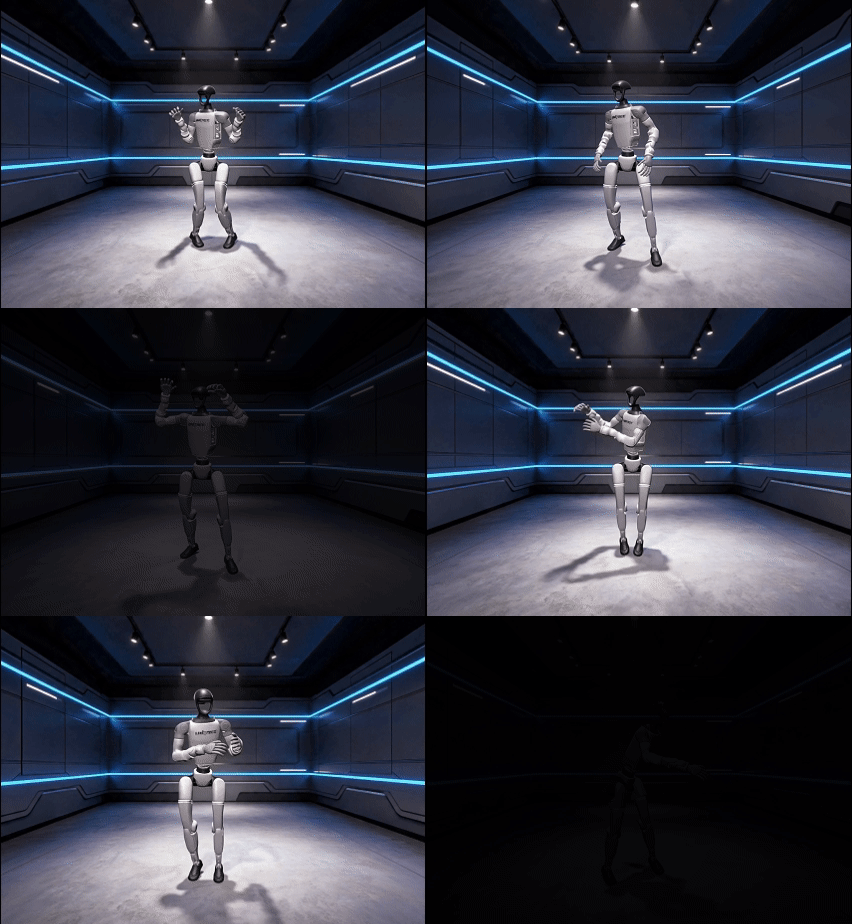
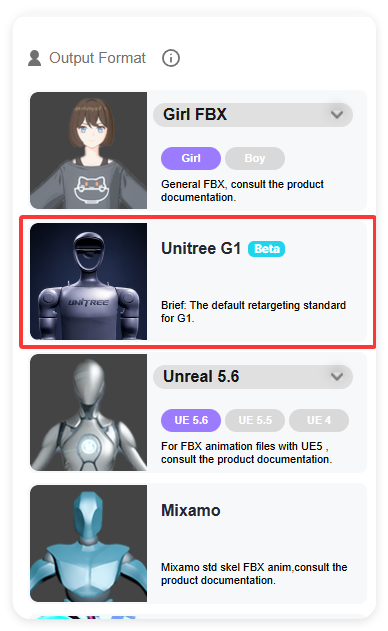
Robot motion formats are integrated into the Video Generation module. After entering the Video Generation module, select the Unitree G1, H1, or H1_2 format from the format selection panel on the left to perform video motion capture.
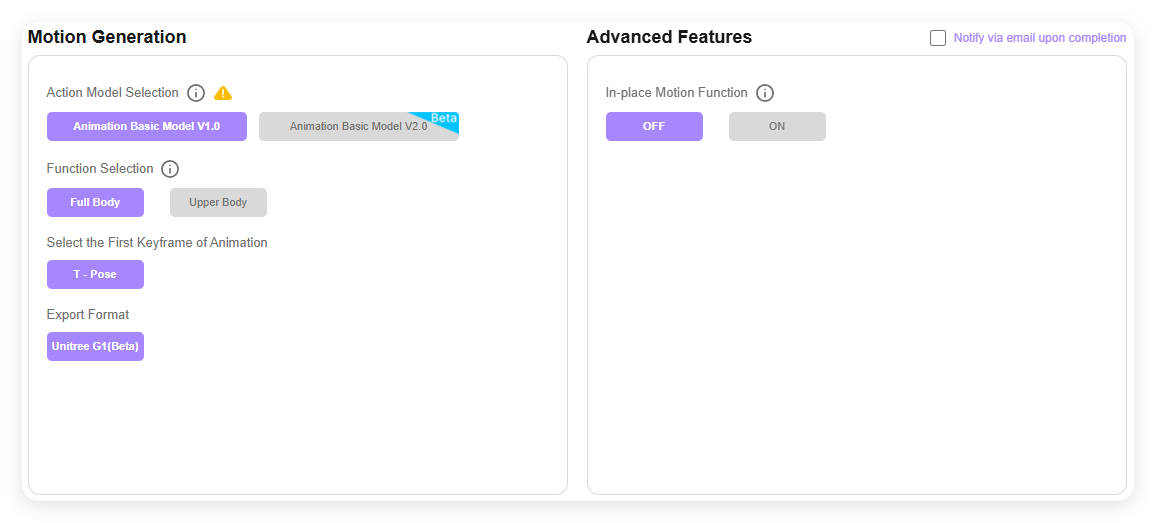
Unitree G1/H1/H1_2 formats support both Animation Foundation Model v1.0 and Animation Foundation Model v2.0.
Please refer to on-screen instructions and choose accordingly.
For upper-body capture, only default presets are currently supported: Standing Preset and Sitting Preset.
Once generation is complete, you may download a result package containing:
JSON motion file &PKL motion data file
How to Use the Extracted Files
PKL File Instructions (For GMR Motion Retargeting Only)
The PKL file is a standardized motion data file customized by QuickMagic AI Motion Capture for the GMR General Motion Retargeting system. It enables accurate mapping and driving from human motion capture data to robot skeletal structures.
File Purpose
The PKL file stores time-series key motion data including standardized joint rotations and positions. It can be directly parsed by the GMR motion retargeting module without additional format conversion or data cleaning, enabling fast connection from motion capture data to robot control commands.
Import & Usage
In the GMR Motion Retargeting tool or robot driving project:
- Select Load Motion Data and import the generated PKL file.
- Select the target robot model (e.g., Unitree G1); the system will automatically complete skeleton matching.
- Preview the retargeted robot motion, with support for fine-tuning posture, speed, timing, and other parameters.
Application Scenarios
Real-time / offline robot motion controlDigital human avatar animation generationBatch creation and reuse of multi-character motion librariesRapid production of virtual live streaming and digital human short videos
When used with the GMR system, PKL files greatly reduce robot motion development costs, enabling a one-stop workflow: from a single real-person video to reusable, retargetable robot motions.
Thank you for supporting and trusting QuickMagic. We’ll continue to improve to deliver a better experience and higher-quality service.
QuickMagic AI Mocap Discord: https://discord.gg/PSueMTTShJ
(Feel free to join and share feedback — we’d love to hear from you.)
— QuickMagic Team