新規登録
Blenderで動画から3DアニメーションをAIモーションキャプチャで生成

動画・テキストからAIモーションキャプチャ

動画やテキストから3Dアニメーションへ

無料で始める
QuickMagic

QuickMagicで3Dアニメーションを制作

QuickMagicは3Dアニメーション制作を効率化します。動画、テキストプロンプト、モーションリファレンスを、ゲーム、MMD、VTuber、デジタルヒューマン、ロボティクス、クリエイティブコンテンツ制作に使える、すぐに使える3Dアニメーションデータへと変換します。

QuickMagicのAIモーションキャプチャで、動画やテキストから編集可能な3Dアニメーションデータを作成できます。

全身3Dアニメーションのモーションキャプチャ — センサー不要

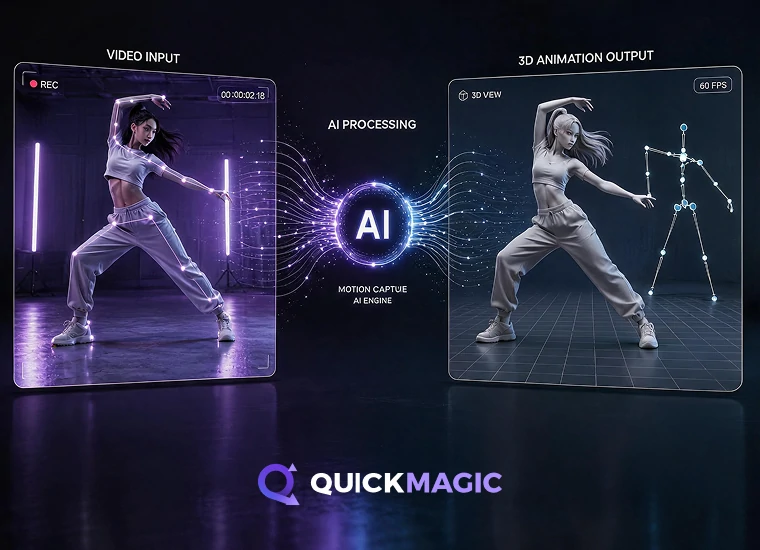
動画から3Dアニメーションへ

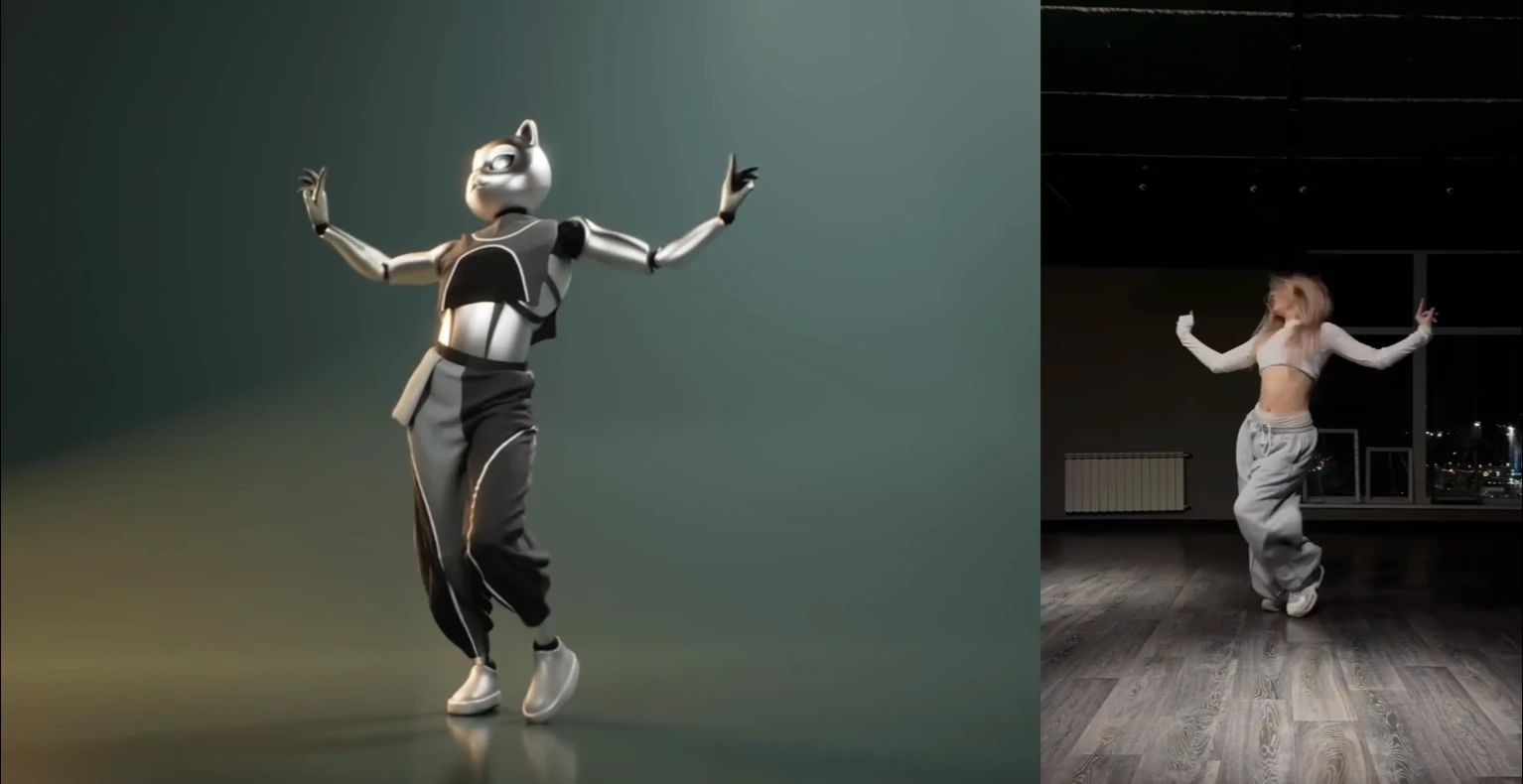
ダンス、スポーツ、演技、格闘、リファレンス動画をアップロードして、クリーンな3Dアニメーションデータに変換します。QuickMagic Mocapは、センサー、スーツ、マーカー、光学式カメラ設備を一切必要とせず、通常の映像から全身・手・表情のモーションをキャプチャします。

対応内容:

  • 全身・上半身・手・表情のモーションキャプチャ
  • シングル・マルチ被写体のトラッキング
  • 固定カメラ・移動カメラの映像
  • 先頭フレームのポーズをカスタマイズ、複数フレームレート出力
  • ローカル/グローバルの追跡モードと接触貫通防止補正
動画モーションキャプチャを試す

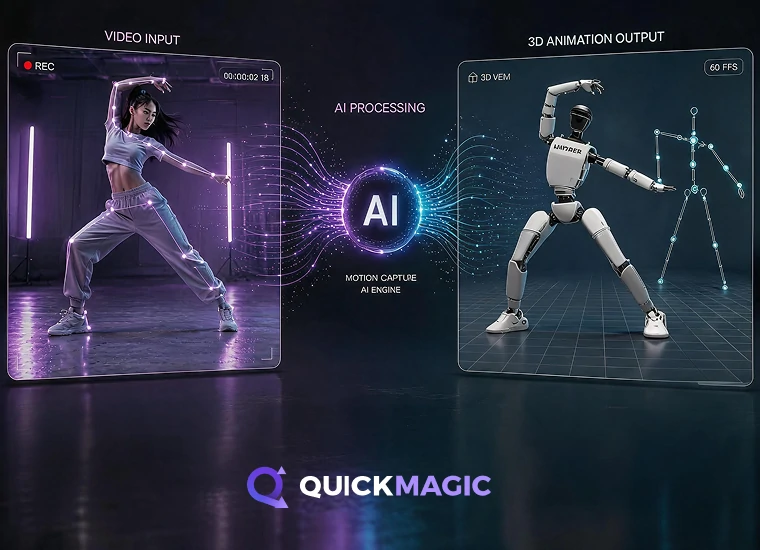
ロボティクスとembodied AI向けMocap

ロボティクス、embodied AI、ヒューマノイドエージェント、ロボットシミュレーション向けの人間のモーション・アニメーションデータを作成します。QuickMagicはVideo MocapとText Mocapを用いて、トレーニング、テスト、模倣学習、動作設計のための人間のモーションリファレンスを生成し、Unitree G1、H1、H1_2のモーションフォーマットに対応します。

対応内容:

  • ロボティクスとembodied AI向けのモーションデータ
  • Unitree G1、H1、H1_2 のモーションフォーマット
  • Video MocapとText Mocapの入力
  • シミュレーションとテスト向けの人間のモーションリファレンス
  • 模倣学習と動作設計に有用
ロボットモーションデータを見る
QuickMagic AIによるテキストから3Dアニメーションへのワークフロー
QuickMagicのAIモーションキャプチャで、動画やテキストから編集可能な3Dアニメーションデータを作成できます。

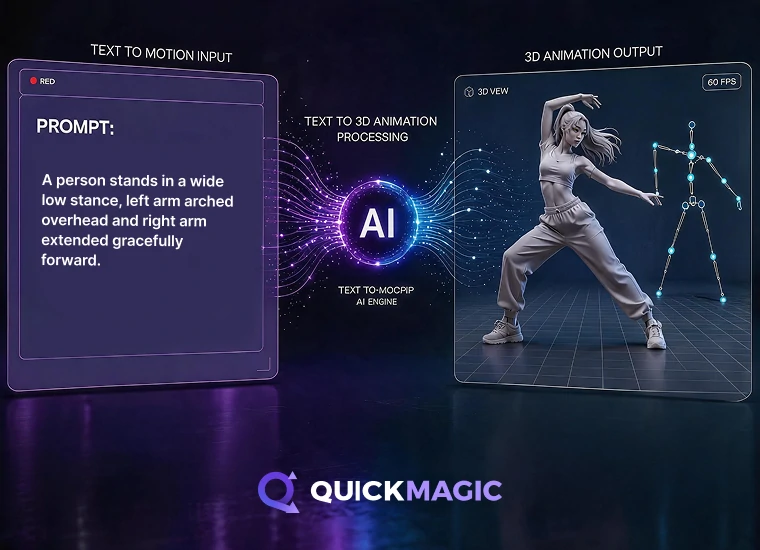
テキストから3Dアニメーションへ

テキストプロンプトからMocap品質の3Dアニメーションデータを生成します。アクション、ポーズ、演技のアイデアを記述するだけで、QuickMagicがキャラクターアニメーション、ゲーム、MMD、VTuber、embodied AI、さらなる編集のためのモーションドラフトを作成します。このText to Motionワークフローにより、動画入力なしでアニメーションのアイデアを生み出せます。

対応内容:

  • Text Mocap、Text to Motion、Text to 3D Animationの生成
  • アクション・ポーズ・演技のプロンプト
  • 動画入力なしで素早い3Dアニメーションのドラフト作成
  • キャラクターやヒューマノイドエージェント向けのモーションアイデア
  • 調整・編集が可能なアニメーションデータ
テキストからモーションを作成
Unreal Engine向けFBX形式への3Dアニメーションデータ書き出し

あなたの
3Dアニメーションパイプラインへ書き出し

FBX、BVH、BIP、C4D、VMD、Mixamo、UE4 / UE5.5 / UE5.6、CC & iClone、Roblox、OnlyFace、UniRobot形式でアニメーションファイルとモーションデータを書き出せます。

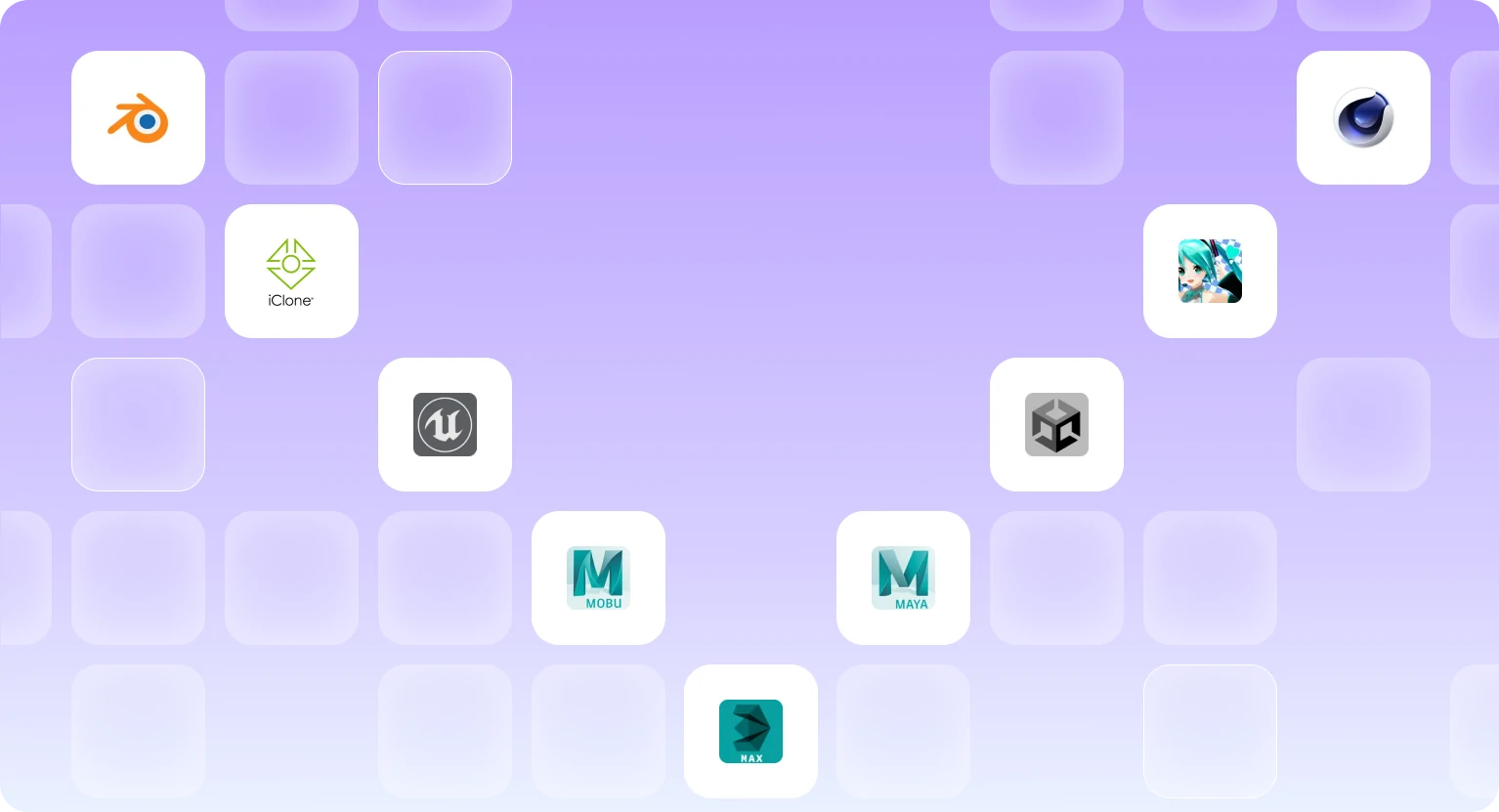
QuickMagic MocapをBlender、Unreal Engine、Unity、Maya、
3ds Max、MikuMikuDance、iClone、MotionBuilder、
その他の3Dアニメーションツールで活用できます

AIモーションキャプチャと3Dアニメーションの事例

QuickMagic Mocapを使ってダンス、キャラクターアニメーション、MMD、ゲーム、デジタルコンテンツ制作を行うクリエイターの動画をご覧ください。実際の動画がさまざまなクリエイティブワークフロー向けのクリーンな3Dアニメーションデータへと変換される様子をご確認いただけます。
Charlie DriscollCharlie Driscoll
Quickmagic.Ai might be the best single camera AI mocap solution I have seen or used.
動画を見る
DefontenDefonten
In this video, I test out QuickMagic AI - turning simple videos I filmed in my room into full motion capture animations. I’ll show you the complete workflow: recording, uploading to QuickMagic, downloading FBXs, and importing them into Unreal Engine to retarget onto free Paragon characters.
動画を見る
CascadeurCascadeur
We used QuickMagic for the video mocap, then retargeted the animation in Cascadeur, used Animation Unbaking and Fulcrum Motion Cleaning tools to set up a solid base, then used AutoPosing to fix and edit the poses, and finally a touch of AutoPhysics to add secondary motion and bring the whole animation together
動画を見る
Just a Simple CavemanJust a Simple Caveman
HALLOWEEN IS COMING, and what better way to celebrate than with "The Monster Mash!" I created this video using a video uploaded to @QuickMagic_cn AI mocap, and within a few minutes - Bingo-Bango! Completed cool animation ready to be used in UEFN!
動画を見る
Oby 1Oby 1
Ai Mocap is Good Now??
動画を見る
R2 StudioR2 Studio
A lot of hard work, and a lot of help using @QuickMagic_cn to generate my mocaps for thisanimation, and to be clear, I've used a mix of manual Animation and MOCAP 8:56 a.m. · March 21, 2025 291
動画を見る
iCloneiClone
Transform ordinary videos into precise, editable 3D motions with full-body, upper-body, and finger tracking — all seamlessly integrated into iClone.
動画を見る
RyanReosRyanReos
Queen Marika spin ✨ Animation converted from mocap with @QuickMagic_cn and clean up with @Cascadeur_soft
動画を見る
Dance with MikuDance with Miku
QuickMagic Ai might be the best single camera Al mocap solution I have seen or used. In this video, I use Quickmagic to pull a long running animation from a video shot on a smartphone. The animation is then brought into Unreal Engine 5, and applied to a metahuman, for use in a medieval battle scene.
動画を見る
CinemonsterCinemonster
I had started with Move One and I have to admit...it wasn't great when it launched. The animation was super jittery. Good for background characters and simple animations (like cheering or gestures) but that' s it…
動画を見る
Charlie DriscollCharlie Driscoll
Quickmagic.Ai might be the best single camera AI mocap solution I have seen or used.
動画を見る
DefontenDefonten
In this video, I test out QuickMagic AI - turning simple videos I filmed in my room into full motion capture animations. I’ll show you the complete workflow: recording, uploading to QuickMagic, downloading FBXs, and importing them into Unreal Engine to retarget onto free Paragon characters.
動画を見る
CascadeurCascadeur
We used QuickMagic for the video mocap, then retargeted the animation in Cascadeur, used Animation Unbaking and Fulcrum Motion Cleaning tools to set up a solid base, then used AutoPosing to fix and edit the poses, and finally a touch of AutoPhysics to add secondary motion and bring the whole animation together
動画を見る
Just a Simple CavemanJust a Simple Caveman
HALLOWEEN IS COMING, and what better way to celebrate than with "The Monster Mash!" I created this video using a video uploaded to @QuickMagic_cn AI mocap, and within a few minutes - Bingo-Bango! Completed cool animation ready to be used in UEFN!
動画を見る
Oby 1Oby 1
Ai Mocap is Good Now??
動画を見る
R2 StudioR2 Studio
A lot of hard work, and a lot of help using @QuickMagic_cn to generate my mocaps for thisanimation, and to be clear, I've used a mix of manual Animation and MOCAP 8:56 a.m. · March 21, 2025 291
動画を見る
iCloneiClone
Transform ordinary videos into precise, editable 3D motions with full-body, upper-body, and finger tracking — all seamlessly integrated into iClone.
動画を見る
RyanReosRyanReos
Queen Marika spin ✨ Animation converted from mocap with @QuickMagic_cn and clean up with @Cascadeur_soft
動画を見る
Dance with MikuDance with Miku
QuickMagic Ai might be the best single camera Al mocap solution I have seen or used. In this video, I use Quickmagic to pull a long running animation from a video shot on a smartphone. The animation is then brought into Unreal Engine 5, and applied to a metahuman, for use in a medieval battle scene.
動画を見る
CinemonsterCinemonster
I had started with Move One and I have to admit...it wasn't great when it launched. The animation was super jittery. Good for background characters and simple animations (like cheering or gestures) but that' s it…
動画を見る

AIモーションキャプチャのよくある質問

AIモーションキャプチャとは何ですか?

AIモーションキャプチャは、コンピュータービジョンと機械学習モデルで動画から人物の動きを推定し、3Dアニメーションデータに変換する技術です。従来の光学式キャプチャとは異なり、反射マーカーや専用のマルチカメラスタジオは必要ありません。

QuickMagicは動画をどのように3Dモーションへ変換しますか?

対応動画をアップロードし、被写体とキャプチャ設定を選ぶと、QuickMagicがフレームごとに動きを推定します。結果をプレビューした後、利用可能なアニメーション形式で書き出して3Dソフトウェアで編集できます。

どのような動画で最も良い結果が得られますか?

被写体がはっきり映り、十分な照明があり、モーションブラーや長時間の遮蔽が少ない映像を使用してください。全身キャプチャには全身が収まる画角が推奨されます。複雑な床接地、速い回転、人同士の近接動作では追加の調整が必要になる場合があります。

QuickMagicは手と表情のモーションに対応していますか?

QuickMagicは対応ワークフローで体、手、表情のモーションオプションを提供します。利用できるディテールは、映像品質、手と顔の見え方、モーションブラー、選択した出力ワークフローによって異なります。

QuickMagicで複数人をキャプチャできますか?

QuickMagicは適切な映像に対して複数被写体ワークフローに対応します。より良い結果のため、各人物を画面内に表示し続け、長時間の重なりを避けてください。現在の被写体数の上限は製品画面でご確認ください。

移動するカメラで撮影した映像も使えますか?

移動カメラ映像は一部のワークフローで対応していますが、手ブレ、急な視点変更、遮蔽により安定性が下がることがあります。適切なトラッキングモードを選び、書き出し前にグローバル移動を確認してください。

対応する書き出し形式と3Dツールは何ですか?

QuickMagicはFBXおよび人気の3Dツール向けのワークフロー別書き出しプリセットを提供します。利用可能な形式はプランと製品バージョンによって異なります。最新の対応表はExport Formatsページをご確認ください。

QuickMagicは無料ですか?

QuickMagicにはAIモーションキャプチャを試せる無料プランがあります。現在の上限、書き出し形式、キュー優先度、動画の長さ、ストレージ、有料プラン機能はPricingページに掲載されています。

処理にはどのくらい時間がかかりますか?

処理時間は動画の長さ、解像度、選択機能、キューの混雑状況、プランの優先度によって変わります。製品画面でジョブの現在のステータスを確認できます。

QuickMagicで作ったモーションを商用利用できますか?

商用利用の権利はプランと、アップロードした映像、キャラクター、音声などの素材に対して保有する権利に依存します。商用作業で生成アセットを使う前に、最新の利用規約を確認してください。

アップロードしたファイルと生成アセットはどのくらい保存されますか?

現在のPricingページでは、Freeプランのアセット保存期間は15日間、有料プランは継続的なアカウント保存と案内されています。保存期間とデータ保持の規則はPrivacy Policyにも記載されています。

QuickMagicでヒューマノイドロボット用のモーションを生成できますか?

QuickMagicは、選定されたヒューマノイドロボットモデル用のモーションリファレンスワークフローとプリセットを提供します。対応ロボット、関節定義、座標系、現在の制限はRobot Motion Dataページで確認してください。