Basic Operation Guide (Continuously Updated) — QuickMagic User Tutorial (1)
I. Supported Formats Overview
QuickMagic currently supports the following formats: Unity Anim, BIP, Boy FBX, Girl FBX, Unreal 4 / 5.5 / 5.6, Mixamo, VMD-TDA, OnlyFace, C4D, CC*iClone, Roblox, BVH, Warudo, and more.
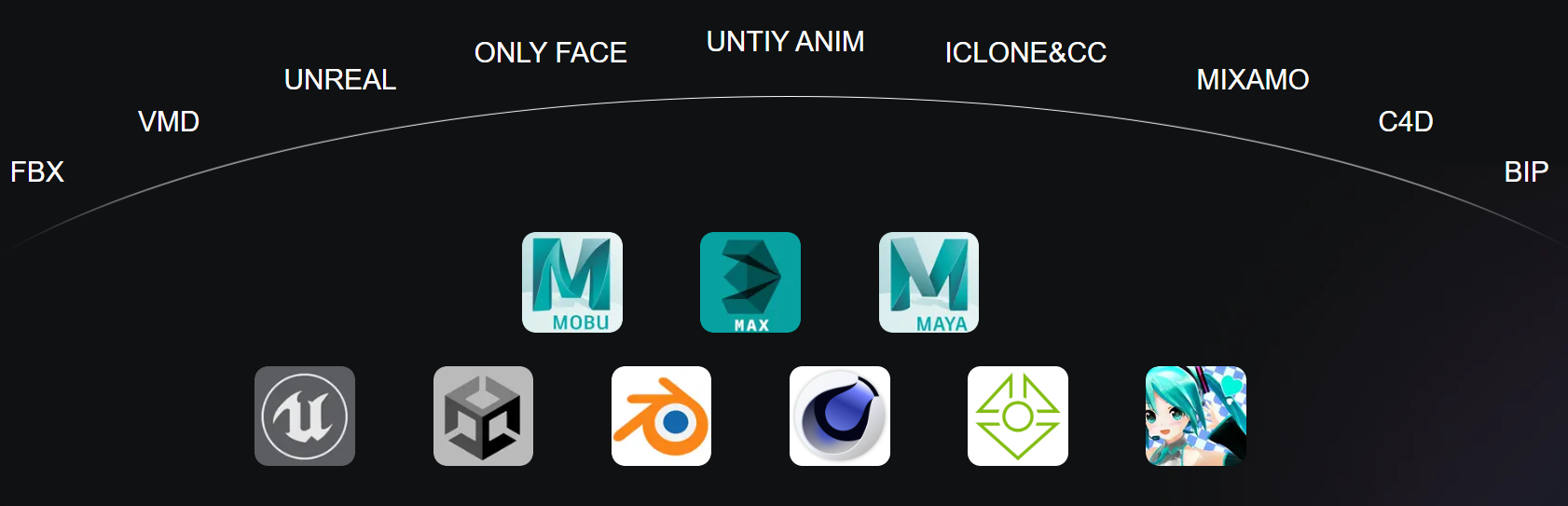
Among them:
● UE4 format supports UE4
● UE5.5 format supports UE5.5 and earlier UE5 versions
● UE5.6 format supports UE5.6 and later versions
These formats can be used to retarget animation directly to other Unreal Engine character models.
For detailed usage instructions for each format, please refer to the product documentation.
II. Feature Operations
1. Get T-Pose / A-Pose / Original Pose
Upload a video → on the feature selection page, choose the desired pose option → after generation, download the file directly in the selected format.
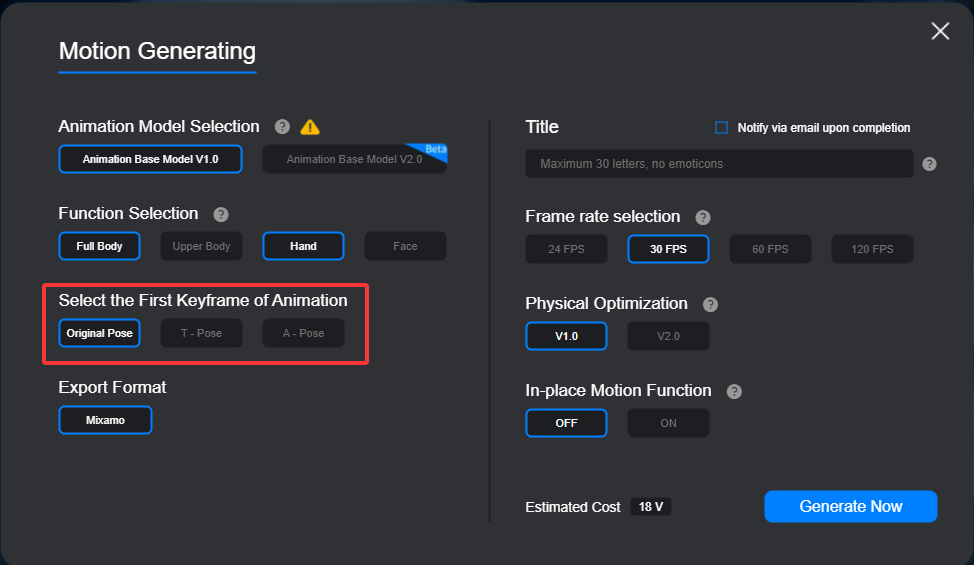
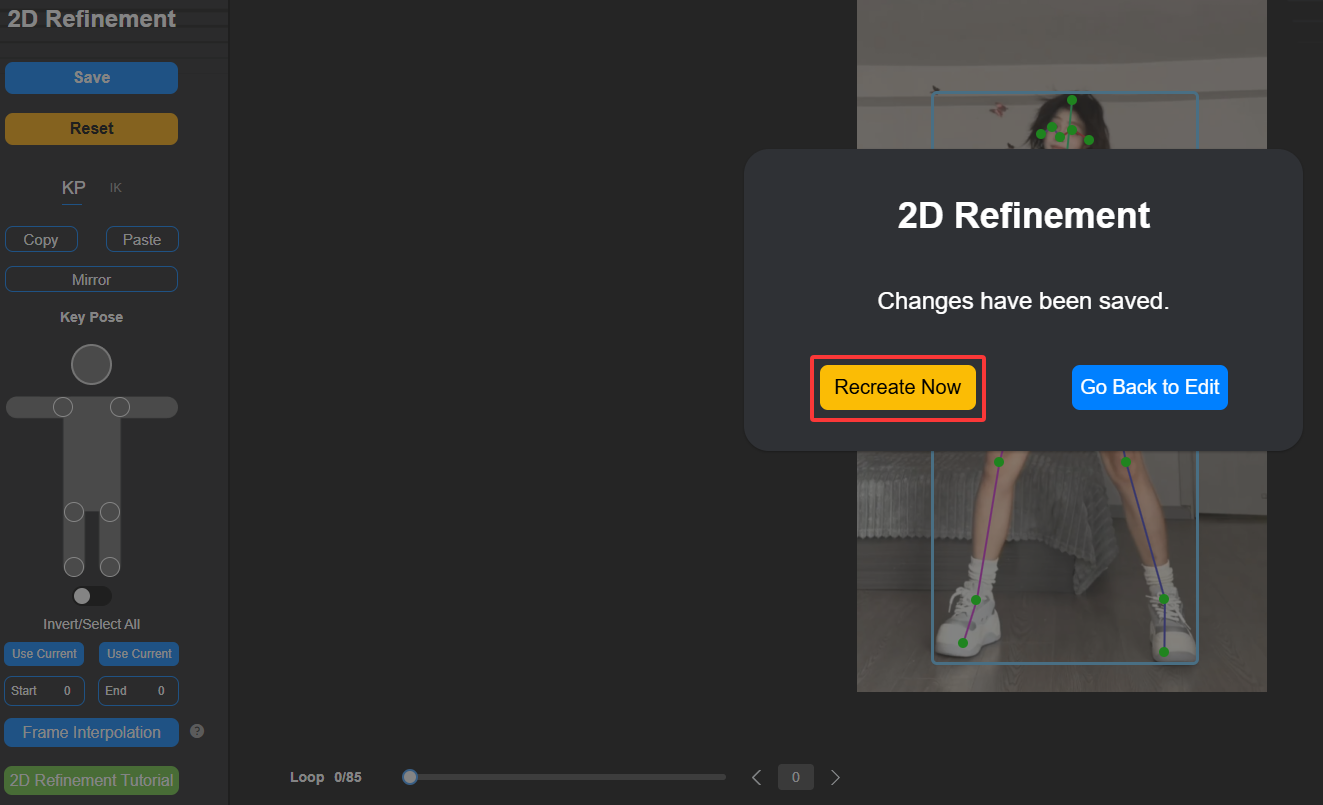
2. Sync 2D refinements to 3D motion
After completing the 2D correction, click “Save and Create”, then click “Generate New Motion”. The updated data will be synced to the new video / motion output.
3. Upper body + facial expression + hand gesture capture
This feature is supported. Please select Girl / Boy / VMD format to use it.
4. Preview video and mocap data
The mocap module does not support preview video download. Only mocap data files are available for download.III.
III. Basic FAQ
1. Can I upload my own character model?
Not supported at the moment. This feature is already included in our development plan.2. Can I generate multiple animation formats from the same video by adjusting settings repeatedly?
Currently, generated results cannot be modified after creation. You will need to re-upload the video and process it again. The new version of the website will include features such as format switching.3. How does the OnlyFace feature work?
OnlyFace is based on ARKit’s 52 blendshapes. It captures facial deformation data and can transfer that data to other models that also support the same 52 blendshapes.
4. What are the cloud storage rules for projects?
For free users and users whose membership has expired, projects are stored in the cloud for 15 days. After that, they enter the deletion process and will be permanently deleted 7 days later.
5. What is required before using motion data?
The character model must be properly rigged with a skeleton before the generated mocap data can be retargeted to it.
Thank you for supporting and trusting QuickMagic. We’ll continue to improve to deliver a better experience and higher-quality service.