Dear Users,

We are excited to announce that new features and optimizations have been launched to enhance your experience on QuickMagic.

Version: V 1.3.2.2

Release Date: July 24, 2025

I. New Features

1. New Format Added: UE5.6 is now Available

A new format compatible with Unreal Engine 5.6 has been released and is now ready for use.


2. Core Function Upgrade

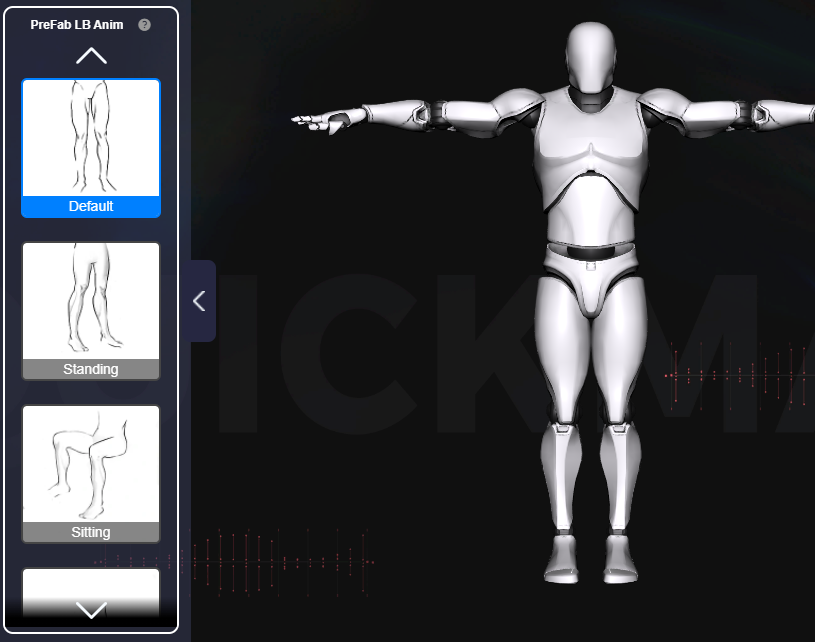
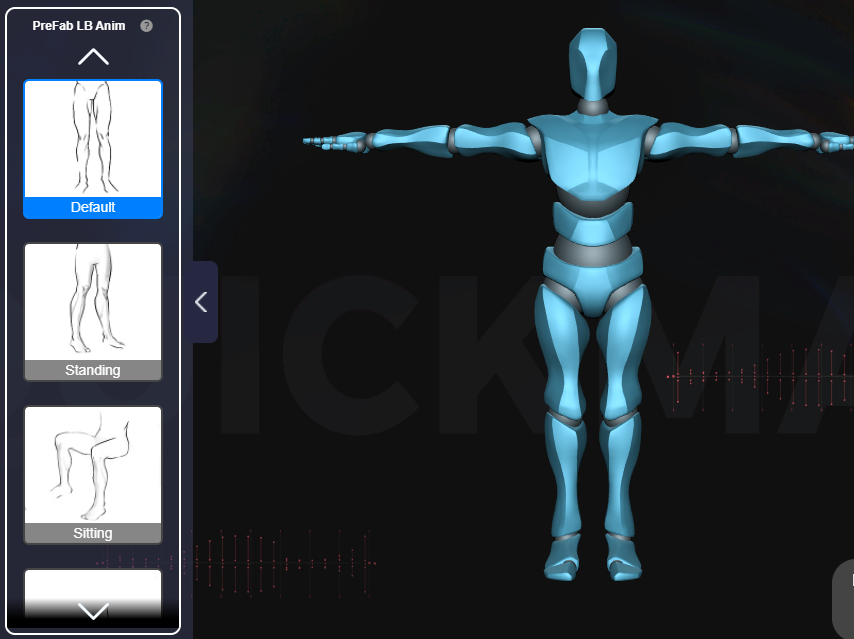
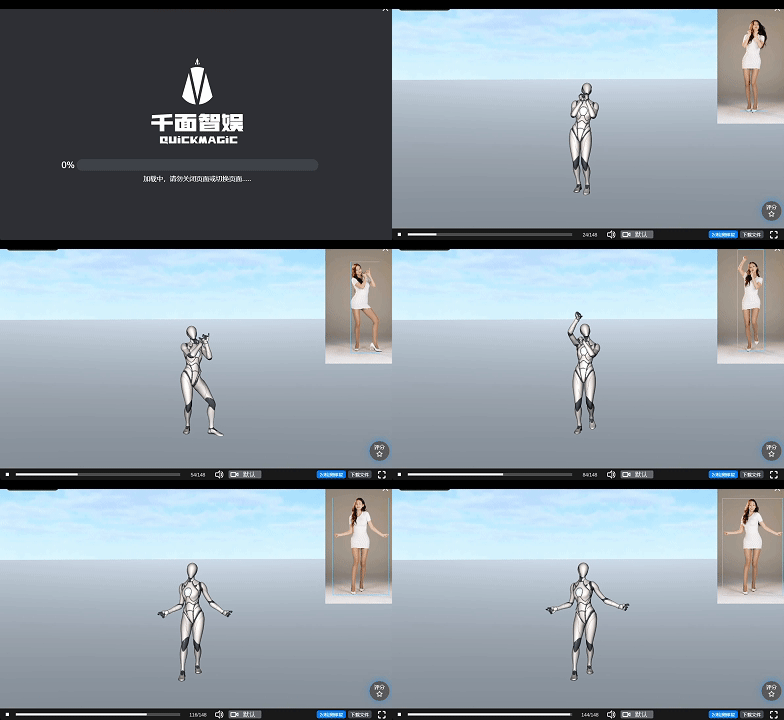
We have added new options for half-body scenes and lower-body pose selection across several formats, including:

· Mixamo

· Unreal Engine 4 (UE4)

· Unreal Engine 5.5 (UE5.5)

· Unreal Engine 5.6 (UE5.6)

· Roblox R15

· iClone

· Cinema 4D (C4D)


II. Optimizations and Bug Fixes

1.System and Feature Optimizations

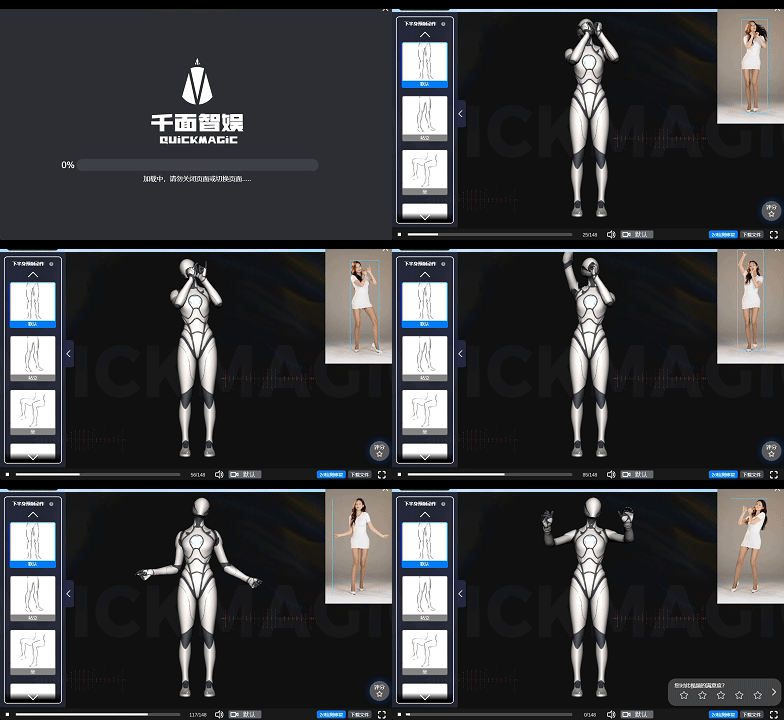
· Reduced loading time for the motion preview interface.

· Automatically trim long video uploads to match your account's allotted length.

· Optimized "Boy" model weights.

2. Bugs Fixes:

This update primarily addresses several functional bugs to enhance your motion capture experience. Here's what's been fixed:

Character Performance Issues Resolved:

Fixed bugs in the Girl and Boy half-body with facial capture pipeline.

Re-textured files for the Girl and Boy half-body with facial capture pipeline.

Restored missing textures for the Girl's hair.

Optimized Limb Motion Capture Effects:

Fixed abnormal 360° arm rotation.

Resolved the Roblox half-body capture bug.

Addressed issues with abnormal leg rotation.

Functional Usage Issues Handled:

Fixed the black screen bug reported by users when uploading videos.

Resolved the detection box - character tracking bug.

Optimized the issue of preview image loading failures after creation, ensuring a smoother motion capture creation and viewing experience.

III. Additional Notes


1.Multi-Format Texture Binding Notice:

· Girl/Boy Formats: After importing, users must manually redirect decal paths to the target folder.

· UE4/UE5 Formats: Requires official humanoid packages to be pre-installed in your project before import.

2.Compatibility Reminder:

Some UI adjustments may affect older cached versions. We recommend clearing your browser cache or restarting the application after updating.


Thank You for Your Support!


Should you encounter any issues or have feature requests, please don't hesitate to contact our team at vposeai@lmdgame.com. We're continuously optimizing the product experience, and future versions will introduce more motion capture features and performance upgrades, so stay tuned!