



Record Clear Hand Motion
Use 1080p or higher when possible. Keep hands large in frame, evenly lit, sharp, and visible throughout the performance.
Capture wrist, hand, and finger movement from a single video for expressive 3D character animation. No tracking gloves, reflective markers, wearable sensors, or multi-camera studio required.
Try Now →Hand Tracking AI uses computer vision and machine learning to estimate the position and motion of wrists, hands, and individual fingers from ordinary video. The result can drive expressive hand animation on compatible digital characters.
QuickMagic includes hand and finger-level capture within supported motion-capture workflows. Because hands occupy fewer pixels than the body, resolution, lighting, camera distance, finger visibility, and motion blur have a particularly strong effect on usable detail.
Record visible hand movement, enable the supported hand-tracking workflow, then review and export editable animation.
Use 1080p or higher when possible. Keep hands large in frame, evenly lit, sharp, and visible throughout the performance.

Upload the footage, choose the performer and enable hand tracking with the appropriate body, camera, and frame-rate settings.

Inspect finger articulation, correct occluded or blurred frames when needed, then export motion for your character pipeline.
QuickMagic analyzes hand landmarks across time and turns recorded gestures into reusable animation data. Combine captured finger motion with body and facial movement for a more complete digital performance.
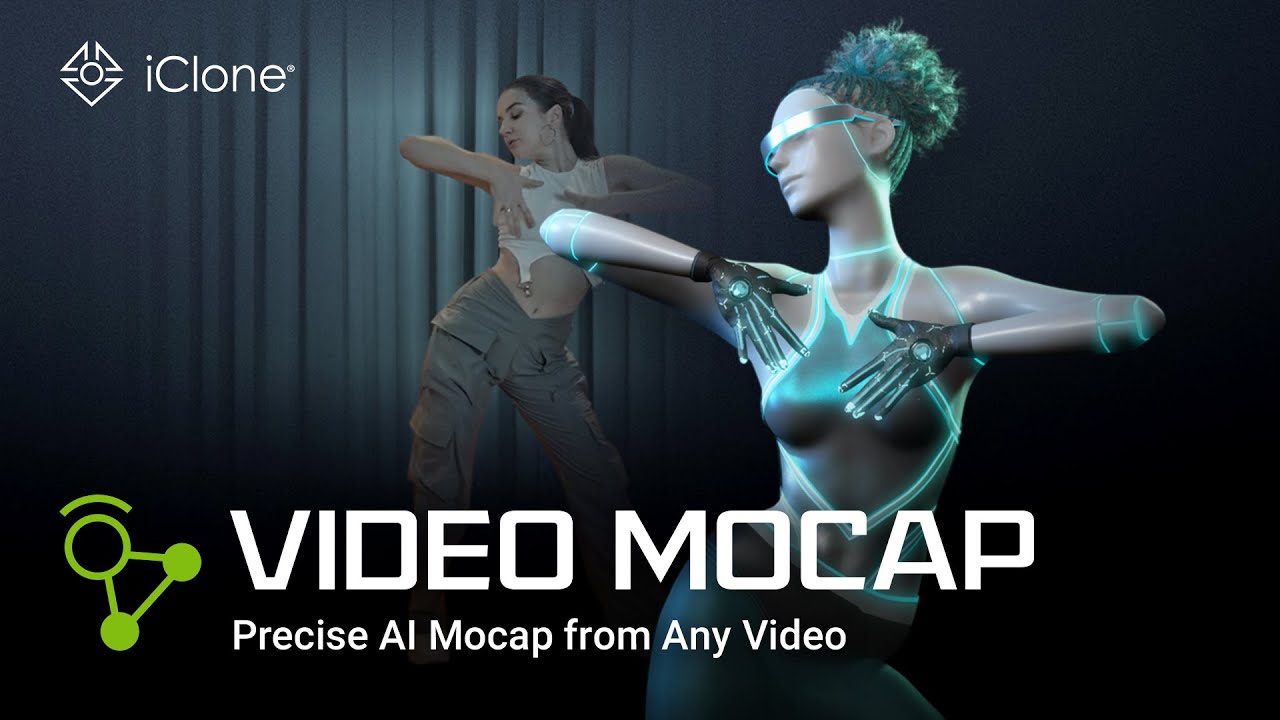
Record gestures, finger curls, pointing, waving, dance details, acting beats, and object-free hand performances with an ordinary phone, webcam, DSLR, or camera.
Use supported body, hand, and facial motion options to preserve more of the original performance in character animation, VTuber content, digital humans, games, and virtual production.

Keep hands close enough to occupy useful pixels, avoid severe backlighting, reduce fast motion, limit finger overlap, and prevent hands from disappearing behind the body or props.
Review and refine exported animation in compatible tools such as Blender, Unreal Engine, Unity, Maya, 3ds Max, MotionBuilder, Cascadeur, iClone, and MikuMikuDance.
Explore captured gestures, finger articulation, combined performance motion, character retargeting, dance animation, and cleanup workflows.
Hand Tracking AI uses computer vision to estimate wrist, hand, and finger movement from video and convert it into digital motion data for supported 3D workflows.
QuickMagic supports hand and finger-level motion capture in supported workflows. Usable detail depends on resolution, visibility, motion blur, and occlusion.
No. QuickMagic can estimate hand motion from ordinary RGB video without tracking gloves, reflective markers, or wearable sensors.
Use 1080p or higher when possible, keep hands large and sharp in frame, provide even lighting, and avoid fast movement that creates motion blur.
Brief overlap may be recoverable, but prolonged self-occlusion, crossed hands, hidden fingers, or hands leaving the frame can reduce accuracy and require cleanup.
QuickMagic provides body, hand, and facial motion options for supported workflows, allowing a performance to include multiple layers of motion.
Common uses include character animation, gestures, sign-like performances, dance, acting, VTuber content, digital humans, games, and virtual production.
Yes. Exported animation can be reviewed, cleaned, retargeted, and refined in compatible 3D animation software.
QuickMagic supports formats and presets for Blender, Unreal Engine, Unity, Maya, 3ds Max, MotionBuilder, iClone, MMD, and other tools. Availability varies by workflow.
Hand size in frame, resolution, lighting, motion blur, finger visibility, self-occlusion, camera angle, and the selected workflow all affect the result.

Generate editable 3D motion from a natural-language action, pose, or performance prompt.
Learn More →
Generate human-motion data for humanoid simulation and behavior design.
Learn More →Capture precise full-body movement from ordinary video without suits or sensors.
Learn More →Capture full-body and upper-body movement from ordinary video without suits or sensors.
Learn More →


