Features
Learning
Docs
Pricing
EN
Sign in
Sign up
Pricing Plans
Flexible options for creators and teams
API
Scale video creation with developer access
Getting Started
Understand how AI mocap works, record a trackable performance, and complete your first QuickMagic video-to-animation workflow.
Start Creating 3D Motion
Latest
Popular
QuickMagic
2026/09/18
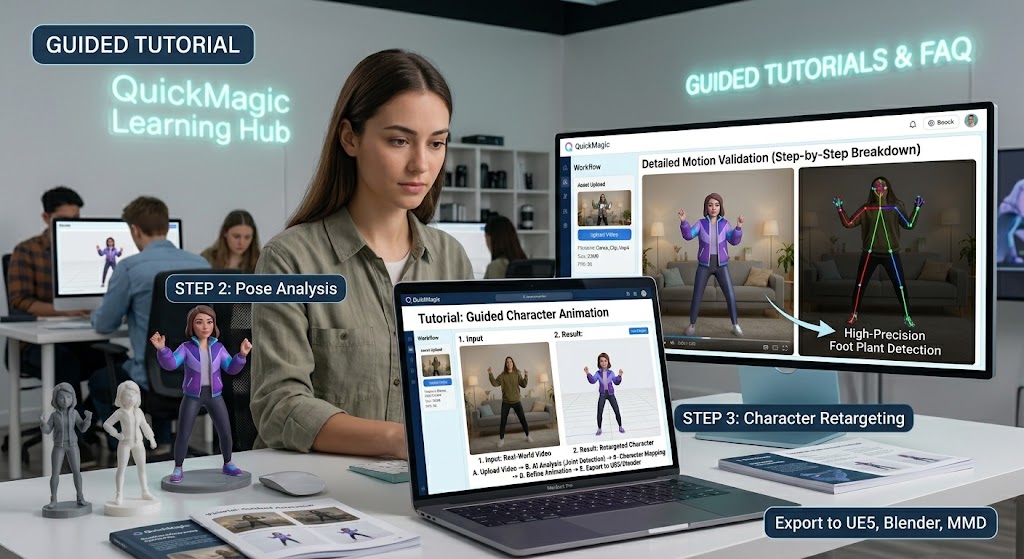
How to Edit Motion Data by Chatting in Motion Editor
# Tutorials
QuickMagic
2026/08/11
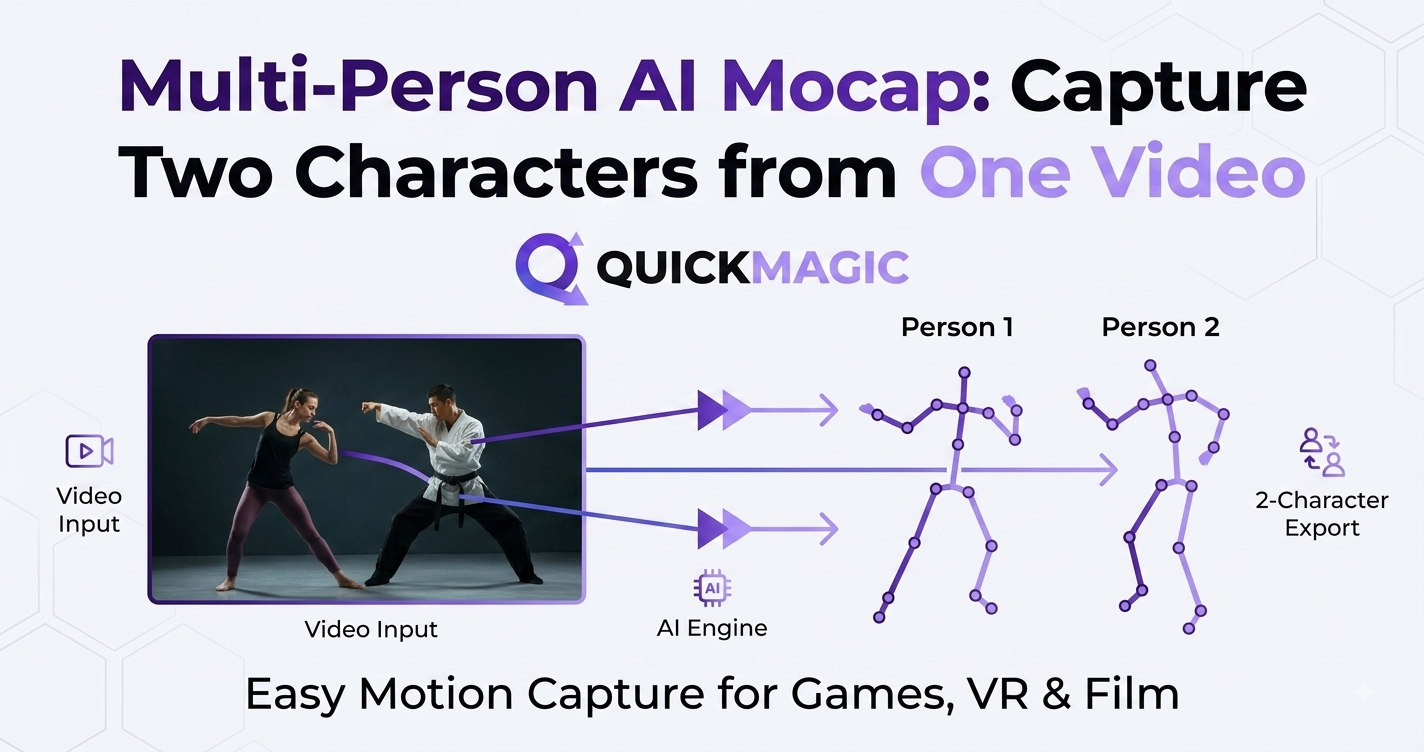
Multi-Person AI Mocap: Capture Two Characters from One Video
# Tutorials
QuickMagic
2026/08/11
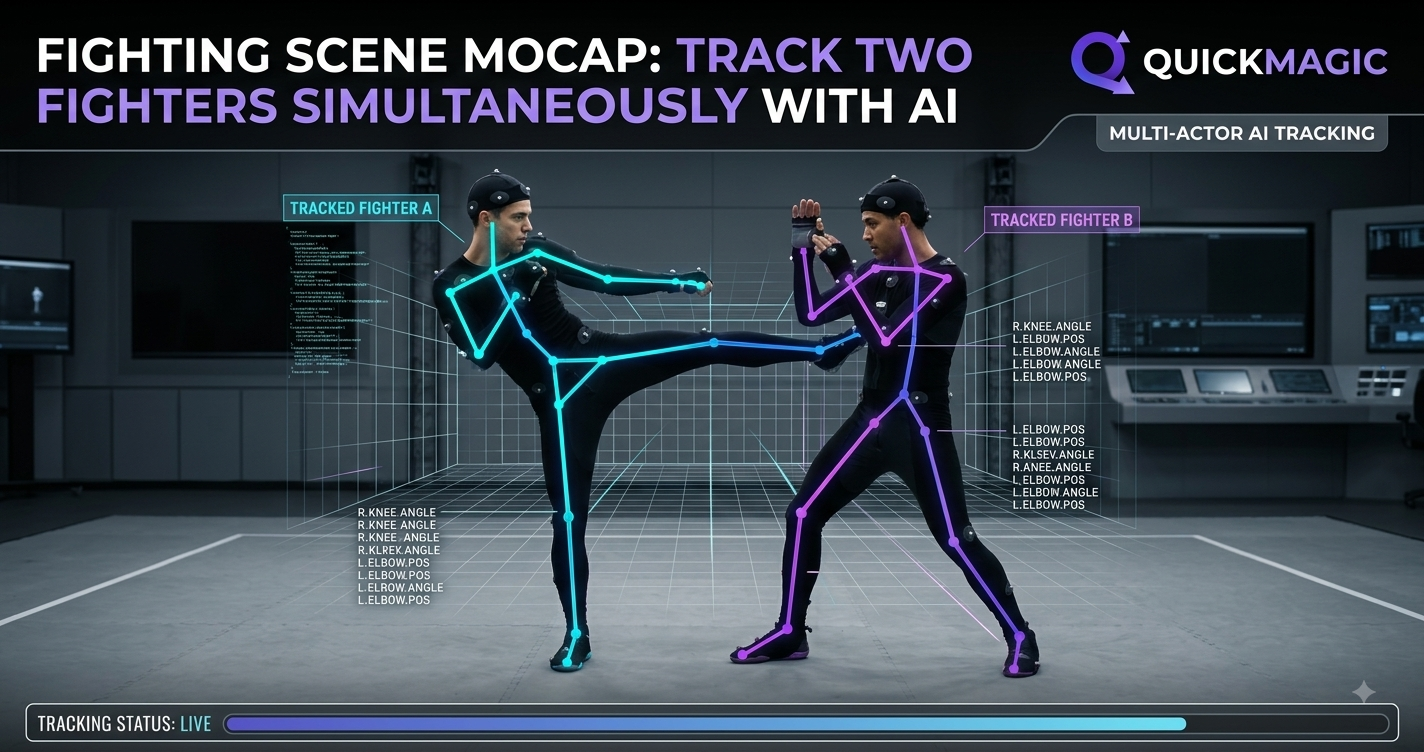
Fighting Scene Mocap: Track Two Fighters Simultaneously with AI
# Tutorials
QuickMagic
2026/08/10
Single vs Multi-Person Mocap: When You Need Both
# Tutorials
QuickMagic
2026/08/07
Holistic AI Tracking for Robotics: Human Reference Motion Data
# Tutorials
QuickMagic
2026/08/06
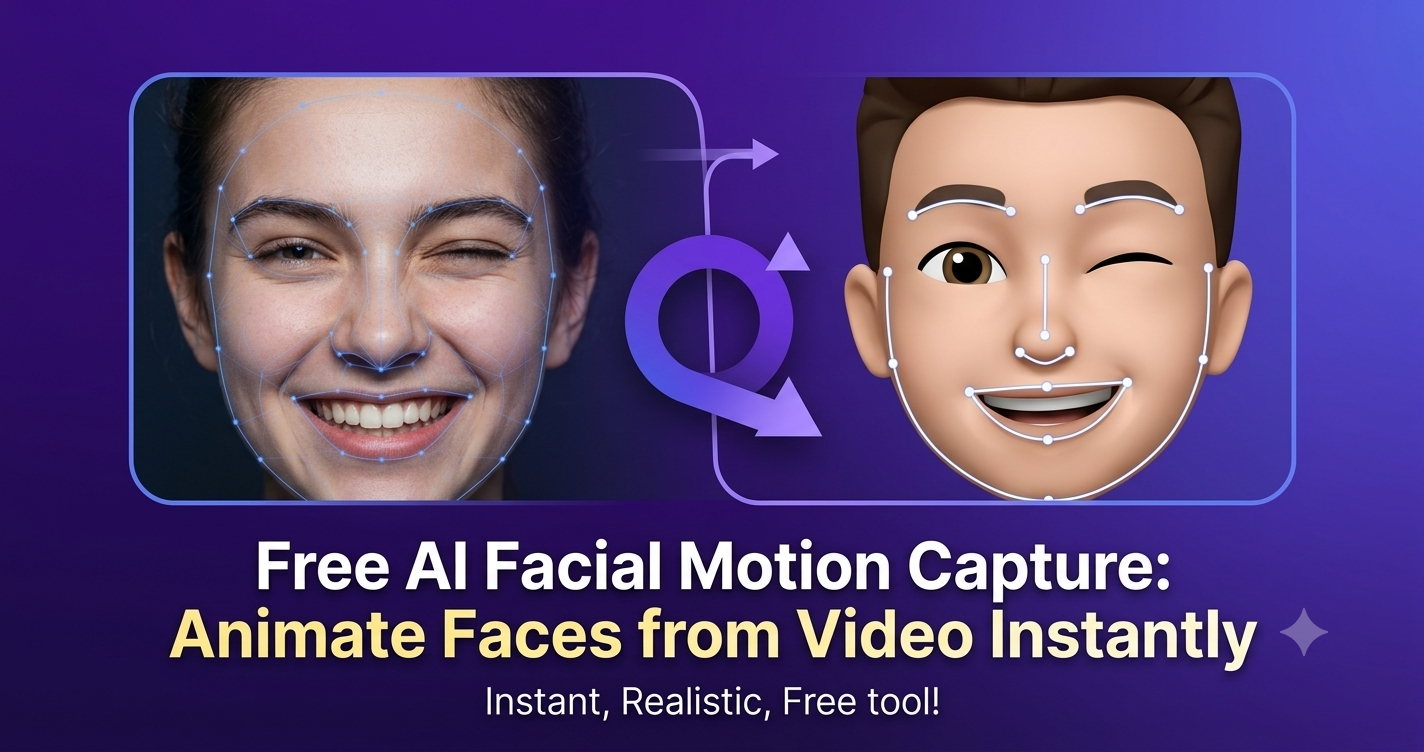
Free AI Facial Motion Capture: Animate Faces from Video Instantly
# Tutorials
QuickMagic
2026/08/05
Hand Tracking vs Hand Keyframing: Save 80% Animation Time
# Tutorials
QuickMagic
2026/08/05
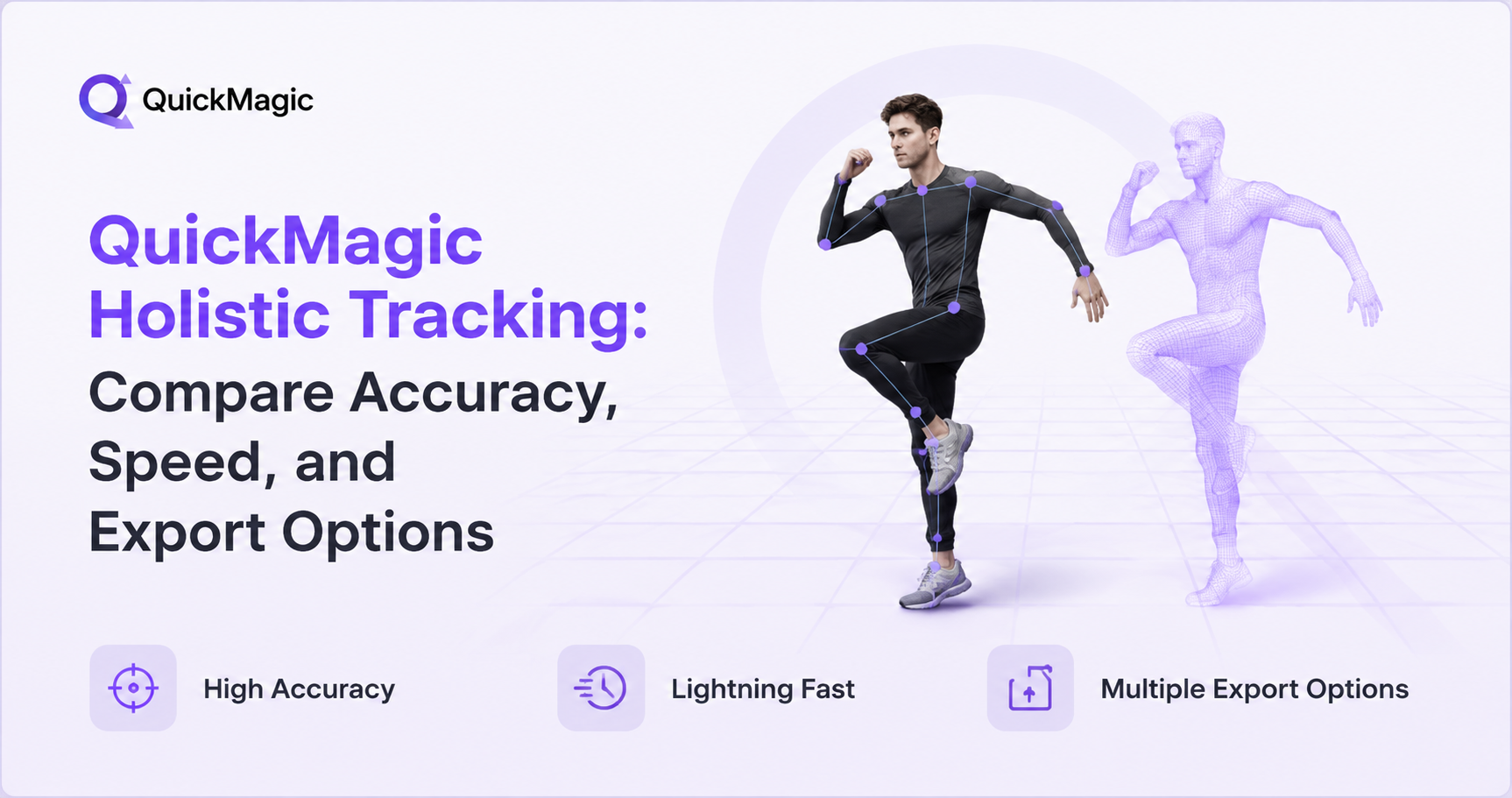
QuickMagic Holistic Tracking: Compare Accuracy, Speed, and Export Options
# Tutorials
QuickMagic
2026/08/04
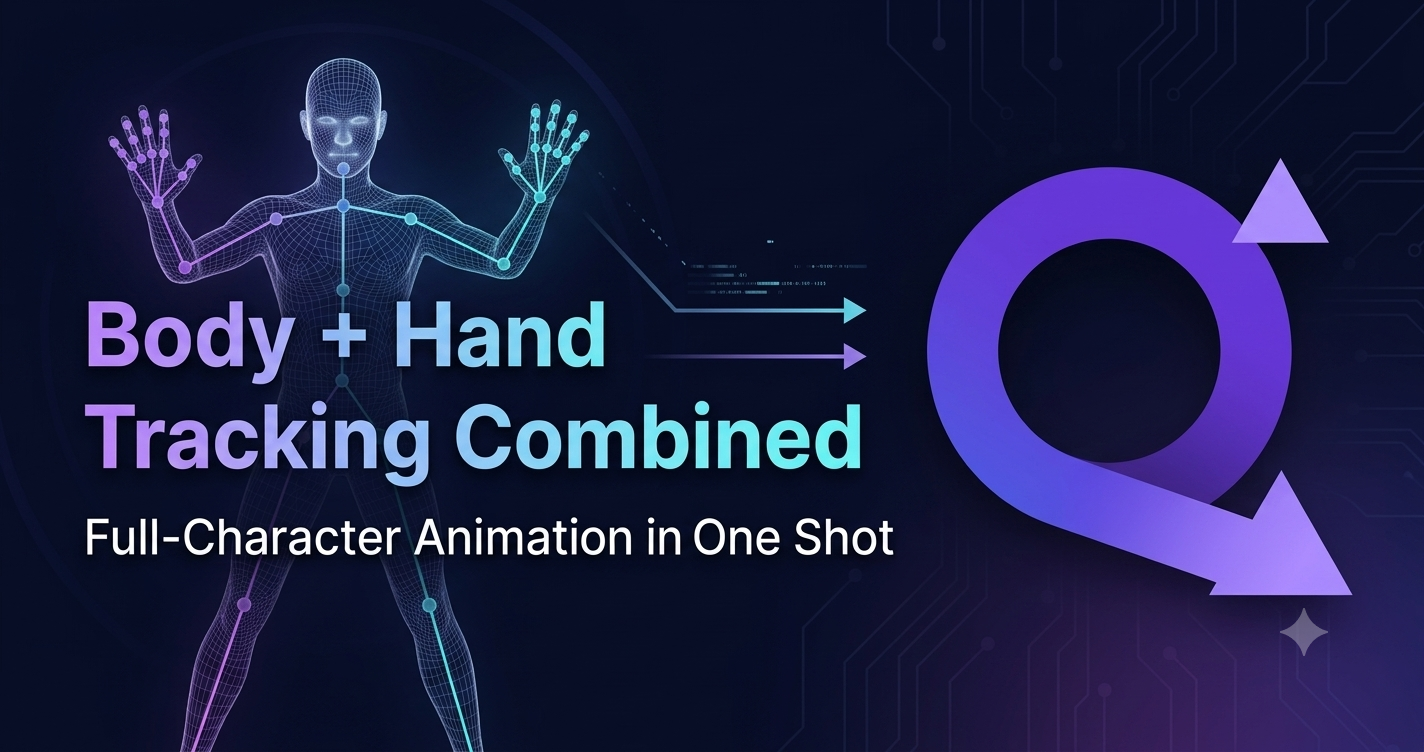
Body + Hand Tracking Combined: Full-Character Animation in One Shot
# Tutorials
QuickMagic
2026/08/04
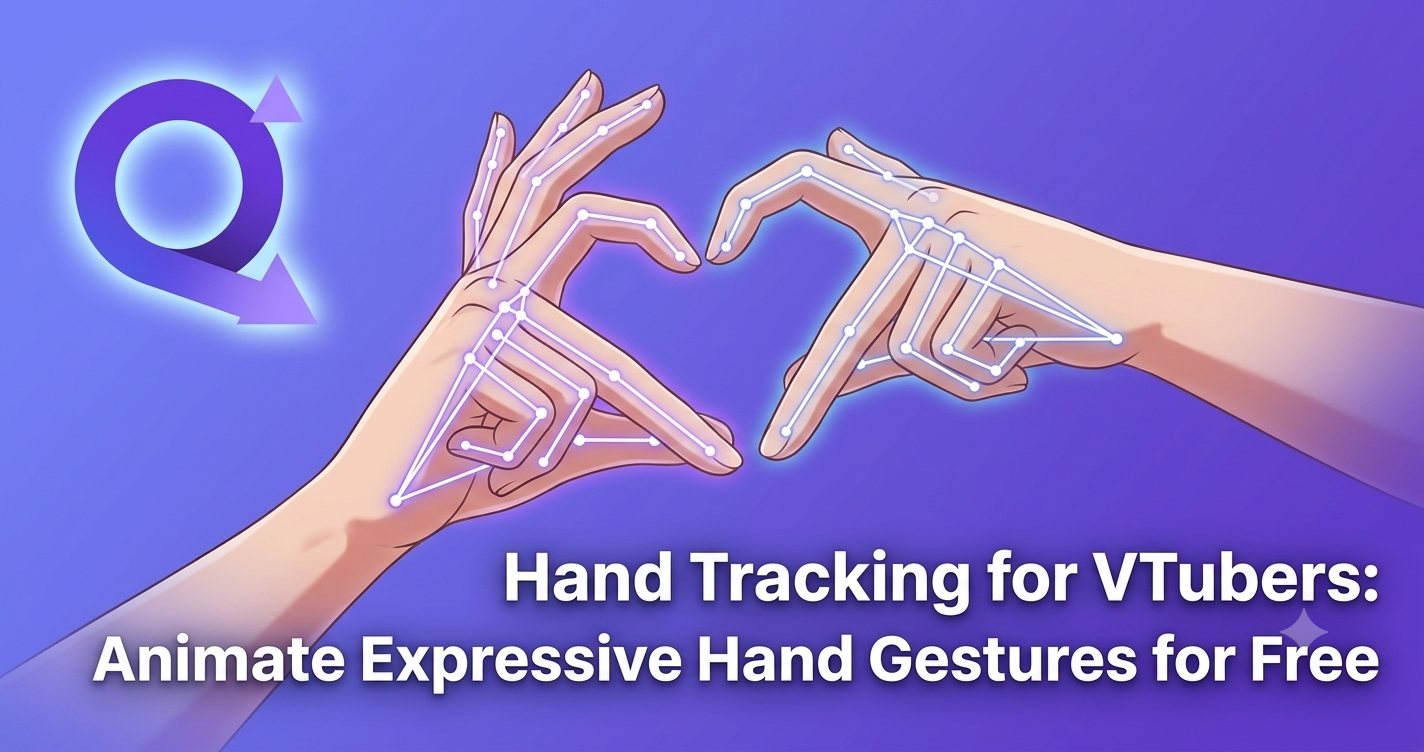
Hand Tracking for VTubers: Animate Expressive Hand Gestures for Free
# Tutorials





 2026/09/18
 2026/08/11
 2026/08/11
 2026/08/10
 2026/08/07
 2026/08/06
 2026/08/05
 2026/08/05
 2026/08/04
 2026/08/04