Features
Learning
Docs
Pricing
EN
Sign in
Sign up
Pricing Plans
Flexible options for creators and teams
API
Scale video creation with developer access
Getting Started
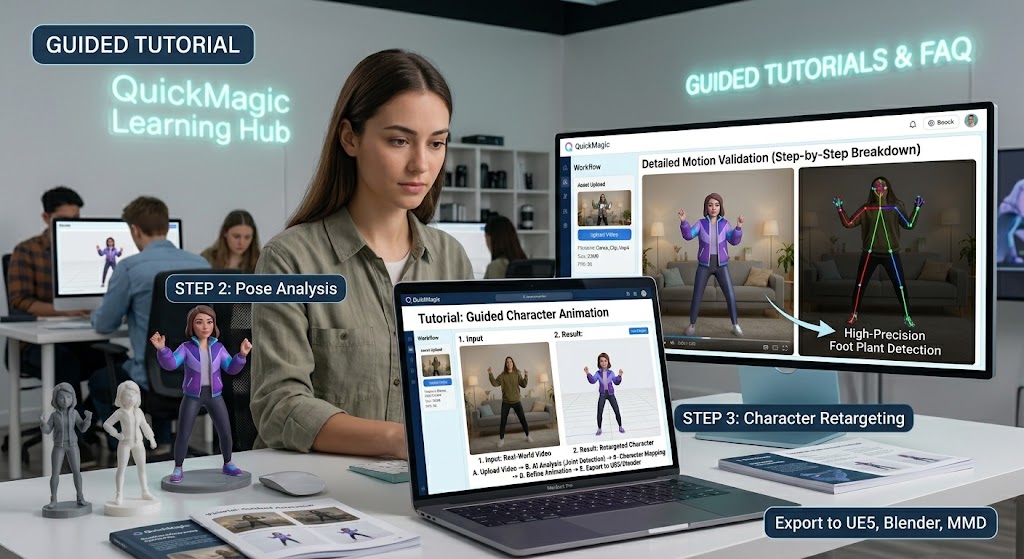
Understand how AI mocap works, record a trackable performance, and complete your first QuickMagic video-to-animation workflow.
Start Creating 3D Motion
Latest
Popular
QuickMagic
2026/07/30
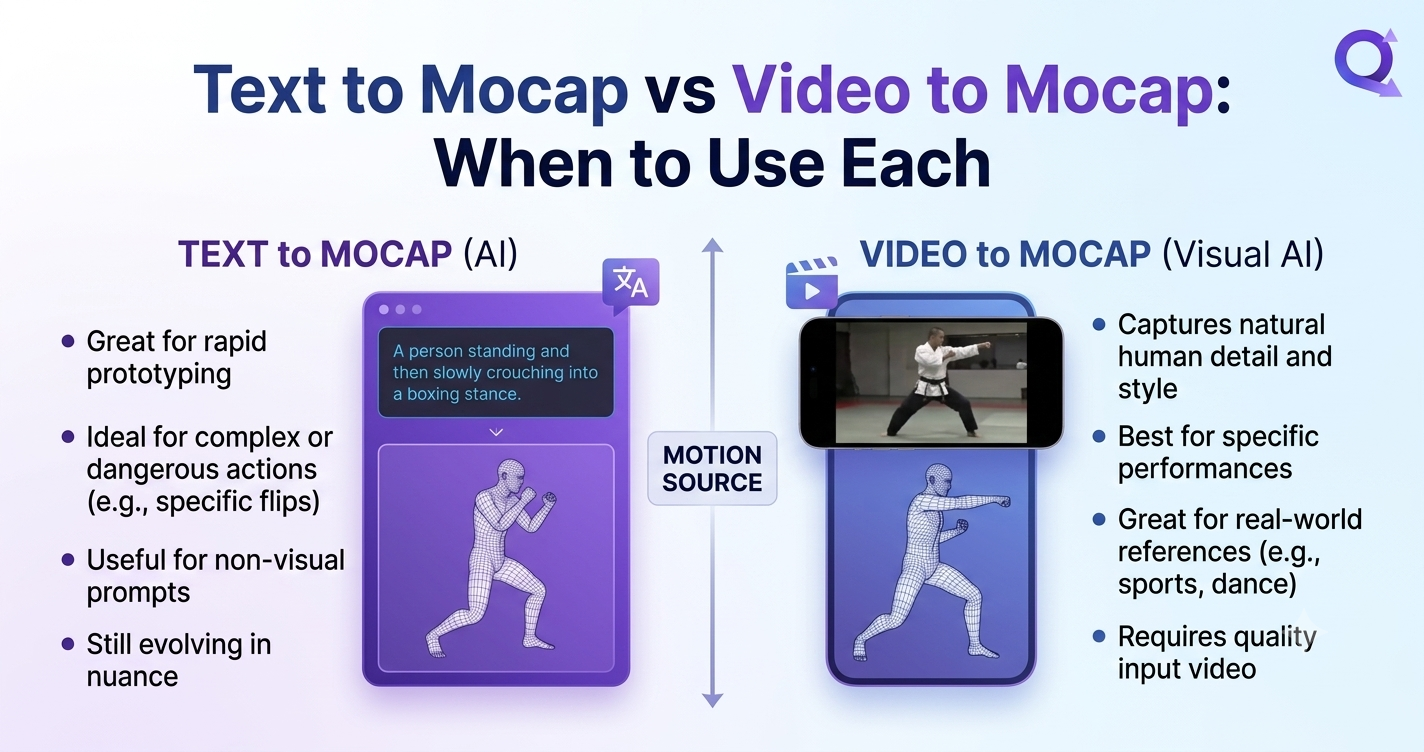
Text to Mocap vs Video to Mocap: When to Use Each
# Tutorials
QuickMagic
2026/07/29
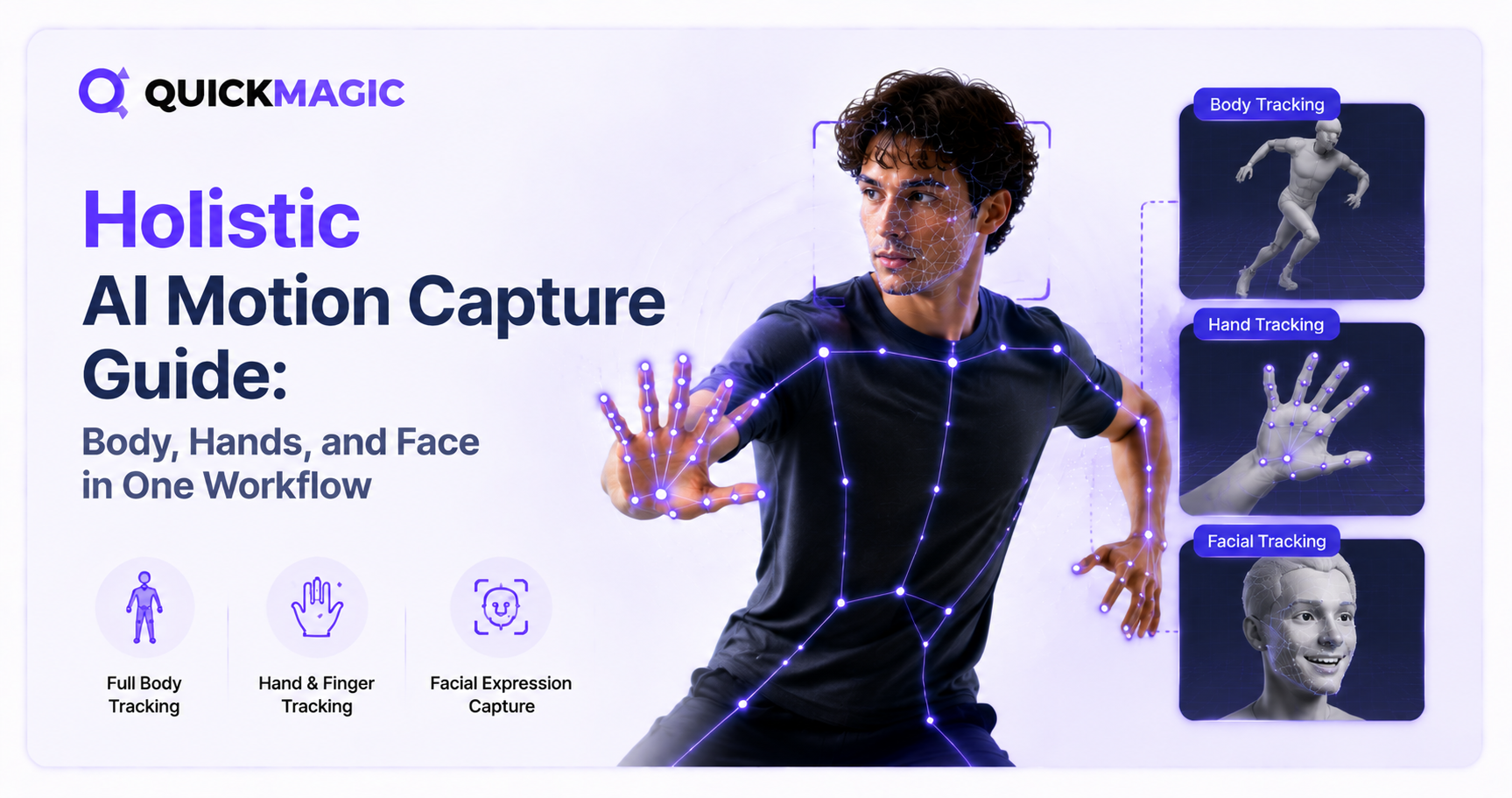
Holistic AI Motion Capture Guide: Body, Hands, and Face in One Workflow
# Tutorials
QuickMagic
2026/07/29
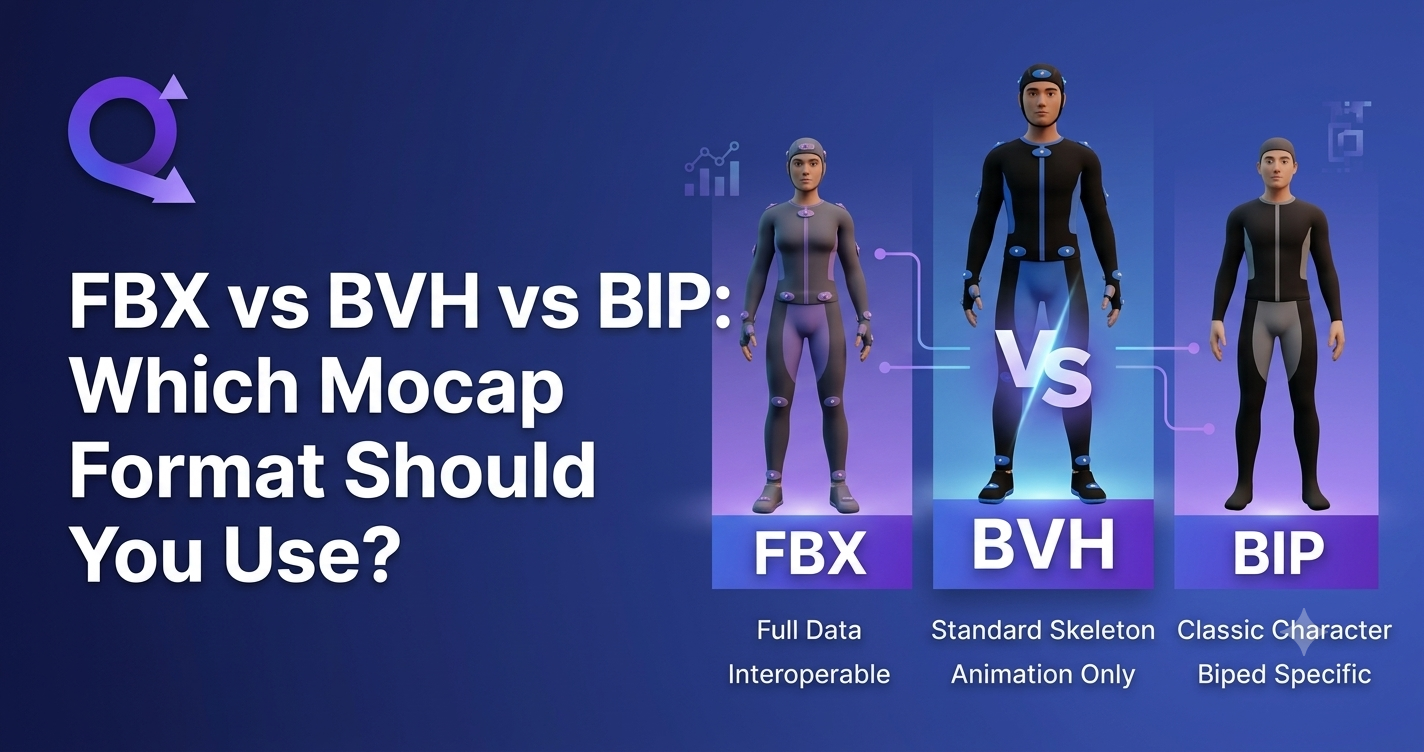
FBX vs BVH vs BIP: Which Mocap Format Should You Use?
# Tutorials
QuickMagic
2026/07/29
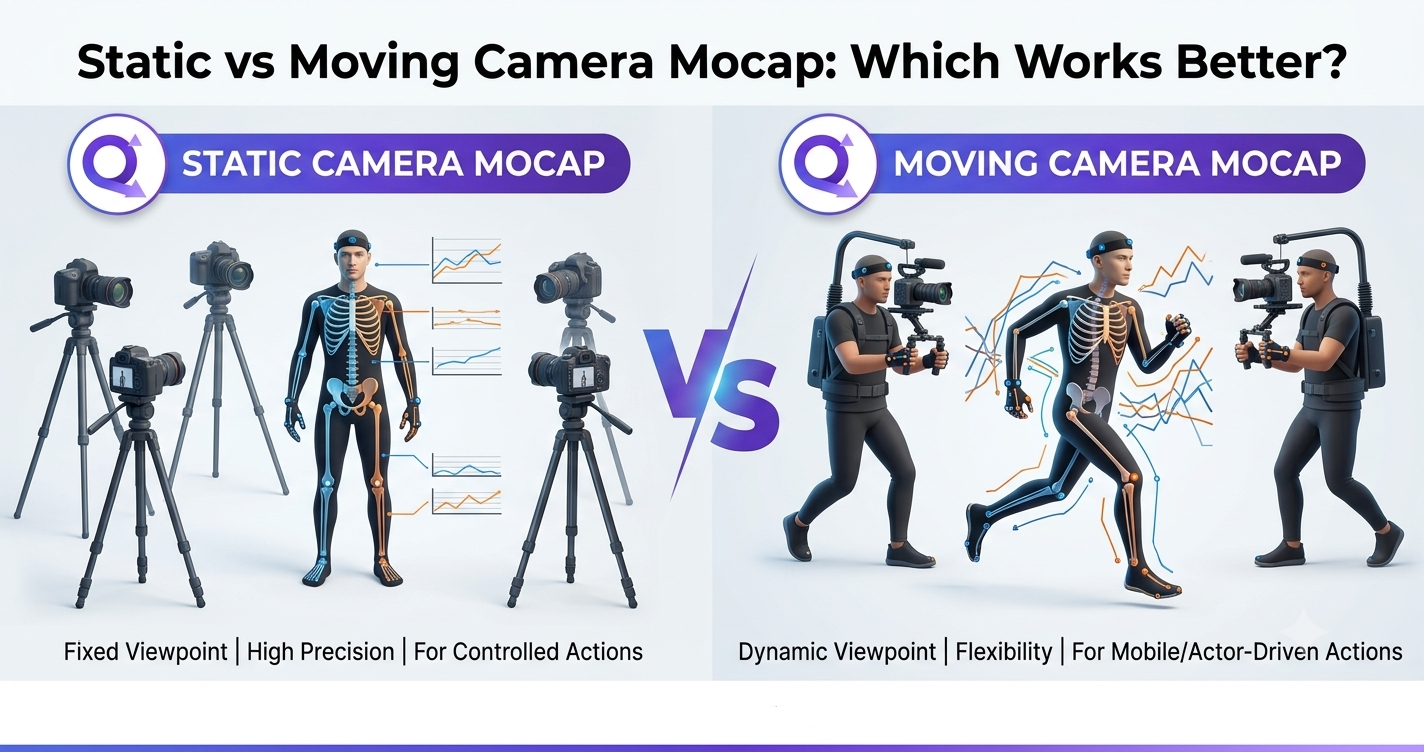
Static vs Moving Camera Mocap: Which Works Better?
# Tutorials
QuickMagic
2026/07/29
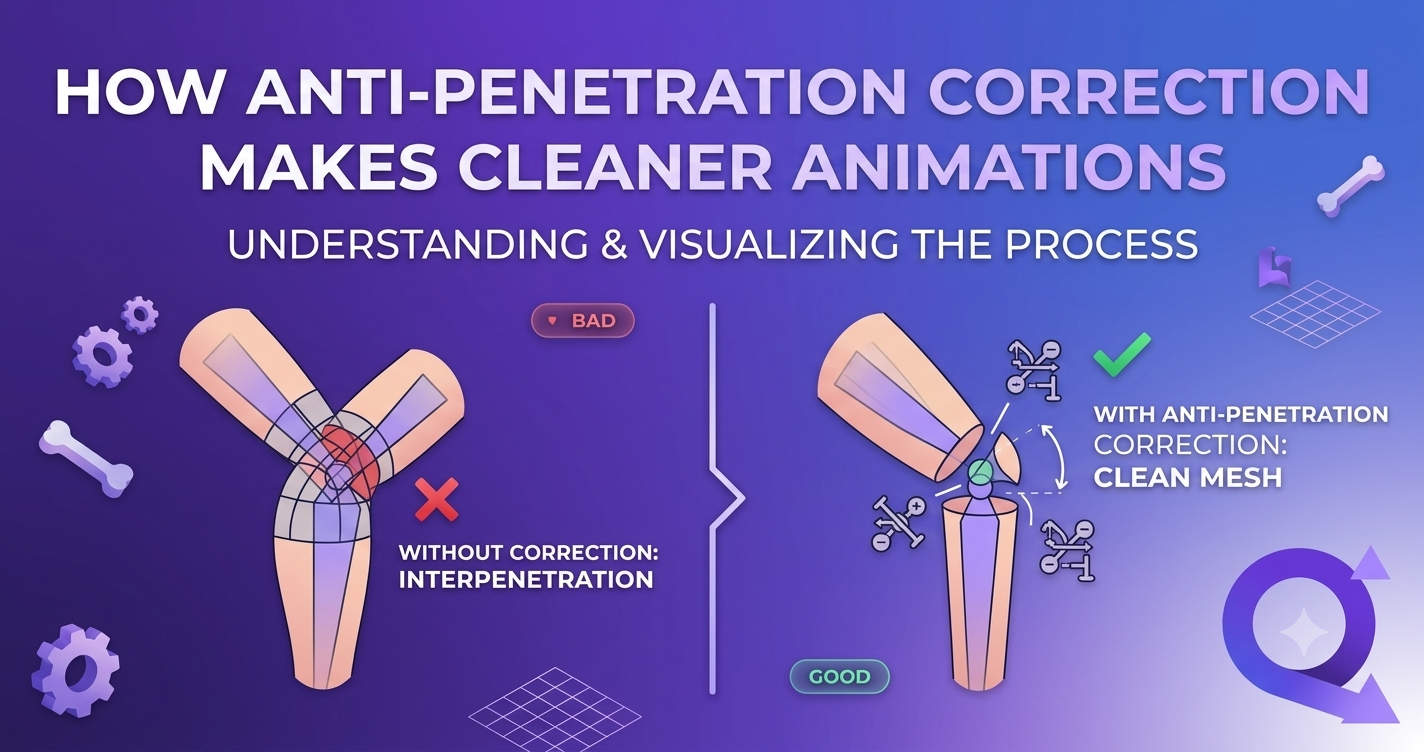
How Anti-Penetration Correction Makes Cleaner Animations
# Tutorials
QuickMagic
2026/07/28
Body + Hand + Face: Complete AI Performance Capture Pipeline
# Tutorials
QuickMagic
2026/07/27
Hand Tracking Accuracy: How AI Mocap Captures Finger-Level Detail
# Tutorials
QuickMagic
2026/07/27
Free AI Hand Motion Capture: Track Hand Gestures Without Sensors
# Tutorials
QuickMagic
2026/07/24
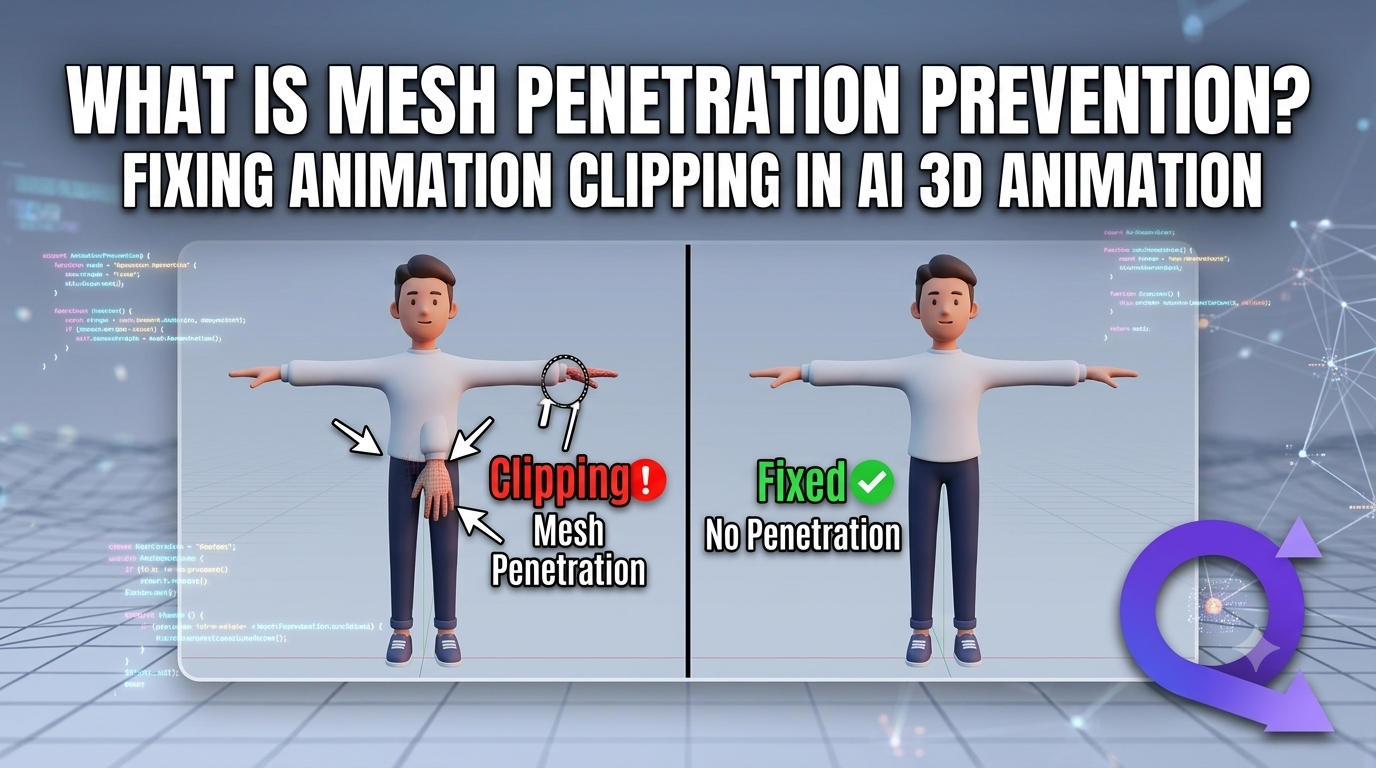
What Is Mesh Penetration Prevention? Fixing Animation Clipping in AI 3D Animation
# Tutorials
QuickMagic
2026/07/23
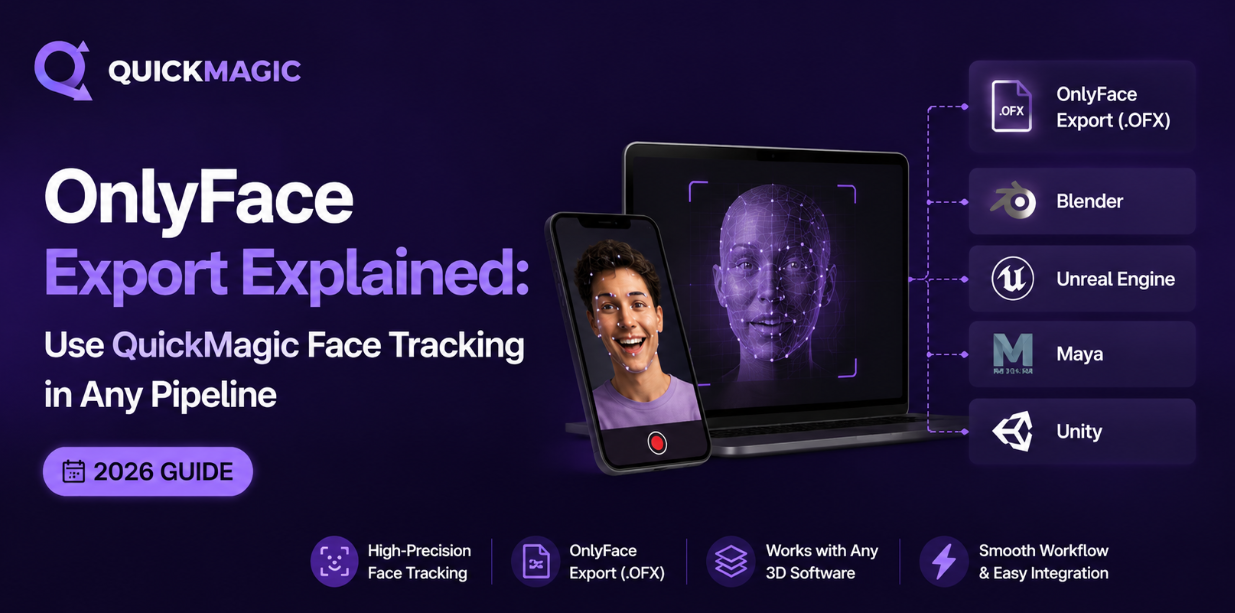
OnlyFace Export Explained: Use QuickMagic Face Tracking in Any Pipeline (2026)
# Tutorials





 2026/07/30
 2026/07/29
 2026/07/29
 2026/07/29
 2026/07/29
 2026/07/28
 2026/07/27
 2026/07/27
 2026/07/24
 2026/07/23