Features
Lernen
Dokumentation
Preise
DE
Login
Anmelden
Preispläne
Flexible Optionen für Creator und Teams
API
Skalieren Sie die Videoproduktion mit Entwicklerzugang
Getting Started
Verstehen Sie, wie KI-Mocap funktioniert, nehmen Sie eine trackbare Performance auf und schließen Sie Ihren ersten QuickMagic-Video-zu-Animation-Workflow ab.
3D-Bewegung erstellen
Neueste
Beliebt
QuickMagic
2026/07/29
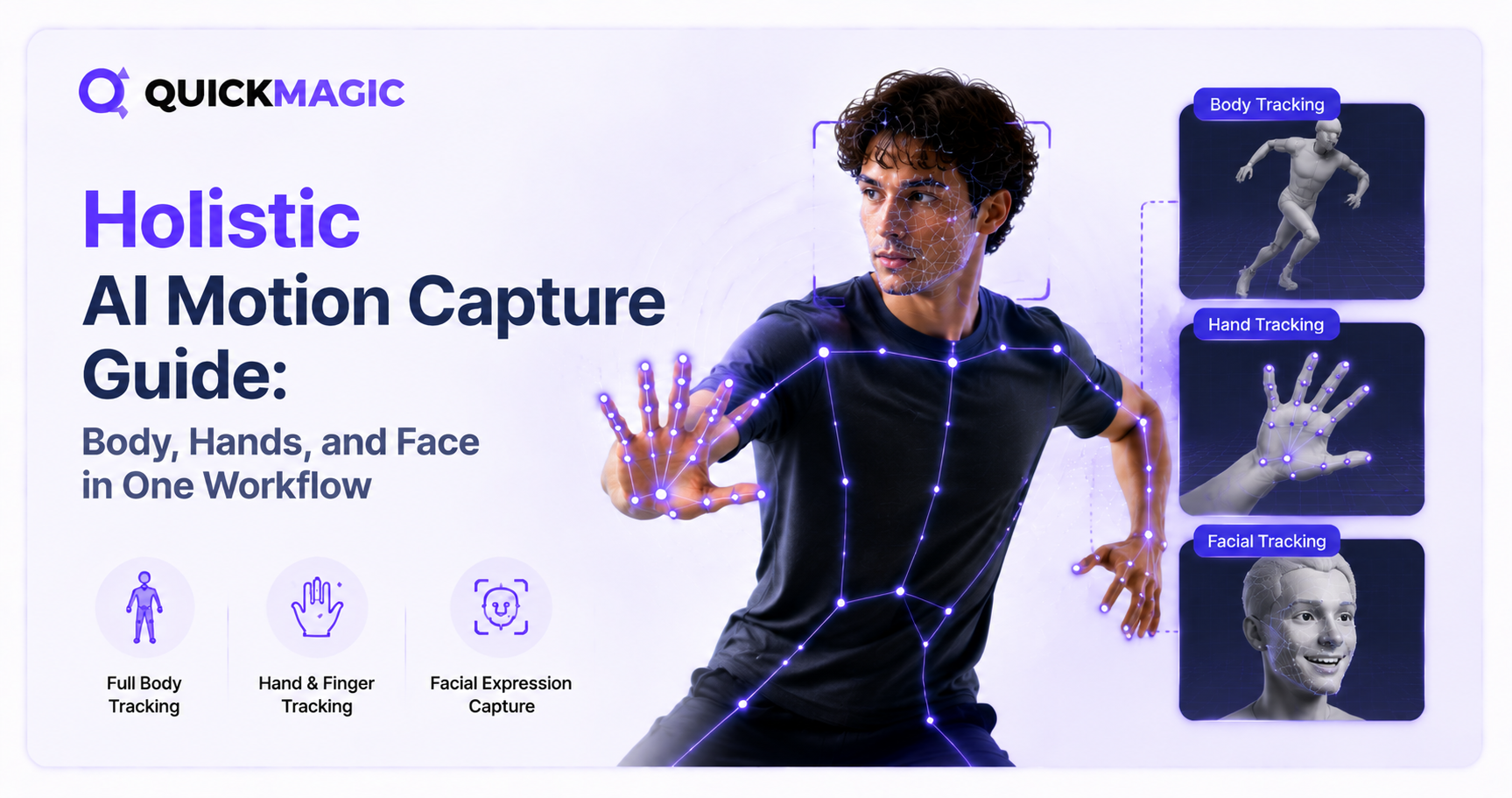
Holistic AI Motion Capture Guide: Body, Hands, and Face in One Workflow
# Tutorials
QuickMagic
2026/07/29
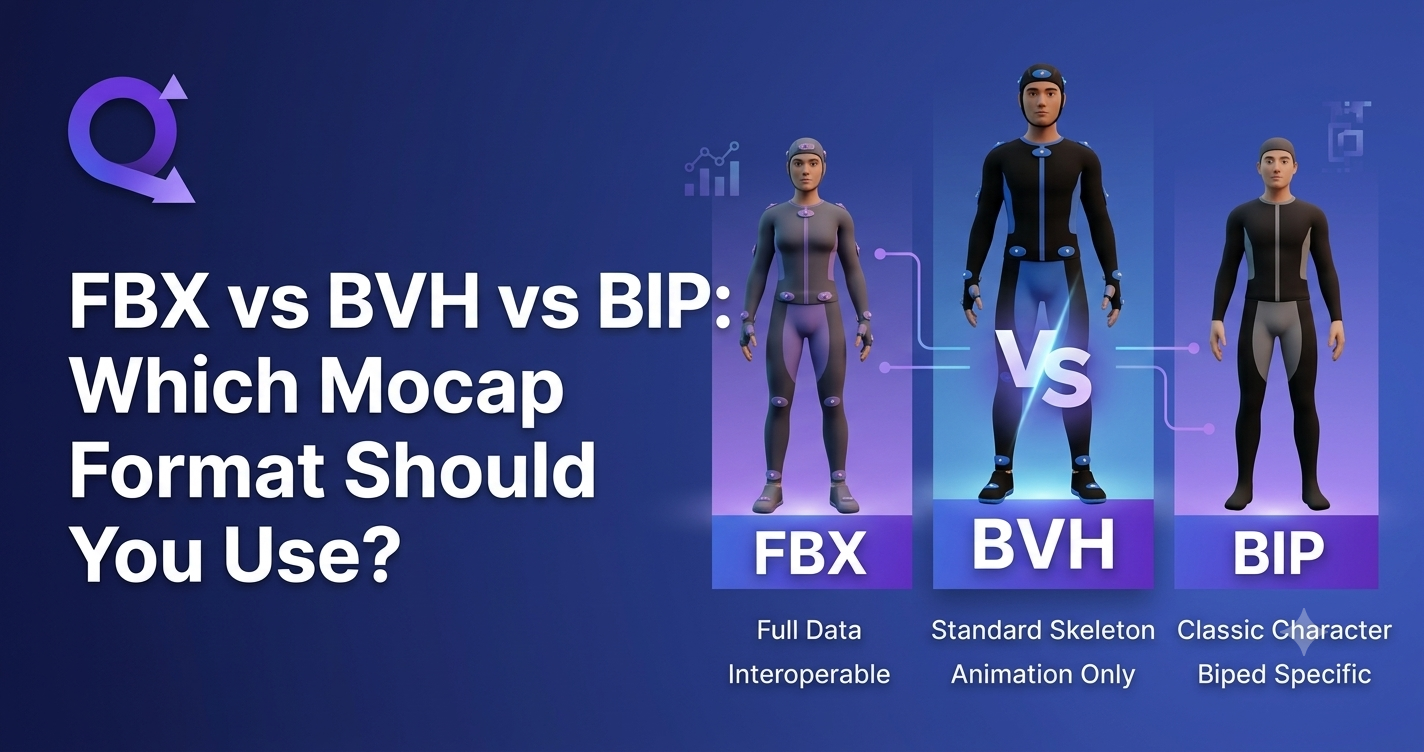
FBX vs BVH vs BIP: Which Mocap Format Should You Use?
# Tutorials
QuickMagic
2026/07/29
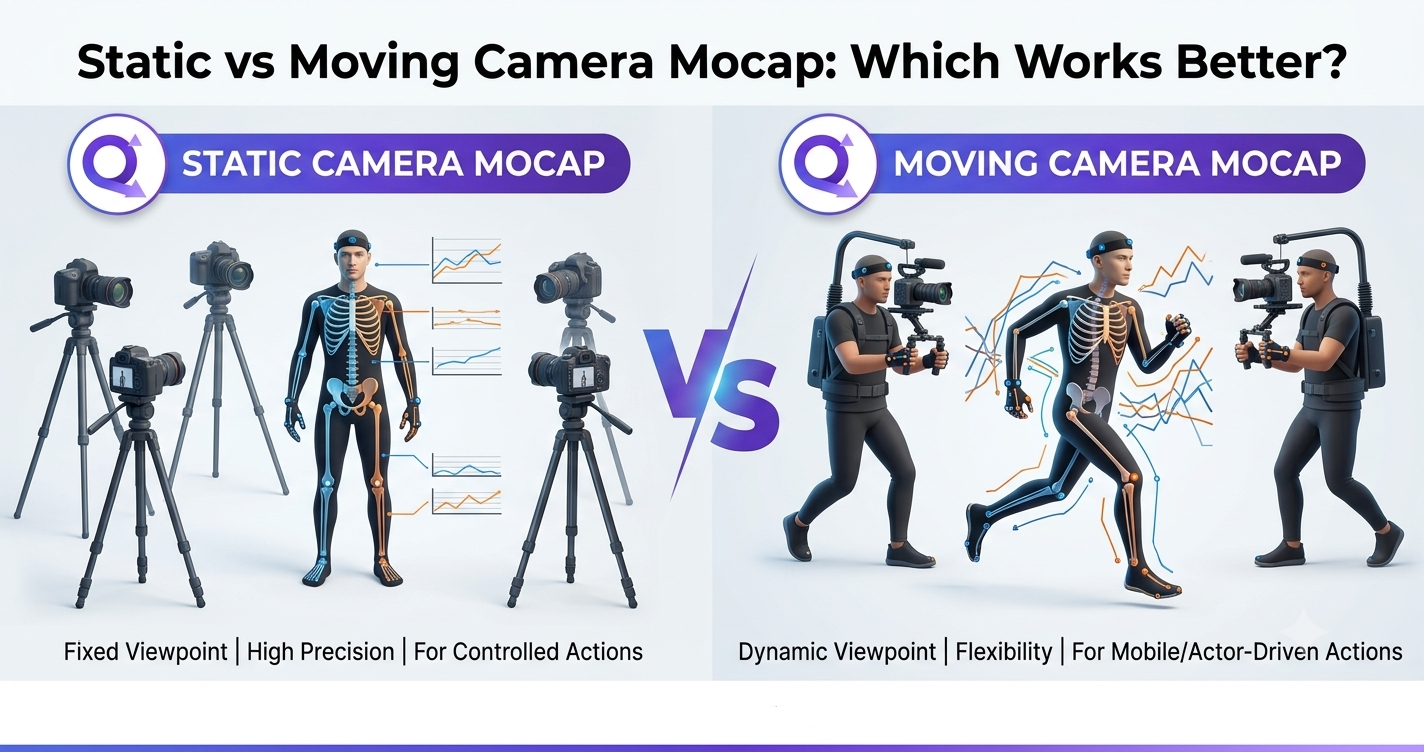
Static vs Moving Camera Mocap: Which Works Better?
# Tutorials
QuickMagic
2026/07/29
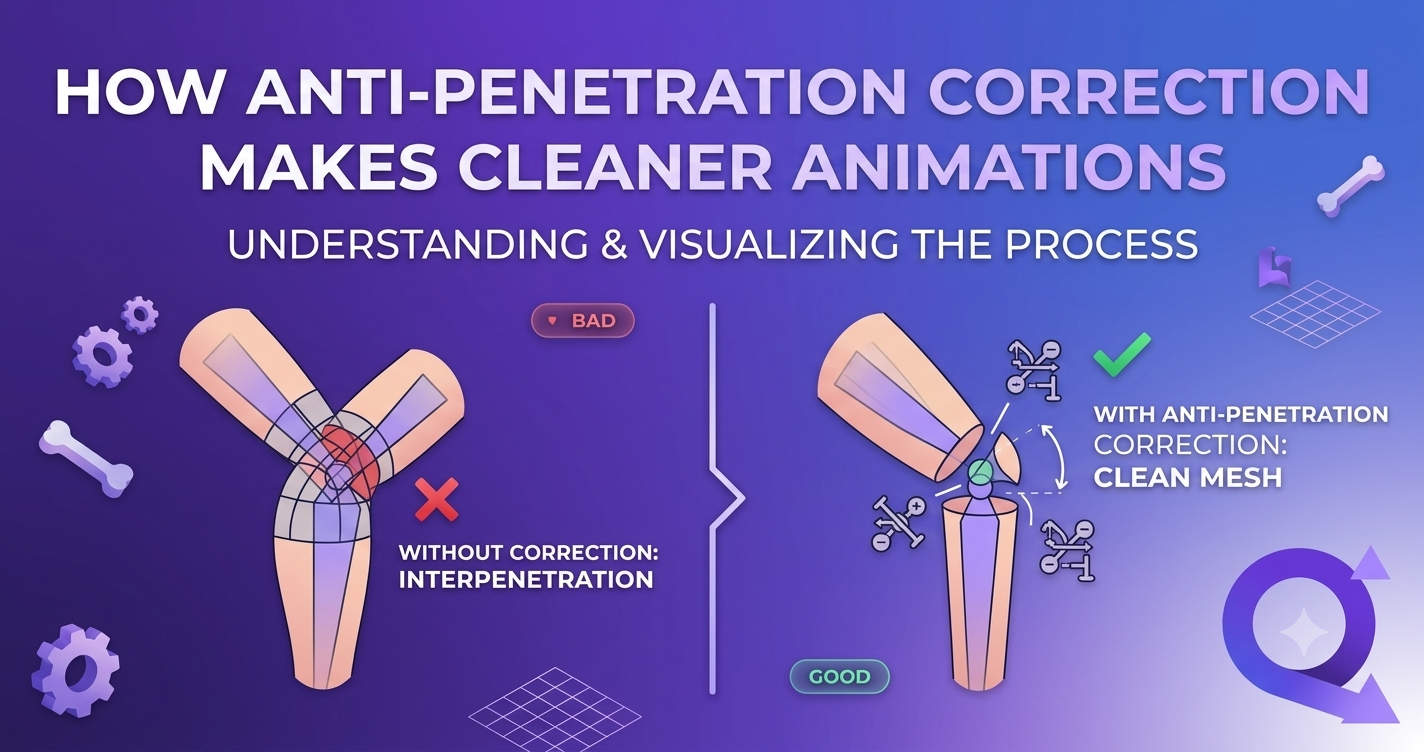
How Anti-Penetration Correction Makes Cleaner Animations
# Tutorials
QuickMagic
2026/07/28
Body + Hand + Face: Complete AI Performance Capture Pipeline
# Tutorials
QuickMagic
2026/07/27
Hand Tracking Accuracy: How AI Mocap Captures Finger-Level Detail
# Tutorials
QuickMagic
2026/07/27
Free AI Hand Motion Capture: Track Hand Gestures Without Sensors
# Tutorials
QuickMagic
2026/07/24
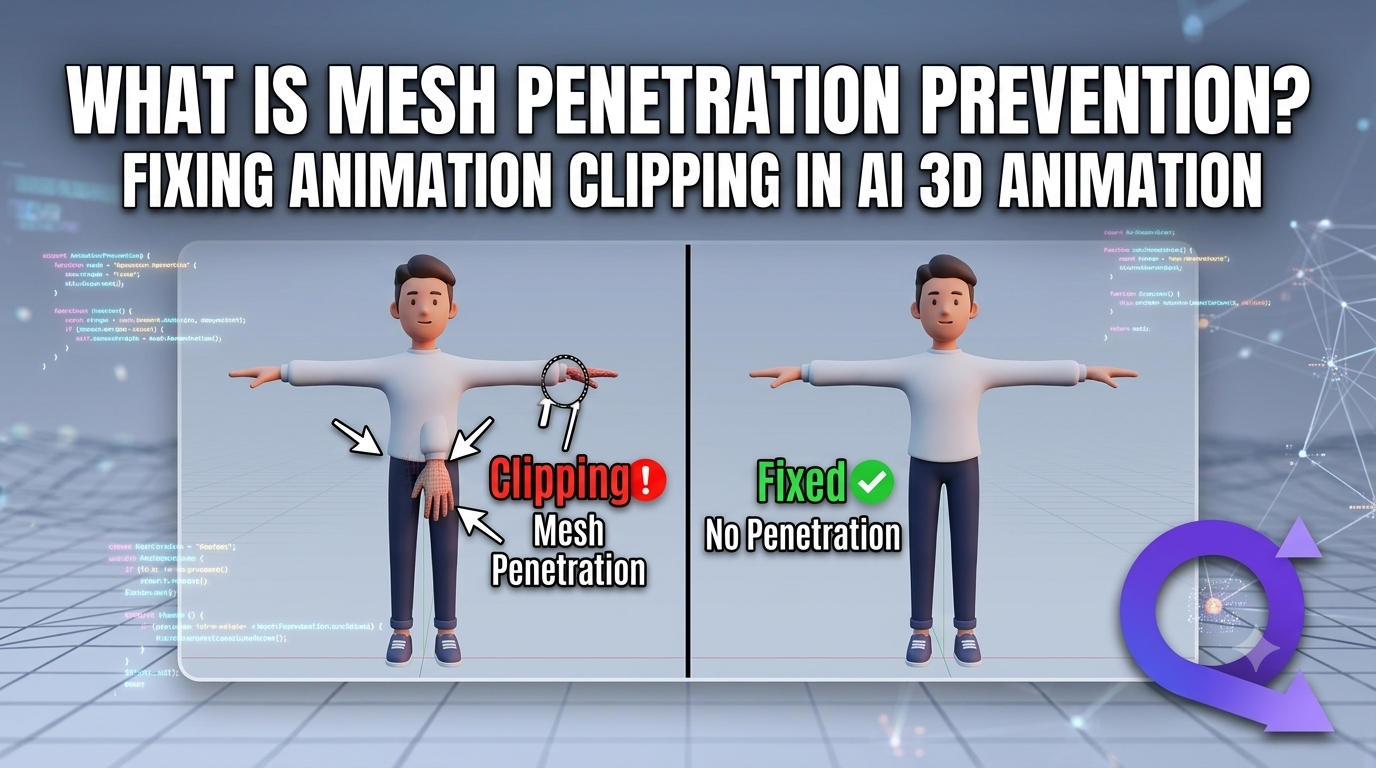
What Is Mesh Penetration Prevention? Fixing Animation Clipping in AI 3D Animation
# Tutorials
QuickMagic
2026/07/23
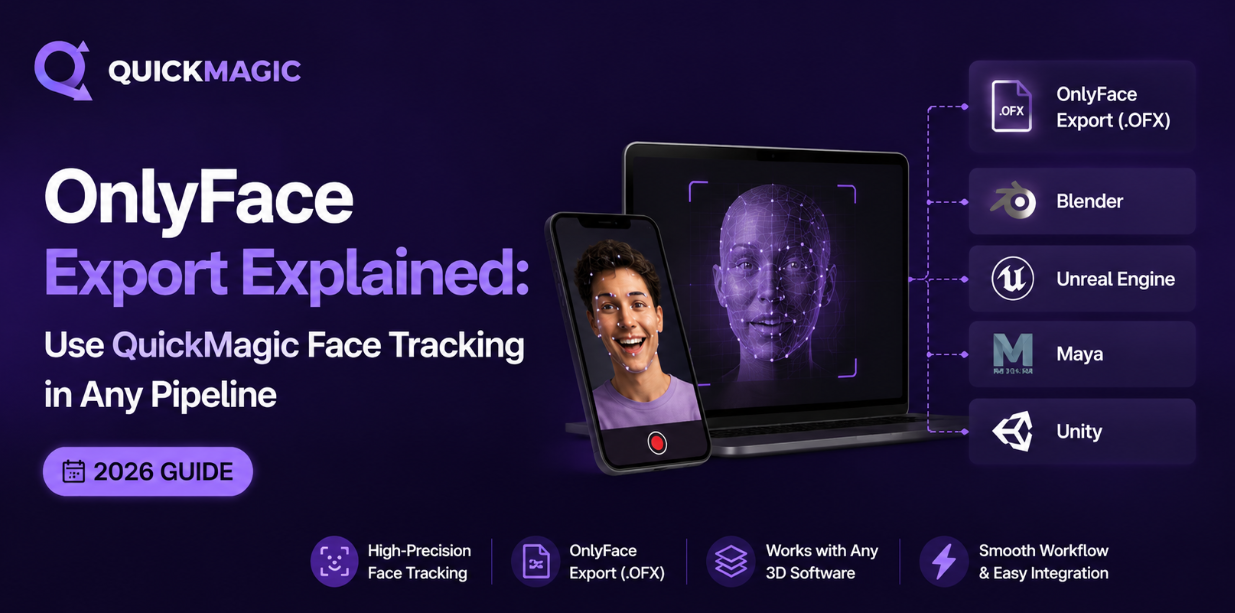
OnlyFace Export Explained: Use QuickMagic Face Tracking in Any Pipeline (2026)
# Tutorials
QuickMagic
2026/07/23
Facial Expression Capture: How AI Reads Emotion from a Single Video (2026 Guide)
# Tutorials