Features
Lernen
Dokumentation
Preise
DE
Login
Anmelden
Preispläne
Flexible Optionen für Creator und Teams
API
Skalieren Sie die Videoproduktion mit Entwicklerzugang
Getting Started
Verstehen Sie, wie KI-Mocap funktioniert, nehmen Sie eine trackbare Performance auf und schließen Sie Ihren ersten QuickMagic-Video-zu-Animation-Workflow ab.
3D-Bewegung erstellen
Neueste
Beliebt
QuickMagic
2026/07/22
Body Tracking from Moving Camera: How AI Handles Dynamic Footage
# Tutorials
QuickMagic
2026/07/22
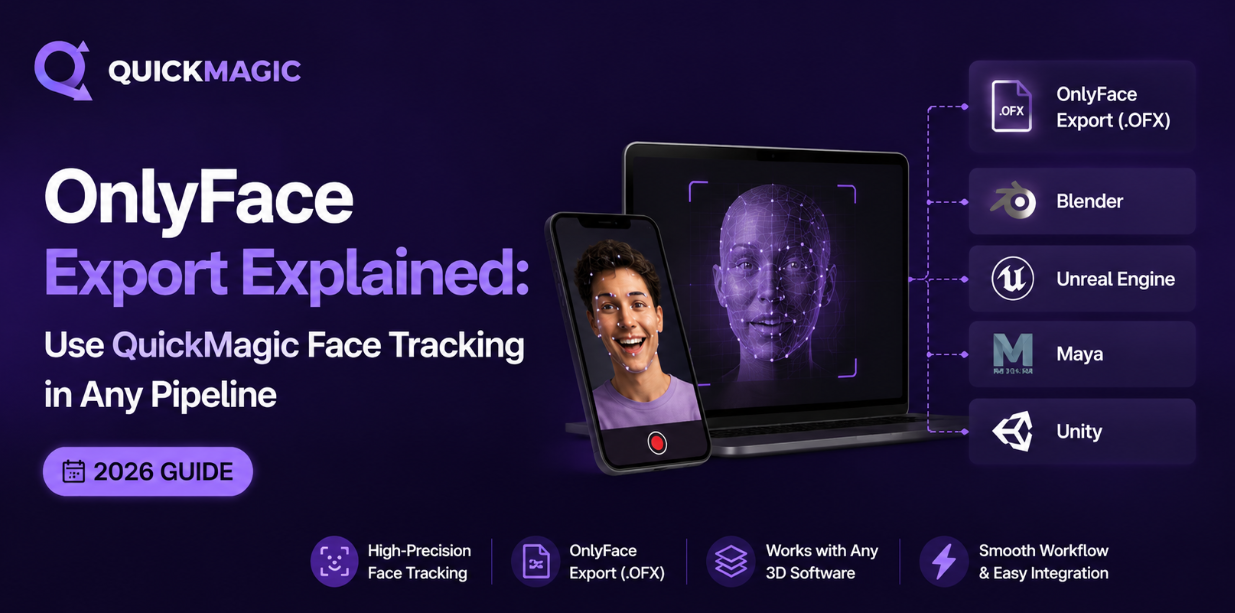
How to Export Holistic Mocap Data to Blender, Maya, and Unreal
# Tutorials
QuickMagic
2026/07/21
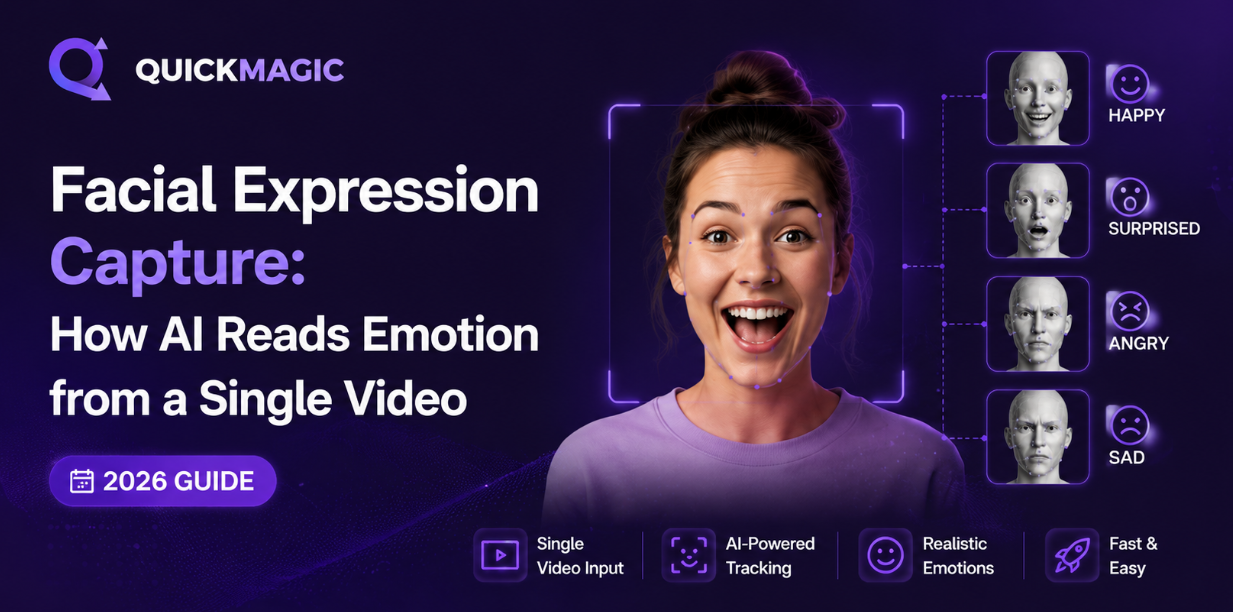
Face Tracking for MMD and VRoid: Bring Your Avatar to Life (2026 Guide)
# Tutorials
QuickMagic
2026/07/21
How to Use AI Video Motion Capture to Record Realistic Basketball Gameplay Animations
# Tutorials
QuickMagic
2026/07/21
AI Body Tracking for Games: Unity & Unreal
# Tutorials
QuickMagic
2026/07/20
QuickMagic vs. Plask, Move.ai & DeepMotion: The Ultimate AI 3D Animation Showdown
# Tutorials
QuickMagic
2026/07/20
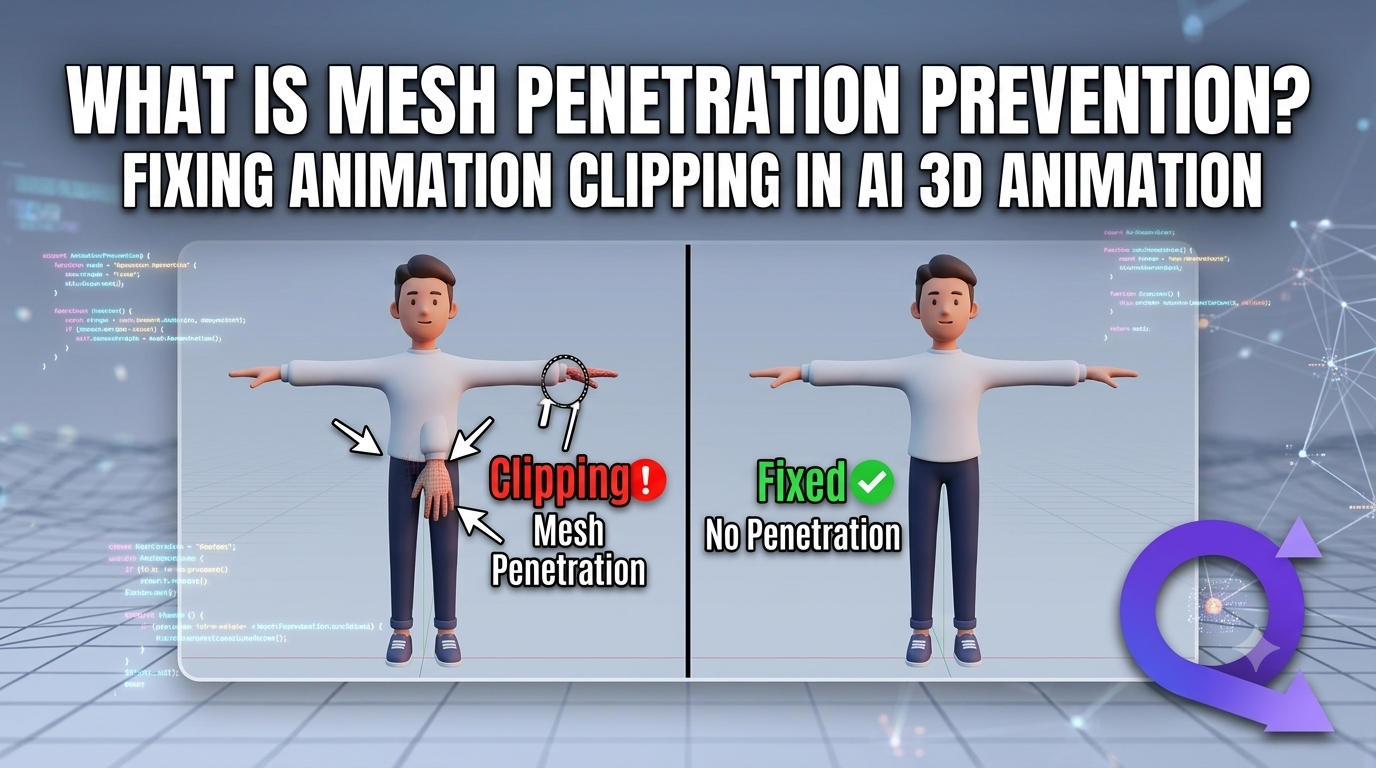
How to Get Clean Body Tracking Data: Anti-Penetration and Noise Reduction Tips
# Tutorials
QuickMagic
2026/07/17
Body Tracking for Indie Developers: Cheapest Way to Animate Characters (2025)
# Tutorials
QuickMagic
2026/07/17
QuickMagic vs DeepMotion: Which AI Mocap is Better? (2026)
# Tutorials
QuickMagic
2026/07/17
Dance Duo Mocap: Capture Partner Dance Routines with AI
# Tutorials