Sign up

AI Motion Capture Tutorials & Production Workflows

Step-by-step AI motion capture tutorials and production workflows — recording, motion cleanup, retargeting, export formats, and software integration.

AI Motion Capture Tutorials & Workflow Guides
Learn how to turn videos and text prompts into editable 3D animation with QuickMagic. Follow practical, version-tested guides for recording, motion cleanup, retargeting, export formats, Blender, Unreal Engine, Maya, 3ds Max, iClone, MMD and robotics workflows.
Getting Started with AI Motion Capture

View All Getting Started Guides
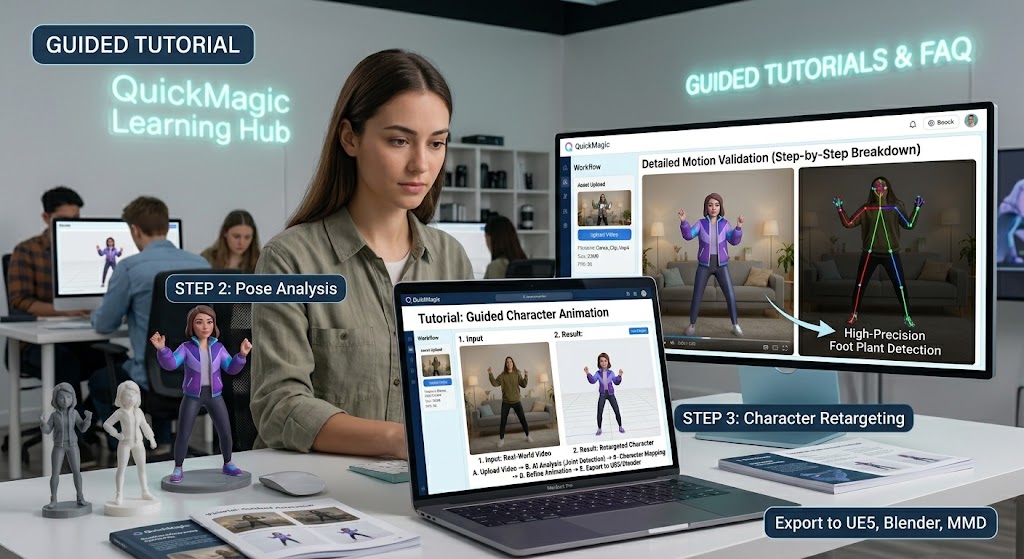
How to create 3D animation with QuickMagic
QuickMagicQuickMagic·
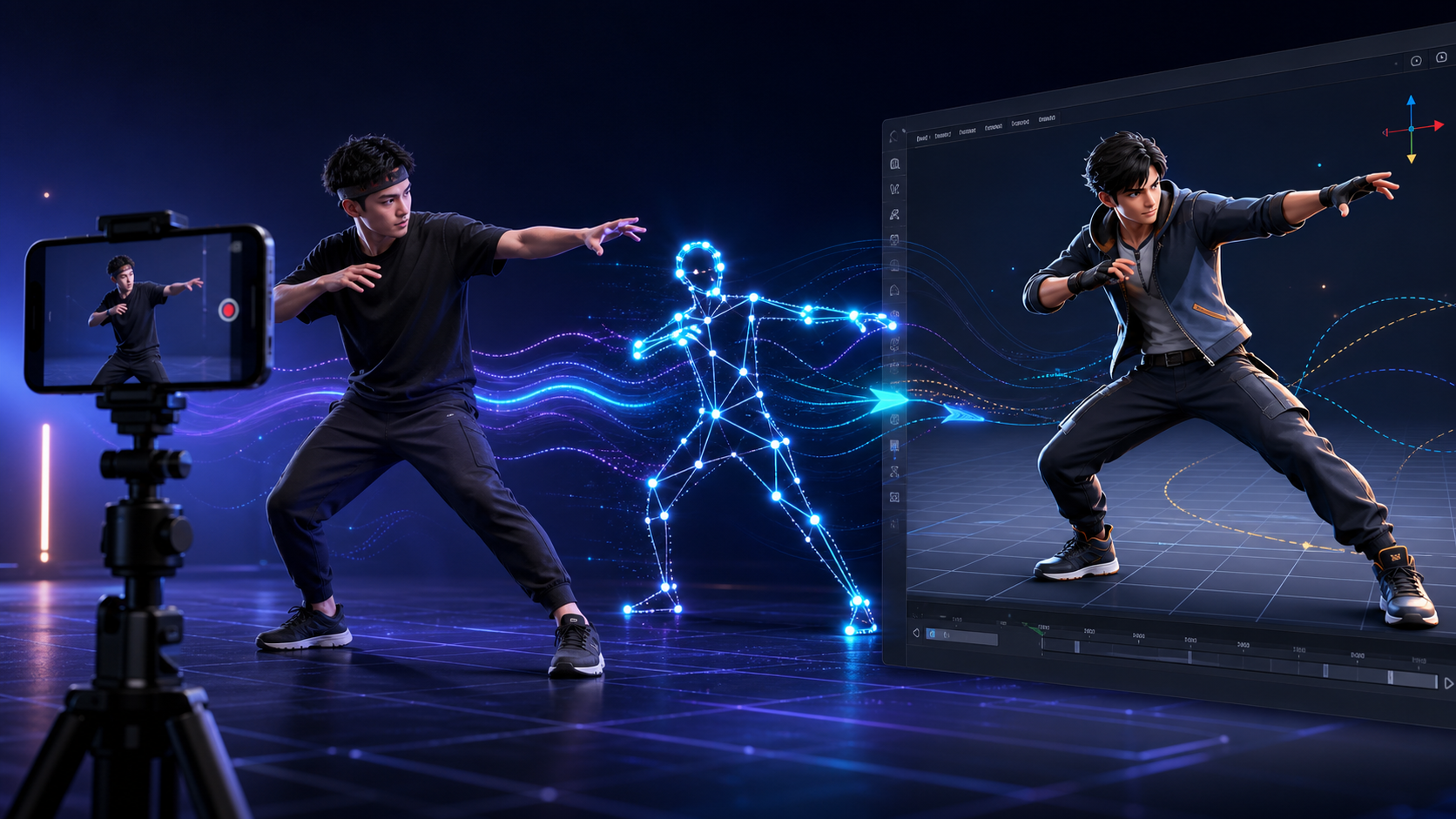
How to create 3D animation with QuickMagic
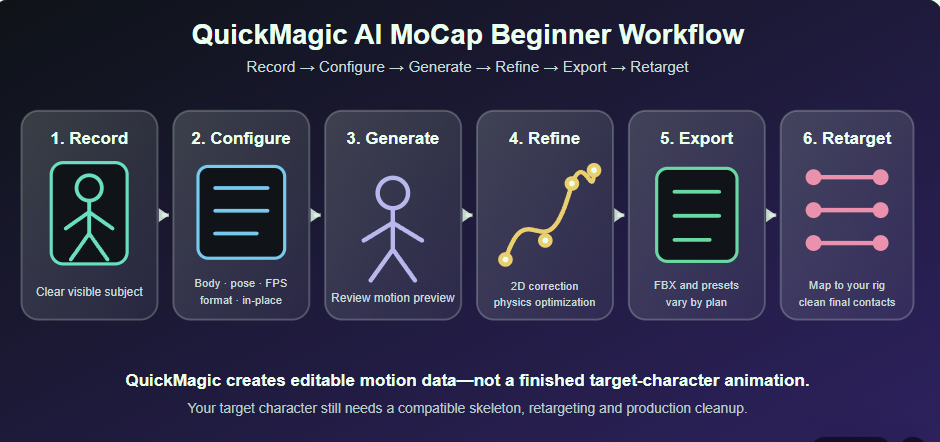
Turn ordinary video into editable character motion—without a capture suit. This guide covers the full workflow from recording and AI tracking to retargeting,...
Markerless Motion Capture Explained: How It Works
QuickMagicQuickMagic·
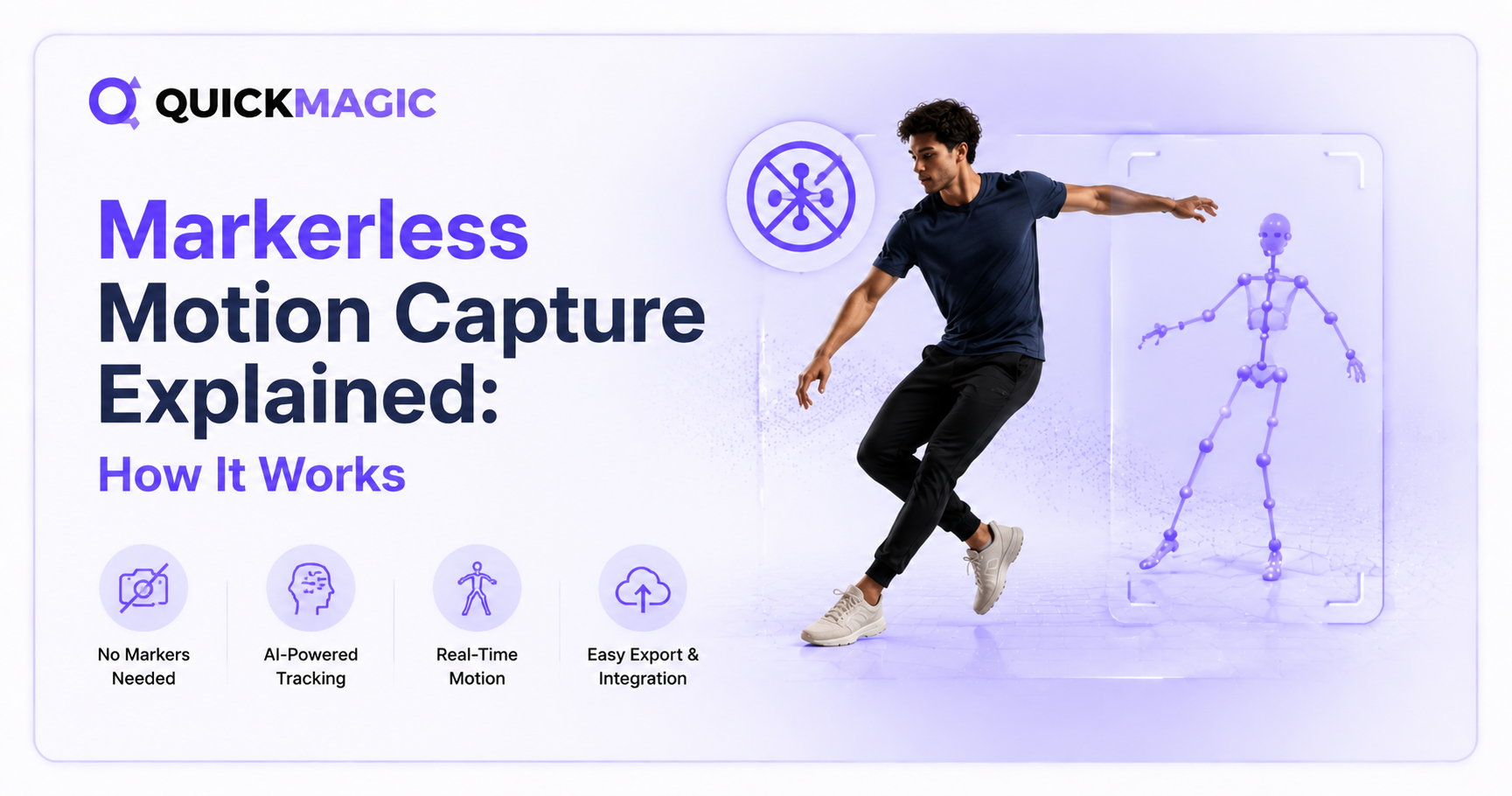
Markerless Motion Capture Explained: How It Works
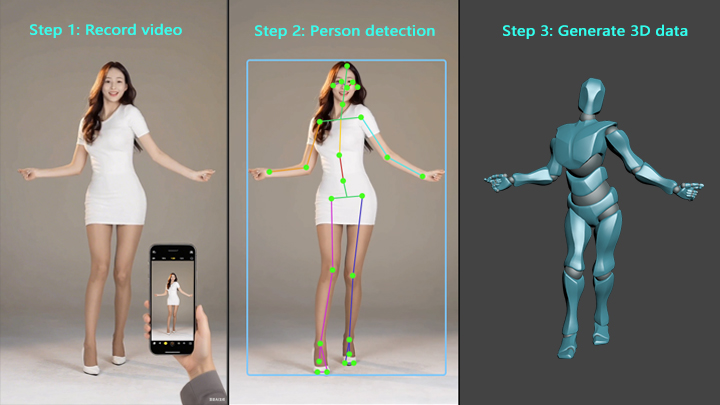
Markerless motion capture uses AI and computer vision to turn ordinary video into 3D animation data - no suits, markers, or sensors required. This guide expl...
Best AI Motion Capture Tools: 2026 Comparison
QuickMagicQuickMagic·
Best AI Motion Capture Tools: 2026 Comparison
Compare the best AI motion capture tools of 2026 — QuickMagic, DeepMotion, Move.ai, Autodesk Flow Studio, Rokoko, Plask and more. Pricing, formats, and which...
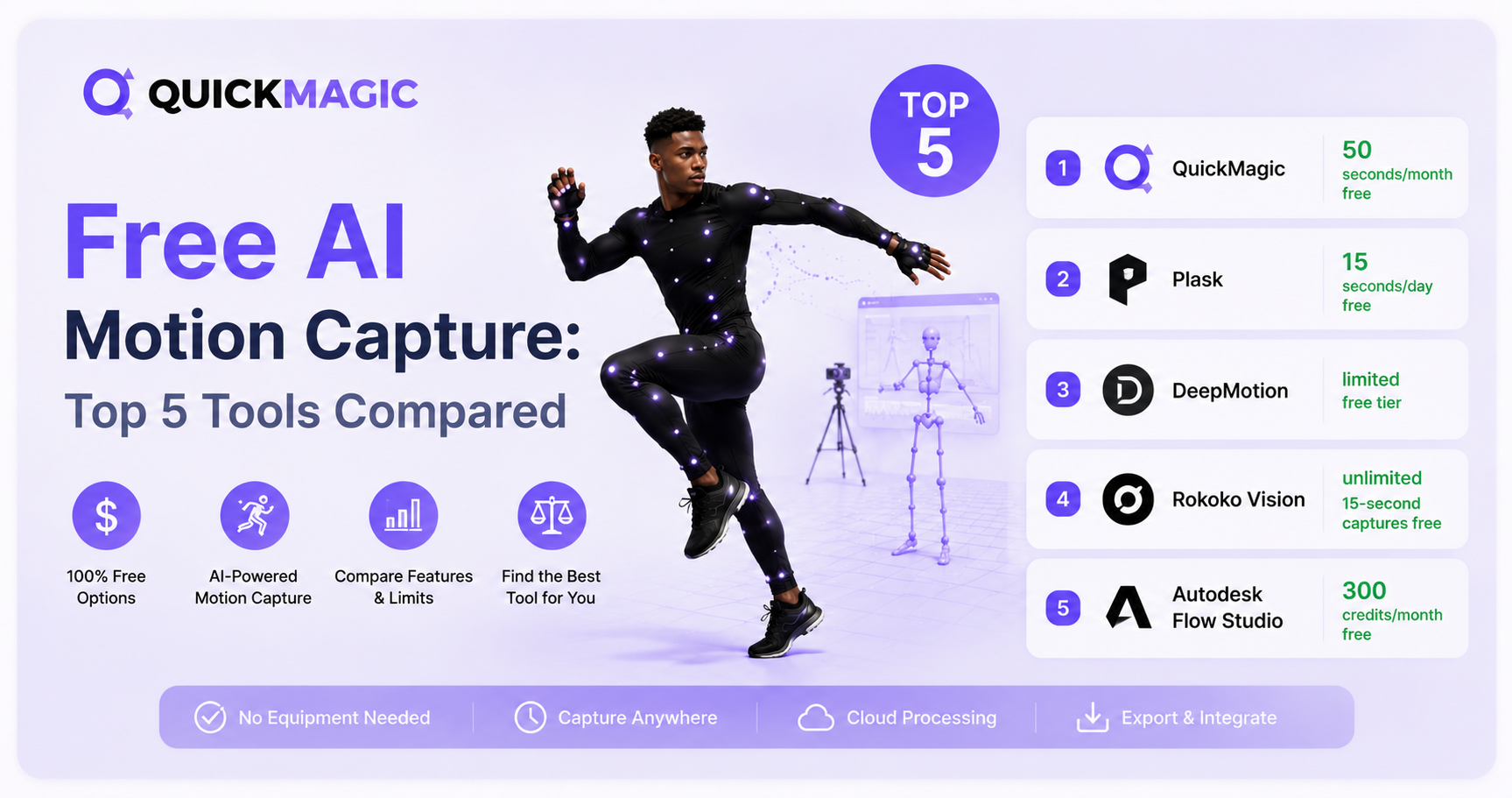
Free AI Motion Capture: Top 5 Tools Compared
QuickMagicQuickMagic·
Free AI Motion Capture: Top 5 Tools Compared
Discover the top 5 free AI motion capture tools in 2026. We compare QuickMagic, Plask, DeepMotion, Rokoko Vision, and Autodesk Flow Studio on pricing, accura...
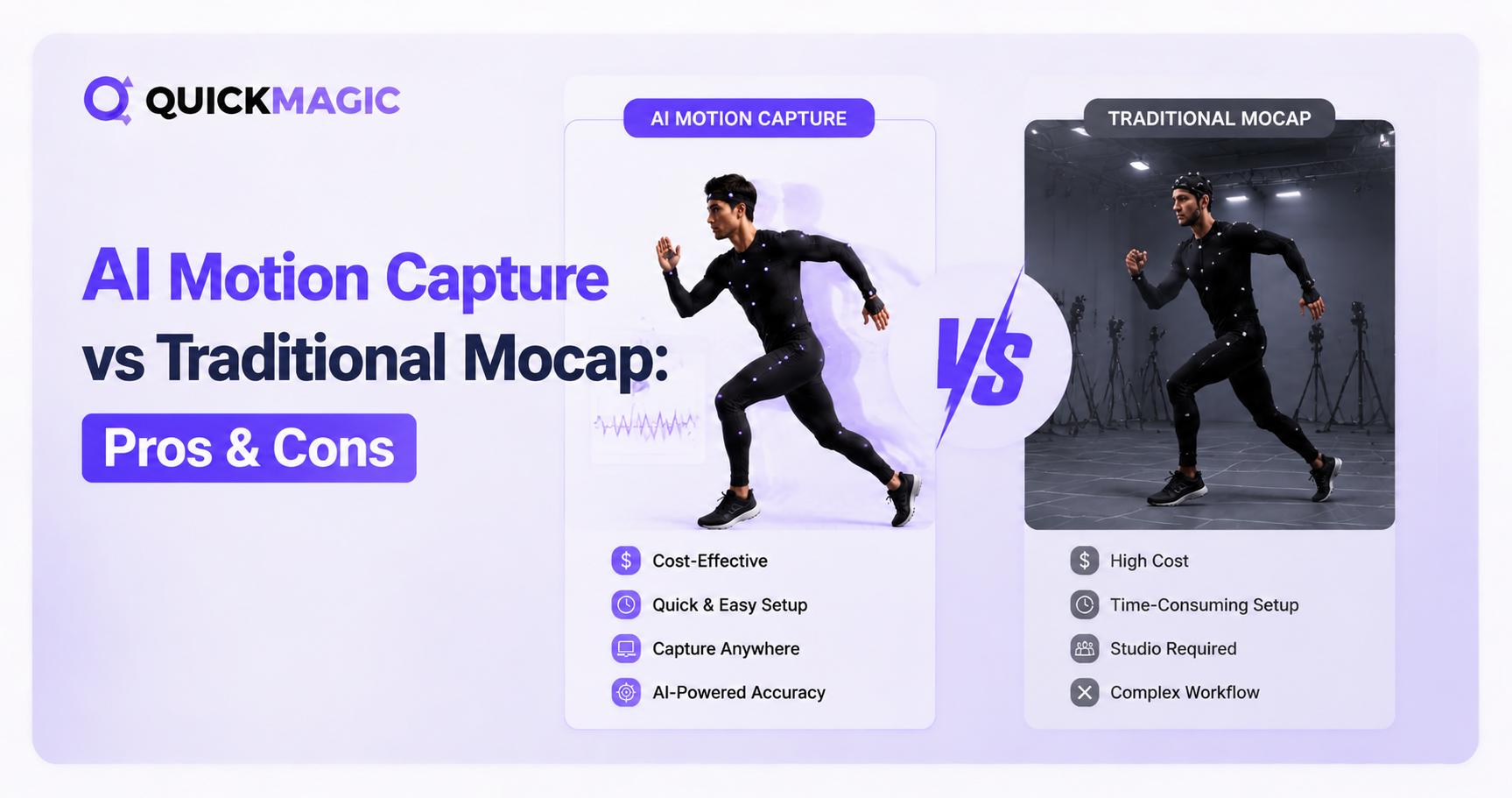
AI Motion Capture vs Traditional MoCap: Pros, Cons and the Right Choice
QuickMagicQuickMagic·
AI Motion Capture vs Traditional MoCap: Pros, Cons and the Right Choice
Compare single-video AI mocap, optical marker-based systems, inertial IMU suits and calibrated multi-view markerless capture across fidelity, latency, setup,...
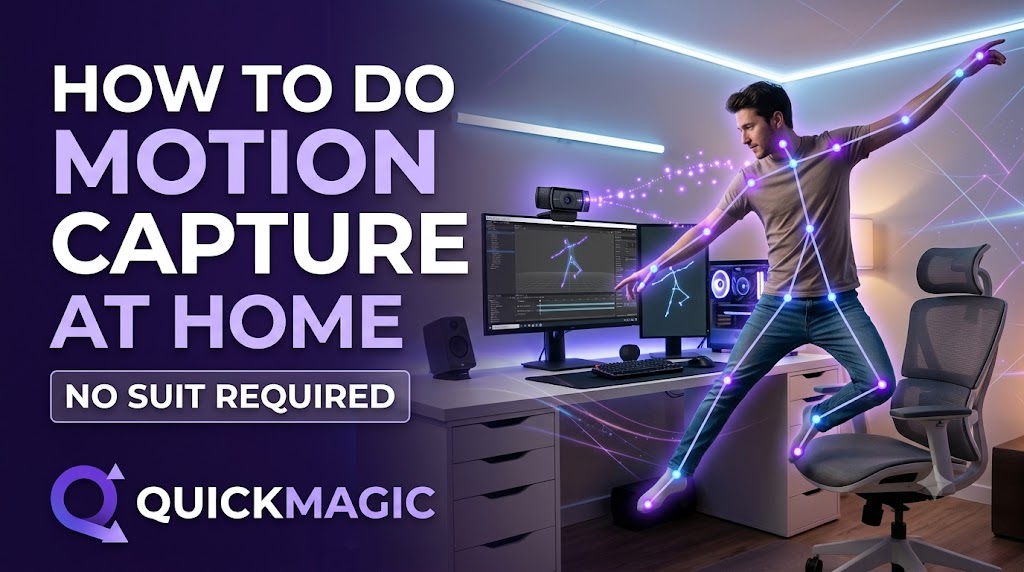
How to Do Motion Capture at Home: No Suit or Markers Required
QuickMagicQuickMagic·
How to Do Motion Capture at Home: No Suit or Markers Required
QuickMagic enables markerless AI motion capture at home using just a smartphone video or text prompt. Users can record a performance or type a description to...
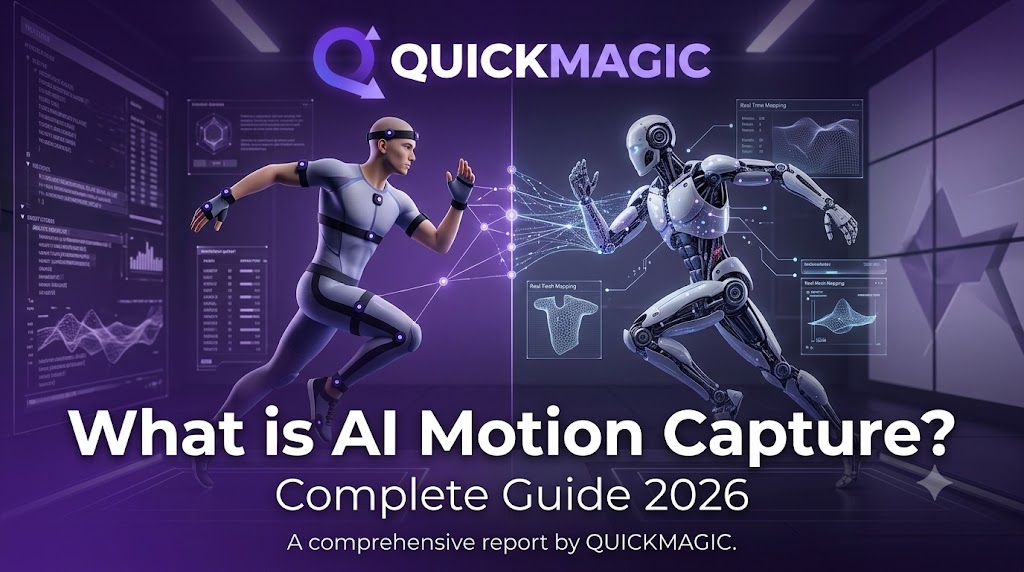
What is AI Motion Capture? Complete Guide 2026
QuickMagicQuickMagic·
What is AI Motion Capture? Complete Guide 2026
Understand how ordinary video becomes editable 3D animation, what pose estimation, temporal reconstruction and retargeting do, why one camera cannot see ever...
QuickMagic AI MoCap Beginner Guide: Create Your First 3D Motion
QuickMagicQuickMagic·
QuickMagic AI MoCap Beginner Guide: Create Your First 3D Motion
earn what QuickMagic generates, how to record a trackable video, choose body, hand and face options, select Original/T/A-Pose, frame rate, physical optimizat...
How AI Mocap Works: 15 Questions with the QuickMagic Team
QuickMagicQuickMagic·
How AI Mocap Works: 15 Questions with the QuickMagic Team
A corrected and expanded interview about video-to-3D motion, depth ambiguity, markerless accessibility, source correction, target retargeting, creative contr...
AI Motion Capture Tutorial: Step-by-Step Beginner's Guide
QuickMagicQuickMagic·
AI Motion Capture Tutorial: Step-by-Step Beginner's Guide
Turn a phone, webcam or camera recording into editable 3D animation with QuickMagic. This guide covers source-video preparation, upload, trimming, subject se...

Software Integration & Retargeting

View All Software Workflow Guides
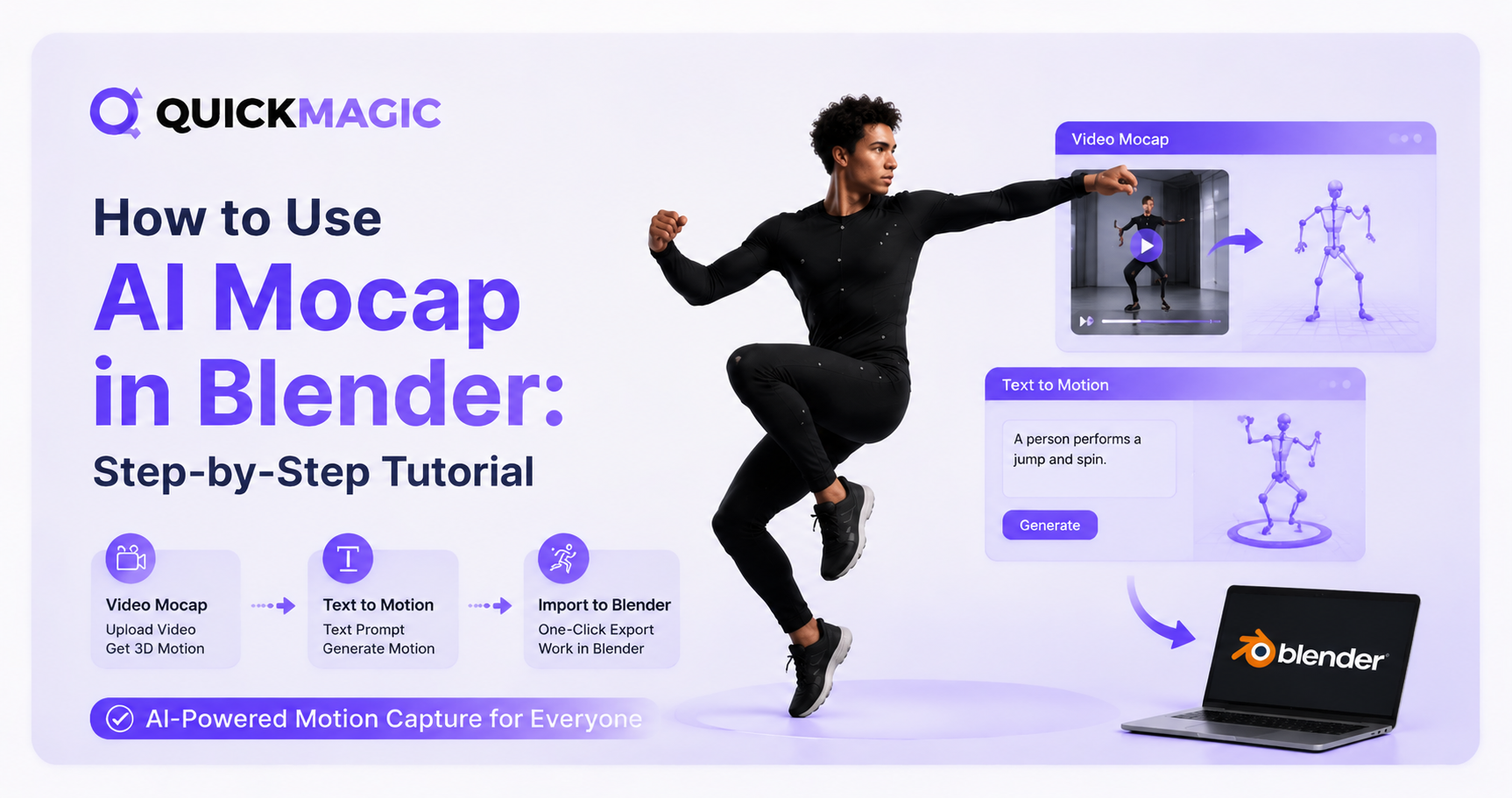
How to Use AI Mocap in Blender: Step-by-Step Tutorial
QuickMagicQuickMagic·
How to Use AI Mocap in Blender: Step-by-Step Tutorial
Learn how to use AI Mocap in Blender step by step. This guide covers AI motion capture, video-to-motion, text-to-motion, importing animation data, retargetin...
MetaHuman Retargeting Guide: MoCap to UE5.6/5.7 Workflow
QuickMagicQuickMagic·
MetaHuman Retargeting Guide: MoCap to UE5.6/5.7 Workflow
Import QuickMagic FBX motion into Unreal Engine, create source and MetaHuman IK Rigs, align T-pose and A-pose differences, map retarget chains, export target...
VMD Motion Import Guide: Use QuickMagic MoCap in VaM
QuickMagicQuickMagic·
VMD Motion Import Guide: Use QuickMagic MoCap in VaM
Generate a VMD-compatible motion from video, choose a safe Virt-A-Mate import route, install a player or converter, load body motion and optional audio, corr...
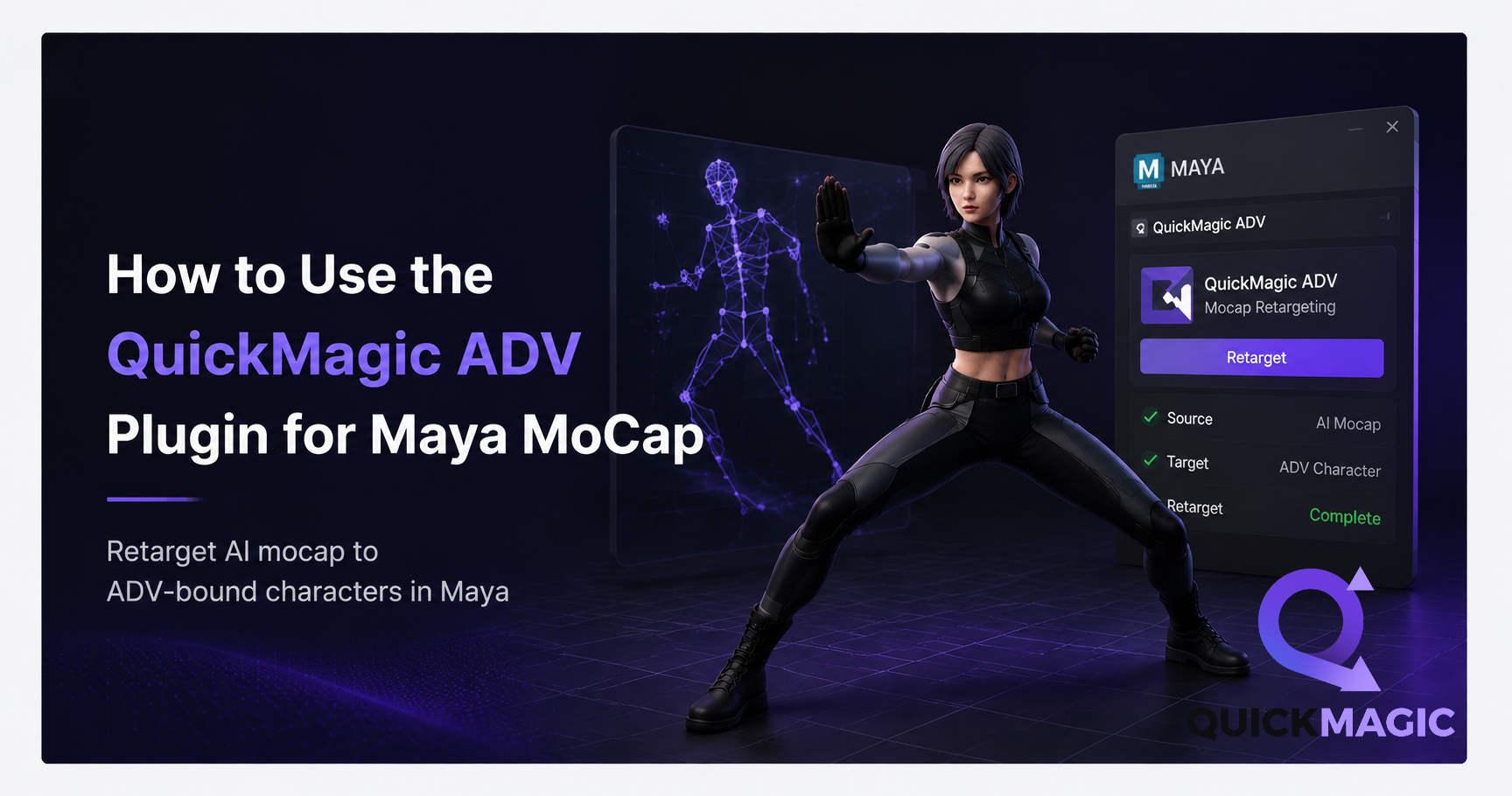
How to Use QuickMagic MoCap with AdvancedSkeleton in Maya
QuickMagicQuickMagic·
How to Use QuickMagic MoCap with AdvancedSkeleton in Maya
Install AdvancedSkeleton correctly, import a validated QuickMagic FBX, map the animated source skeleton to an ADV-bound character, bake motion to editable co...
How to Clean Up MoCap Data in 3ds Max: Step-by-Step Guide
QuickMagicQuickMagic·
How to Clean Up MoCap Data in 3ds Max: Step-by-Step Guide
This guide walks through the complete cleanup pipeline — from FBX import to final export — so you can turn raw QuickMagic mocap into polished, game-ready ani...
QuickMagic AI MoCap for UE5: Complete Workflow Guide
QuickMagicQuickMagic·
QuickMagic AI MoCap for UE5: Complete Workflow Guide
Complete workflow for QuickMagic AI mocap in Unreal Engine 5. Step-by-step from video recording to FBX export, IK retargeting, and character animation in UE5.
How to Use QuickMagic AI Motion Capture in iClone 8
QuickMagicQuickMagic·
How to Use QuickMagic AI Motion Capture in iClone 8
Use QuickMagic through iClone's integrated Video Mocap workflow or import a saved QuickMagic FBX/CC&iClone motion, characterize the source, apply it to a cha...
How to Use QuickMagic AI Motion Capture in Maya
QuickMagicQuickMagic·
How to Use QuickMagic AI Motion Capture in Maya
Import QuickMagic FBX animation, characterize and retarget body motion with Maya HumanIK, map facial performance to a custom rig, remove verified curve noise...
Free AI Motion Capture From Your Phone: 3D & 2D Animation Guide
QuickMagicQuickMagic·
Free AI Motion Capture From Your Phone: 3D & 2D Animation Guide
How phone-to-mocap works, the complete 3D animation pipeline, 2D character workflow with Cartoon Animator, a comparison of phone mocap vs. traditional system...
How to Clean Up MoCap Animation in Cascadeur: QuickMagic Workflow
QuickMagicQuickMagic·
How to Clean Up MoCap Animation in Cascadeur: QuickMagic Workflow
AI motion capture is fast — but the raw data always needs cleanup. Whether you're working with QuickMagic, optical mocap, or inertial suits, raw animation da...
How to Remap Bones in Blender: MoCap Retargeting Tutorial
QuickMagicQuickMagic·
How to Remap Bones in Blender: MoCap Retargeting Tutorial
To apply that motion to your own character — whether it's a game hero, a stylized cartoon figure, or a MetaHuman — you need to retarget the animation by rema...

QuickMagic Product Updates

View the QuickMagic Changelog
QuickMagic Free Plan & Credits — Subscription Update (Aug 2026)
QuickMagicQuickMagic·
QuickMagic Free Plan & Credits — Subscription Update (Aug 2026)
QuickMagic upgrades to a new subscription system on Aug 4! New plans feature non-rollover Monthly Credits, while existing VCoins convert to Legacy VCoins val...
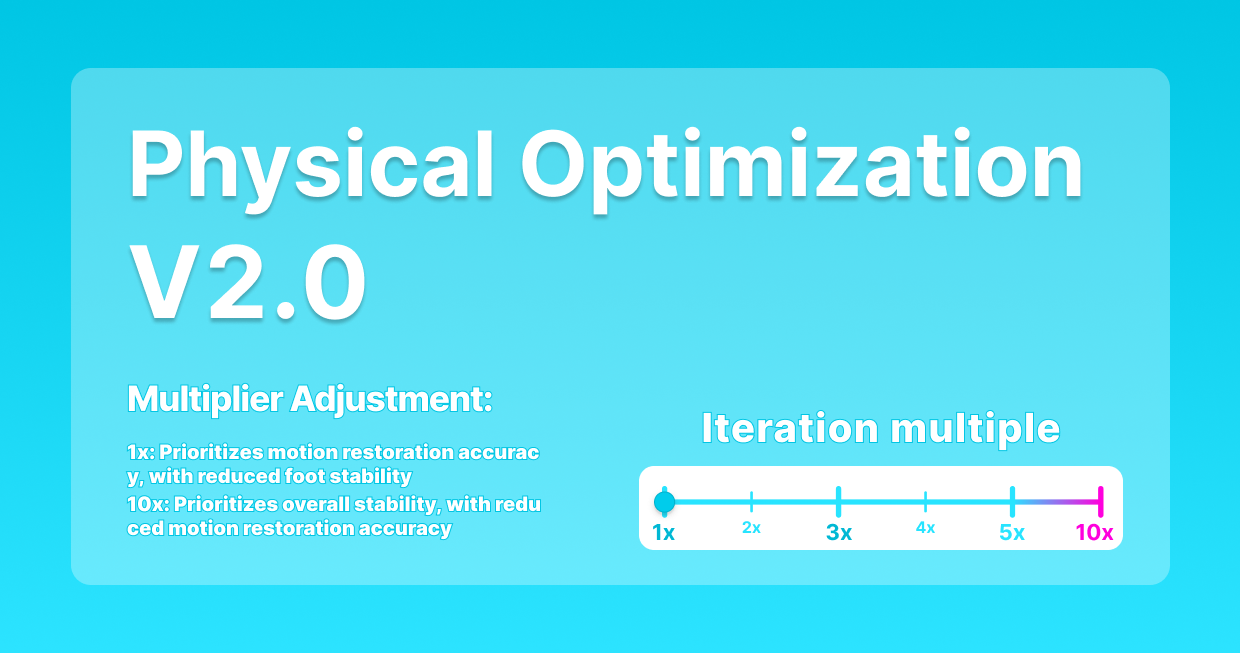
QuickMagic V1.4.0 — Animation Base Model V2.0 Release
QuickMagicQuickMagic·
QuickMagic V1.4.0 — Animation Base Model V2.0 Release
QuickMagic V1.4.0.0 (Feb 3, 2026) adds Animation Base Model V2.0 (Beta) integrated with Physical Optimization 2.0, expands physics optimization format suppor...
QuickMagic V1.3.4 — BVH Export, Warudo & Mixamo Physics 2.0
QuickMagicQuickMagic·
QuickMagic V1.3.4 — BVH Export, Warudo & Mixamo Physics 2.0
New format support (BVH, warudo-anim) is now available, along with the launch of features including lower-body preset poses, capture optimization, Mixamo Phy...
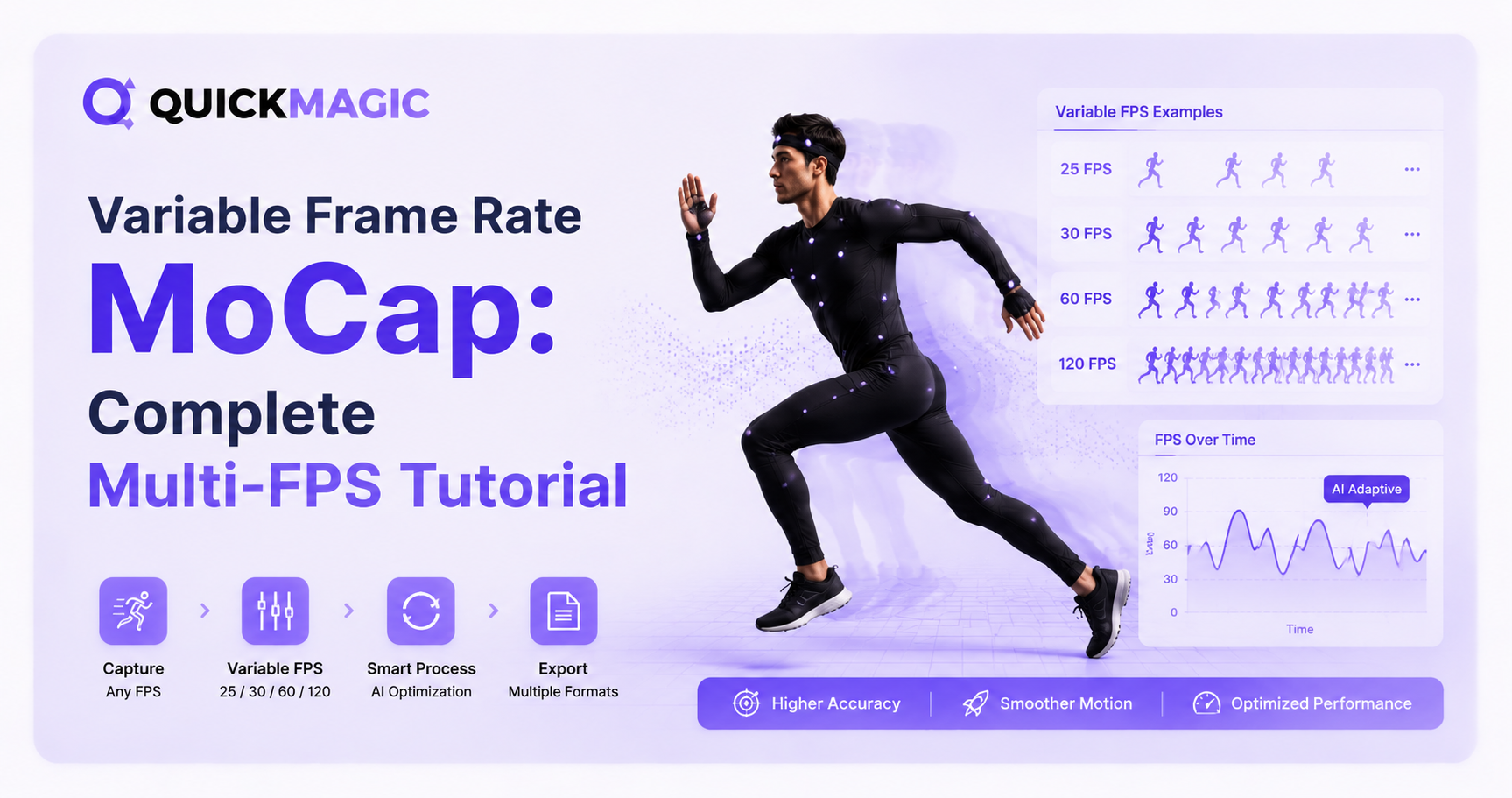
QuickMagic V1.3.3 — Multi-Frame Rate 24/30/60/120fps Support
QuickMagicQuickMagic·
QuickMagic V1.3.3 — Multi-Frame Rate 24/30/60/120fps Support
QuickMagic now offers 24/30/60/120fps multi-frame rate motion output. Users can adjust frame rates for smoothness/detail, aligning data with workflows to ski...
QuickMagic V1.3.2 — Lower Body Presets & User Rating System
QuickMagicQuickMagic·
QuickMagic V1.3.2 — Lower Body Presets & User Rating System
This update adds the new lower-body motion presets and the in-preview user rating/feedback system. We invite you to explore these features and share your fee...
QuickMagic V1.3.2 — Onlyface Mode & Stripe Payment Patch
QuickMagicQuickMagic·
QuickMagic V1.3.2 — Onlyface Mode & Stripe Payment Patch
In this update, you'll find new lower body preset actions and a user rating feedback system within the preview interface. We encourage all users to experienc...
QuickMagic V1.3.2 — UE5, Roblox & Anti-Interpenetration Export
QuickMagicQuickMagic·
QuickMagic V1.3.2 — UE5, Roblox & Anti-Interpenetration Export
This update brings anti-clipping, UE5 format support, and Roblox format compatibility. Our new UE5 and Roblox formats are currently in beta and available to...
QuickMagic V1.3.1 — iClone 8 & C4D + 50% Faster Video Analysis
QuickMagicQuickMagic·
QuickMagic V1.3.1 — iClone 8 & C4D + 50% Faster Video Analysis
We are excited to announce that new features and optimizations have been launched to enhance ......
QuickMagic V1.3.0 — First Markerless AI Mocap Release (Dec 2024)
QuickMagicQuickMagic·
QuickMagic V1.3.0 — First Markerless AI Mocap Release (Dec 2024)
We are excited to announce that new features and optimizations have been launched to enhance ......

Quick Answers

What is AI motion capture?

AI motion capture uses computer vision and machine-learning models to estimate human movement from video and convert it into digital motion data. Unlike optical or inertial systems, markerless AI mocap can work without a tracking suit or physical markers, although output quality still depends on visibility, lighting, motion complexity and the target workflow.

How do I turn a video into 3D animation?

Record or upload a clear performance, process it with QuickMagic, review the detected body motion, choose the correct skeleton and export format, then import or retarget the result in software such as Blender, Unreal Engine, Maya or 3ds Max.

How should I record a video for AI mocap?

Keep the full body and feet visible, use even lighting, maintain contrast between the performer and background, avoid prolonged limb occlusion, and use a stable camera unless the selected capture mode supports camera movement.

Which export format should I choose?

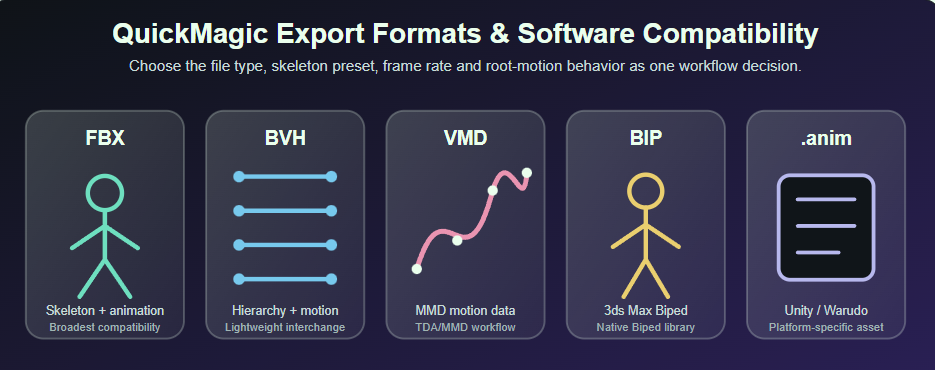
Choose a software-specific preset when it matches your target skeleton and application. Use general FBX for broad 3D compatibility, BVH for skeletal motion workflows, VMD for MMD or VaM, and BIP when your 3ds Max Character Studio workflow requires it.

How do I fix foot sliding or jitter?

First check the source video and QuickMagic preview. Then verify scale, frame rate, retarget pose, pelvis or root motion and foot-contact timing. Use IK, Control Rig, animation layers or motion-cleanup tools for final corrections on the target character.

Can QuickMagic motion be used in Blender or Unreal Engine?

Yes. QuickMagic provides general and software-oriented motion exports. Import the source animation directly when the skeleton is compatible, or retarget it to the production character using Blender retargeting tools or Unreal Engine IK Rig and IK Retargeter.

What is the difference between video-to-mocap and text-to-motion?

Video-to-mocap reconstructs a specific recorded performance. Text-to-motion generates a new action from a written description. Use video when you need precise choreography or acting, and text when you need a new motion concept without recording a performer.

Does raw AI mocap need cleanup?

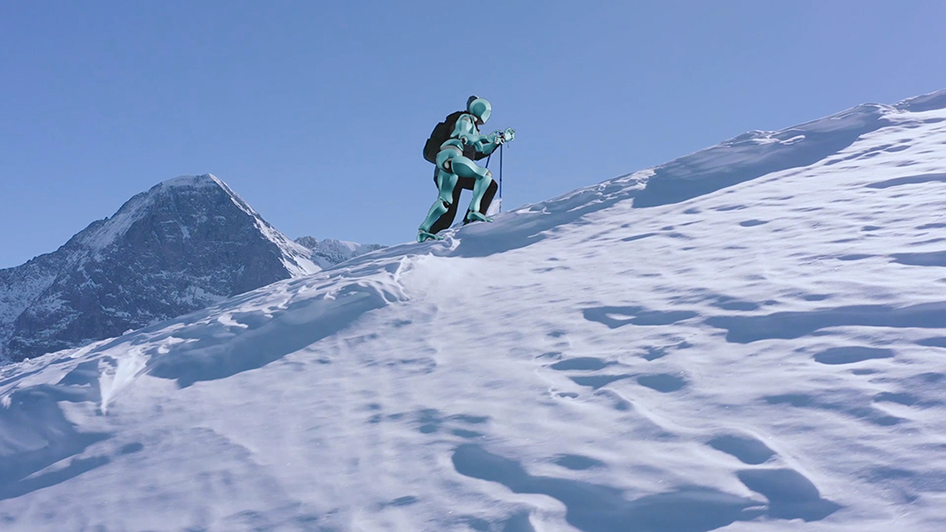
Many clips can be used quickly for previews, but production animation often needs validation and cleanup. Common tasks include correcting foot contacts, reducing jitter, adjusting root motion, refining retargeted poses and fixing interactions with props or terrain.