


Free AI Motion Capture & 3D Animation Tools
Explore QuickMagic’s free AI motion capture and 3D animation tools—turn video or text into editable, mocap-style 3D motion for games, avatars, VTubers, virtual production and embodied AI. No suit, no sensors, no studio.
Get started
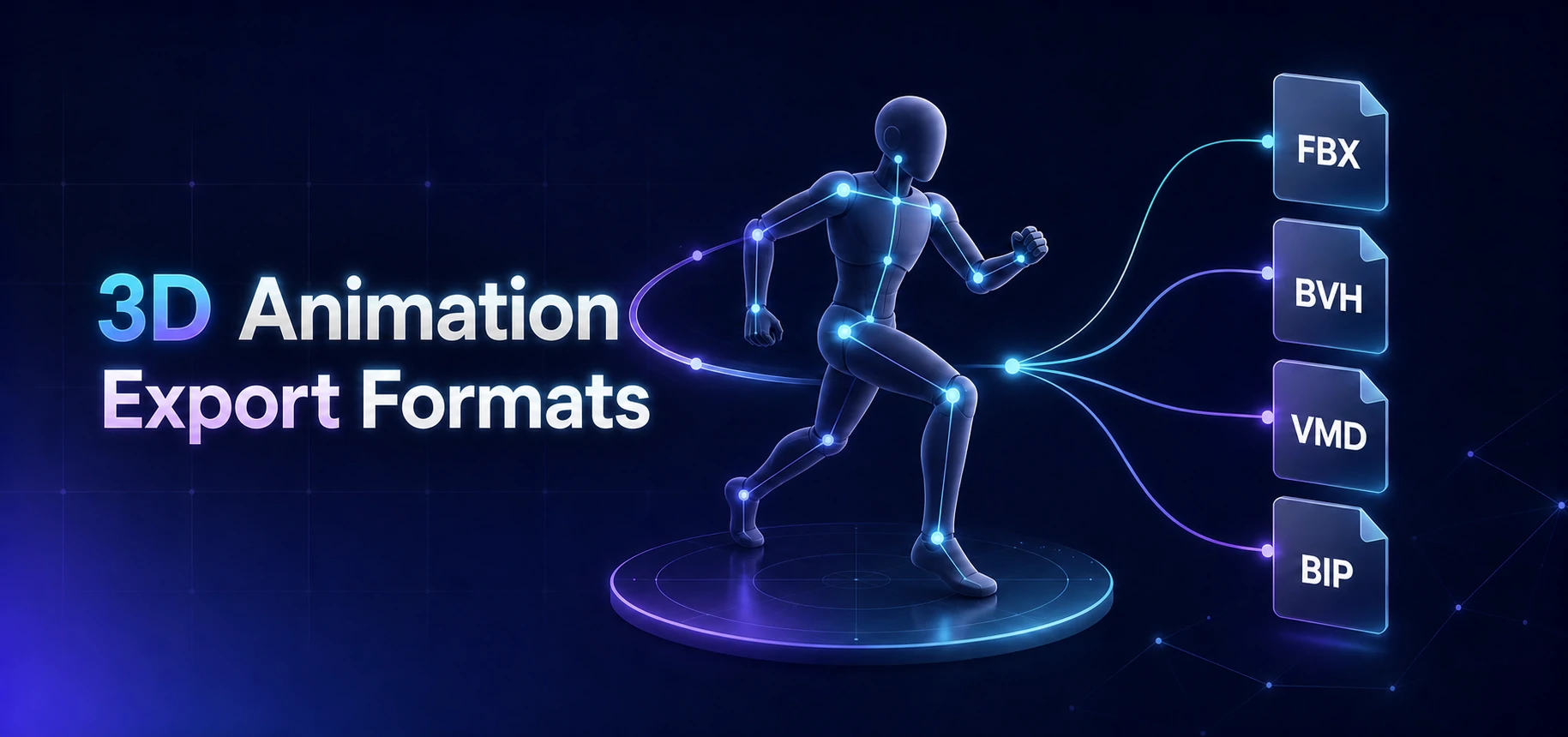 3D Animation Export Formats
Choose the right motion format and target preset for Blender, Unreal, Unity, Maya, 3ds Max, MMD, iClone and Roblox.
Learn More
3D Animation Export Formats
Choose the right motion format and target preset for Blender, Unreal, Unity, Maya, 3ds Max, MMD, iClone and Roblox.
Learn More
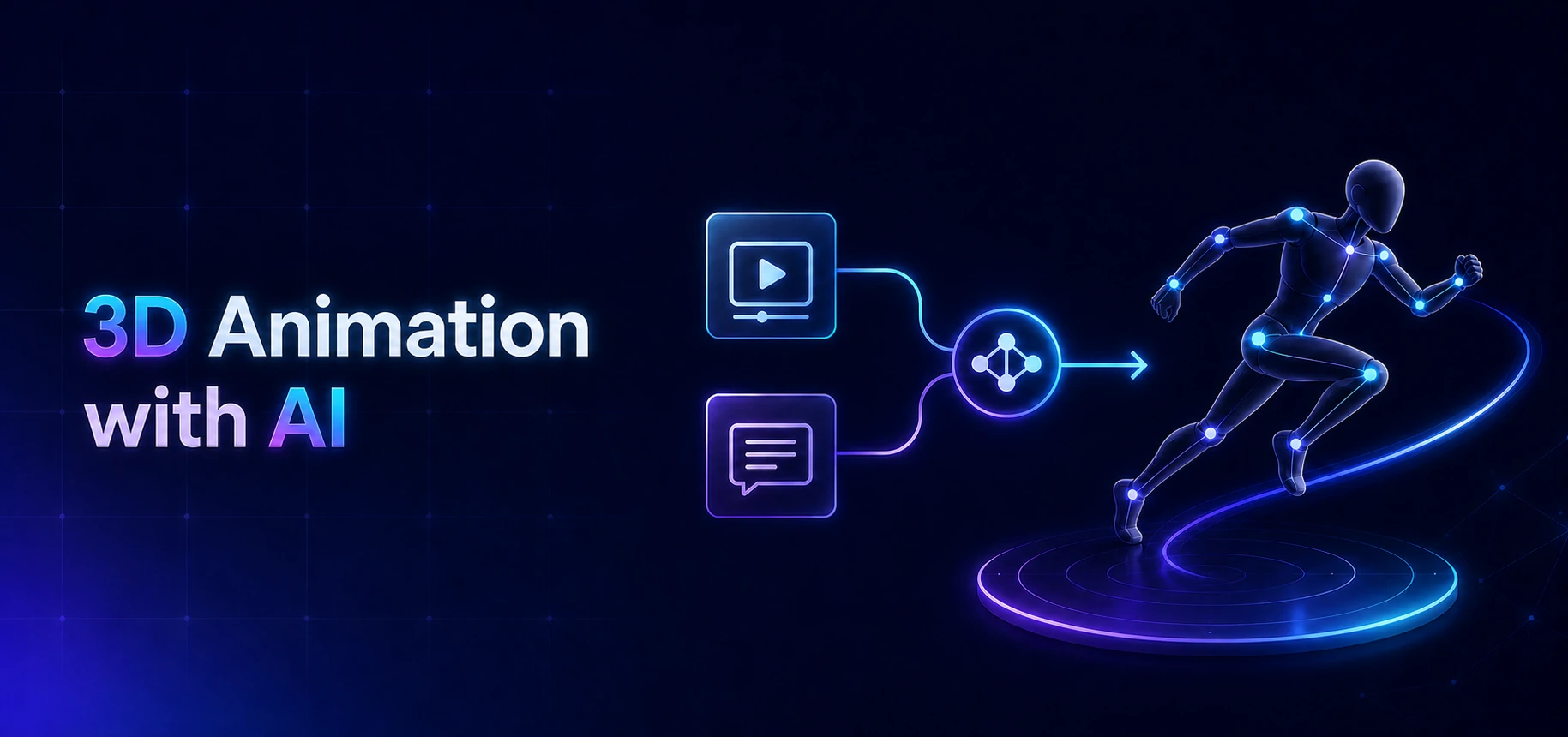 3D Animation with AI
Create editable 3D character animation from ordinary video or natural-language prompts with QuickMagic AI.
Learn More
3D Animation with AI
Create editable 3D character animation from ordinary video or natural-language prompts with QuickMagic AI.
Learn More
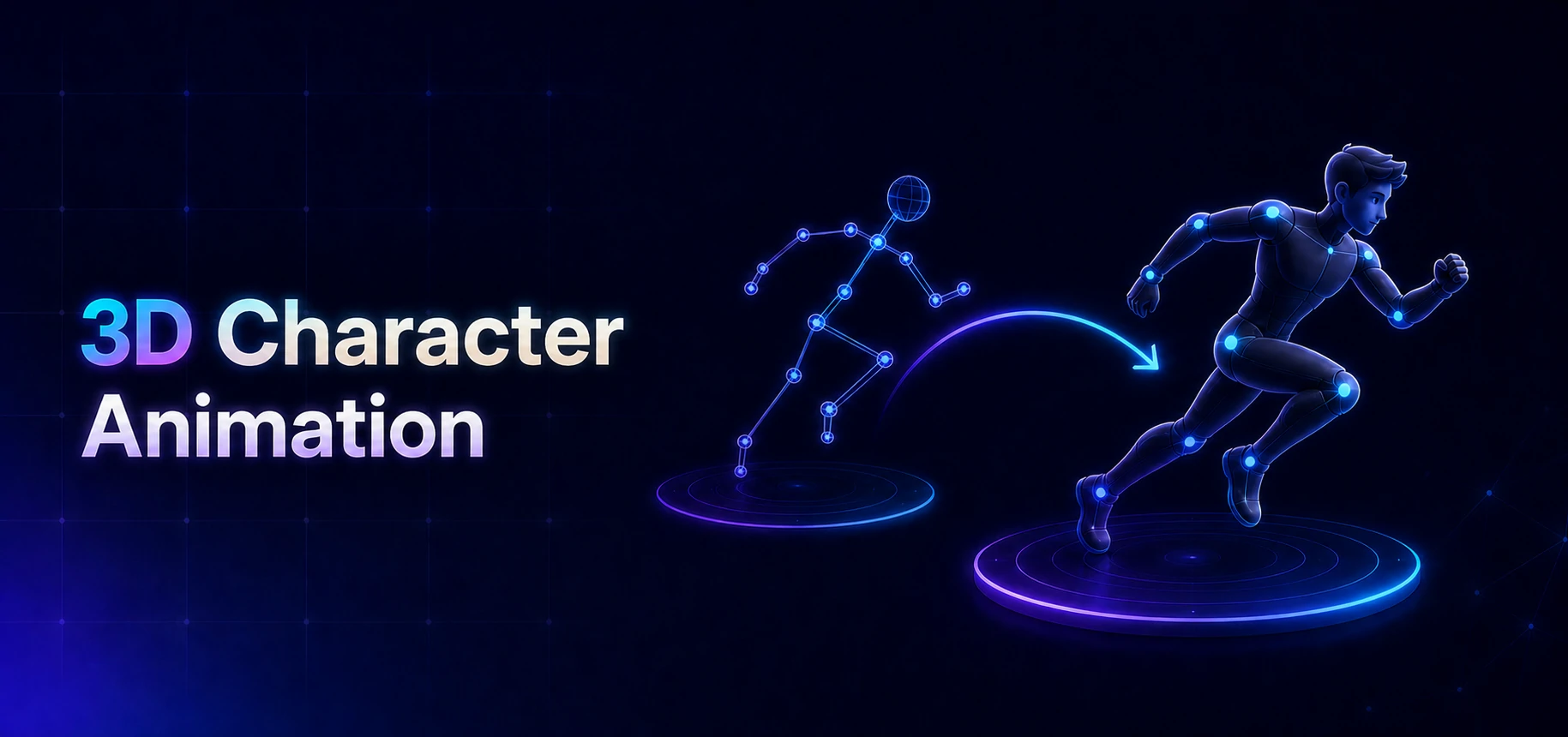 3D Character Animation
Animate 3D characters from video or text, then retarget, clean and export motion to your production pipeline.
Learn More
3D Character Animation
Animate 3D characters from video or text, then retarget, clean and export motion to your production pipeline.
Learn More
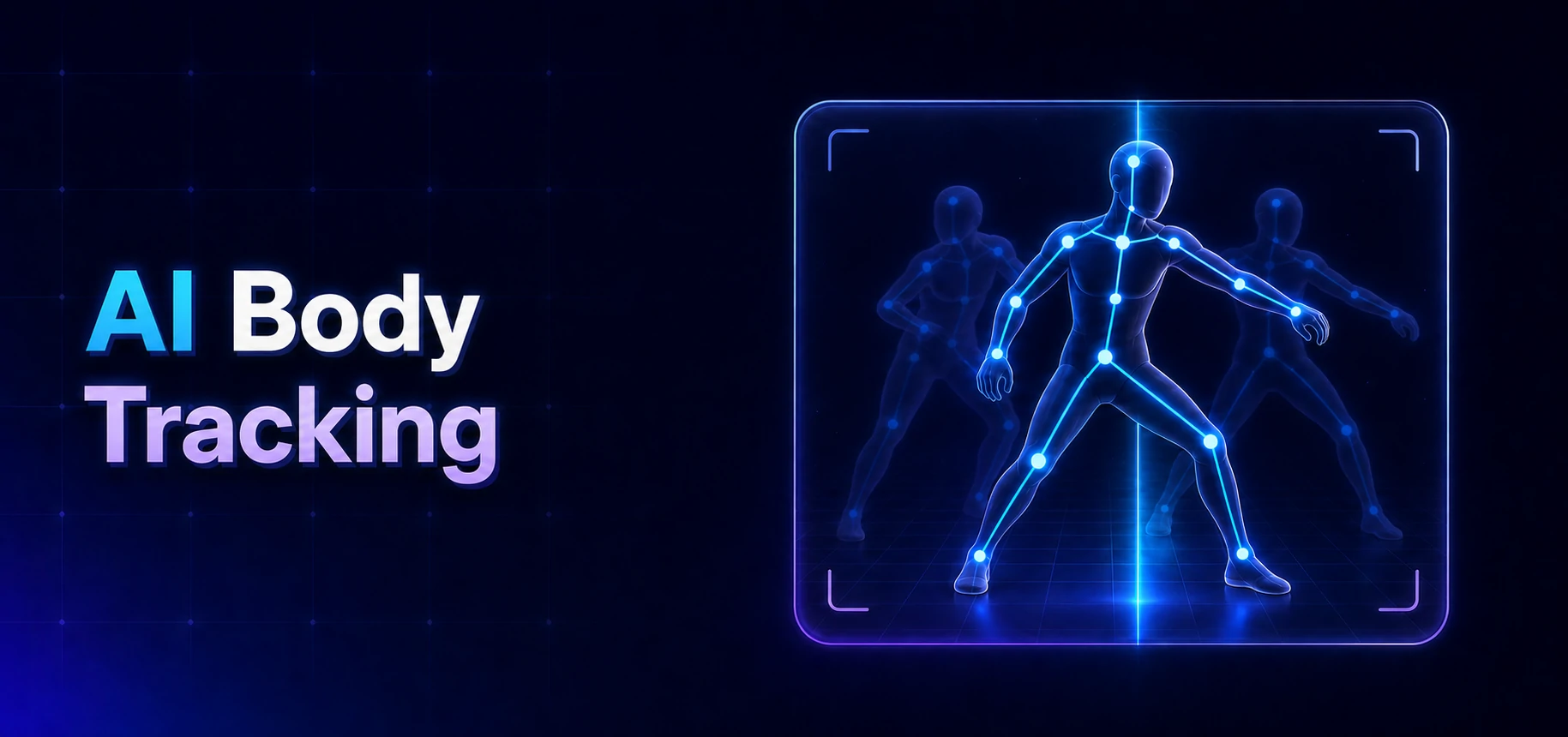 AI Body Tracking
Track full-body and upper-body movement from a single video and export editable 3D motion—no suit, markers or multi-camera studio.
Learn More
AI Body Tracking
Track full-body and upper-body movement from a single video and export editable 3D motion—no suit, markers or multi-camera studio.
Learn More
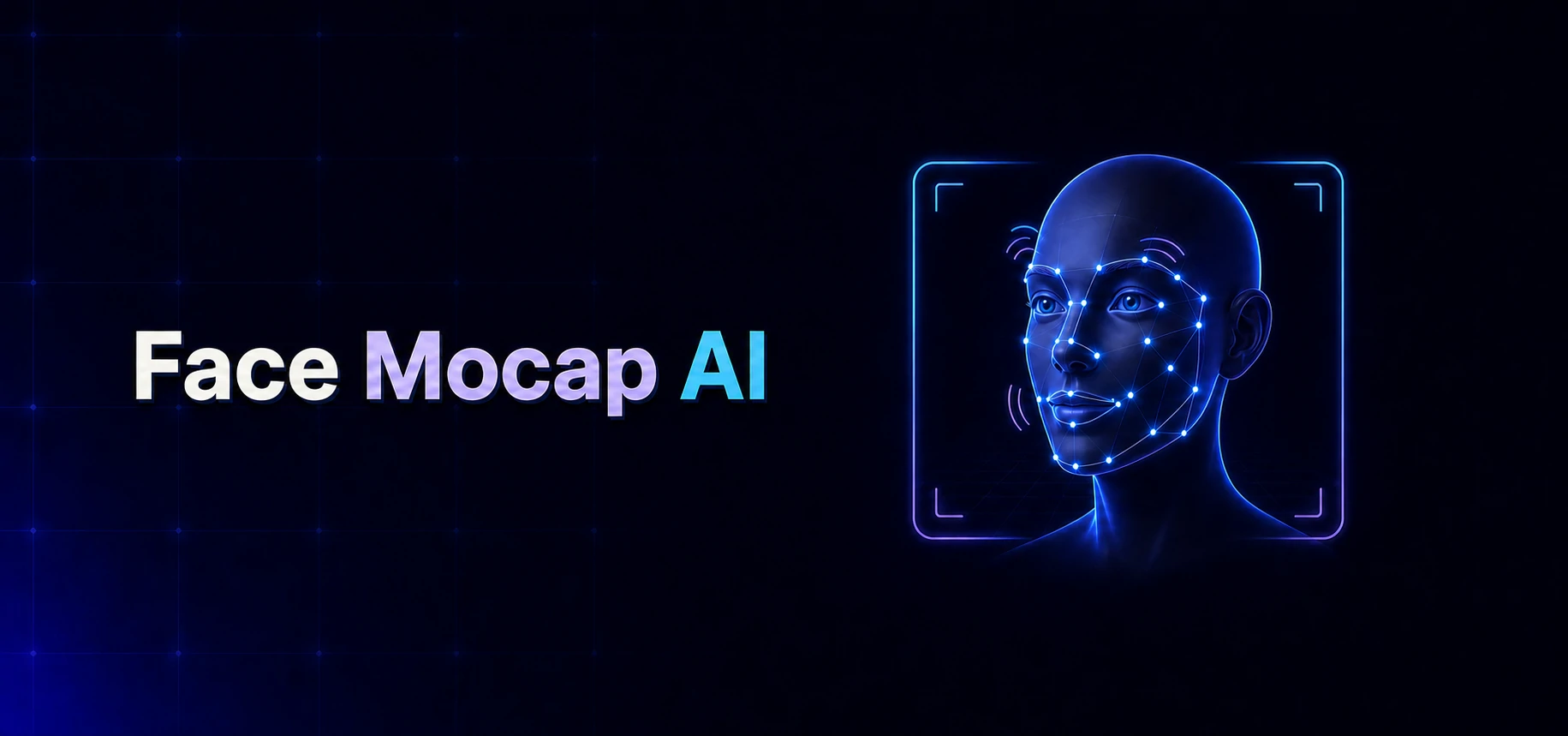 Face Mocap AI
Capture facial expressions, lip movement, and head orientation from ordinary video for editable 3D character animation.
Learn More
Face Mocap AI
Capture facial expressions, lip movement, and head orientation from ordinary video for editable 3D character animation.
Learn More
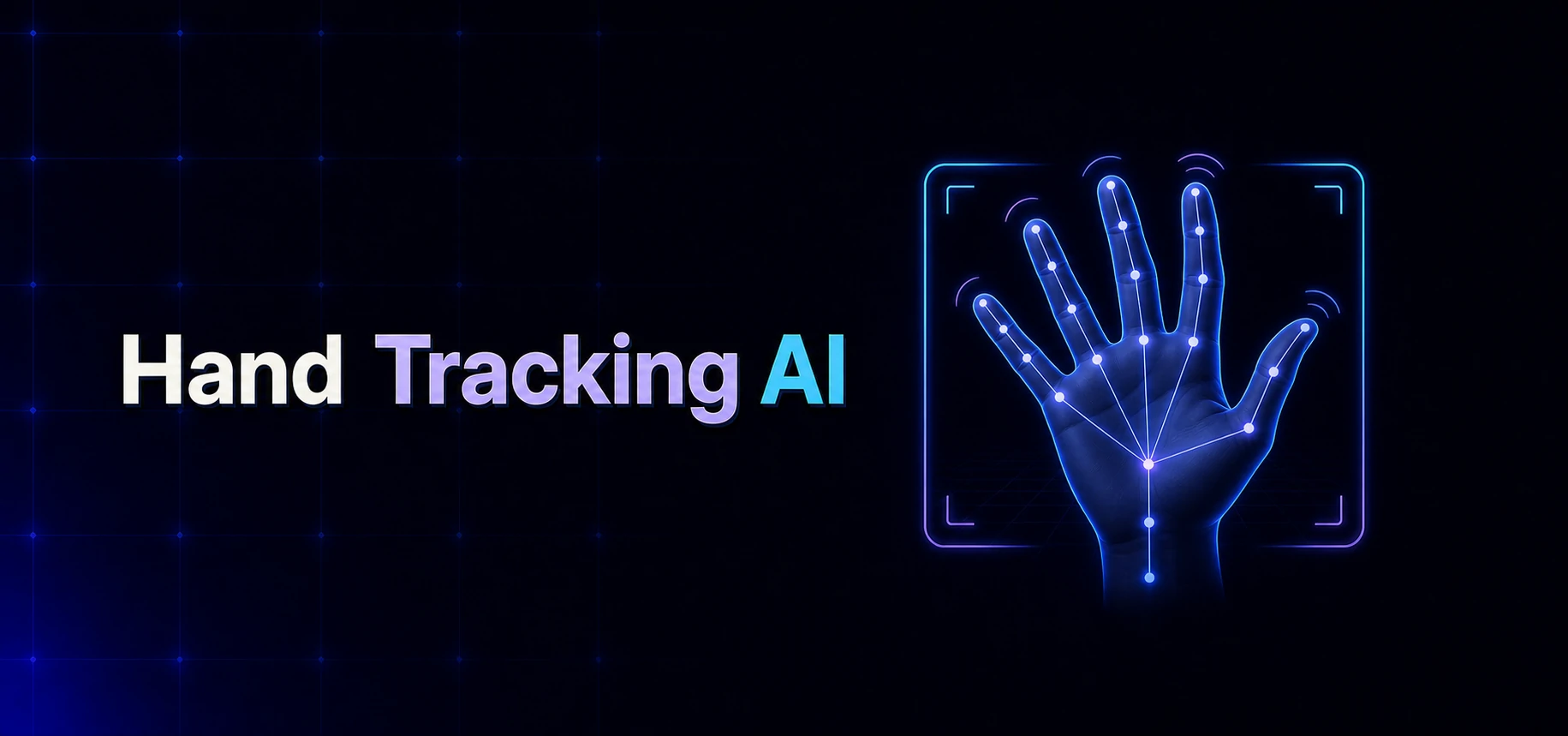 Hand Tracking AI
Track hands, wrists, and finger movement from a single video for expressive, editable 3D character animation.
Learn More
Hand Tracking AI
Track hands, wrists, and finger movement from a single video for expressive, editable 3D character animation.
Learn More
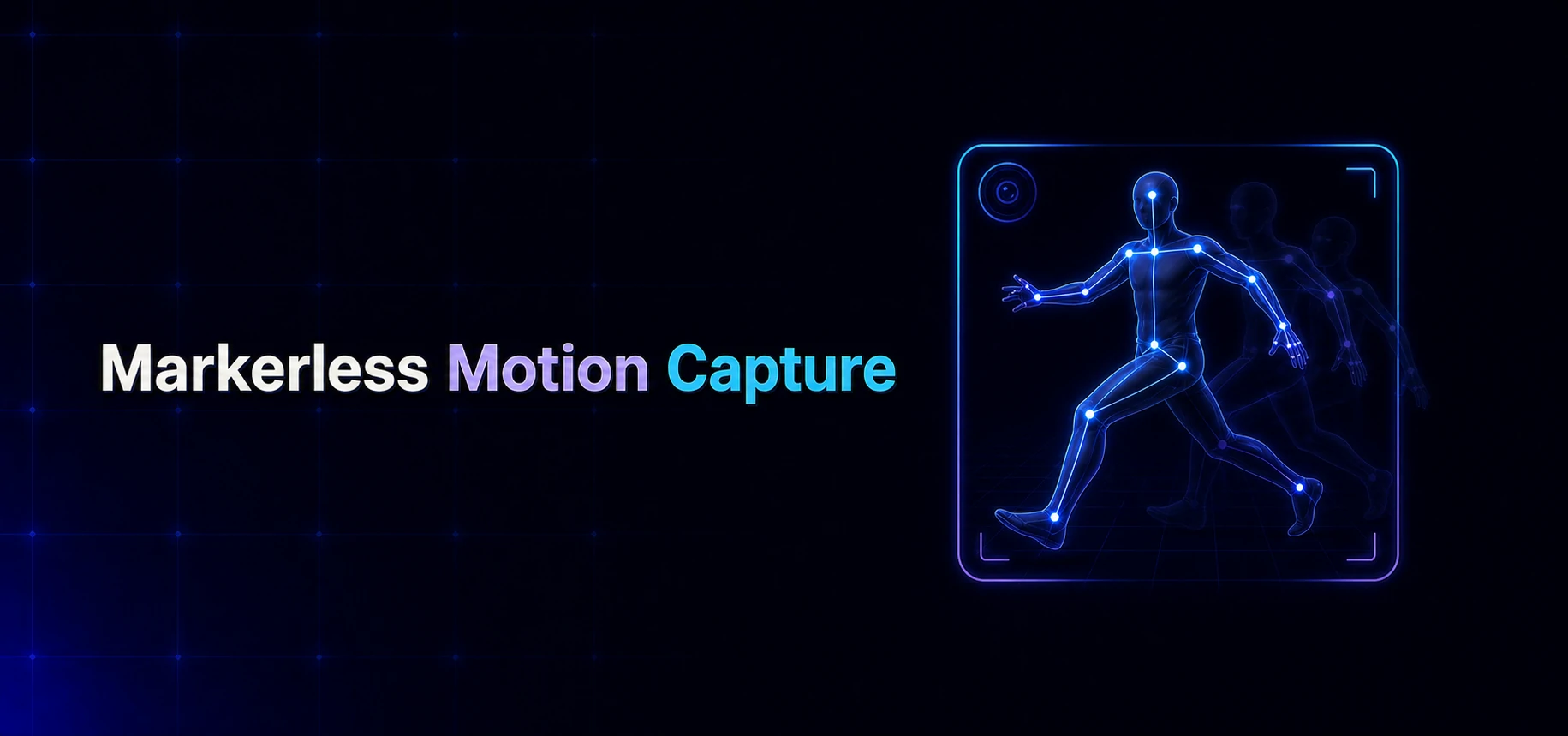 Markerless Motion Capture
Turn single-camera video into editable 3D motion—no mocap suit, reflective markers, sensors, or optical studio.
Learn More
Markerless Motion Capture
Turn single-camera video into editable 3D motion—no mocap suit, reflective markers, sensors, or optical studio.
Learn More
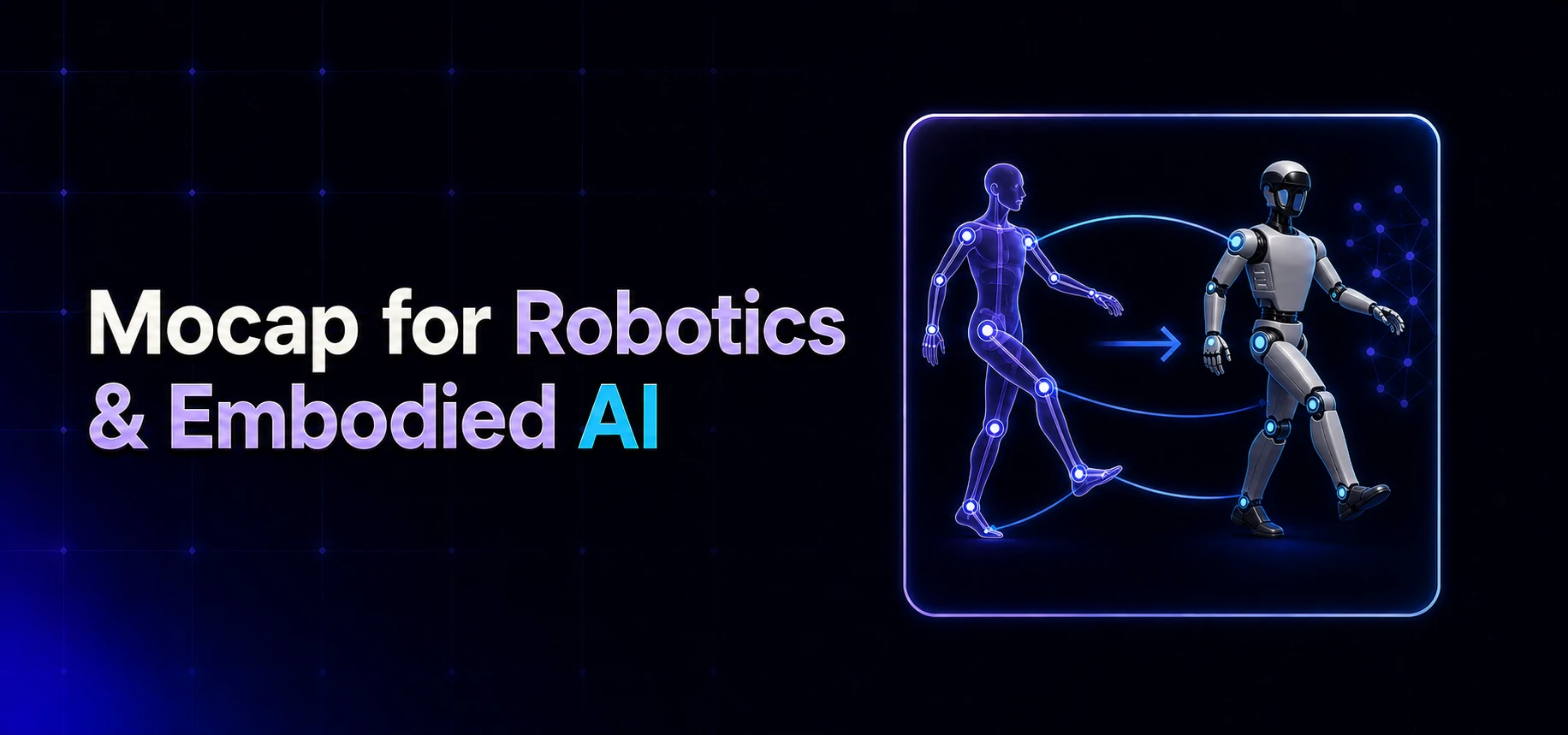 Mocap for Robotics & Embodied AI
Create humanoid motion references from video or text for simulation, imitation learning, behavior prototyping and embodied AI research.
Learn More
Mocap for Robotics & Embodied AI
Create humanoid motion references from video or text for simulation, imitation learning, behavior prototyping and embodied AI research.
Learn More
 AI Motion Editor for 3D Animation
Edit captured or generated 3D motion with plain-language instructions, AI diagnostics, reviewable plans and reversible changes.
Learn More
AI Motion Editor for 3D Animation
Edit captured or generated 3D motion with plain-language instructions, AI diagnostics, reviewable plans and reversible changes.
Learn More
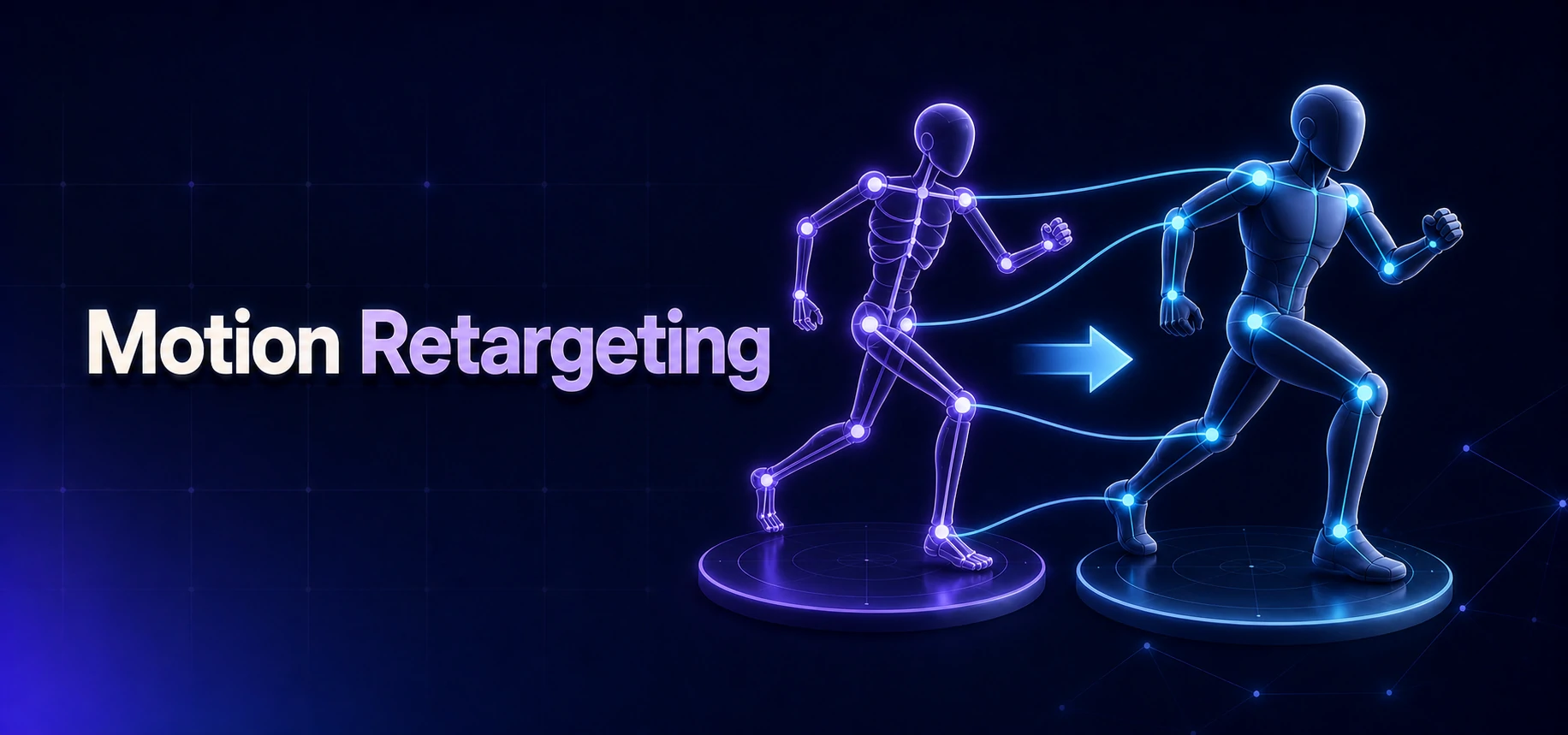 Motion Retargeting
Transfer AI mocap and generated motion between humanoid skeletons, then correct poses, root travel and contacts.
Learn More
Motion Retargeting
Transfer AI mocap and generated motion between humanoid skeletons, then correct poses, root travel and contacts.
Learn More
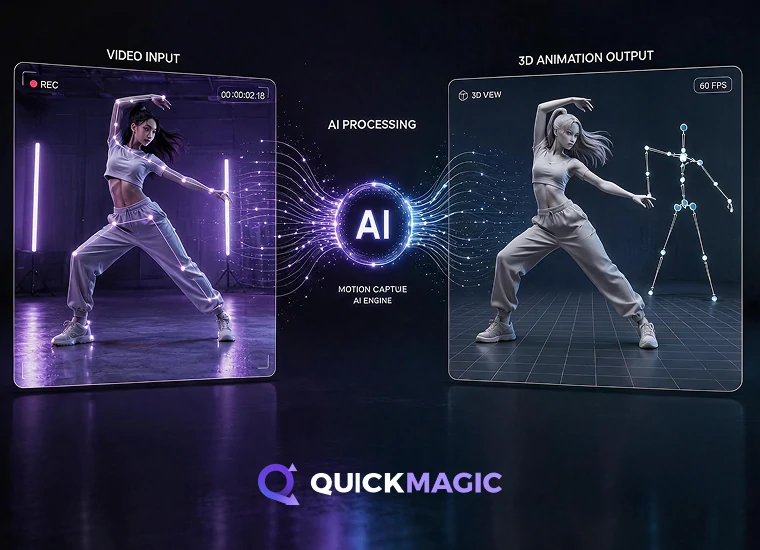 Multi-Character Motion Tracking
Separate several performers into independent skeleton tracks and apply their motion to multiple 3D characters.
Learn More
Multi-Character Motion Tracking
Separate several performers into independent skeleton tracks and apply their motion to multiple 3D characters.
Learn More
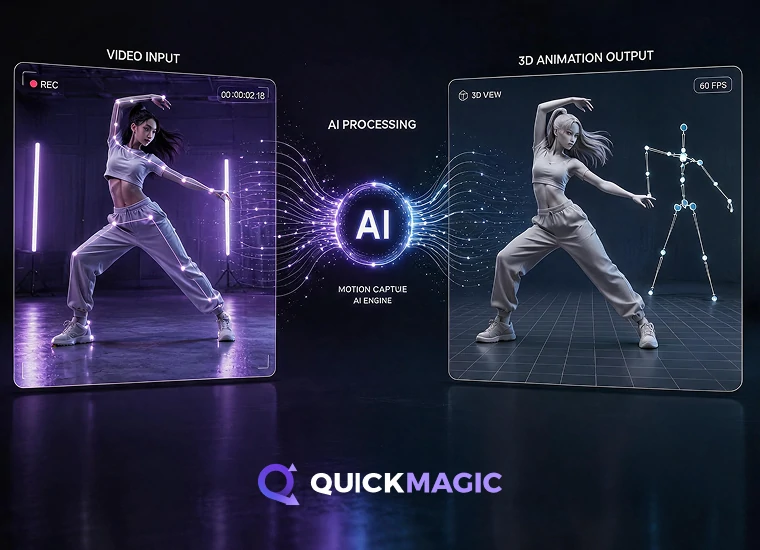 AI Multi-Person Video Motion Capture
Turn one group-performance video into separate editable 3D motion tracks for every selected performer.
Learn More
AI Multi-Person Video Motion Capture
Turn one group-performance video into separate editable 3D motion tracks for every selected performer.
Learn More
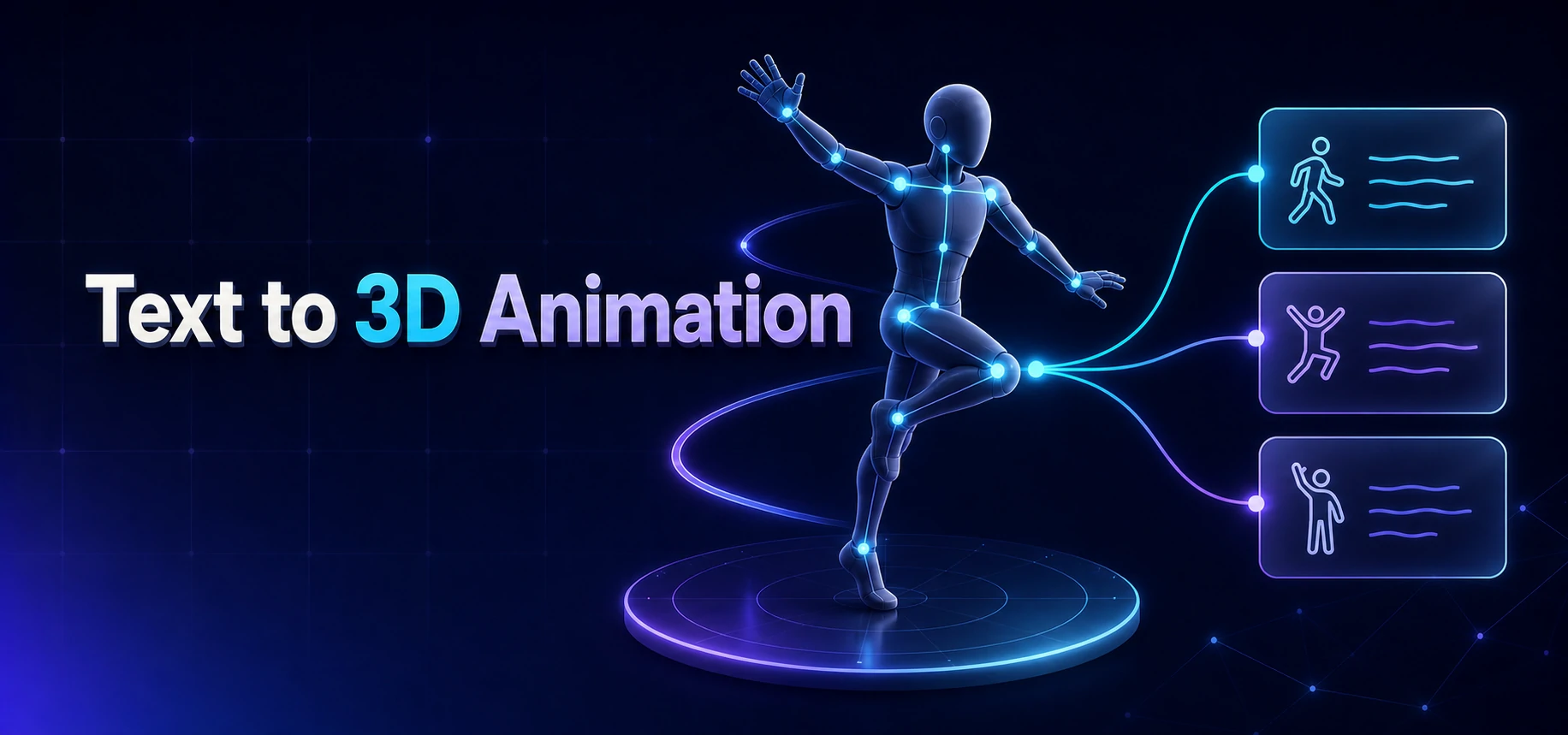 Text to 3D Animation
Turn a written action or pose into editable mocap-style 3D motion. No video, sensors or motion capture suit required.
Learn More
Text to 3D Animation
Turn a written action or pose into editable mocap-style 3D motion. No video, sensors or motion capture suit required.
Learn More
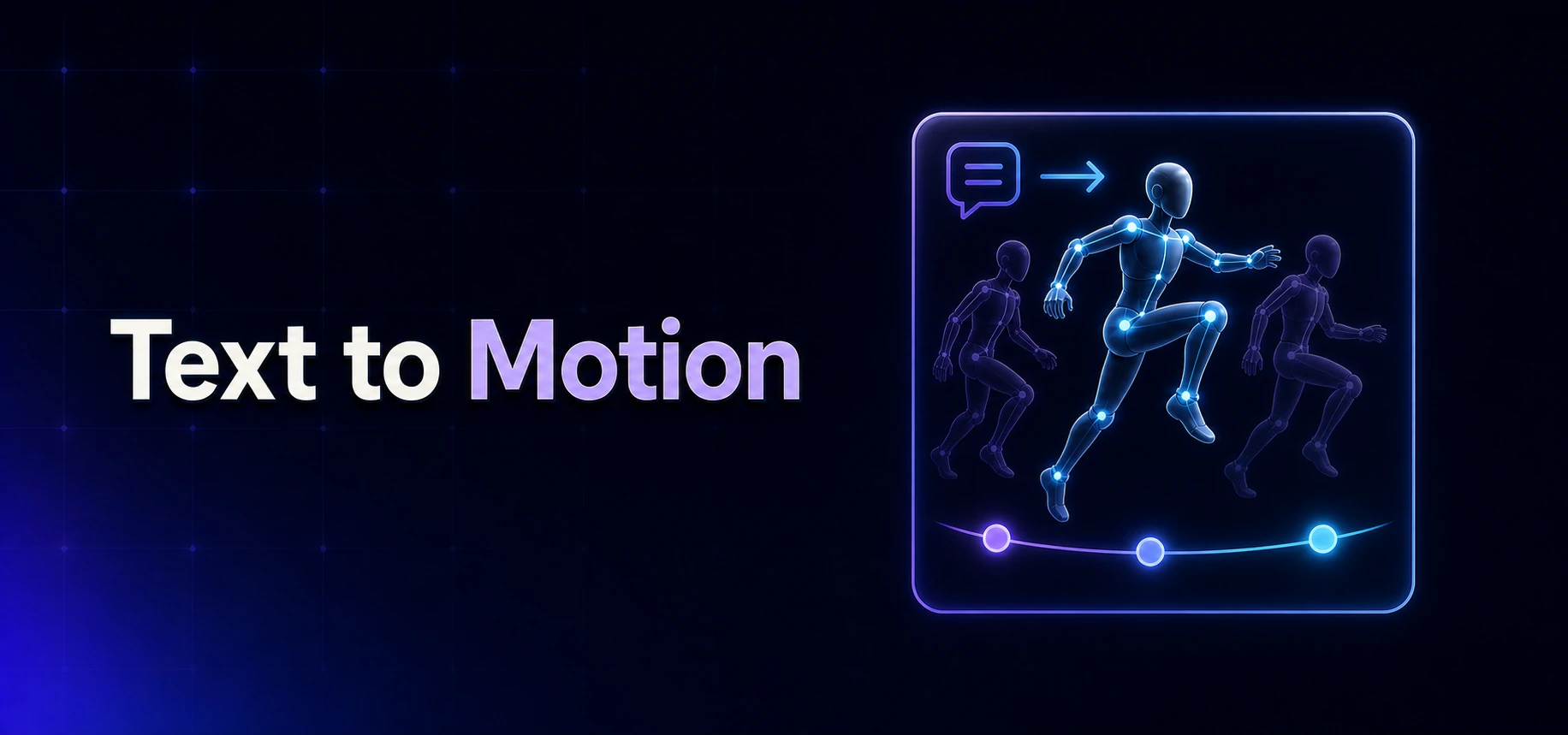 Text to Motion
Turn natural-language action prompts into editable skeletal 3D motion for characters, games, animation and robotics.
Learn More
Text to Motion
Turn natural-language action prompts into editable skeletal 3D motion for characters, games, animation and robotics.
Learn More
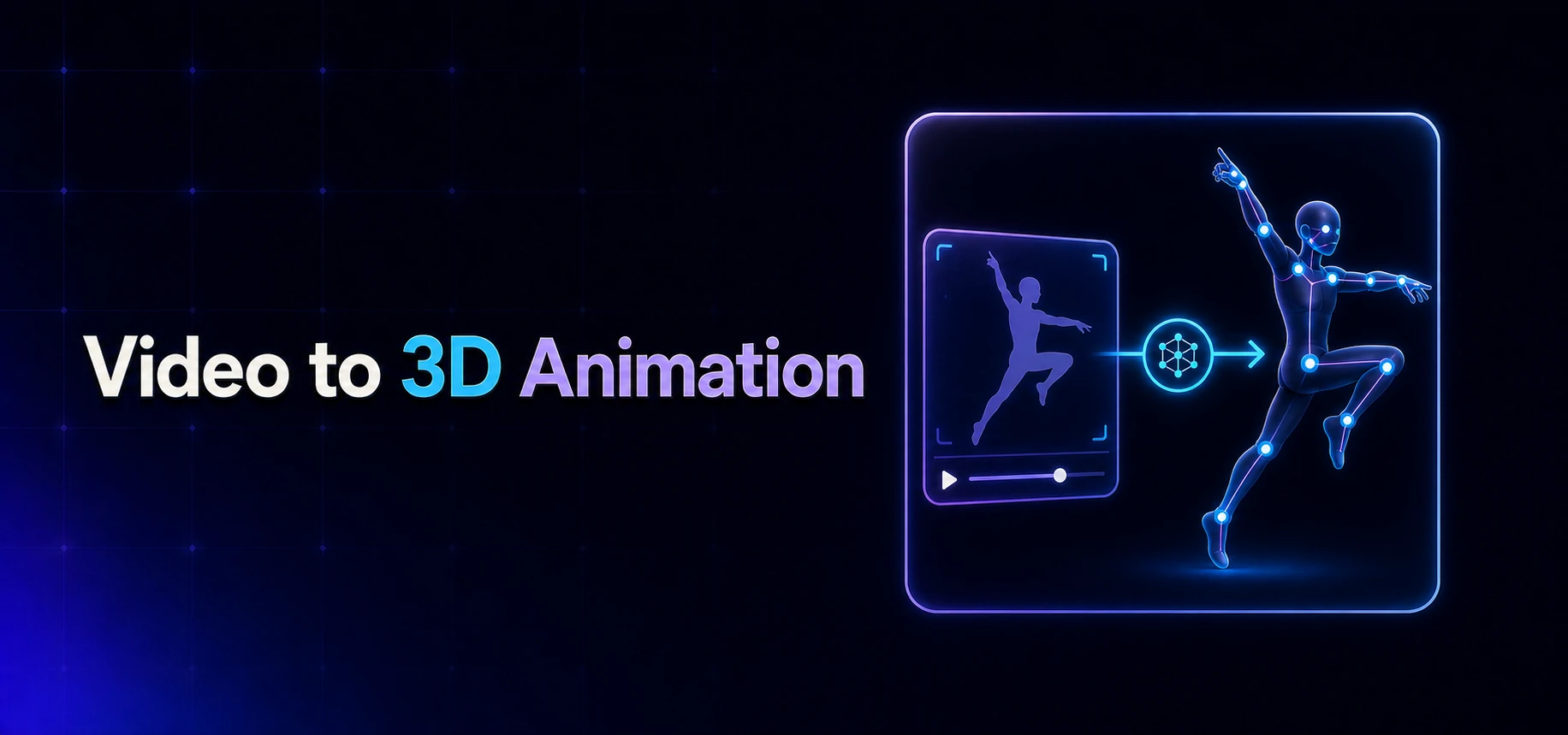 Video to 3D Animation
Turn ordinary footage into editable 3D motion with AI body, hand and facial tracking—no markers, sensors or mocap suit required.
Learn More
Video to 3D Animation
Turn ordinary footage into editable 3D motion with AI body, hand and facial tracking—no markers, sensors or mocap suit required.
Learn More
Which tool should I use?
Pick a tool by what you want to produce—from real video, a text prompt, or a specific body part.
| Your goal | Recommended tool | Typical output |
|---|---|---|
| Extract motion from real video | Video to 3D Animation | FBX, BVH, editable 3D motion |
| Capture several people from one video | AI Multi-Person Video Motion Capture | Independent motion tracks |
| Track multiple characters in one take | Multi-Character Motion Tracking | Separate character motion tracks |
| Generate motion from a text prompt | Text to Motion | Generated skeletal motion |
| Turn text into a finished 3D animation | Text to 3D Animation | Editable 3D animation |
| Track full-body movement only | AI Body Tracking | 3D body motion |
| Capture hand & finger motion | Hand Tracking AI | Hand & finger animation |
| Capture facial expressions | Face Mocap AI | Facial animation |
| Apply motion to a target character | Motion Retargeting | Retargeted rig animation |
| Edit and clean up 3D motion | AI Motion Editor for 3D Animation | Reviewed, exportable animation |
| Animate a 3D character | 3D Character Animation | Character animation |
| Markerless mocap without any gear | Markerless Motion Capture | Markerless 3D mocap |
| Motion data for humanoid robots | Mocap for Robotics & Embodied AI | Unitree G1/H1-ready motion |
| Export to game engines & DCC | 3D Animation Export Formats | FBX / BVH / VMD / glTF |


