

註冊

AI 動作捕捉教學與製作工作流程

循序學習 AI 動作捕捉與製作流程,涵蓋拍攝、動作清理、重定向、匯出格式及軟體整合。

AI Motion Capture Tutorials & Workflow Guides
Learn how to turn videos and text prompts into editable 3D animation with QuickMagic. Follow practical, version-tested guides for recording, motion cleanup, retargeting, export formats, Blender, Unreal Engine, Maya, 3ds Max, iClone, MMD and robotics workflows.

AI 動作捕捉入門

查看所有入門指南
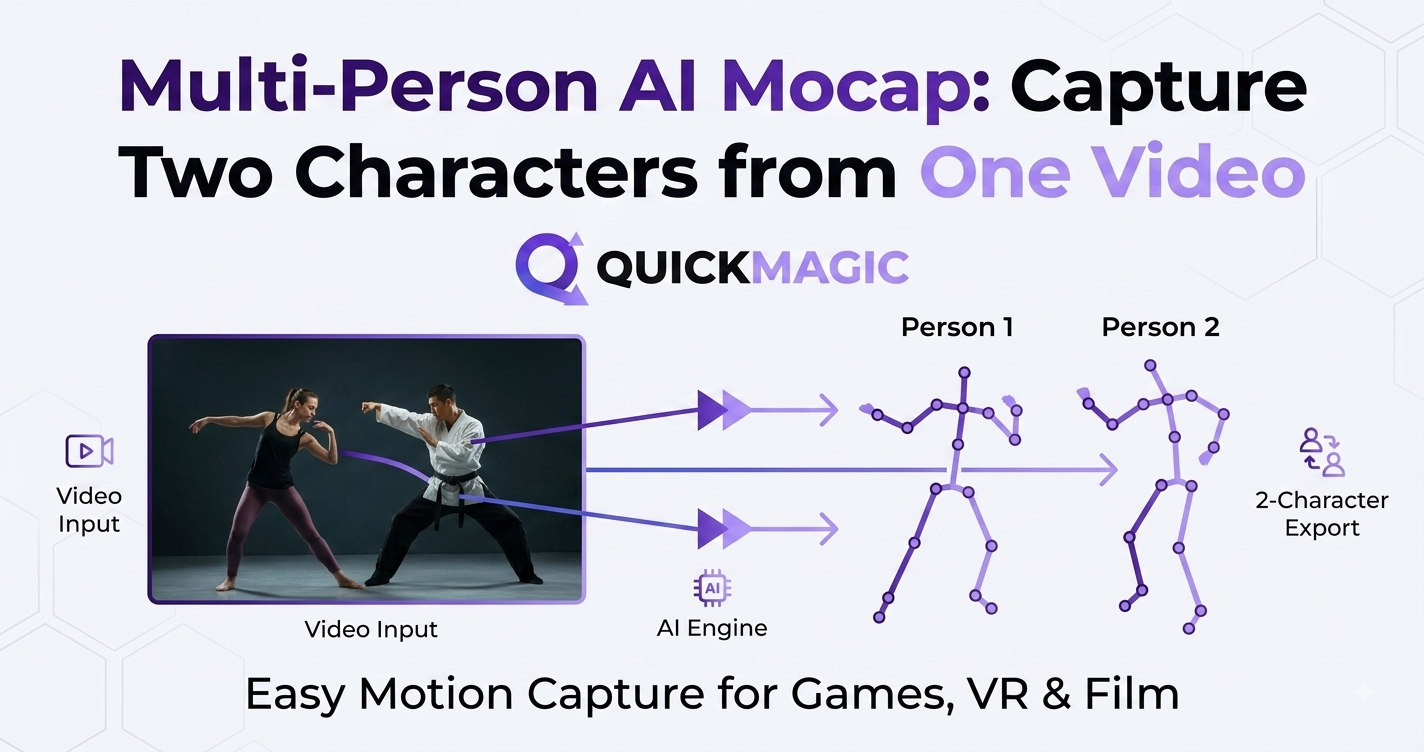
Multi-Person AI Mocap: Capture Two Characters from One Video
QuickMagicQuickMagic·
Multi-Person AI Mocap: Capture Two Characters from One Video
Capture two characters from a single video with QuickMagic. Learn how AI Motion Capture and Markerless Motion Capture enable multi-person tracking, Video to...
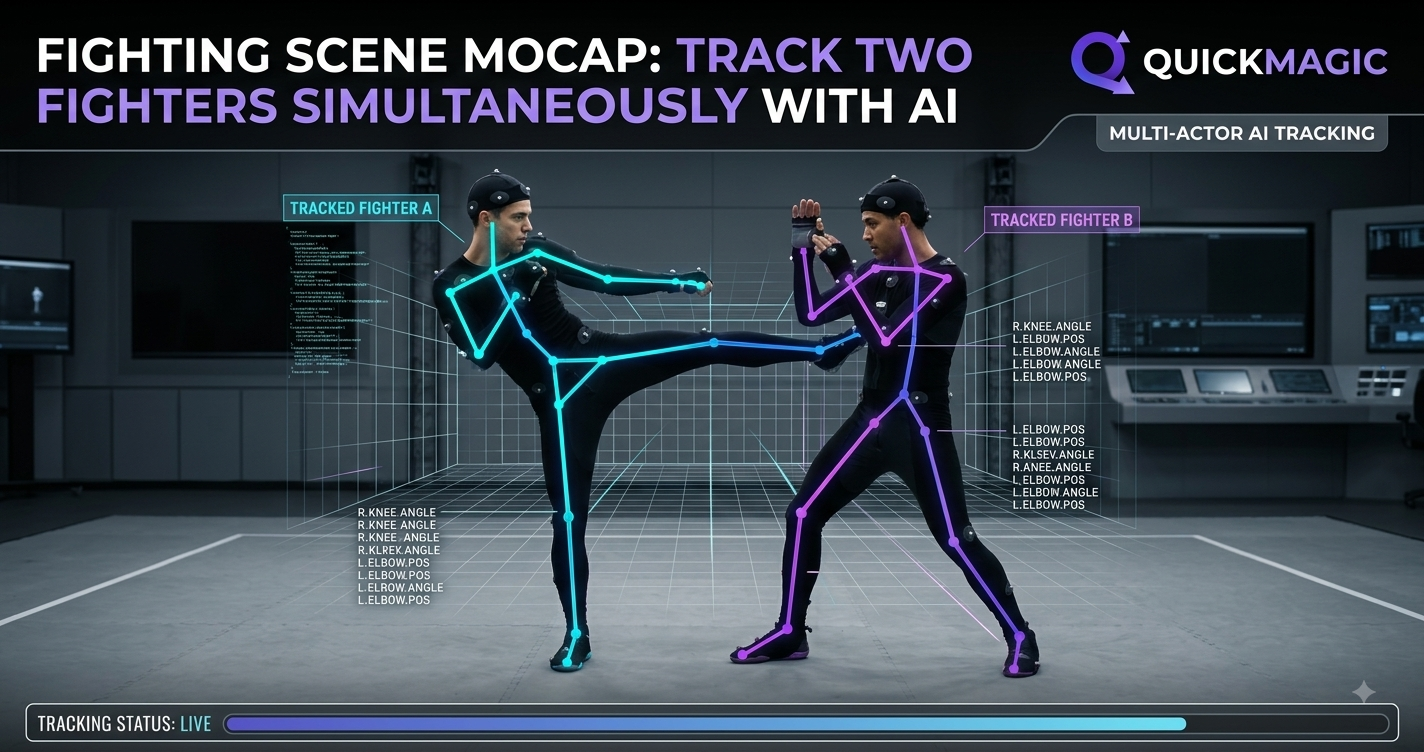
Fighting Scene Mocap: Track Two Fighters Simultaneously with AI
QuickMagicQuickMagic·
Fighting Scene Mocap: Track Two Fighters Simultaneously with AI
Learn how QuickMagic uses AI Motion Capture and Markerless Motion Capture to record two fighters at once. Turn fight footage into 3D with Video to 3D Animati...
Single vs Multi-Person Mocap: When You Need Both
QuickMagicQuickMagic·
Single vs Multi-Person Mocap: When You Need Both
Single vs multi-person mocap explained: learn when solo markerless motion capture is enough and when multi-person AI motion capture is essential. Turn any vi...
Holistic AI Tracking for Robotics: Human Reference Motion Data
QuickMagicQuickMagic·
Holistic AI Tracking for Robotics: Human Reference Motion Data
Discover how holistic AI tracking converts human motion into robot mocap reference data for Unitree mocap AI workflows. Explore the full pipeline from marker...
Free AI Facial Motion Capture: Animate Faces from Video Instantly
QuickMagicQuickMagic·
Free AI Facial Motion Capture: Animate Faces from Video Instantly
Discover how QuickMagic makes free AI facial motion capture simple: animate faces from video instantly, create AI 3D animation, and turn video to 3D animatio...
Hand Tracking vs Hand Keyframing: Save 80% Animation Time
QuickMagicQuickMagic·
Hand Tracking vs Hand Keyframing: Save 80% Animation Time
Discover how QuickMagic hand tracking helps studios save up to 80% animation time compared with hand keyframing. Explore AI Motion Capture, Video to 3D Anima...
QuickMagic Holistic Tracking: Compare Accuracy, Speed, and Export Options
QuickMagicQuickMagic·
QuickMagic Holistic Tracking: Compare Accuracy, Speed, and Export Options
QuickMagic holistic tracking powers the full mocap pipeline. This AI mocap accuracy comparison covers body, hand, and face capture, processing speed, and 13+...
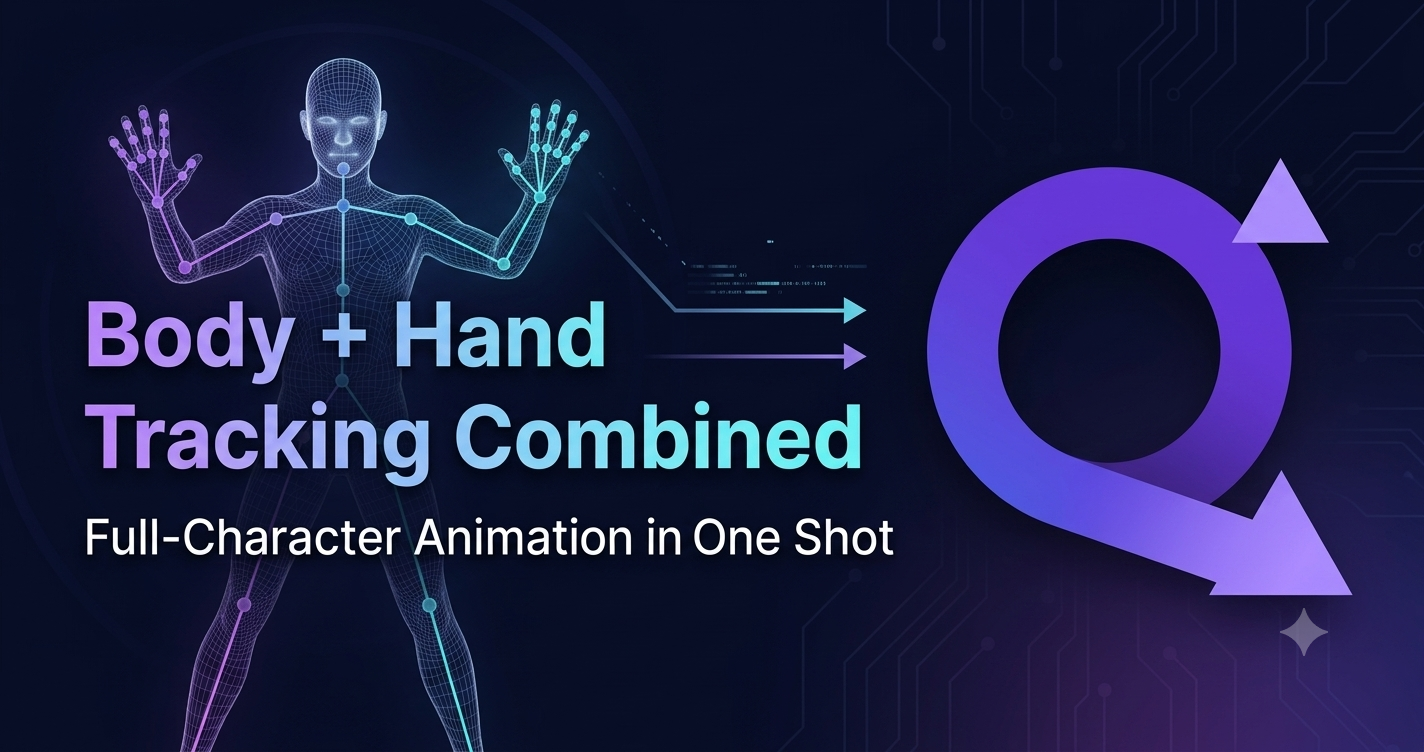
Body + Hand Tracking Combined: Full-Character Animation in One Shot
QuickMagicQuickMagic·
Body + Hand Tracking Combined: Full-Character Animation in One Shot
Capture body, hands, and face in a single pass with QuickMagic AI motion capture. Skip layered mocap, wrist-seam fixes, and timecode drift. Markerless video...
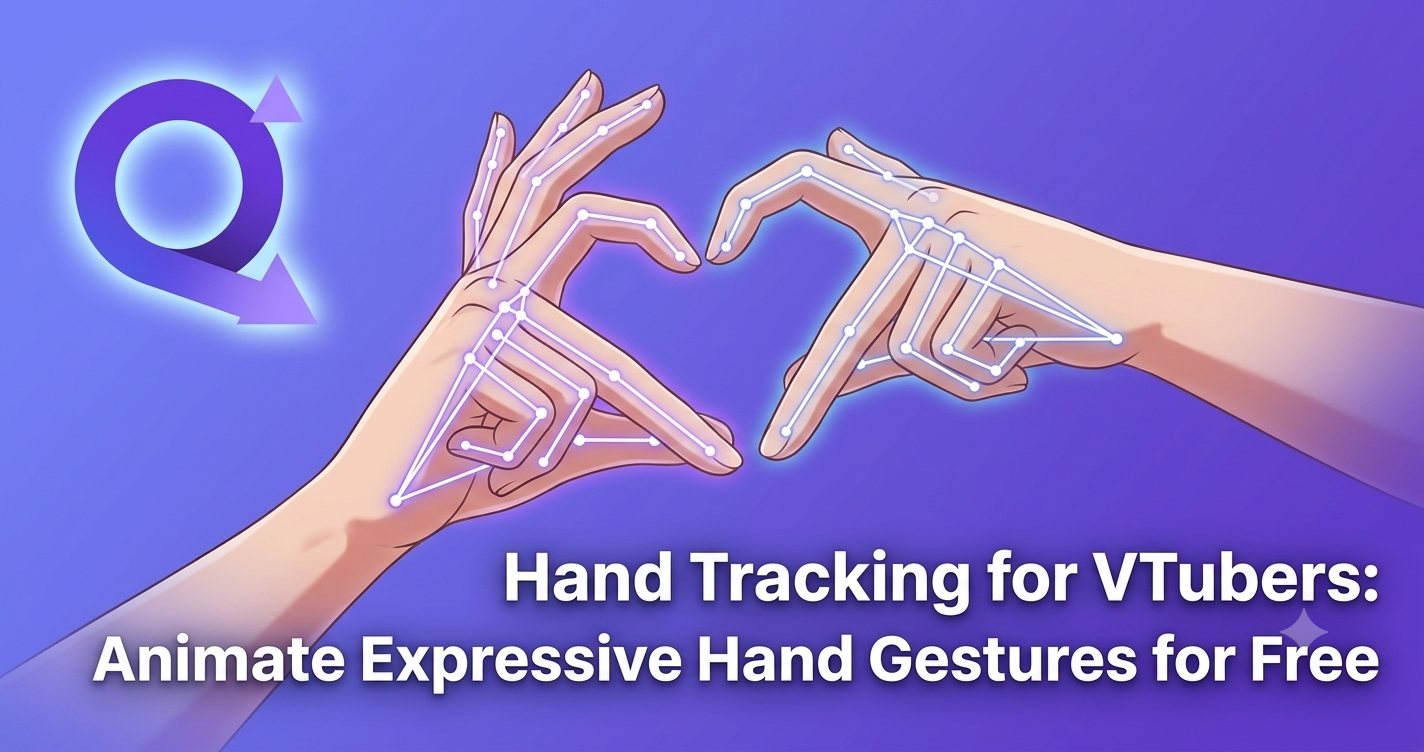
Hand Tracking for VTubers: Animate Expressive Hand Gestures for Free
QuickMagicQuickMagic·
Hand Tracking for VTubers: Animate Expressive Hand Gestures for Free
Free hand tracking for VTubers. Turn phone video into expressive finger and hand gestures with QuickMagic AI motion capture — markerless, no gloves, export F...
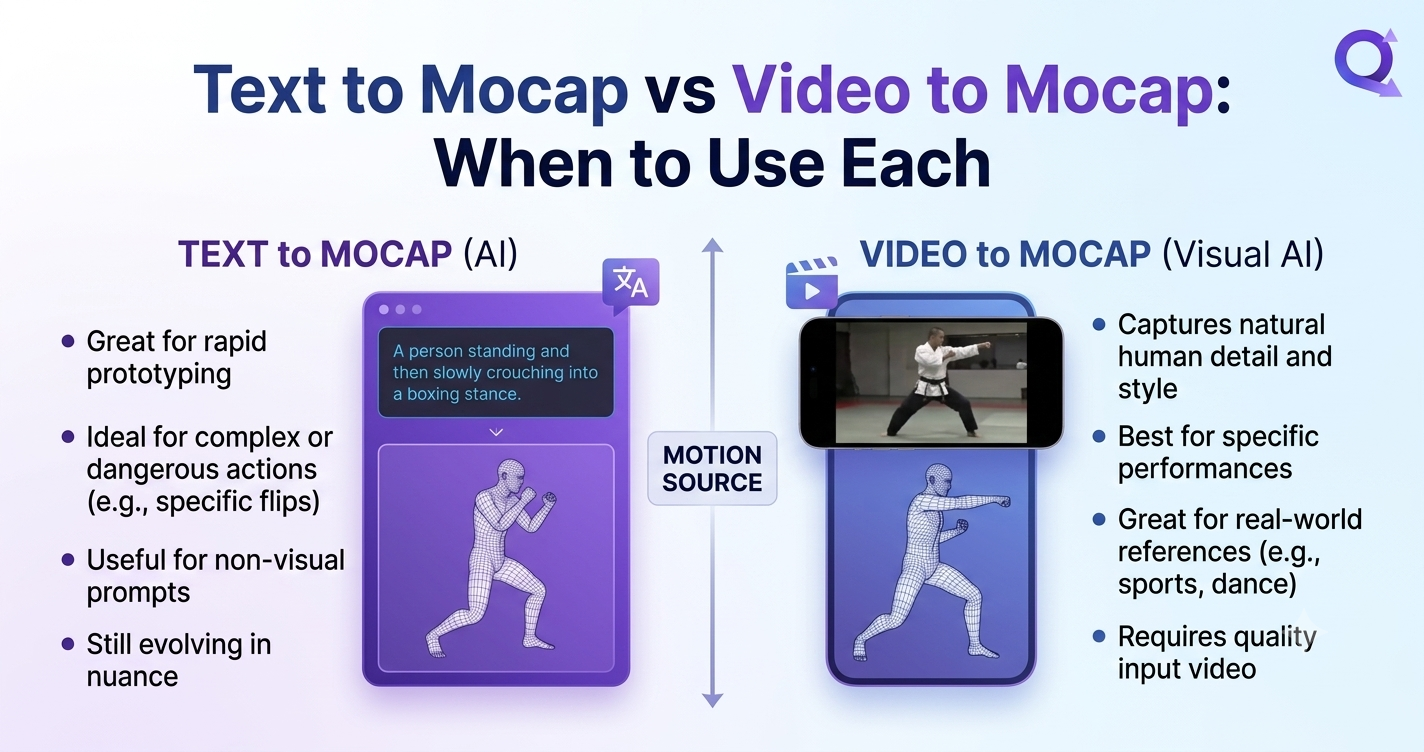
Text to Mocap vs Video to Mocap: When to Use Each
QuickMagicQuickMagic·
Text to Mocap vs Video to Mocap: When to Use Each
Text to Mocap vs Video to Mocap: a practical 2025 comparison of AI Motion Capture, Markerless Motion Capture, and Real-Time Body Tracking. Learn when to use...
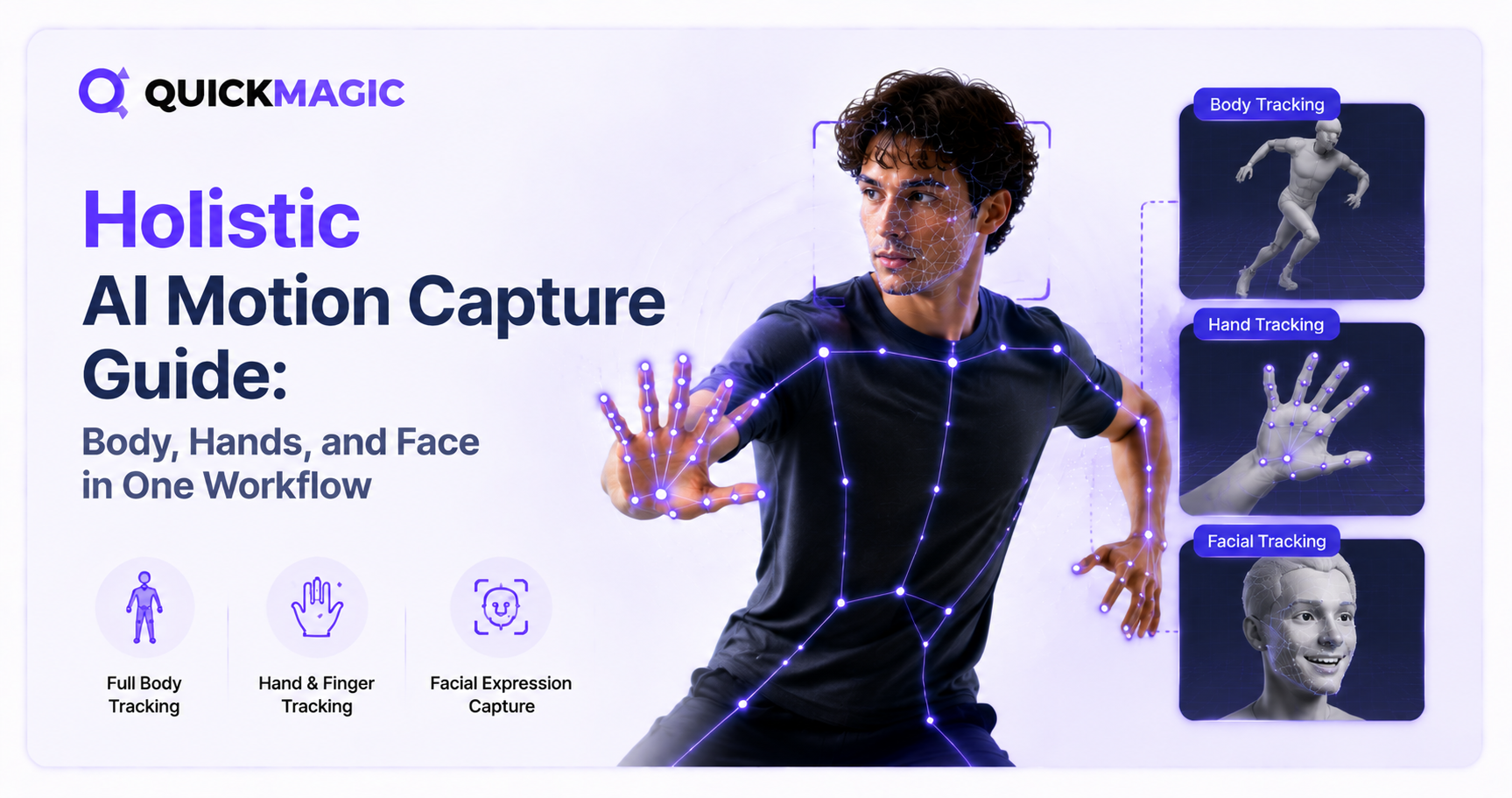
Holistic AI Motion Capture Guide: Body, Hands, and Face in One Workflow
QuickMagicQuickMagic·
Holistic AI Motion Capture Guide: Body, Hands, and Face in One Workflow
A complete guide to holistic motion capture. Learn how AI holistic tracking captures full-body, hand, and face motion in one unified workflow from a single v...
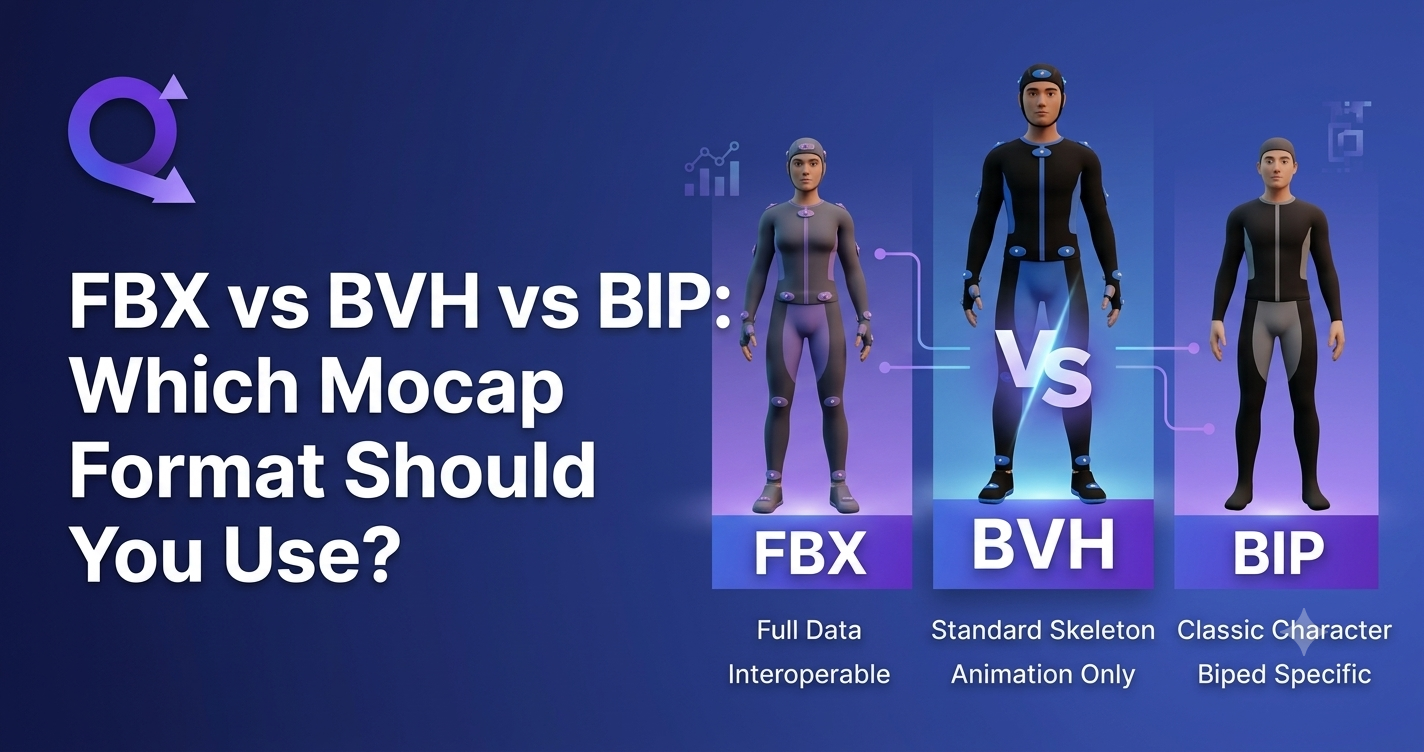
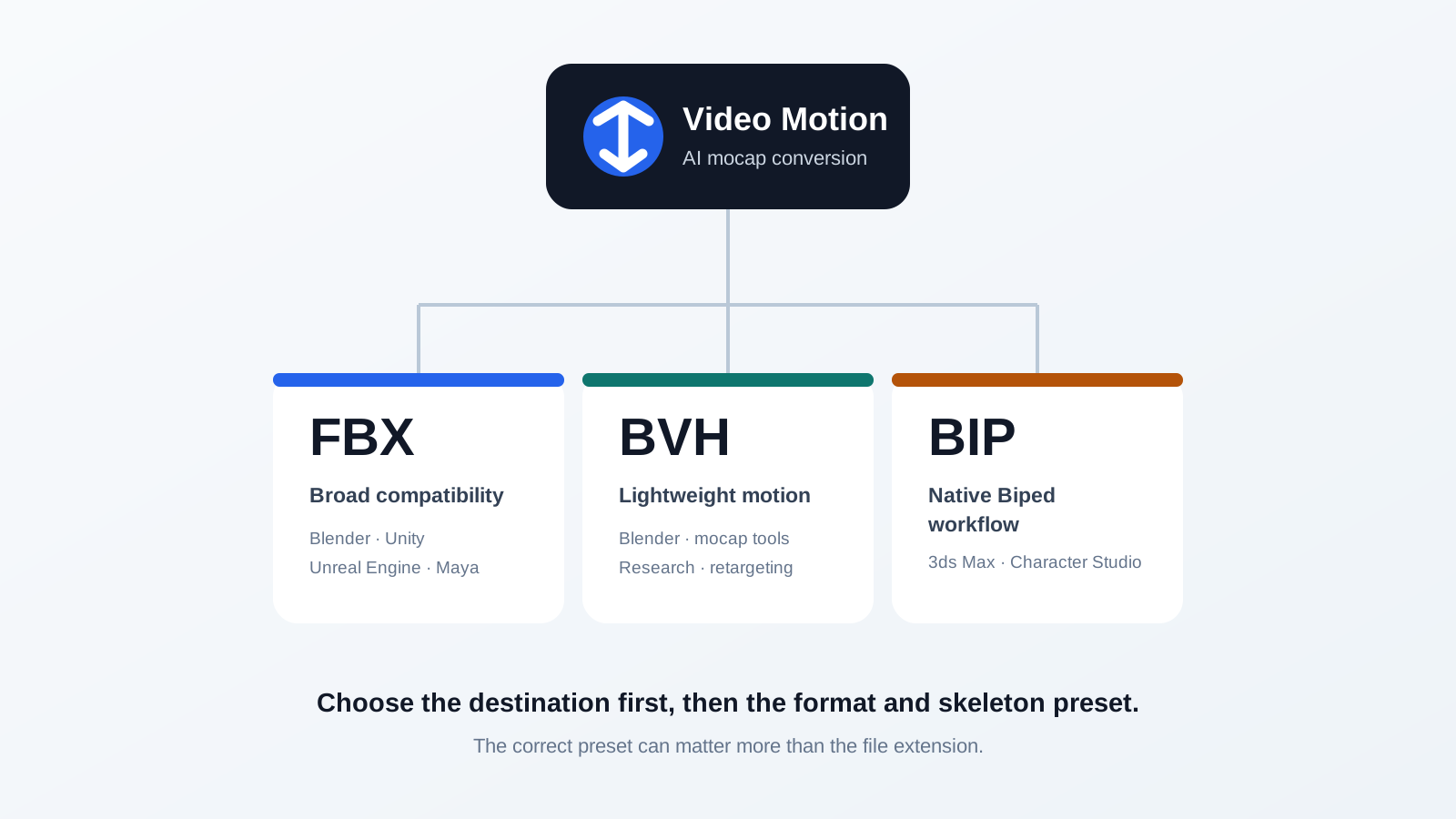
FBX vs BVH vs BIP: Which Mocap Format Should You Use?
QuickMagicQuickMagic·
FBX vs BVH vs BIP: Which Mocap Format Should You Use?
FBX vs BVH vs BIP compared: what each mocap format stores, which tools support it, and when to choose each. A practical guide for AI Motion Capture workflows...
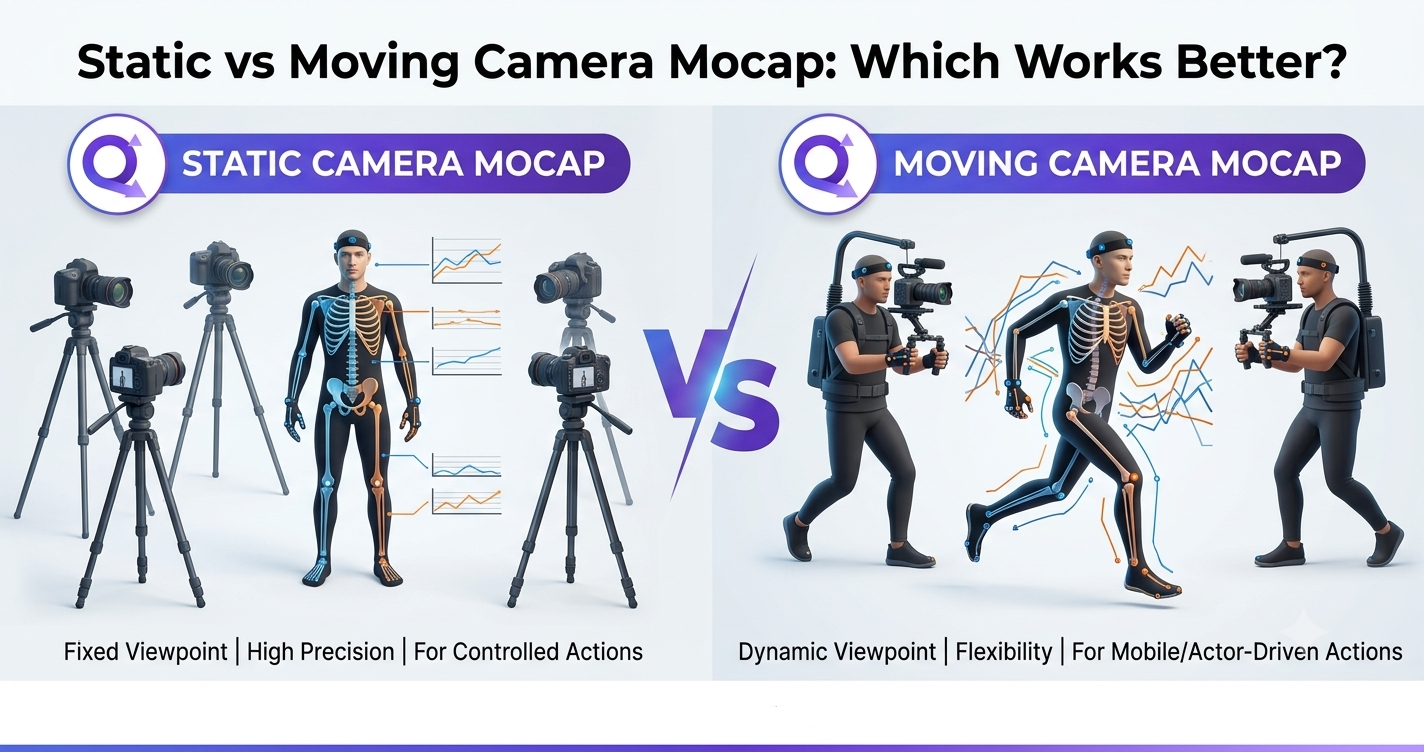
Static vs Moving Camera Mocap: Which Works Better?
QuickMagicQuickMagic·
Static vs Moving Camera Mocap: Which Works Better?
A practical, side-by-side comparison of static and moving camera AI motion capture — accuracy, jitter, occlusion, scale drift, and which setup to choose for...
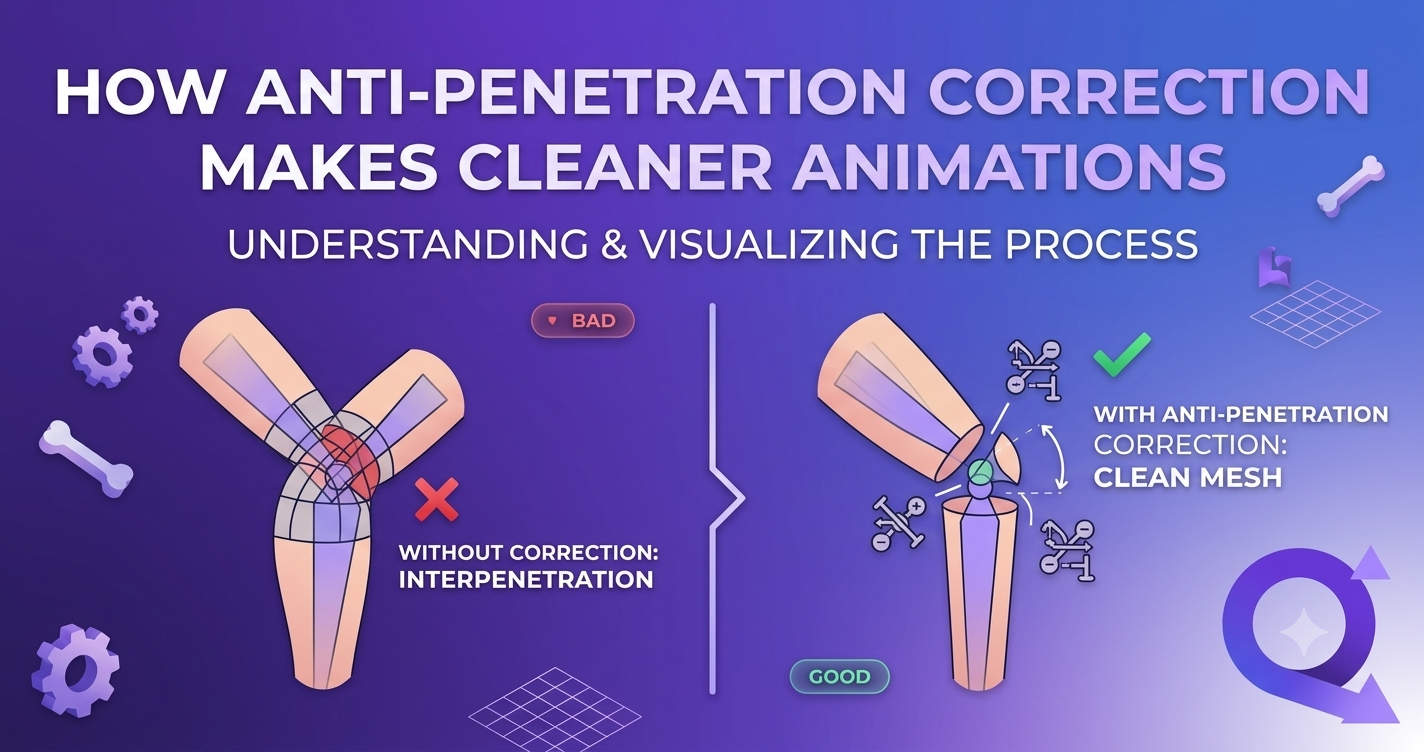
How Anti-Penetration Correction Makes Cleaner Animations
QuickMagicQuickMagic·
How Anti-Penetration Correction Makes Cleaner Animations
Why mesh intersection is the silent killer of AI-generated motion — and how QuickMagic's anti-penetration correction turns raw capture into production-ready...
Body + Hand + Face: Complete AI Performance Capture Pipeline
QuickMagicQuickMagic·
Body + Hand + Face: Complete AI Performance Capture Pipeline
Learn how AI performance capture combines body, hand, and face tracking into a single pipeline. QuickMagic captures full-body face tracking from one video —...
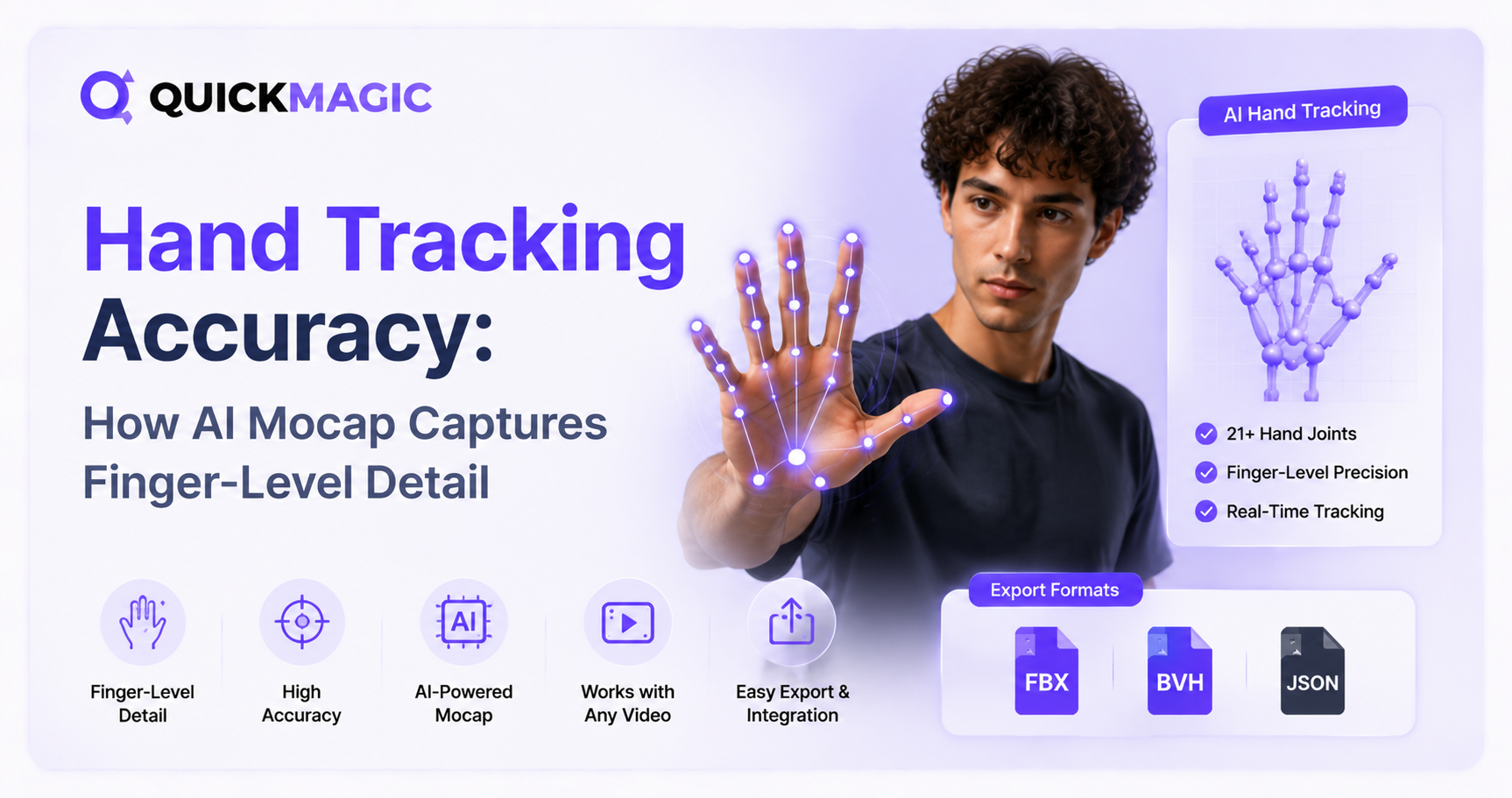
Hand Tracking Accuracy: How AI Mocap Captures Finger-Level Detail
QuickMagicQuickMagic·
Hand Tracking Accuracy: How AI Mocap Captures Finger-Level Detail
Discover how AI motion capture achieves finger-level hand tracking accuracy. Learn the technology behind AI hand animation and how QuickMagic captures every...
Free AI Hand Motion Capture: Track Hand Gestures Without Sensors
QuickMagicQuickMagic·
Free AI Hand Motion Capture: Track Hand Gestures Without Sensors
Discover how AI hand motion capture converts video-based hand gestures and finger movements into 3D animation data. Learn how to track hands without sensors,...
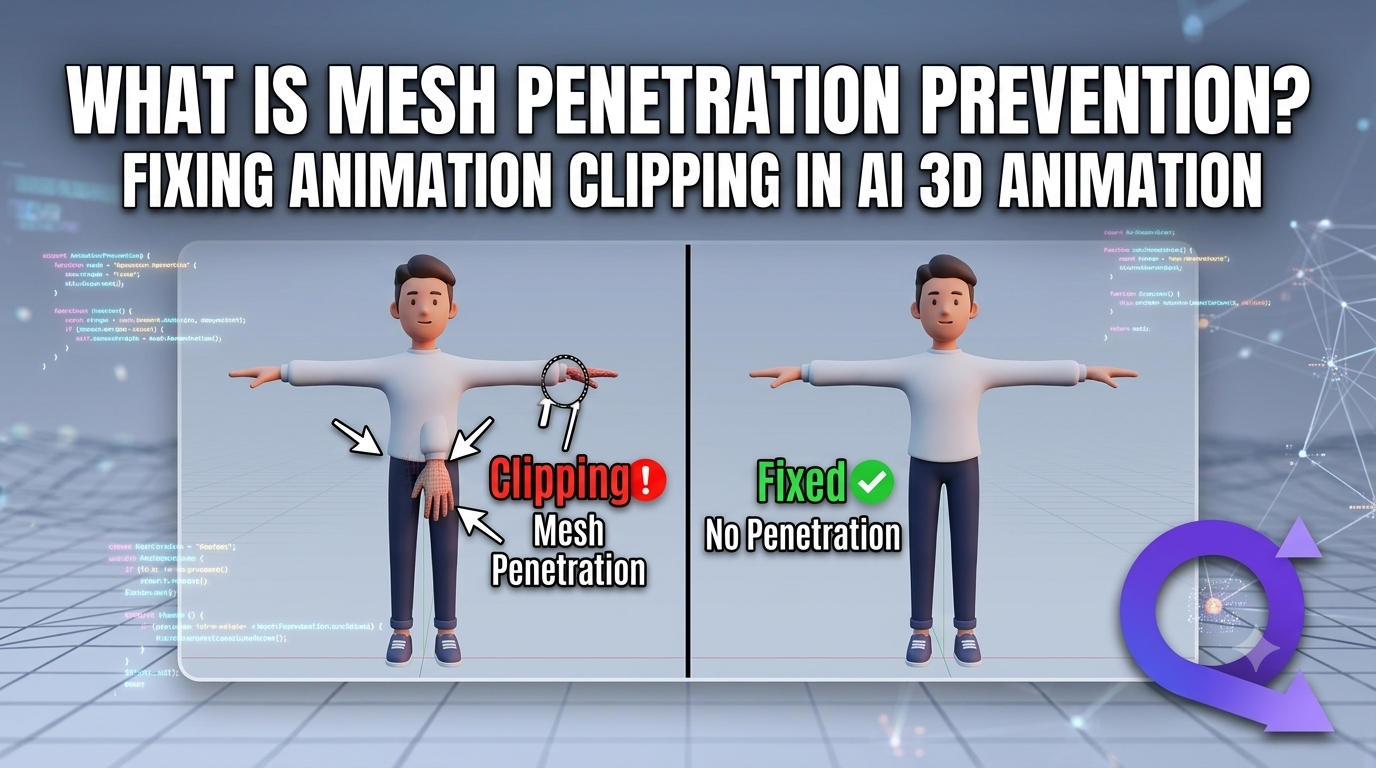
What Is Mesh Penetration Prevention? Fixing Animation Clipping in AI 3D Animation
QuickMagicQuickMagic·
What Is Mesh Penetration Prevention? Fixing Animation Clipping in AI 3D Animation
Learn what Mesh Penetration Prevention is and how to fix animation clipping in AI 3D animation. Discover how QuickMagic's AI Motion Capture, Video to 3D Anim...
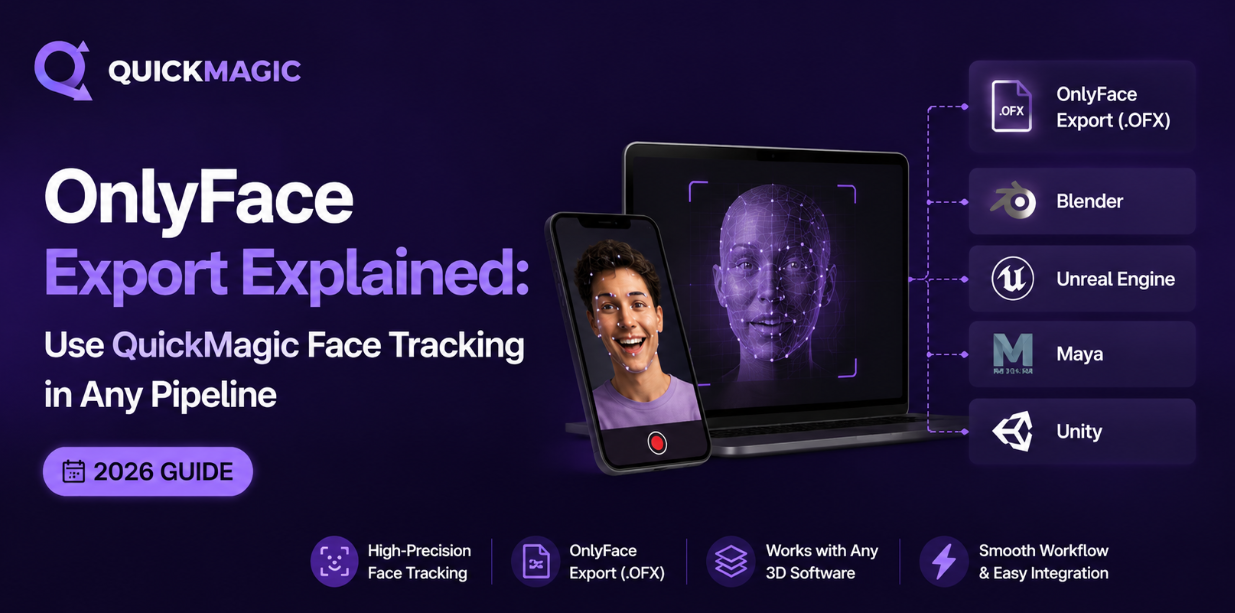
OnlyFace Export Explained: Use QuickMagic Face Tracking in Any Pipeline (2026)
QuickMagicQuickMagic·
OnlyFace Export Explained: Use QuickMagic Face Tracking in Any Pipeline (2026)
Learn how QuickMagic's OnlyFace export format lets you extract facial mocap as FBX-compatible data and drop it into Blender, Unreal, Unity, Maya, or any 3D p...
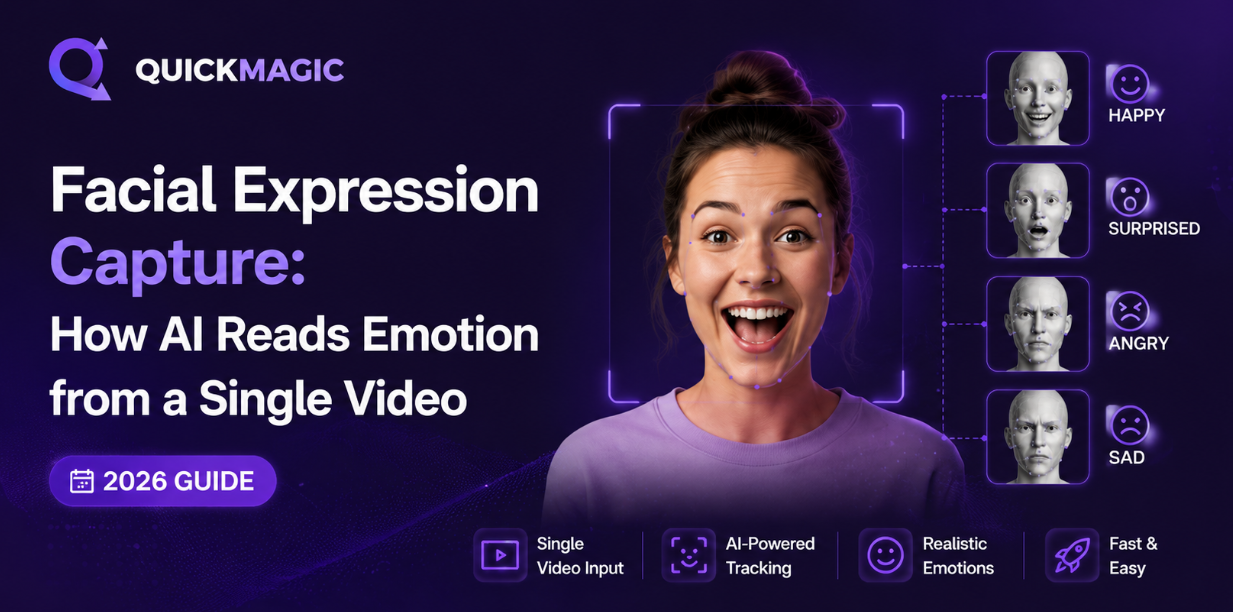
Facial Expression Capture: How AI Reads Emotion from a Single Video (2026 Guide)
QuickMagicQuickMagic·
Facial Expression Capture: How AI Reads Emotion from a Single Video (2026 Guide)
Learn how AI facial expression capture works — from FACS Action Units to ARKit blendshapes. Discover the best emotion mocap tools (Free–Pro), a step-by-step...
Body Tracking from Moving Camera: How AI Handles Dynamic Footage
QuickMagicQuickMagic·
Body Tracking from Moving Camera: How AI Handles Dynamic Footage
Discover how moving camera mocap separates camera movement from human motion for more reliable dynamic body tracking and how to prepare footage for cleaner A...
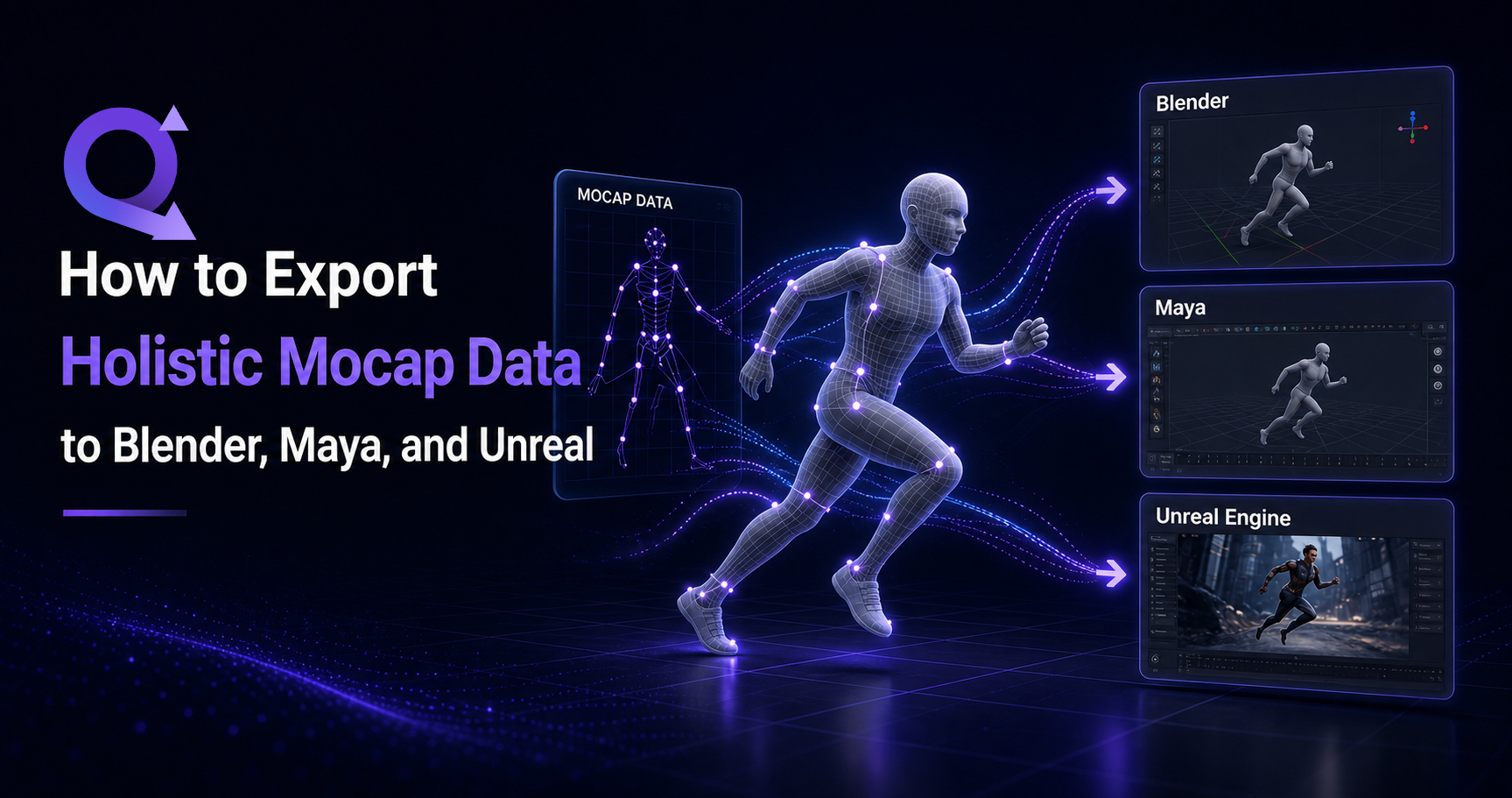
How to Export Holistic Mocap Data to Blender, Maya, and Unreal
QuickMagicQuickMagic·
How to Export Holistic Mocap Data to Blender, Maya, and Unreal
Learn how to export holistic mocap data from QuickMagic to Blender, Maya, and Unreal Engine. Master FBX, BVH export formats, retargeting workflows, and troub...
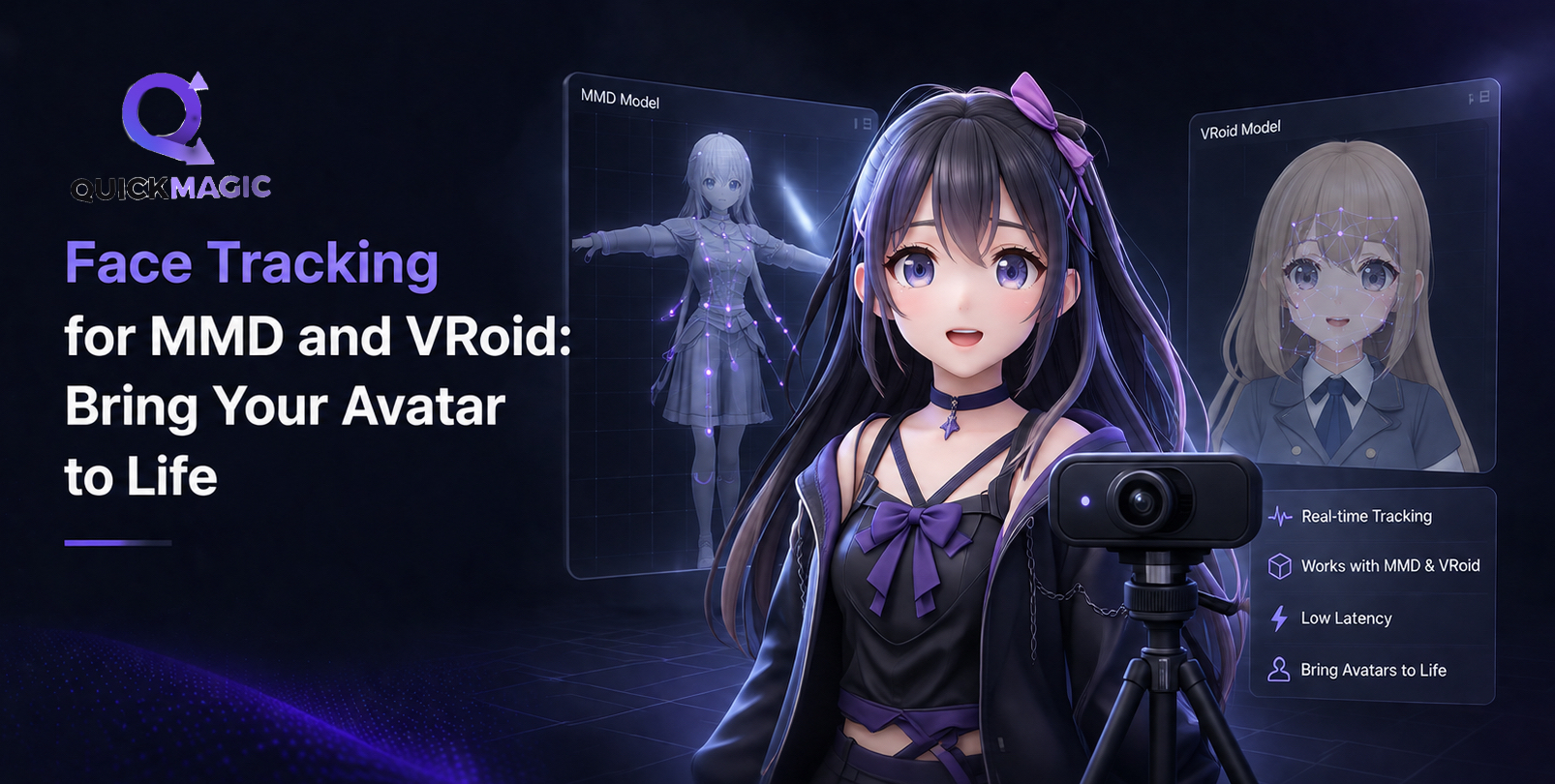
Face Tracking for MMD and VRoid: Bring Your Avatar to Life (2026 Guide)
QuickMagicQuickMagic·
Face Tracking for MMD and VRoid: Bring Your Avatar to Life (2026 Guide)
Learn the easiest ways to set up face tracking for MMD and VRoid avatars using webcam or AI mocap. Compare the top 8 free & paid tools, follow step-by-step w...
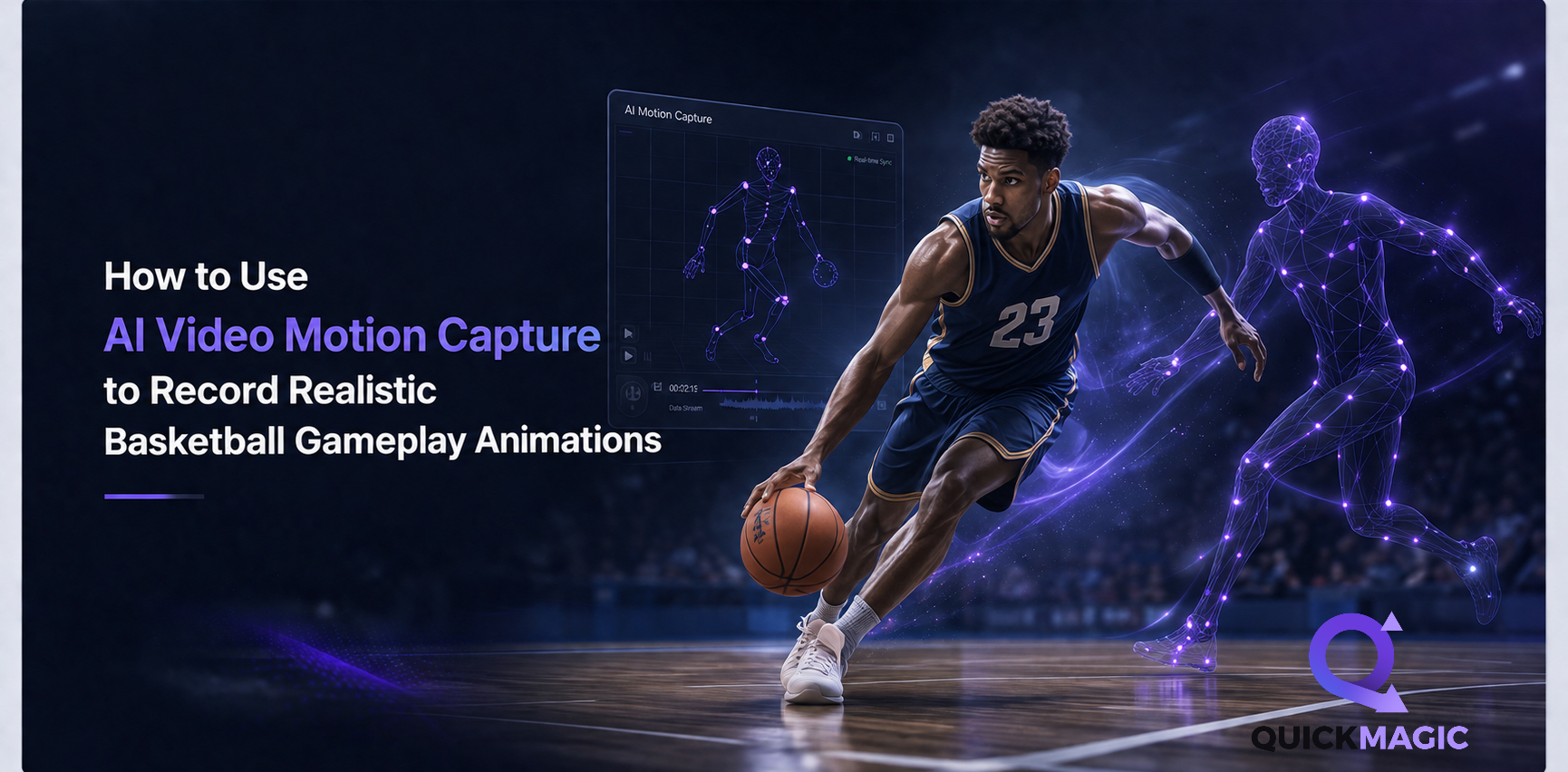
How to Use AI Video Motion Capture to Record Realistic Basketball Gameplay Animations
QuickMagicQuickMagic·
How to Use AI Video Motion Capture to Record Realistic Basketball Gameplay Animations
Learn how to capture basketball gameplay animations with AI motion capture. Record dribbling, shooting, and dunking from a video and export 3D animation data...
AI Body Tracking for Games: Unity & Unreal
QuickMagicQuickMagic·
AI Body Tracking for Games: Unity & Unreal
Turn a video into game-ready motion with AI body tracking. Learn the QuickMagic workflow for importing and retargeting mocap in Unity and Unreal Engine.
QuickMagic vs. Plask, Move.ai & DeepMotion: The Ultimate AI 3D Animation Showdown
QuickMagicQuickMagic·
QuickMagic vs. Plask, Move.ai & DeepMotion: The Ultimate AI 3D Animation Showdown
In-depth comparison of QuickMagic vs Plask, Move.ai, and DeepMotion for AI Motion Capture, Video to 3D Animation, Text to 3D Animation, Motion Retargeting, D...
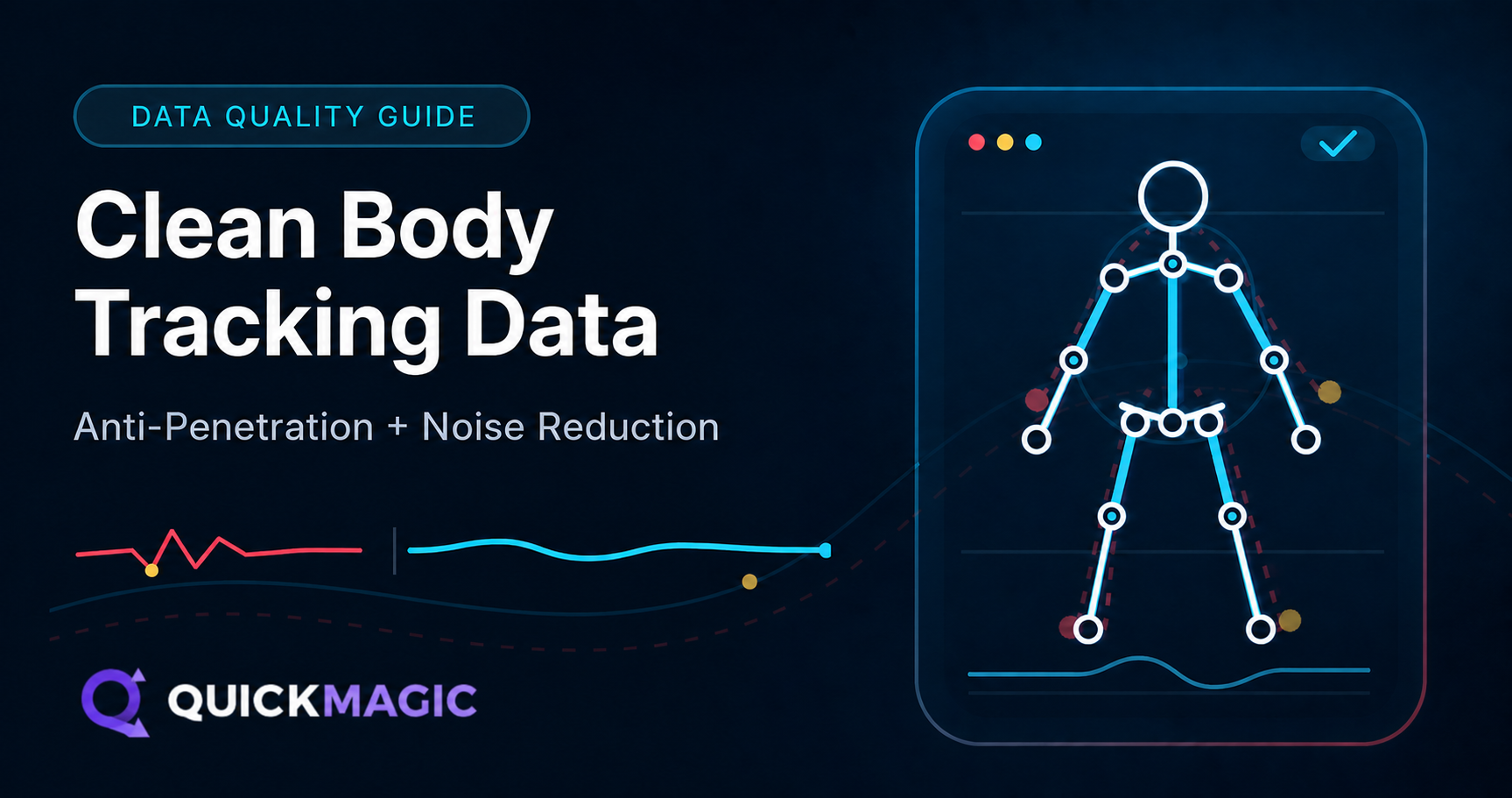
How to Get Clean Body Tracking Data: Anti-Penetration and Noise Reduction Tips
QuickMagicQuickMagic·
How to Get Clean Body Tracking Data: Anti-Penetration and Noise Reduction Tips
Body tracking cleanup removes jitter, self-penetration and foot sliding from raw mocap. Learn how penetration correction tracking works at the solver level,...
Body Tracking for Indie Developers: Cheapest Way to Animate Characters (2025)
QuickMagicQuickMagic·
Body Tracking for Indie Developers: Cheapest Way to Animate Characters (2025)
Stop overpaying for mocap. Our data-driven guide compares 7 affordable body tracking tools (free to $1,500+) for indie game animation — with real pricing, ac...
QuickMagic vs DeepMotion: Which AI Mocap is Better? (2026)
QuickMagicQuickMagic·
QuickMagic vs DeepMotion: Which AI Mocap is Better? (2026)
QuickMagic vs DeepMotion — we compare AI Motion Capture, Video to 3D Animation, Markerless Motion Capture, Motion Retargeting and more to help creators pick...
Dance Duo Mocap: Capture Partner Dance Routines with AI
QuickMagicQuickMagic·
Dance Duo Mocap: Capture Partner Dance Routines with AI
Learn how to capture partner dance animations with AI motion capture. Record two-person dance routines from a single video and export 3D animation data for B...
How to Use AI Video Motion Capture to Record Realistic Football Gameplay Animations
QuickMagicQuickMagic·
How to Use AI Video Motion Capture to Record Realistic Football Gameplay Animations
Learn how to use AI video motion capture to create realistic football gameplay animations with QuickMagic — from filming reference video to retargeting in Un...
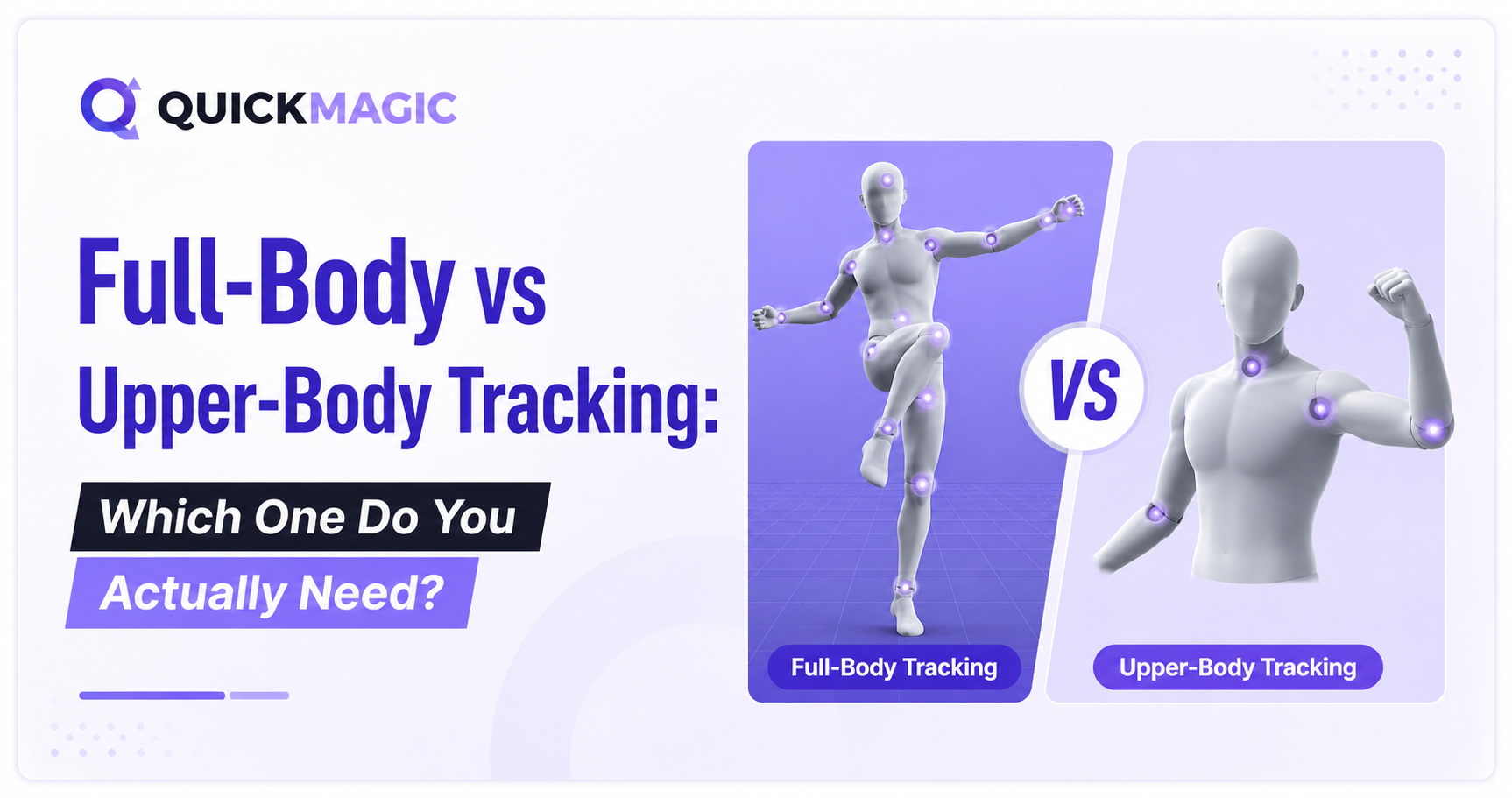
Full-Body vs Upper-Body Tracking: Which One Do You Actually Need?
QuickMagicQuickMagic·
Full-Body vs Upper-Body Tracking: Which One Do You Actually Need?
Full body tracking captures 24+ skeletal joints for locomotion, while upper body tracking locks the lower body at 14 joints for seated use. Compare body trac...
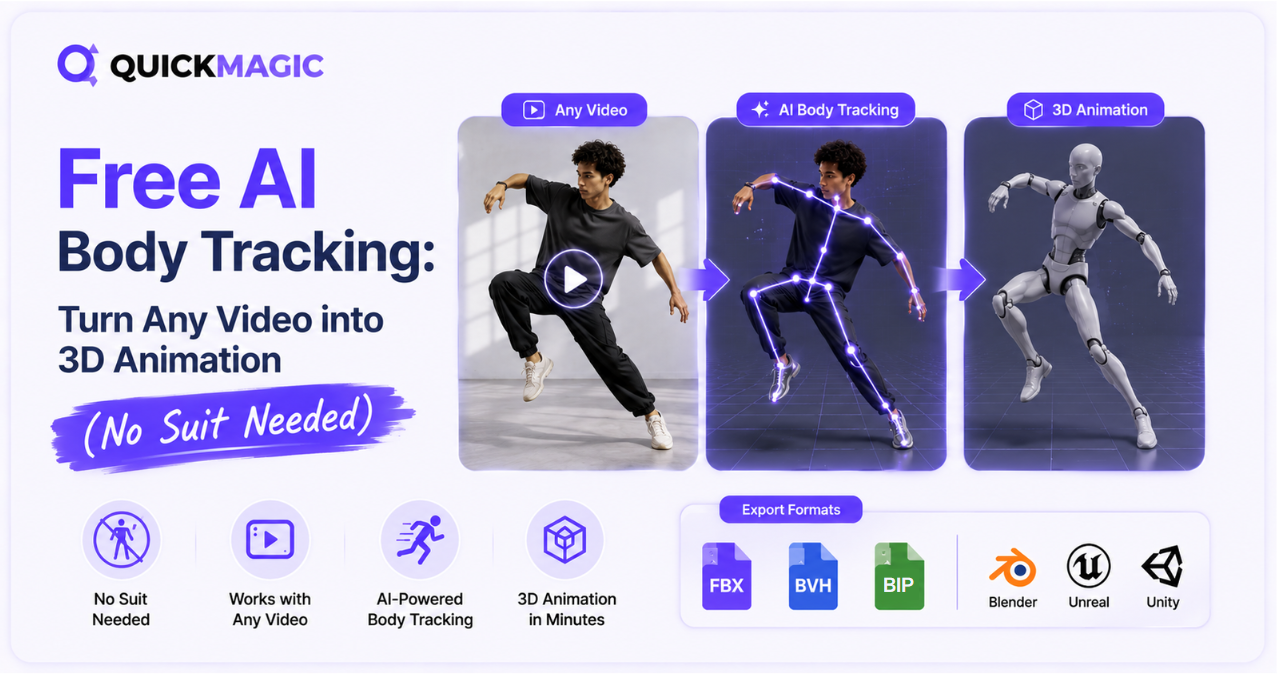
Free AI Body Tracking: Turn Any Video into 3D Animation (No Suit Needed)
QuickMagicQuickMagic·
Free AI Body Tracking: Turn Any Video into 3D Animation (No Suit Needed)
AI body tracking leverages deep learning and markerless pose estimation to reconstruct 3D skeletal motion from a single video — no mocap suit needed. Explore...
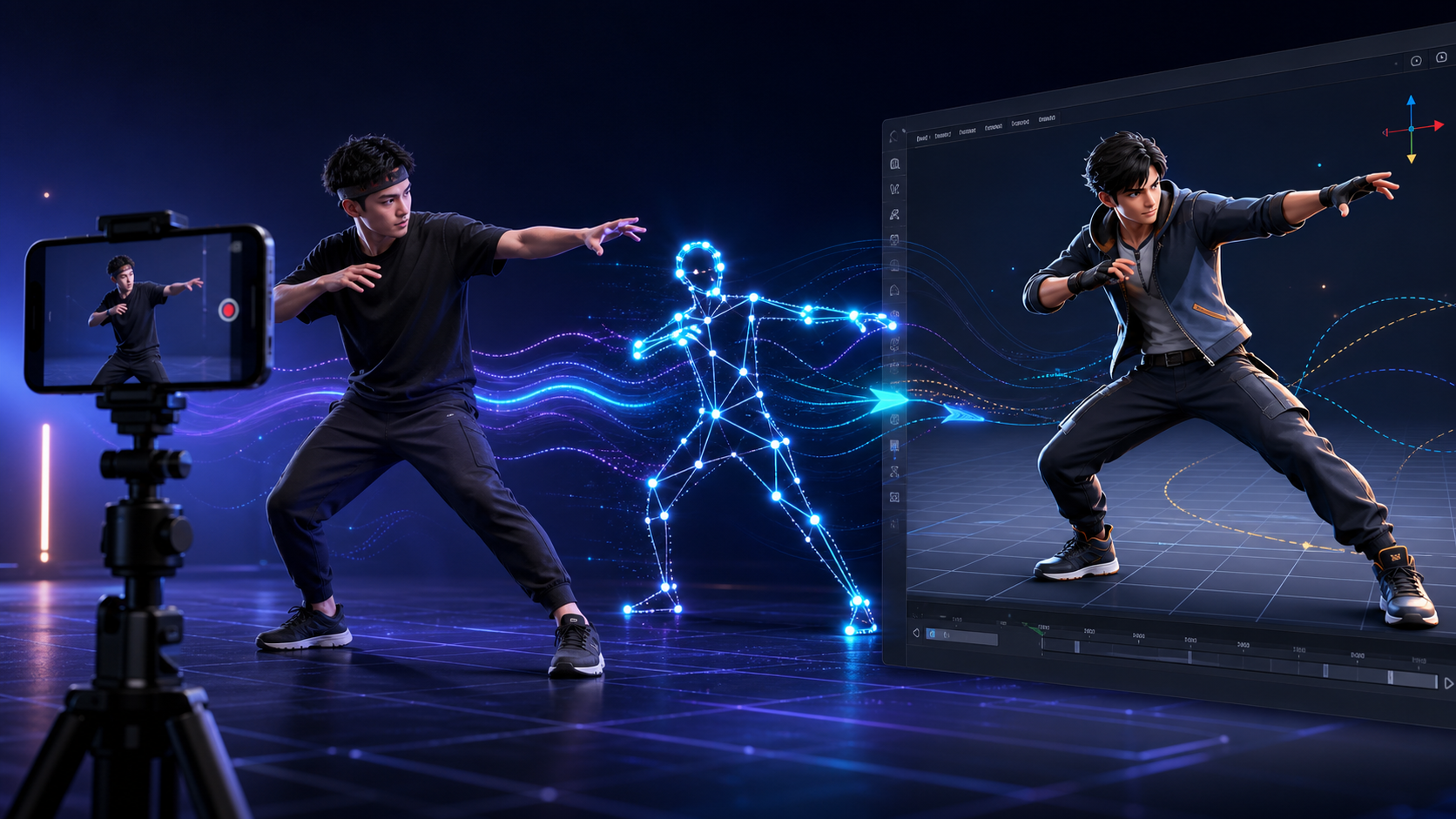
How to create 3D animation with QuickMagic
QuickMagicQuickMagic·
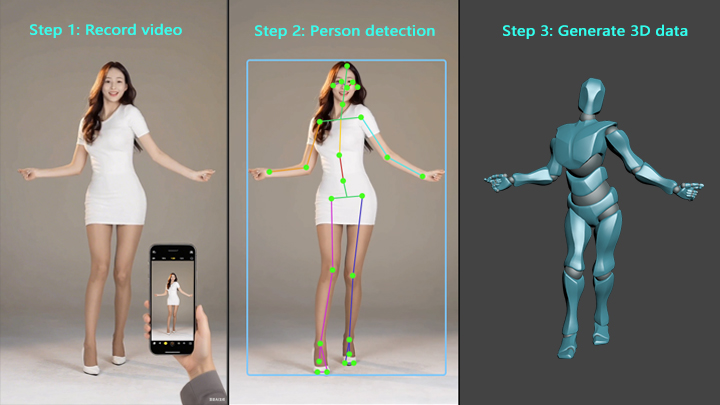
How to create 3D animation with QuickMagic
Turn ordinary video into editable character motion—without a capture suit. This guide covers the full workflow from recording and AI tracking to retargeting,...
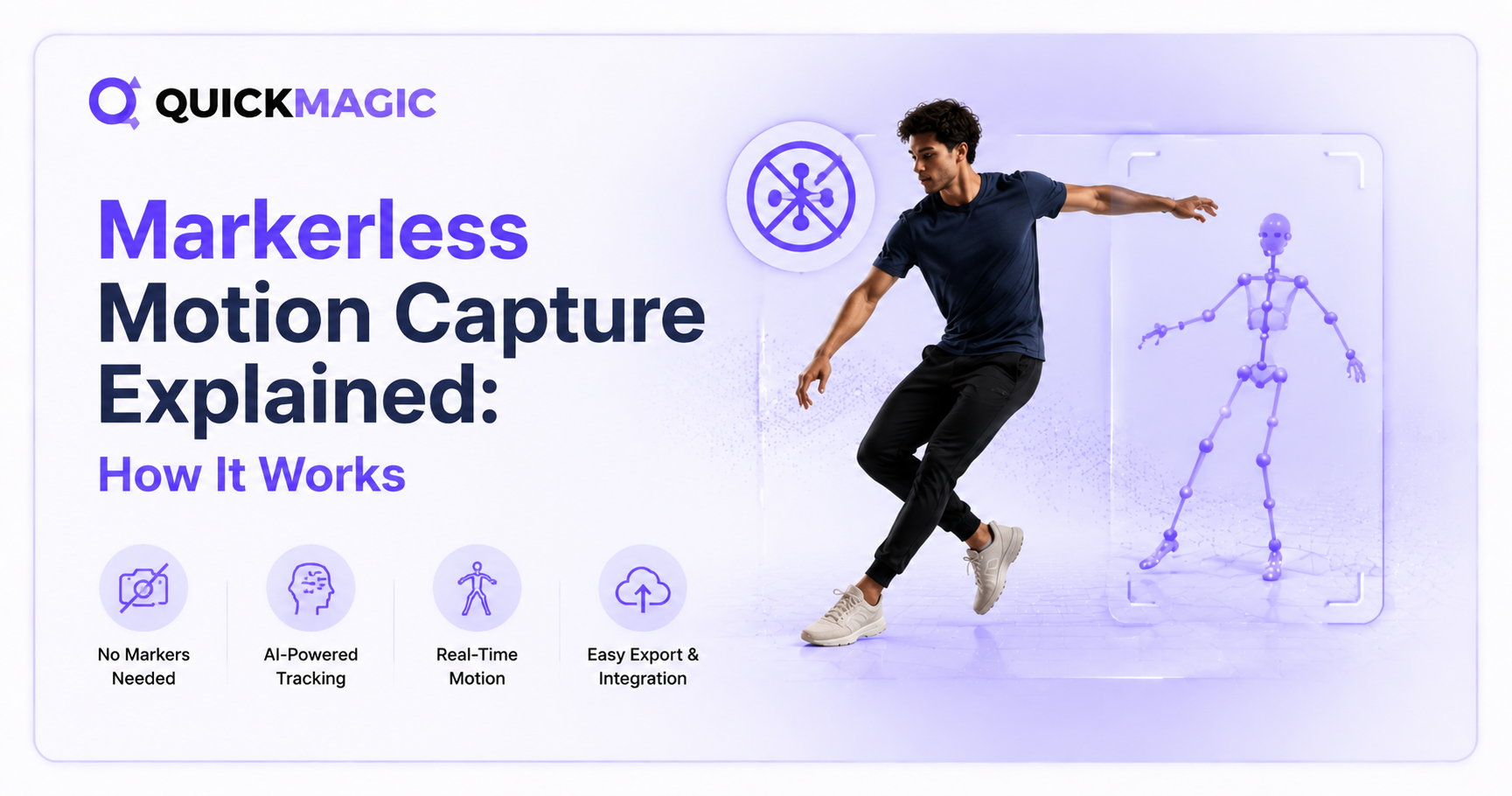
Markerless Motion Capture Explained: How It Works
QuickMagicQuickMagic·
Markerless Motion Capture Explained: How It Works
Markerless motion capture uses AI and computer vision to turn ordinary video into 3D animation data - no suits, markers, or sensors required. This guide expl...
Best AI Motion Capture Tools: 2026 Comparison
QuickMagicQuickMagic·
Best AI Motion Capture Tools: 2026 Comparison
Compare the best AI motion capture tools of 2026 — QuickMagic, DeepMotion, Move.ai, Autodesk Flow Studio, Rokoko, Plask and more. Pricing, formats, and which...
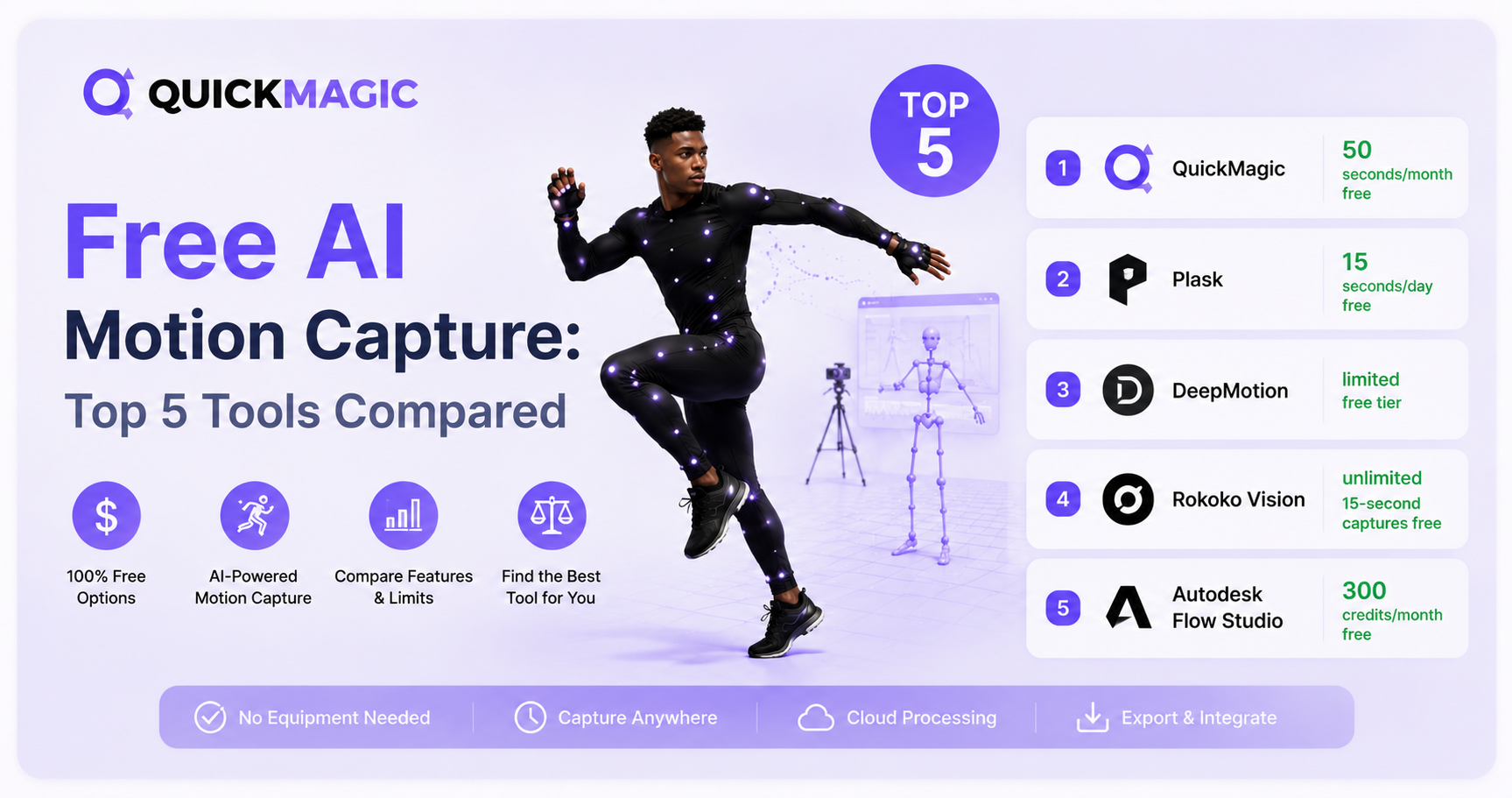
Free AI Motion Capture: Top 5 Tools Compared
QuickMagicQuickMagic·
Free AI Motion Capture: Top 5 Tools Compared
Discover the top 5 free AI motion capture tools in 2026. We compare QuickMagic, Plask, DeepMotion, Rokoko Vision, and Autodesk Flow Studio on pricing, accura...
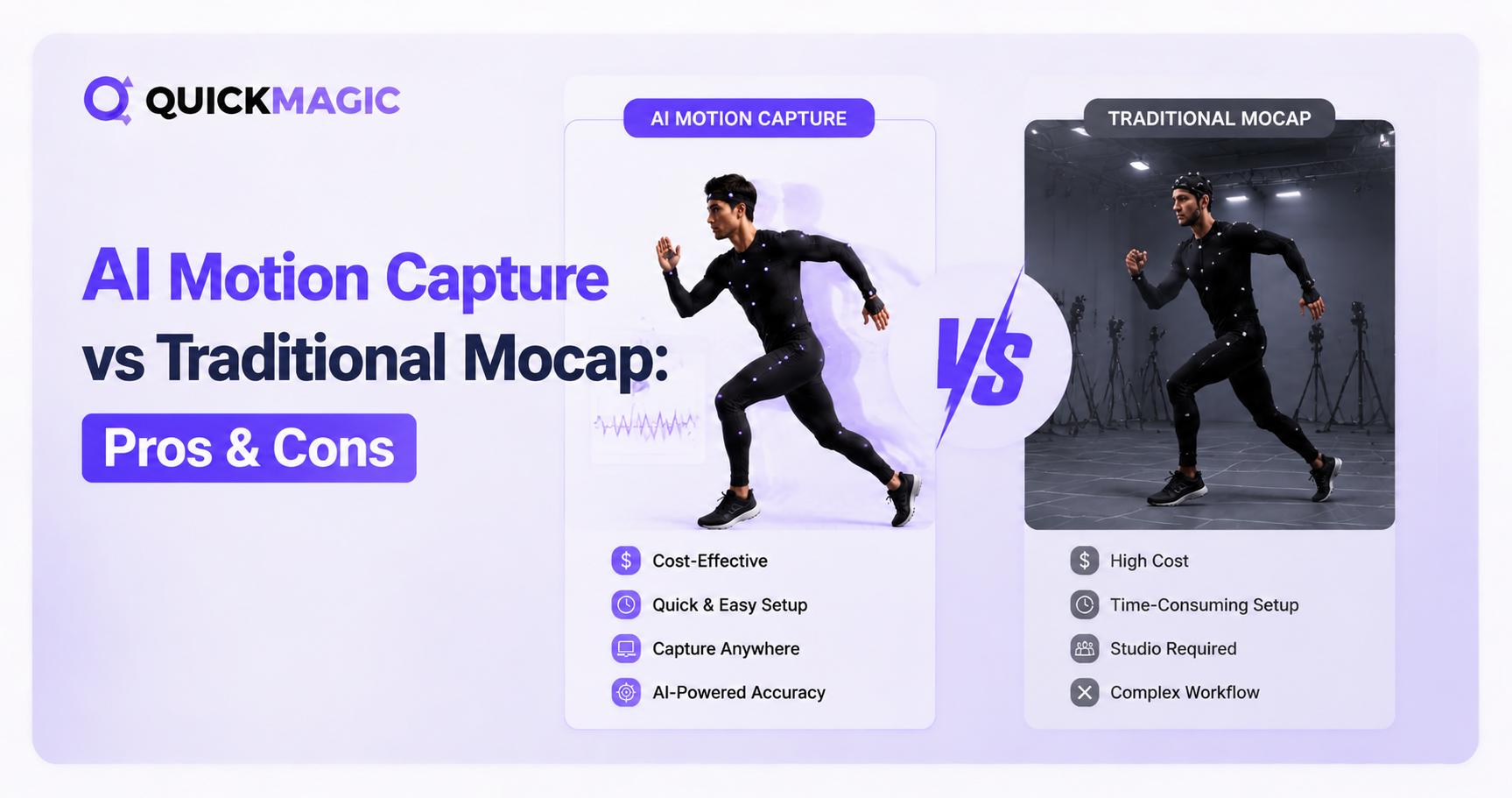
AI Motion Capture vs Traditional MoCap: Pros, Cons and the Right Choice
QuickMagicQuickMagic·
AI Motion Capture vs Traditional MoCap: Pros, Cons and the Right Choice
Compare single-video AI mocap, optical marker-based systems, inertial IMU suits and calibrated multi-view markerless capture across fidelity, latency, setup,...
How to Do Motion Capture at Home: No Suit or Markers Required
QuickMagicQuickMagic·
How to Do Motion Capture at Home: No Suit or Markers Required
QuickMagic enables markerless AI motion capture at home using just a smartphone video or text prompt. Users can record a performance or type a description to...
What is AI Motion Capture? Complete Guide 2026
QuickMagicQuickMagic·
What is AI Motion Capture? Complete Guide 2026
Understand how ordinary video becomes editable 3D animation, what pose estimation, temporal reconstruction and retargeting do, why one camera cannot see ever...
QuickMagic AI MoCap Beginner Guide: Create Your First 3D Motion
QuickMagicQuickMagic·
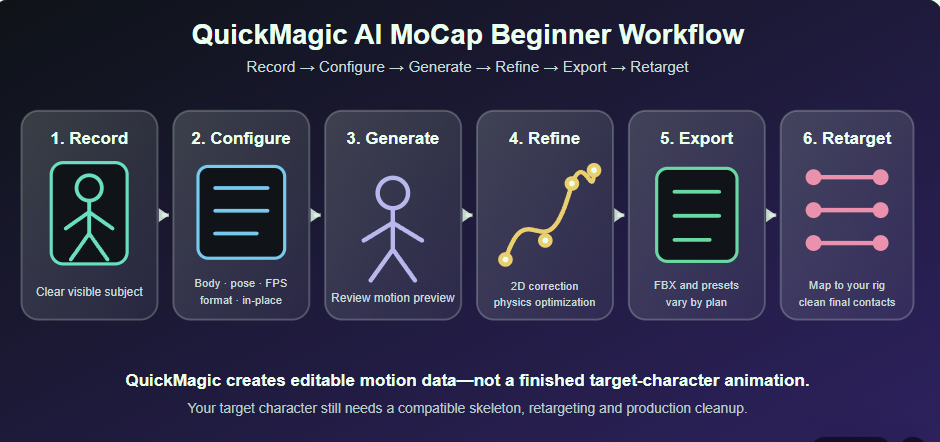
QuickMagic AI MoCap Beginner Guide: Create Your First 3D Motion
earn what QuickMagic generates, how to record a trackable video, choose body, hand and face options, select Original/T/A-Pose, frame rate, physical optimizat...
How AI Mocap Works: 15 Questions with the QuickMagic Team
QuickMagicQuickMagic·
How AI Mocap Works: 15 Questions with the QuickMagic Team
A corrected and expanded interview about video-to-3D motion, depth ambiguity, markerless accessibility, source correction, target retargeting, creative contr...
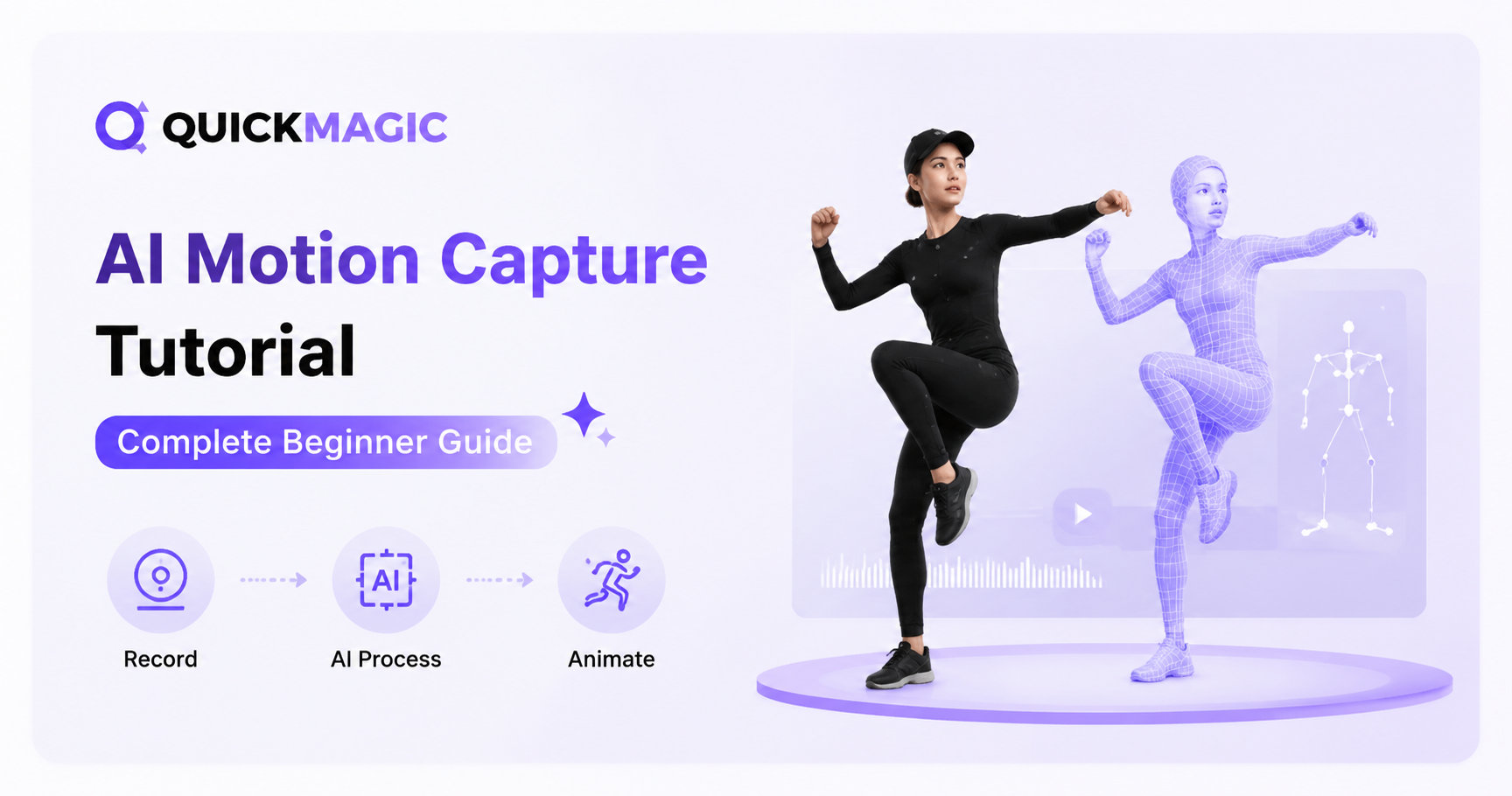
AI Motion Capture Tutorial: Step-by-Step Beginner's Guide
QuickMagicQuickMagic·
AI Motion Capture Tutorial: Step-by-Step Beginner's Guide
Turn a phone, webcam or camera recording into editable 3D animation with QuickMagic. This guide covers source-video preparation, upload, trimming, subject se...

軟體整合與重定向

查看所有軟體工作流程指南
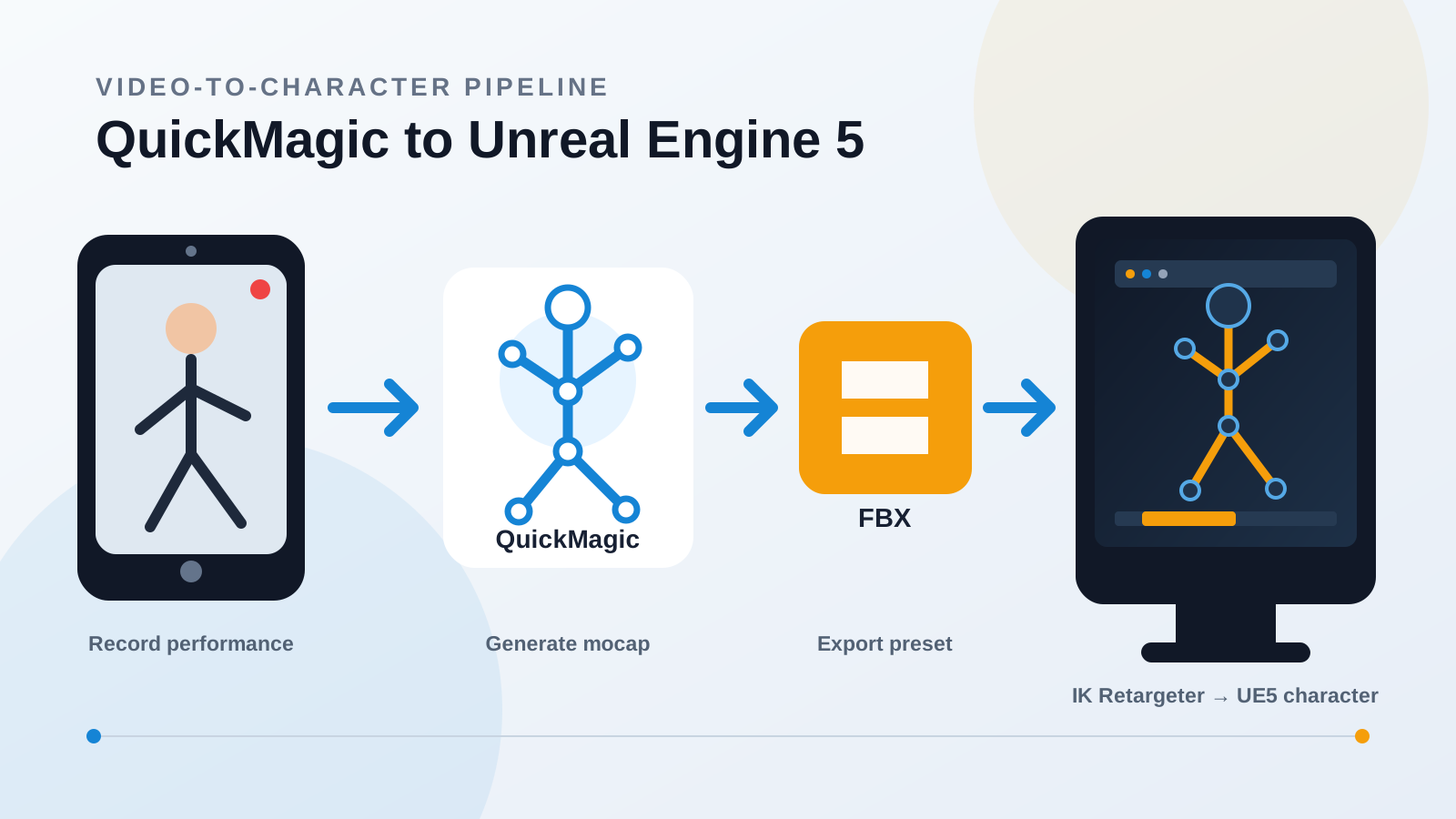
QuickMagic to Unreal Engine 5: Complete Workflow
QuickMagicQuickMagic·
QuickMagic to Unreal Engine 5: Complete Workflow
Turn a phone or camera recording into an editable UE5 character animation. This guide covers QuickMagic capture settings, Unreal export presets, FBX import,...
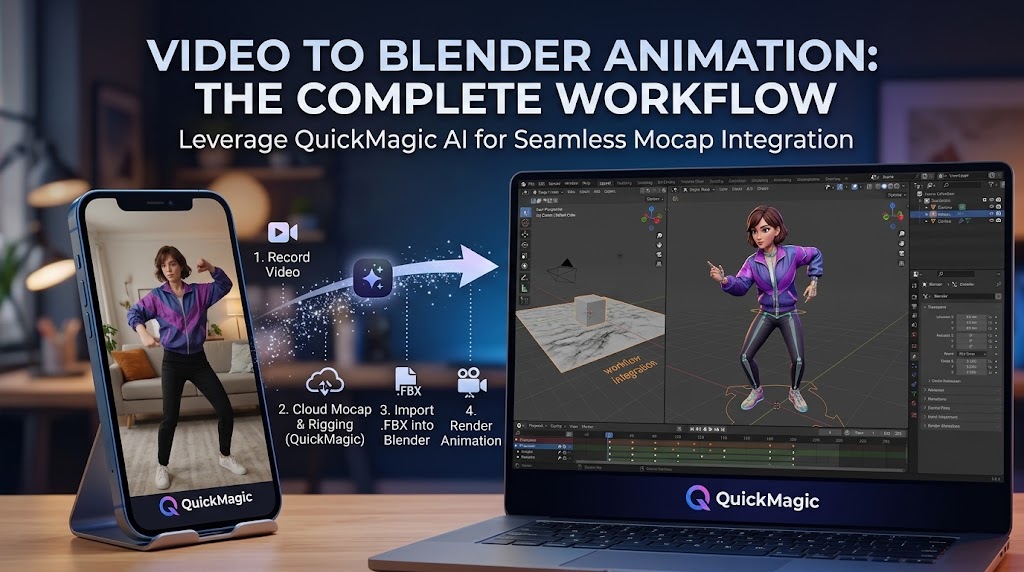
Video to Blender Animation: Complete Workflow with QuickMagic
QuickMagicQuickMagic·
Video to Blender Animation: Complete Workflow with QuickMagic
Turn a phone, webcam, or camera recording into editable character animation in Blender. This guide covers clean recording, QuickMagic AI mocap, FBX and BVH e...
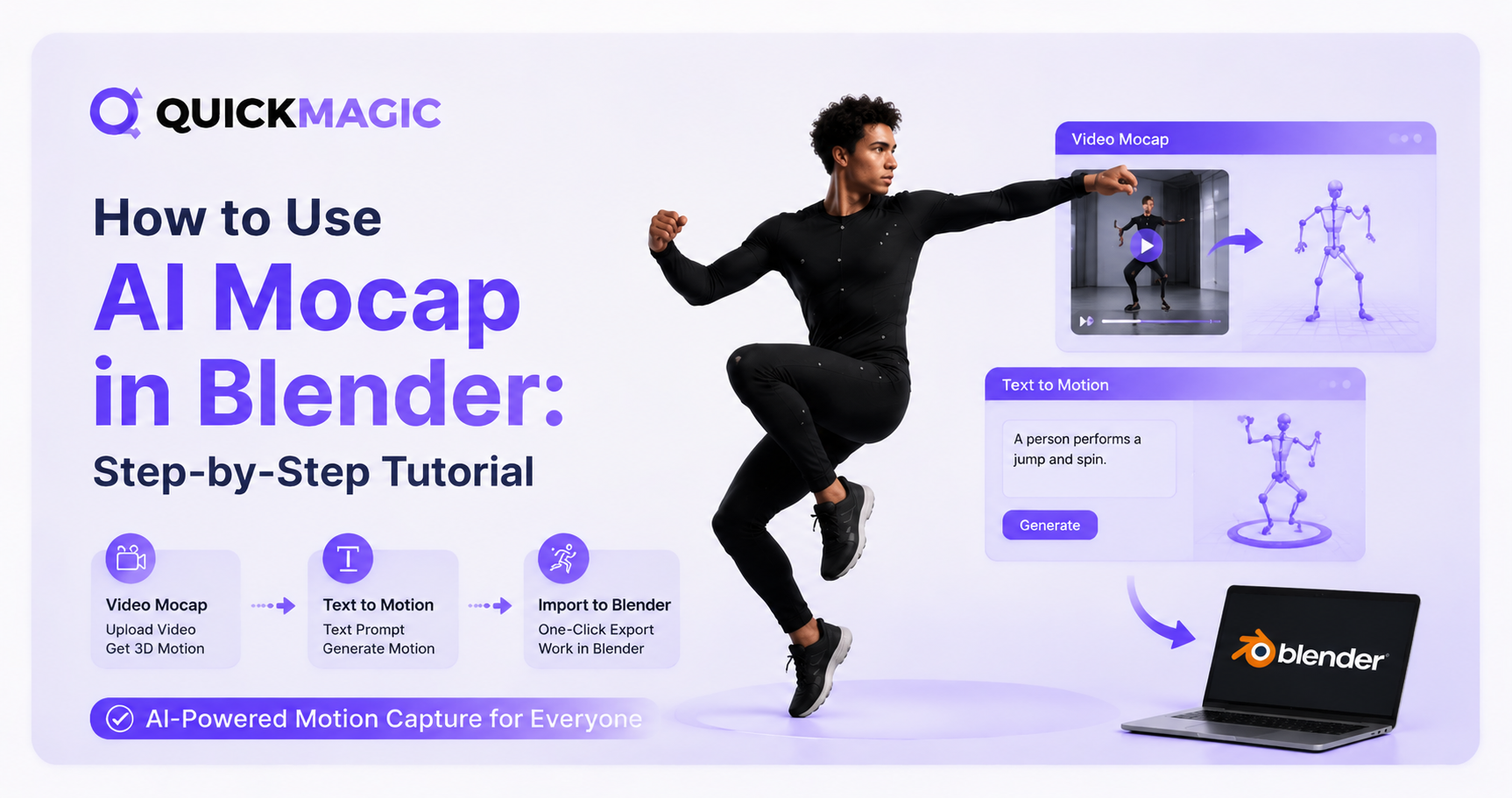
How to Use AI Mocap in Blender: Step-by-Step Tutorial
QuickMagicQuickMagic·
How to Use AI Mocap in Blender: Step-by-Step Tutorial
Learn how to use AI Mocap in Blender step by step. This guide covers AI motion capture, video-to-motion, text-to-motion, importing animation data, retargetin...
MetaHuman Retargeting Guide: MoCap to UE5.6/5.7 Workflow
QuickMagicQuickMagic·
MetaHuman Retargeting Guide: MoCap to UE5.6/5.7 Workflow
Import QuickMagic FBX motion into Unreal Engine, create source and MetaHuman IK Rigs, align T-pose and A-pose differences, map retarget chains, export target...
VMD Motion Import Guide: Use QuickMagic MoCap in VaM
QuickMagicQuickMagic·
VMD Motion Import Guide: Use QuickMagic MoCap in VaM
Generate a VMD-compatible motion from video, choose a safe Virt-A-Mate import route, install a player or converter, load body motion and optional audio, corr...
How to Use QuickMagic MoCap with AdvancedSkeleton in Maya
QuickMagicQuickMagic·
How to Use QuickMagic MoCap with AdvancedSkeleton in Maya
Install AdvancedSkeleton correctly, import a validated QuickMagic FBX, map the animated source skeleton to an ADV-bound character, bake motion to editable co...
How to Clean Up MoCap Data in 3ds Max: Step-by-Step Guide
QuickMagicQuickMagic·
How to Clean Up MoCap Data in 3ds Max: Step-by-Step Guide
This guide walks through the complete cleanup pipeline — from FBX import to final export — so you can turn raw QuickMagic mocap into polished, game-ready ani...
QuickMagic AI MoCap for UE5: Complete Workflow Guide
QuickMagicQuickMagic·
QuickMagic AI MoCap for UE5: Complete Workflow Guide
Complete workflow for QuickMagic AI mocap in Unreal Engine 5. Step-by-step from video recording to FBX export, IK retargeting, and character animation in UE5.
How to Use QuickMagic AI Motion Capture in iClone 8
QuickMagicQuickMagic·
How to Use QuickMagic AI Motion Capture in iClone 8
Use QuickMagic through iClone's integrated Video Mocap workflow or import a saved QuickMagic FBX/CC&iClone motion, characterize the source, apply it to a cha...
How to Use QuickMagic AI Motion Capture in Maya
QuickMagicQuickMagic·
How to Use QuickMagic AI Motion Capture in Maya
Import QuickMagic FBX animation, characterize and retarget body motion with Maya HumanIK, map facial performance to a custom rig, remove verified curve noise...
Free AI Motion Capture From Your Phone: 3D & 2D Animation Guide
QuickMagicQuickMagic·
Free AI Motion Capture From Your Phone: 3D & 2D Animation Guide
How phone-to-mocap works, the complete 3D animation pipeline, 2D character workflow with Cartoon Animator, a comparison of phone mocap vs. traditional system...
How to Clean Up MoCap Animation in Cascadeur: QuickMagic Workflow
QuickMagicQuickMagic·
How to Clean Up MoCap Animation in Cascadeur: QuickMagic Workflow
AI motion capture is fast — but the raw data always needs cleanup. Whether you're working with QuickMagic, optical mocap, or inertial suits, raw animation da...
How to Remap Bones in Blender: MoCap Retargeting Tutorial
QuickMagicQuickMagic·
How to Remap Bones in Blender: MoCap Retargeting Tutorial
To apply that motion to your own character — whether it's a game hero, a stylized cartoon figure, or a MetaHuman — you need to retarget the animation by rema...

QuickMagic 產品更新

查看 QuickMagic 變更記錄
QuickMagic Free Plan & Credits — Subscription Update (Aug 2026)
QuickMagicQuickMagic·
QuickMagic Free Plan & Credits — Subscription Update (Aug 2026)
QuickMagic upgrades to a new subscription system on Aug 4! New plans feature non-rollover Monthly Credits, while existing VCoins convert to Legacy VCoins val...
QuickMagic V1.4.0 — Animation Base Model V2.0 Release
QuickMagicQuickMagic·
QuickMagic V1.4.0 — Animation Base Model V2.0 Release
QuickMagic V1.4.0.0 (Feb 3, 2026) adds Animation Base Model V2.0 (Beta) integrated with Physical Optimization 2.0, expands physics optimization format suppor...
QuickMagic V1.3.4 — BVH Export, Warudo & Mixamo Physics 2.0
QuickMagicQuickMagic·
QuickMagic V1.3.4 — BVH Export, Warudo & Mixamo Physics 2.0
New format support (BVH, warudo-anim) is now available, along with the launch of features including lower-body preset poses, capture optimization, Mixamo Phy...
QuickMagic V1.3.3 — Multi-Frame Rate 24/30/60/120fps Support
QuickMagicQuickMagic·
QuickMagic V1.3.3 — Multi-Frame Rate 24/30/60/120fps Support
QuickMagic now offers 24/30/60/120fps multi-frame rate motion output. Users can adjust frame rates for smoothness/detail, aligning data with workflows to ski...
QuickMagic V1.3.2 — Lower Body Presets & User Rating System
QuickMagicQuickMagic·
QuickMagic V1.3.2 — Lower Body Presets & User Rating System
This update adds the new lower-body motion presets and the in-preview user rating/feedback system. We invite you to explore these features and share your fee...
QuickMagic V1.3.2 — Onlyface Mode & Stripe Payment Patch
QuickMagicQuickMagic·
QuickMagic V1.3.2 — Onlyface Mode & Stripe Payment Patch
In this update, you'll find new lower body preset actions and a user rating feedback system within the preview interface. We encourage all users to experienc...
QuickMagic V1.3.2 — UE5, Roblox & Anti-Interpenetration Export
QuickMagicQuickMagic·
QuickMagic V1.3.2 — UE5, Roblox & Anti-Interpenetration Export
This update brings anti-clipping, UE5 format support, and Roblox format compatibility. Our new UE5 and Roblox formats are currently in beta and available to...
QuickMagic V1.3.1 — iClone 8 & C4D + 50% Faster Video Analysis
QuickMagicQuickMagic·
QuickMagic V1.3.1 — iClone 8 & C4D + 50% Faster Video Analysis
We are excited to announce that new features and optimizations have been launched to enhance ......
QuickMagic V1.3.0 — First Markerless AI Mocap Release (Dec 2024)
QuickMagicQuickMagic·
QuickMagic V1.3.0 — First Markerless AI Mocap Release (Dec 2024)
We are excited to announce that new features and optimizations have been launched to enhance ......

快速解答

什麼是 AI 動作捕捉?

AI 動作捕捉以電腦視覺和機器學習模型從影片推估人體動作,並轉換為數位動作資料。相較於光學或慣性系統,無標記 AI 動捕不需追蹤服或實體標記,但輸出品質仍取決於可見度、光線、動作複雜度與目標流程。

如何將影片轉為 3D 動畫?

拍攝或上傳清晰表演,交由 QuickMagic 處理後檢查偵測到的身體動作,選擇正確的骨架和匯出格式,最後匯入 Blender、Unreal Engine、Maya 或 3ds Max 等軟體進行重定向。

AI 動捕影片應該怎麼拍?

請讓全身與雙腳完整入鏡、使用均勻光線、讓表演者與背景保持對比、避免四肢長時間遮擋;除非所選捕捉模式支援鏡頭運動,否則請固定相機。

應該選擇哪種匯出格式?

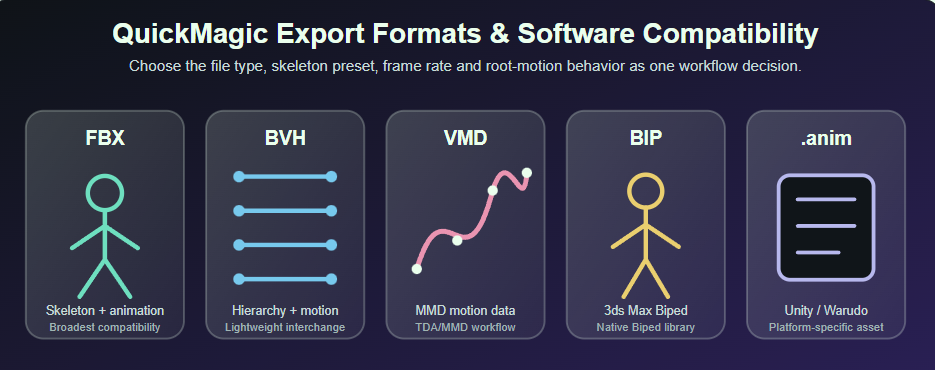
目標骨架和應用程式吻合時,優先選擇軟體專用預設。FBX 適用廣泛 3D 相容性,BVH 適用骨架動作流程,VMD 適用 MMD 或 VaM,3ds Max Character Studio 流程則可選 BIP。

如何修正腳部滑動或抖動?

先檢查來源影片和 QuickMagic 預覽,再確認比例、幀率、重定向姿勢、骨盆或根動作及腳部接觸時機;最後在目標角色上以 IK、Control Rig、動畫圖層或動作清理工具修正。

QuickMagic 動作可在 Blender 或 Unreal Engine 使用嗎?

可以。QuickMagic 提供通用及軟體導向的動作匯出。骨架相容時可直接匯入來源動畫,不相容時可使用 Blender 重定向工具,或 Unreal Engine 的 IK Rig 與 IK Retargeter 對應至製作角色。

影片轉動捕和文字轉動作有何差異?

影片轉動捕重建某段已錄製的特定表演;文字轉動作則依書面描述生成新動作。需要精確編舞或演技時用影片,需要免錄製的新動作概念時用文字。

原始 AI 動捕資料需要清理嗎?

許多片段可快速用於預覽,但製作級動畫通常仍要檢查和清理。常見工作包括修正腳部接觸、減少抖動、調整根動作、精修重定向姿勢,以及處理道具或地形互動。