Sign up

AI Motion Capture Tutorials & Workflow Guides

Tutorials, user guides, and FAQ for QuickMagic AI motion capture — learn how to capture, refine, and export 3D motion.
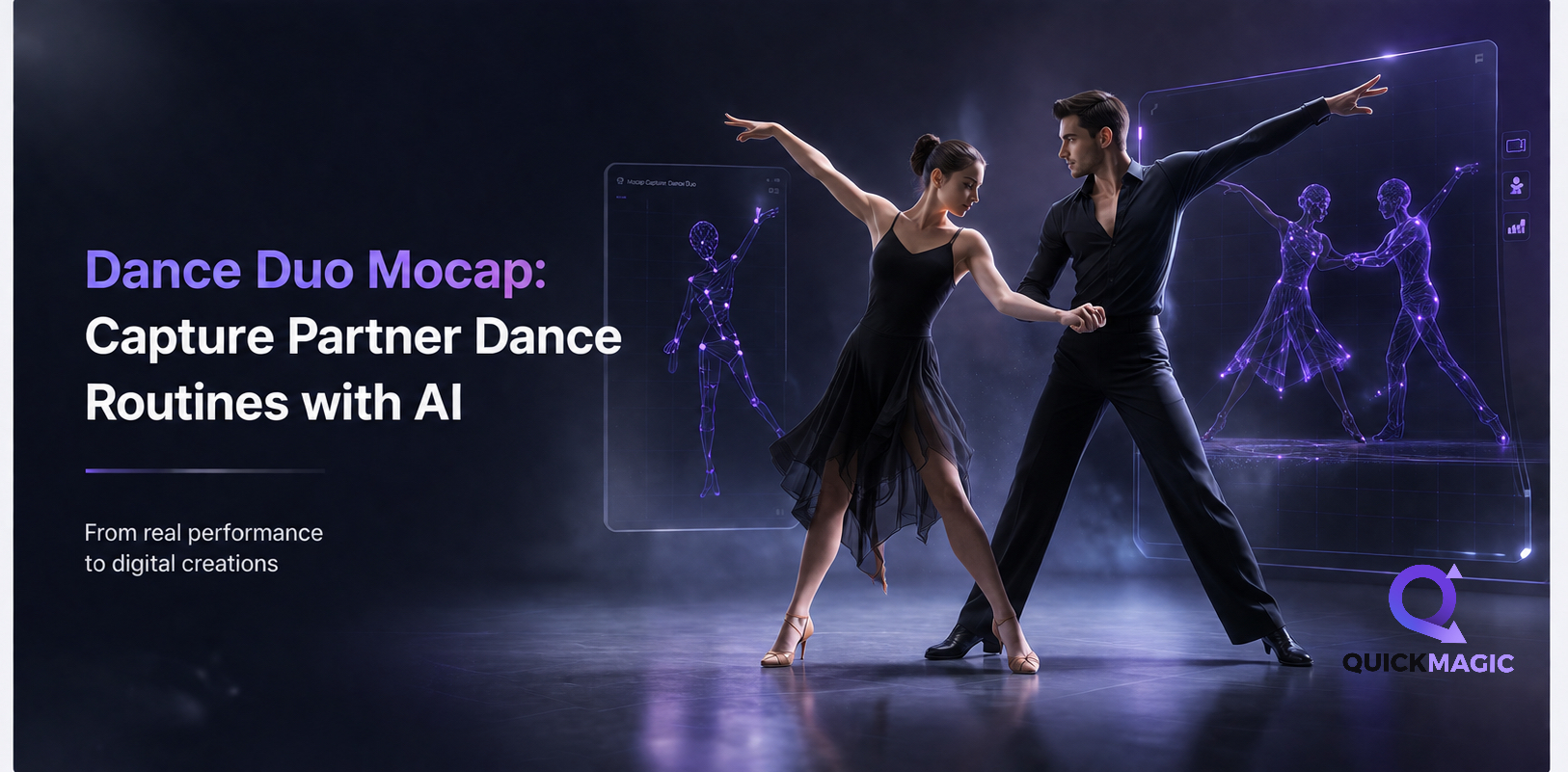
AI Motion Capture Tutorials & Workflow Guides
Learn how to turn videos and text prompts into editable 3D motion data with QuickMagic. Follow practical guides for recording, motion cleanup, retargeting, export formats, Blender, Unreal Engine, Maya, MMD and other animation workflows.

Product Guides & Getting Started

See all
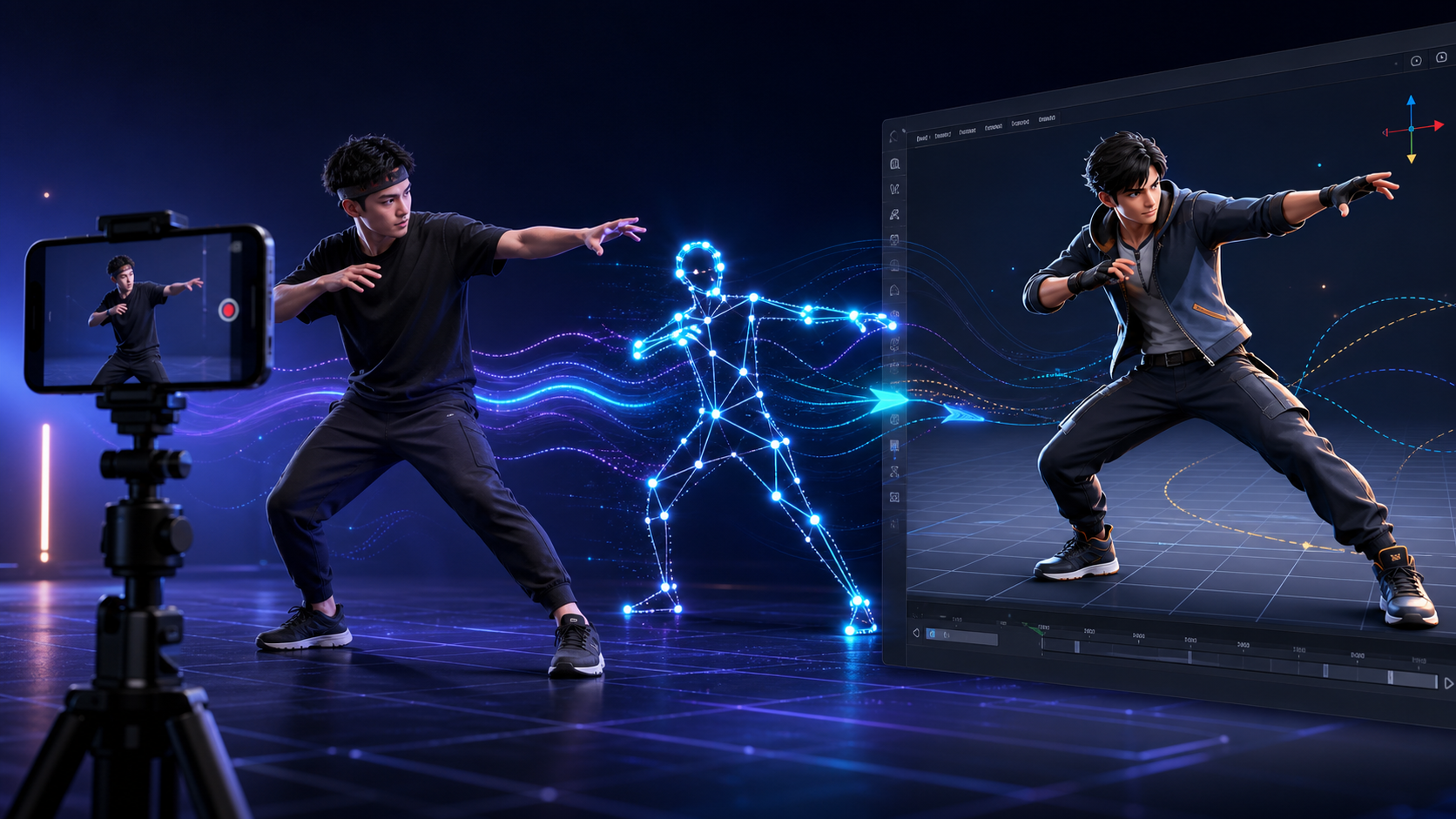
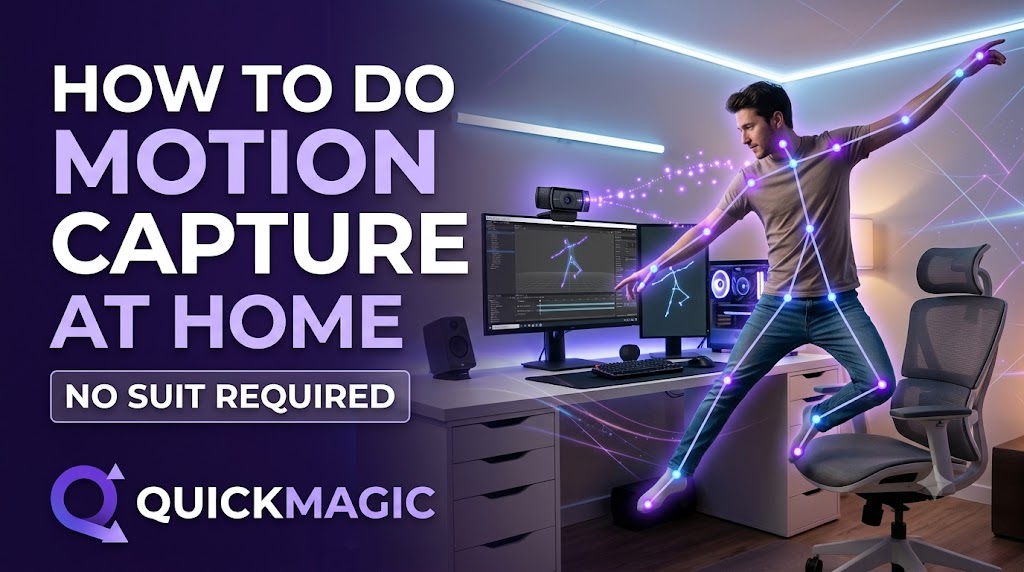
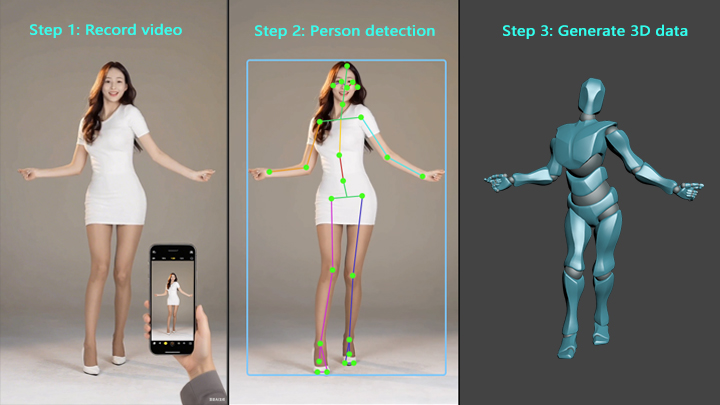
How to Do Motion Capture at Home (No Suit Required)?
QuickMagicQuickMagic·
How to Do Motion Capture at Home (No Suit Required)?
QuickMagic enables markerless AI motion capture at home using just a smartphone video or text prompt. Users can record a performance or type a description to...
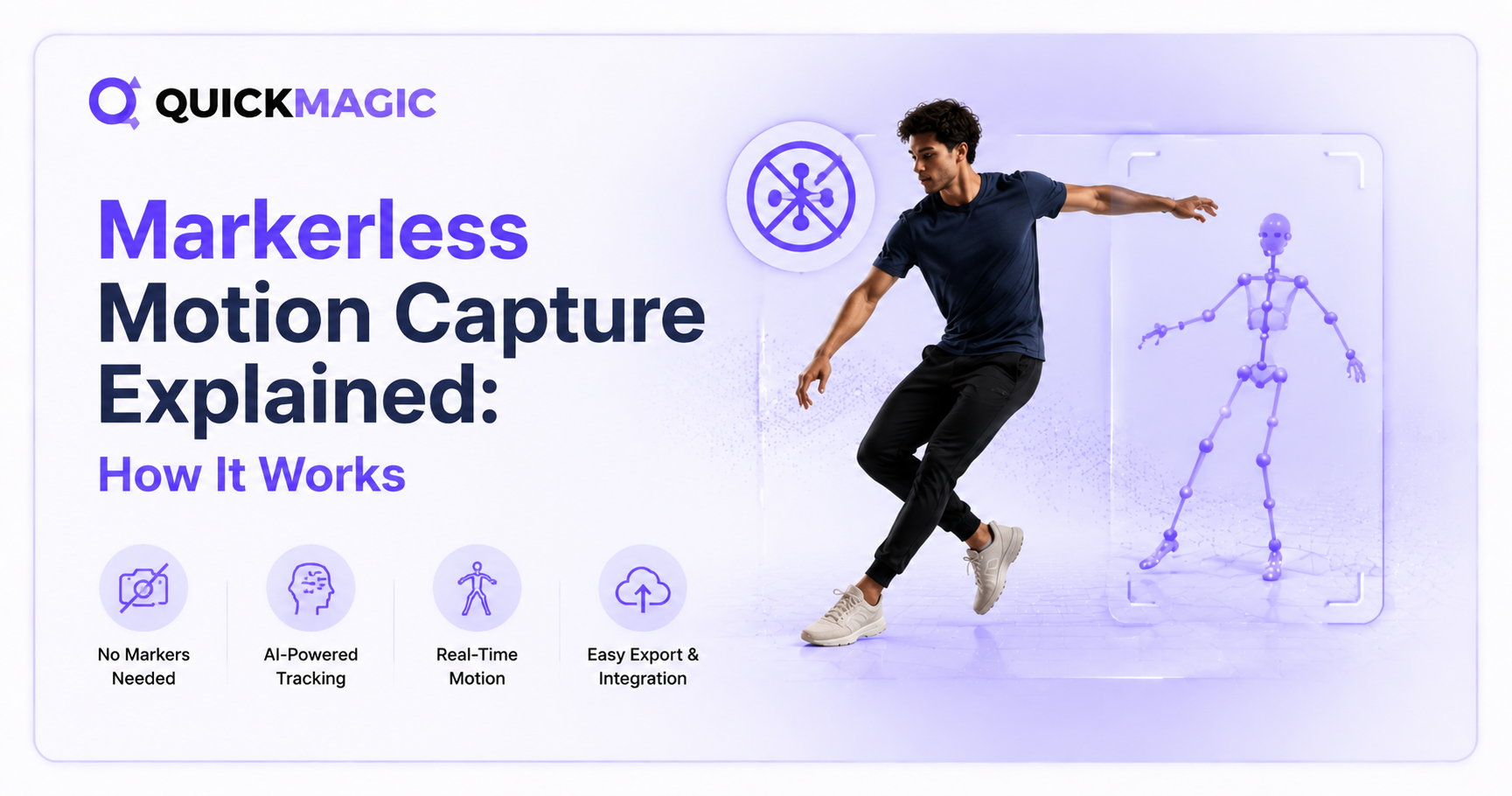
What is AI Motion Capture? Complete Guide 2026
QuickMagicQuickMagic·
What is AI Motion Capture? Complete Guide 2026
Motion capture used to mean a studio, a suit, and a six-figure budget. In 2026, it means a phone camera and a browser tab. This guide explains what AI Motion...
AI Text to Motion: Free Motion Generation for 3D Animation
QuickMagicQuickMagic·
AI Text to Motion: Free Motion Generation for 3D Animation
QuickMagic has officially launched its new Text-to-Motion feature, allowing users to generate professional and smooth 3D motions simply from text descriptions.
 AI Video to  Animation Tool — What's New
QuickMagicQuickMagic·
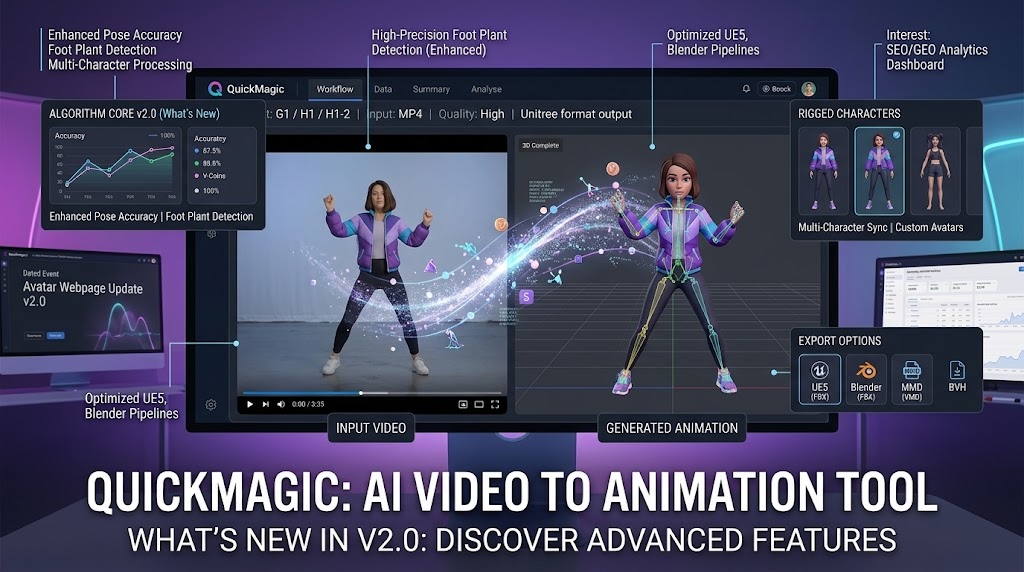
AI Video to Animation Tool — What's New
We are thrilled to officially launch our all-new Image-to-Video model—Seedance 2.0. Delivering massive upgrades in motion performance, character consistency,...
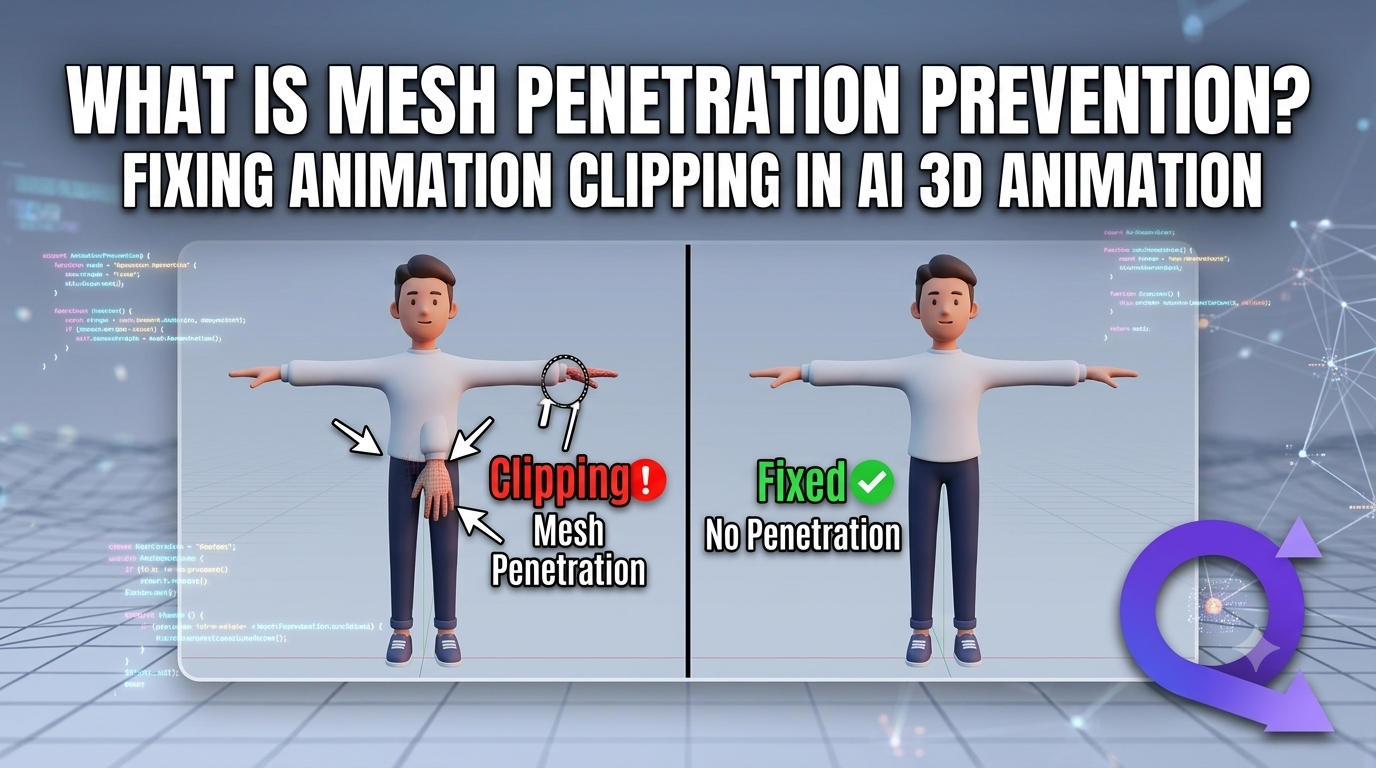
How to Fix Common Motion Capture Problems: Mesh Clipping, Foot Sliding & More
QuickMagicQuickMagic·
How to Fix Common Motion Capture Problems: Mesh Clipping, Foot Sliding & More
Common motion capture issues include mesh clipping, foot sliding, jitter, and floating. Fix them with collision-aware IK, skin weight adjustments, IK foot lo...
QuickMagic User Tutorial (4) — Payment & Membership Benefits Guide (Continuously Updated)
QuickMagicQuickMagic·
QuickMagic User Tutorial (4) — Payment & Membership Benefits Guide (Continuously Updated)
QuickMagic User Tutorial (5) — Website Troubleshooting Guide (Continuously Updated)
QuickMagicQuickMagic·
QuickMagic User Tutorial (5) — Website Troubleshooting Guide (Continuously Updated)
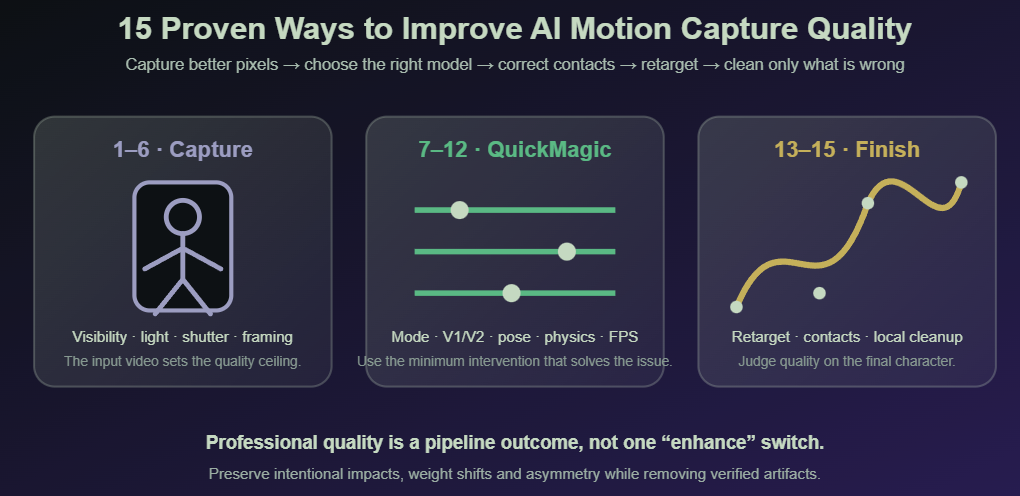
How to Improve AI Motion Capture Quality: 15 Proven Tips for Professional Mocap Results
QuickMagicQuickMagic·
How to Improve AI Motion Capture Quality: 15 Proven Tips for Professional Mocap Results
This guide covers 15 proven tips across filming, platform optimization, and post-processing to help you achieve professional motion capture results.
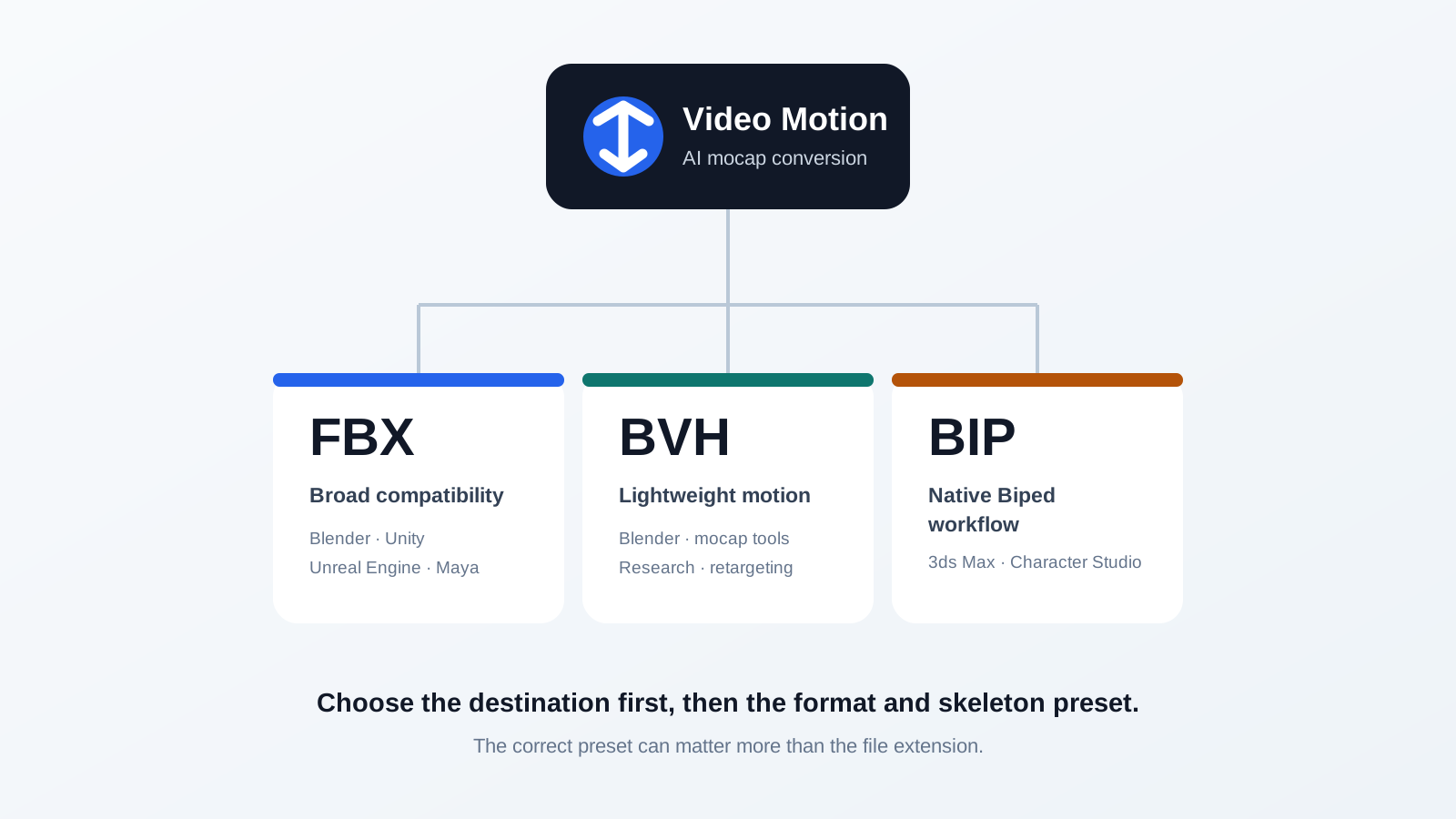
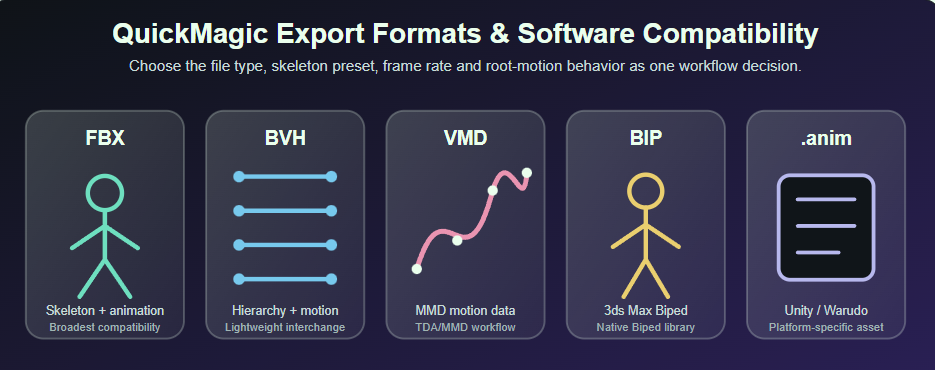
QuickMagic Export Formats Guide: FBX, BVH, VMD & Software Compatibility
QuickMagicQuickMagic·
QuickMagic Export Formats Guide: FBX, BVH, VMD & Software Compatibility
Complete guide to QuickMagic export formats: FBX, BVH, VMD, BIP, and anim — compatibility with Unreal, Unity, Blender, Maya, 3ds Max, iClone & more. Choose t...
QuickMagic AI Mocap Beginner Guide (Part 1): Formats, Features & FAQ
QuickMagicQuickMagic·
QuickMagic AI Mocap Beginner Guide (Part 1): Formats, Features & FAQ
New to QuickMagic AI motion capture? Part 1 of our beginner guide covers all supported formats — Unity, Unreal, Blender, Maya, iClone & more — plus basic ope...
QuickMagic Animation Base Model V2.0
QuickMagicQuickMagic·
QuickMagic Animation Base Model V2.0
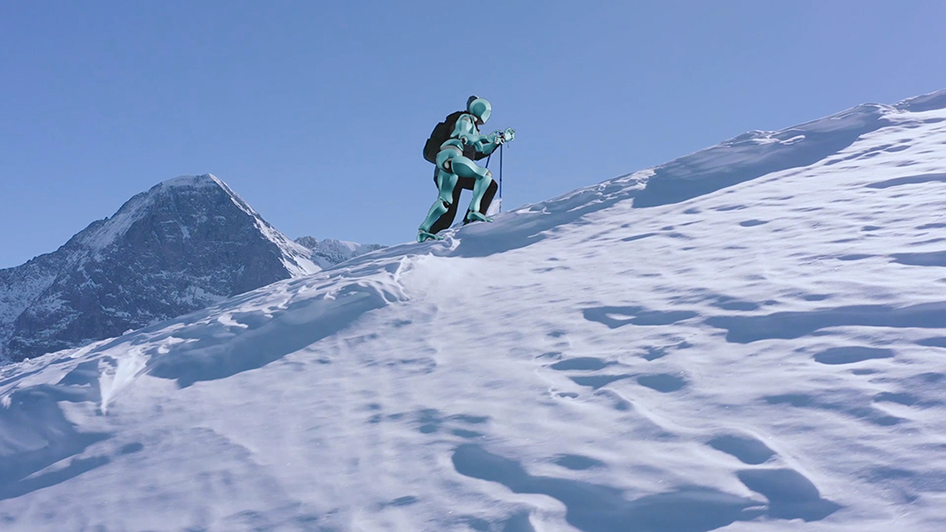
The new model supports motion capture for actions such as climbing, airborne movement, sports actions, falls, swimming, cycling, treadmill running, and more.
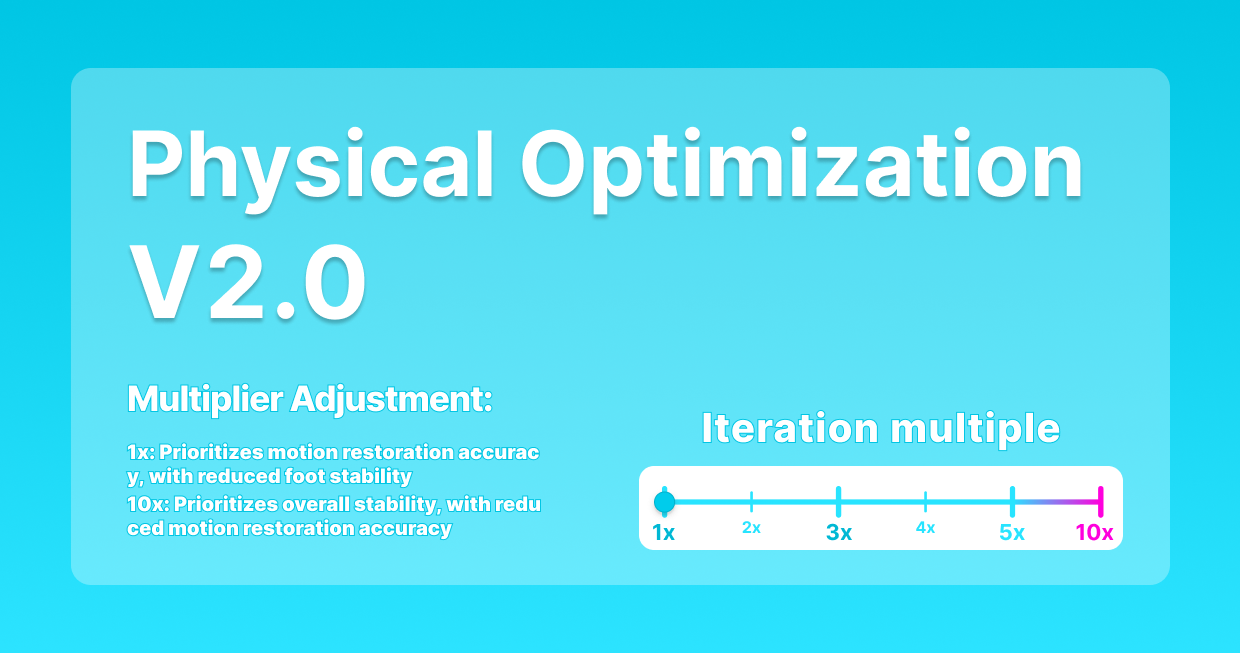
MoCap Physics Cleanup: Fix Animation Artifacts in QuickMagic V2
QuickMagicQuickMagic·
MoCap Physics Cleanup: Fix Animation Artifacts in QuickMagic V2
Adjustable iteration multiples for varying needs of motion fidelity and smoothness across scenarios.
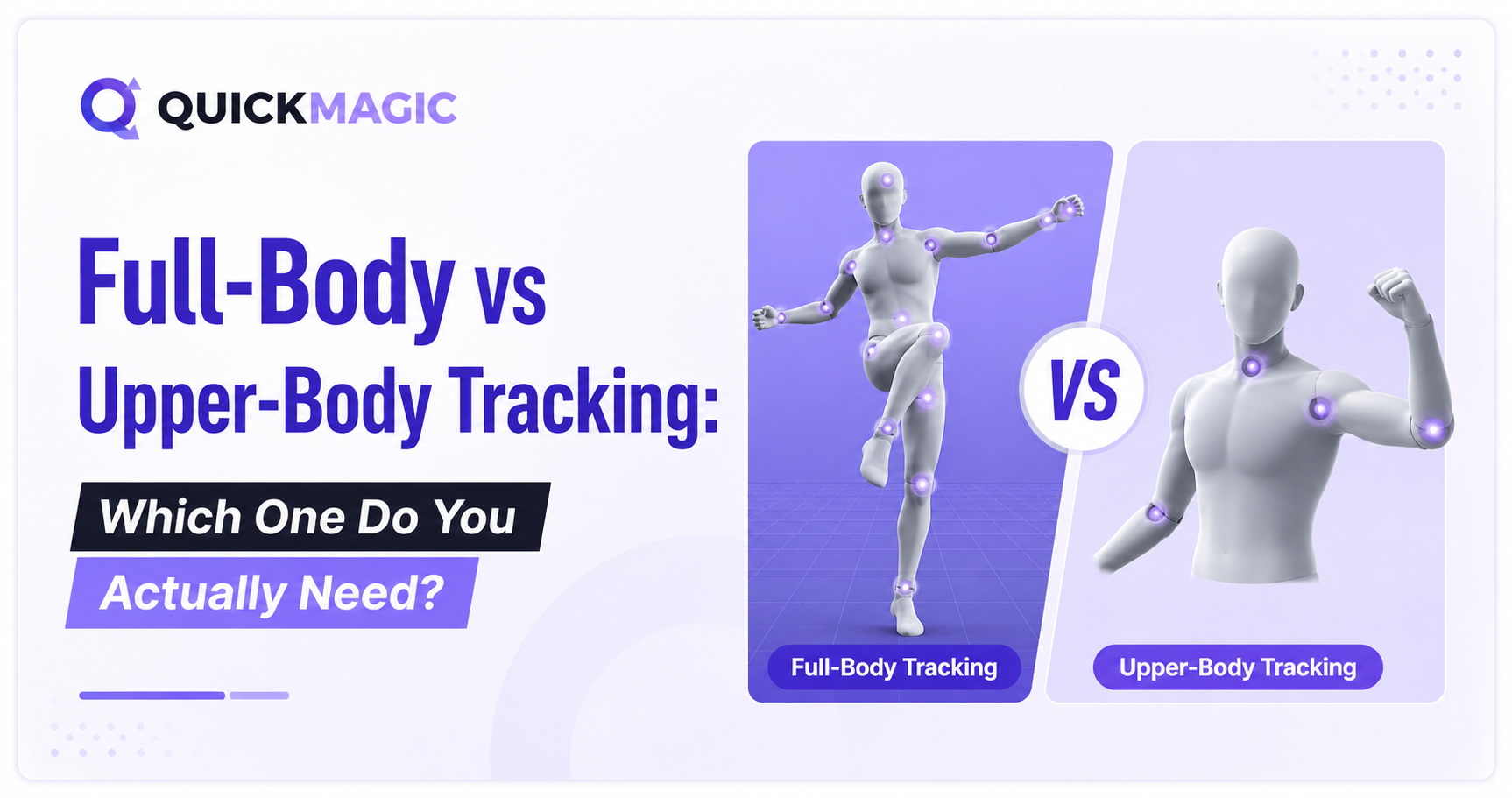
Half-Body AI Motion Capture: New Algorithm for Better Accuracy
QuickMagicQuickMagic·
Half-Body AI Motion Capture: New Algorithm for Better Accuracy
New upper-body capture algo makes animations more realistic
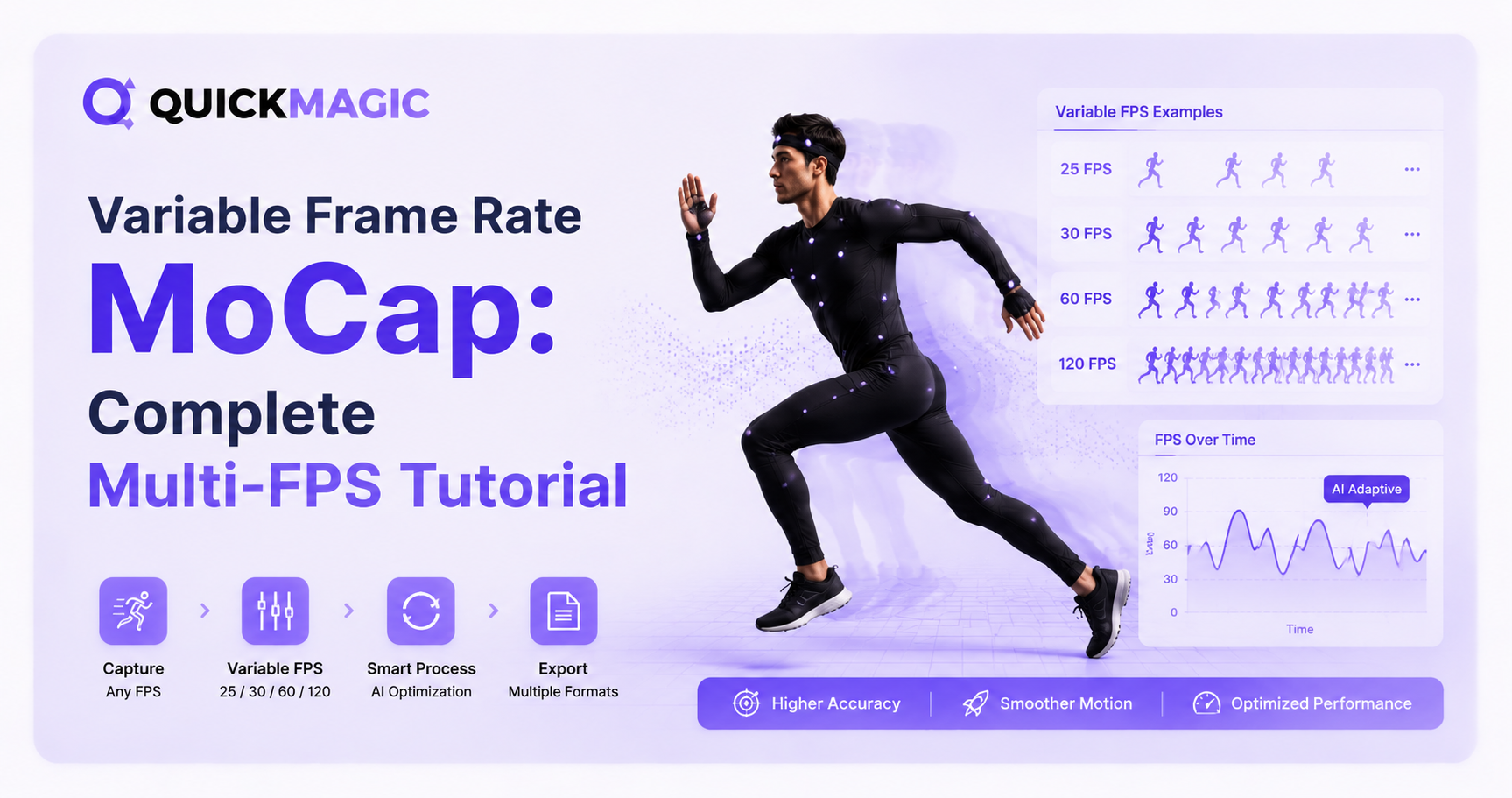
Variable Frame Rate MoCap: Complete Multi-FPS Tutorial (2025)
QuickMagicQuickMagic·
Variable Frame Rate MoCap: Complete Multi-FPS Tutorial (2025)
Learn how to use variable frame rate motion capture with QuickMagic's multi-FPS output. This tutorial covers choosing between 24, 30, 60, and 120 FPS for fil...
How AI Mocap Works: 15 Questions with the QuickMagic Team
QuickMagicQuickMagic·
How AI Mocap Works: 15 Questions with the QuickMagic Team
QuickMagic sits down with Animation & VFX Jobs to discuss AI motion capture technology, how markerless mocap democratizes 3D animation, and practical advice...
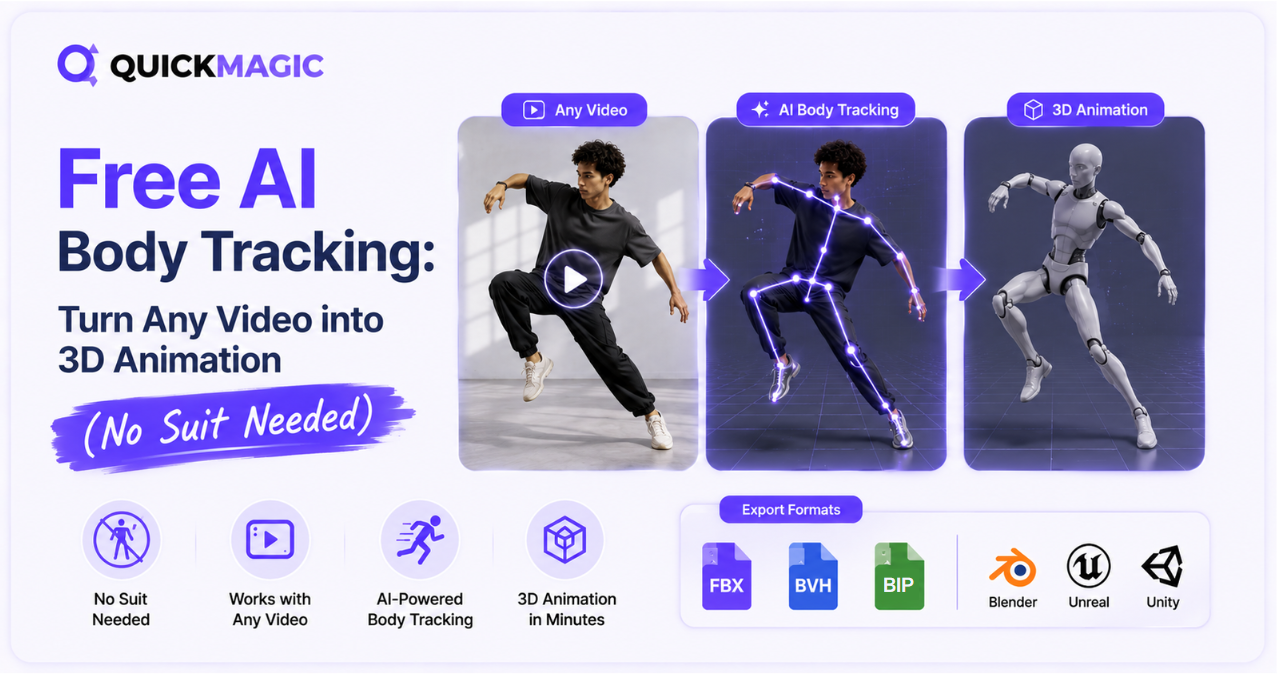
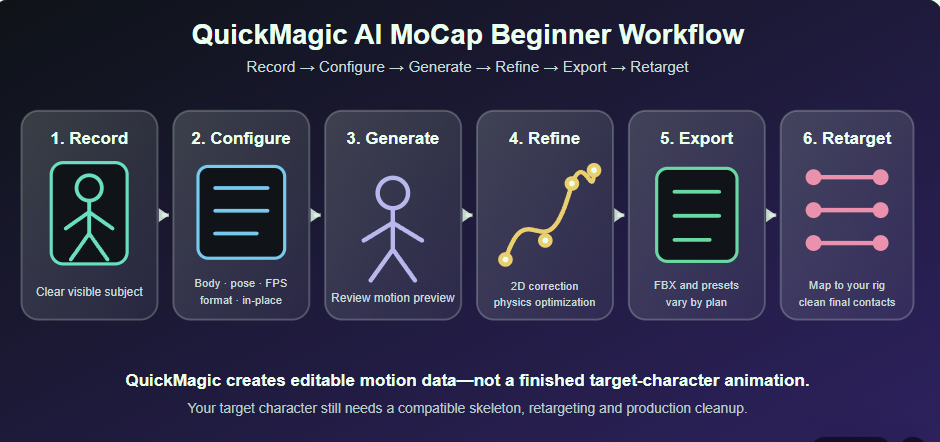
AI Motion Capture Tutorial: Step-by-Step Beginner's Guide (Free)
QuickMagicQuickMagic·
AI Motion Capture Tutorial: Step-by-Step Beginner's Guide (Free)
Learn how to turn any video into clean 3D animation data using QuickMagic — the free, markerless AI motion capture tool. No suit, no sensors, no studio. Just...

3D Software Integration Guides

See all
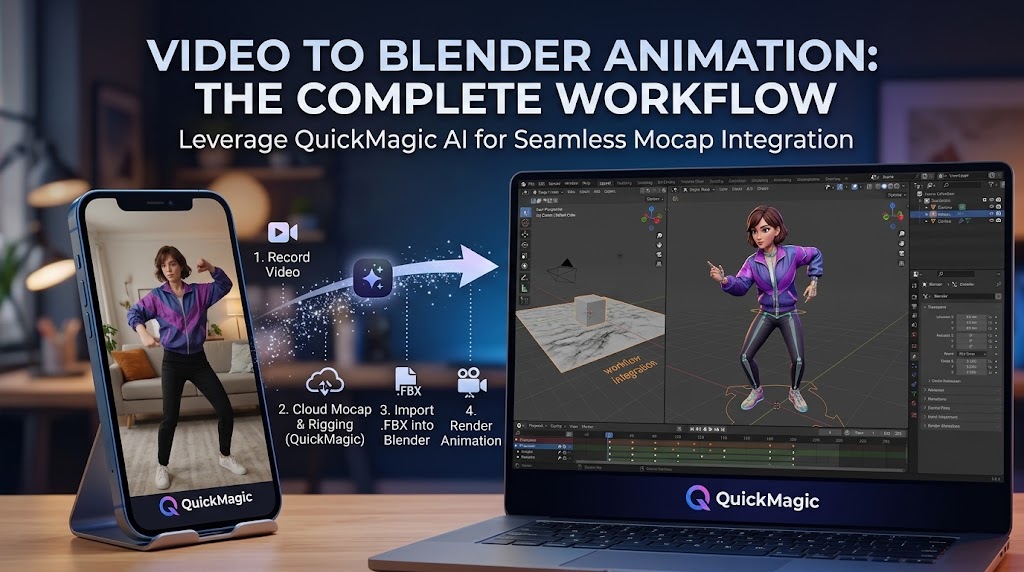
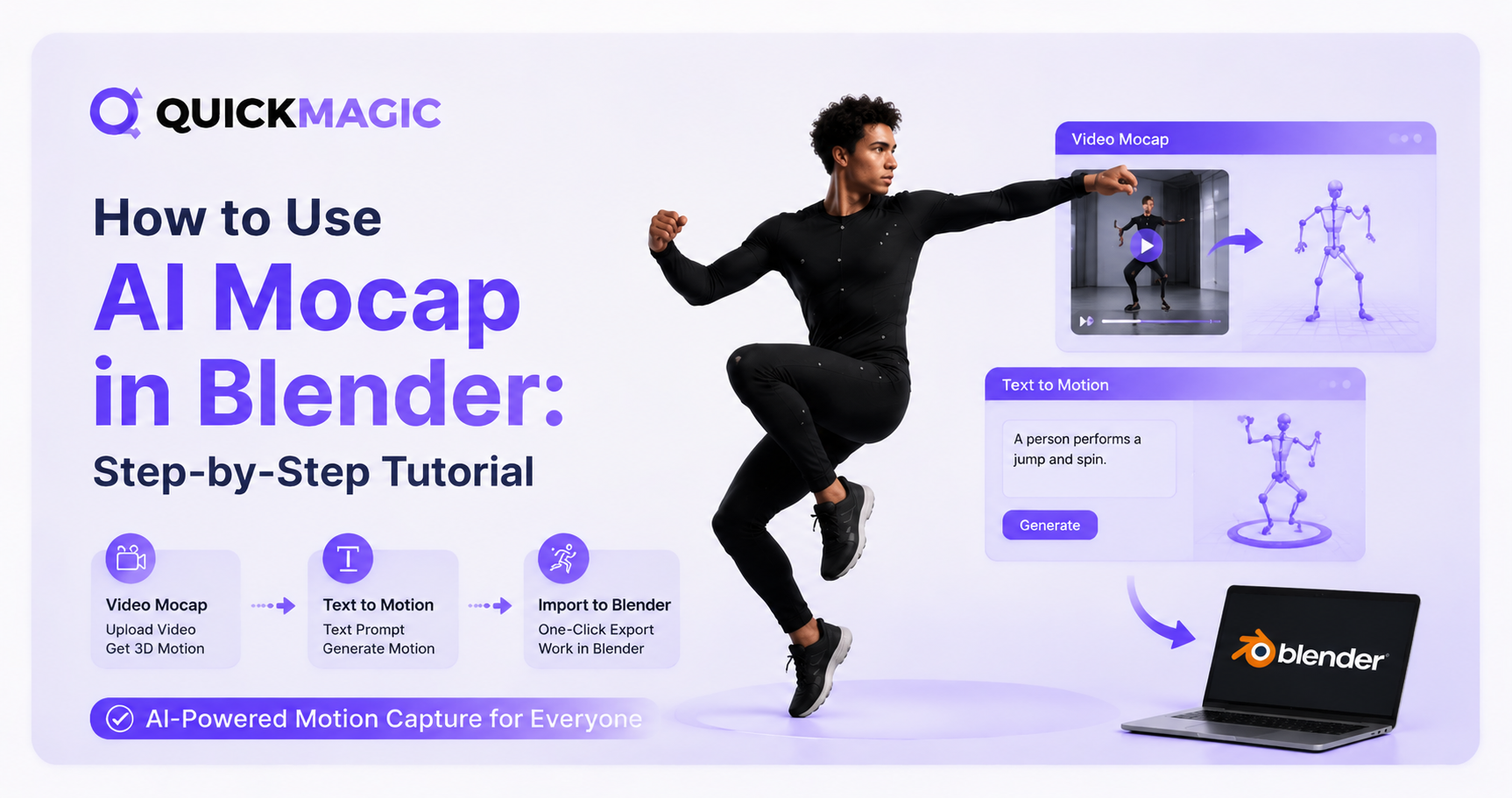
How to Use AI Mocap in Blender: Step-by-Step Tutorial
QuickMagicQuickMagic·
How to Use AI Mocap in Blender: Step-by-Step Tutorial
Learn how to use AI Mocap in Blender step by step. This guide covers AI motion capture, video-to-motion, text-to-motion, importing animation data, retargetin...
MetaHuman Retargeting Guide: MoCap to UE5.6/5.7 Workflow
QuickMagicQuickMagic·
MetaHuman Retargeting Guide: MoCap to UE5.6/5.7 Workflow
This paper takes Unreal Engine 5.6 as the operating environment, and elaborates on the complete practical process of animating retargeting from FBX format mo...
VMD Motion Import Guide: How to Use QuickMagic Mocap in VaM
QuickMagicQuickMagic·
VMD Motion Import Guide: How to Use QuickMagic Mocap in VaM
This article uses VaM v1.22 as an example to help you quickly import and use VMD motion files in VaM, and it also includes a related all-in-one bundle/package.
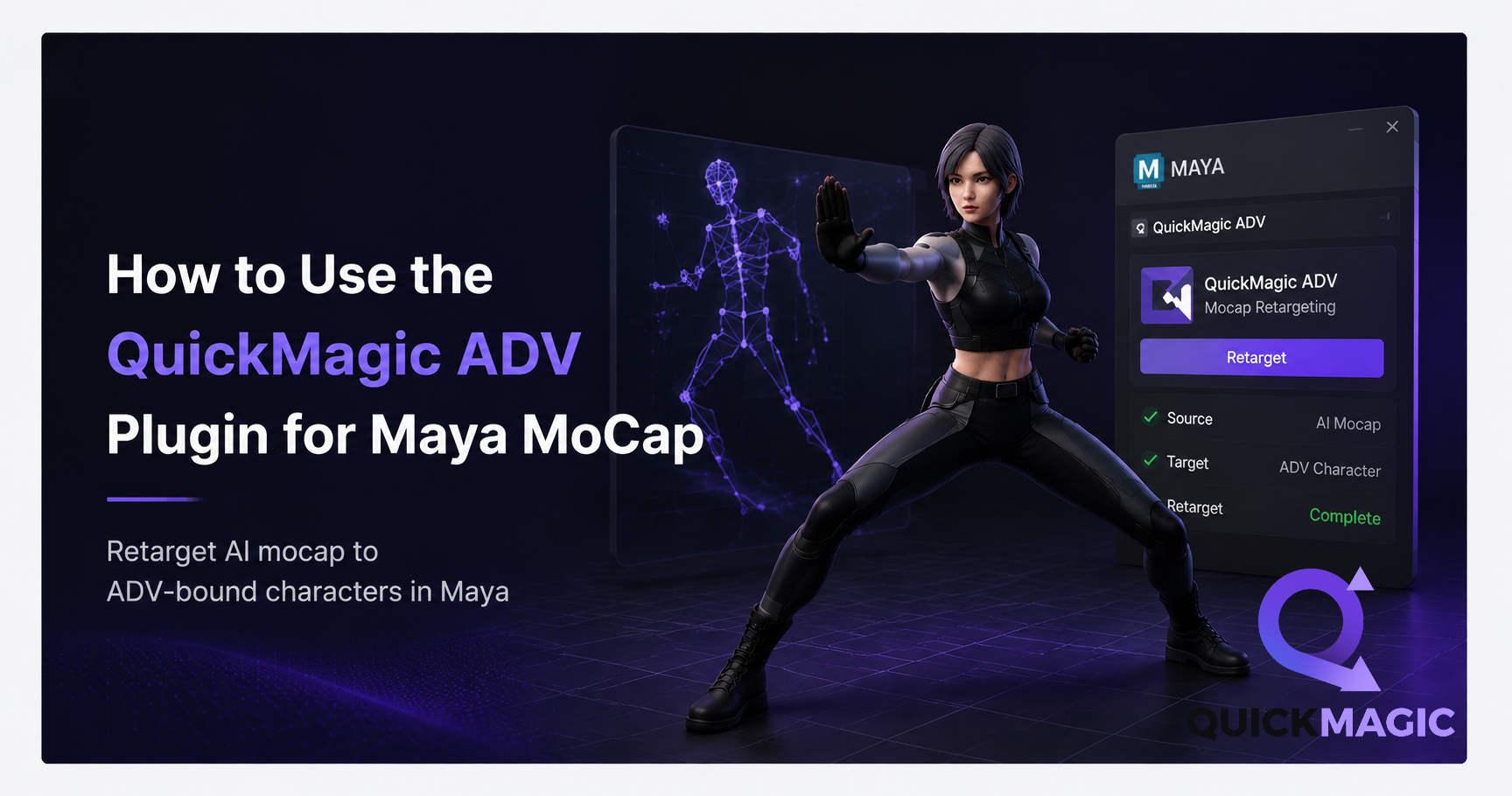
How to Use the QuickMagic ADV Plugin for Maya MoCap
QuickMagicQuickMagic·
How to Use the QuickMagic ADV Plugin for Maya MoCap
The QuickMagic ADV plugin for Maya MoCap retargets AI-generated motion capture data onto ADV-bound characters in Autodesk Maya. Download the plugin, import y...
How to Clean Up MoCap Data in 3ds Max: Step-by-Step Guide
QuickMagicQuickMagic·
How to Clean Up MoCap Data in 3ds Max: Step-by-Step Guide
This guide walks through the complete cleanup pipeline — from FBX import to final export — so you can turn raw QuickMagic mocap into polished, game-ready ani...
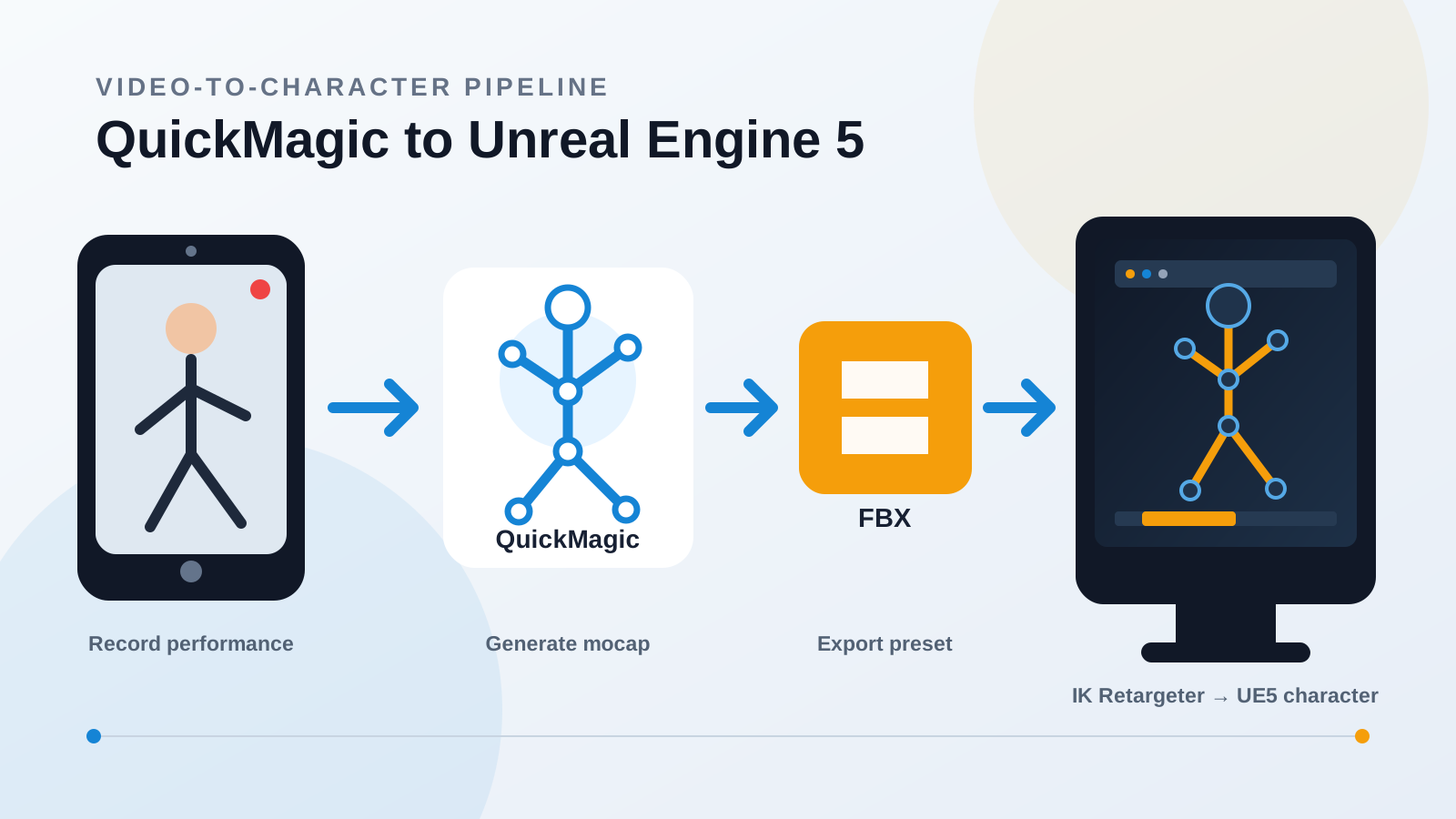
QuickMagic AI MoCap for UE5: Complete Workflow Guide
QuickMagicQuickMagic·
QuickMagic AI MoCap for UE5: Complete Workflow Guide
Complete workflow for QuickMagic AI mocap in Unreal Engine 5. Step-by-step from video recording to FBX export, IK retargeting, and character animation in UE5.
How to Use QuickMagic AI MoCap in iClone: Full Tutorial
QuickMagicQuickMagic·
How to Use QuickMagic AI MoCap in iClone: Full Tutorial
Complete step-by-step guide to bringing AI-powered motion capture into Reallusion iClone. Turn any video into character animation — no mocap suit, no markers...
Tutorial:How to Use QuickMagic AI Motion Capture in Maya ?
QuickMagicQuickMagic·
Tutorial:How to Use QuickMagic AI Motion Capture in Maya ?
This tutorial covers the complete QuickMagic-to-Maya workflow in two parts: (1) facial animation redirection — transferring AI-captured facial performance on...
Free AI Motion Capture From Your Phone: 3D & 2D Animation Guide
QuickMagicQuickMagic·
Free AI Motion Capture From Your Phone: 3D & 2D Animation Guide
How phone-to-mocap works, the complete 3D animation pipeline, 2D character workflow with Cartoon Animator, a comparison of phone mocap vs. traditional system...
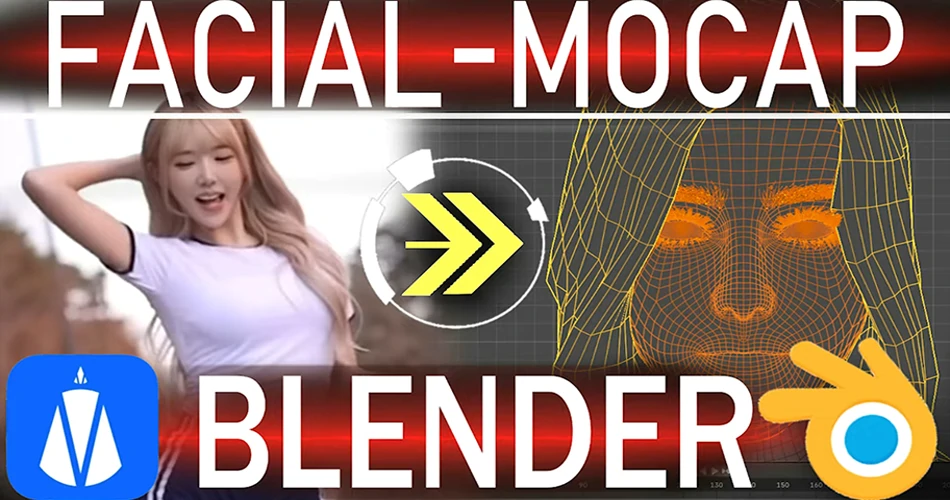
Facial Motion Capture From Video: Free Phone-Based MoCap Guide
QuickMagicQuickMagic·
Facial Motion Capture From Video: Free Phone-Based MoCap Guide
This guide walks through two complete Blender workflows for taking that facial capture data and applying it to a 3D character. Method One uses Blender's buil...
How to Clean Up MoCap Animation in Cascadeur: QuickMagic Workflow
QuickMagicQuickMagic·
How to Clean Up MoCap Animation in Cascadeur: QuickMagic Workflow
AI motion capture is fast — but the raw data always needs cleanup. Whether you're working with QuickMagic, optical mocap, or inertial suits, raw animation da...
How to Remap Bones in Blender: MoCap Retargeting Tutorial
QuickMagicQuickMagic·
How to Remap Bones in Blender: MoCap Retargeting Tutorial
To apply that motion to your own character — whether it's a game hero, a stylized cartoon figure, or a MetaHuman — you need to retarget the animation by rema...

Product Updates & Changelog

See all
QuickMagic Free Plan & Credits — Subscription Update (Aug 2026)
QuickMagicQuickMagic·
QuickMagic Free Plan & Credits — Subscription Update (Aug 2026)
QuickMagic upgrades to a new subscription system on Aug 4! New plans feature non-rollover Monthly Credits, while existing VCoins convert to Legacy VCoins val...
QuickMagic V1.4.0 — Animation Base Model V2.0 Release
QuickMagicQuickMagic·
QuickMagic V1.4.0 — Animation Base Model V2.0 Release
QuickMagic V1.4.0.0 (Feb 3, 2026) adds Animation Base Model V2.0 (Beta) integrated with Physical Optimization 2.0, expands physics optimization format suppor...
QuickMagic V1.3.4 — BVH Export, Warudo & Mixamo Physics 2.0
QuickMagicQuickMagic·
QuickMagic V1.3.4 — BVH Export, Warudo & Mixamo Physics 2.0
New format support (BVH, warudo-anim) is now available, along with the launch of features including lower-body preset poses, capture optimization, Mixamo Phy...
QuickMagic V1.3.3 — Multi-Frame Rate 24/30/60/120fps Support
QuickMagicQuickMagic·
QuickMagic V1.3.3 — Multi-Frame Rate 24/30/60/120fps Support
QuickMagic now offers 24/30/60/120fps multi-frame rate motion output. Users can adjust frame rates for smoothness/detail, aligning data with workflows to ski...
QuickMagic V1.3.2 — Lower Body Presets & User Rating System
QuickMagicQuickMagic·
QuickMagic V1.3.2 — Lower Body Presets & User Rating System
This update adds the new lower-body motion presets and the in-preview user rating/feedback system. We invite you to explore these features and share your fee...
QuickMagic V1.3.2 — Onlyface Mode & Stripe Payment Patch
QuickMagicQuickMagic·
QuickMagic V1.3.2 — Onlyface Mode & Stripe Payment Patch
In this update, you'll find new lower body preset actions and a user rating feedback system within the preview interface. We encourage all users to experienc...
QuickMagic V1.3.2 — UE5, Roblox & Anti-Interpenetration Export
QuickMagicQuickMagic·
QuickMagic V1.3.2 — UE5, Roblox & Anti-Interpenetration Export
This update brings anti-clipping, UE5 format support, and Roblox format compatibility. Our new UE5 and Roblox formats are currently in beta and available to...
QuickMagic V1.3.1 — iClone 8 & C4D + 50% Faster Video Analysis
QuickMagicQuickMagic·
QuickMagic V1.3.1 — iClone 8 & C4D + 50% Faster Video Analysis
We are excited to announce that new features and optimizations have been launched to enhance ......
QuickMagic V1.3.0 — First Markerless AI Mocap Release (Dec 2024)
QuickMagicQuickMagic·
QuickMagic V1.3.0 — First Markerless AI Mocap Release (Dec 2024)
We are excited to announce that new features and optimizations have been launched to enhance ......